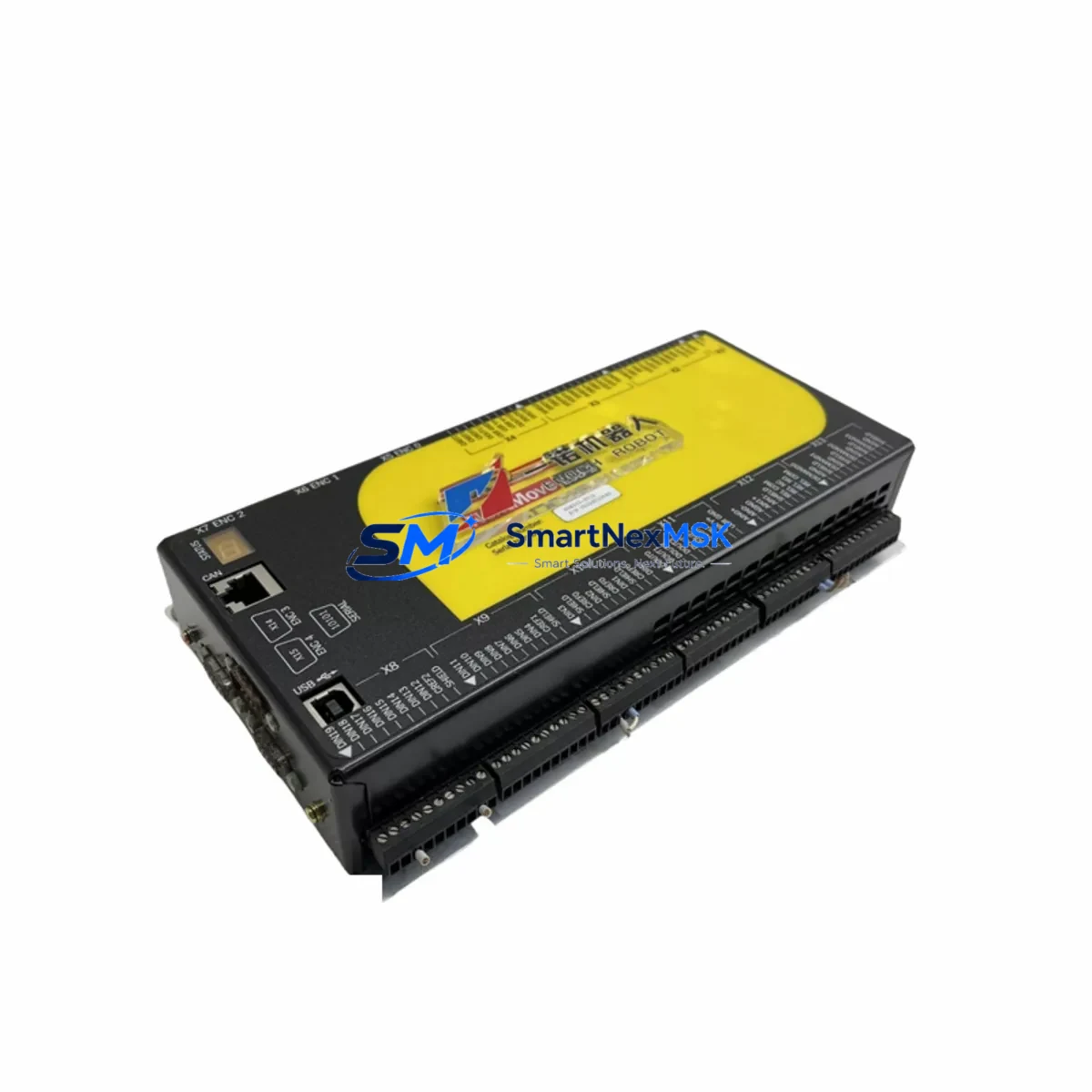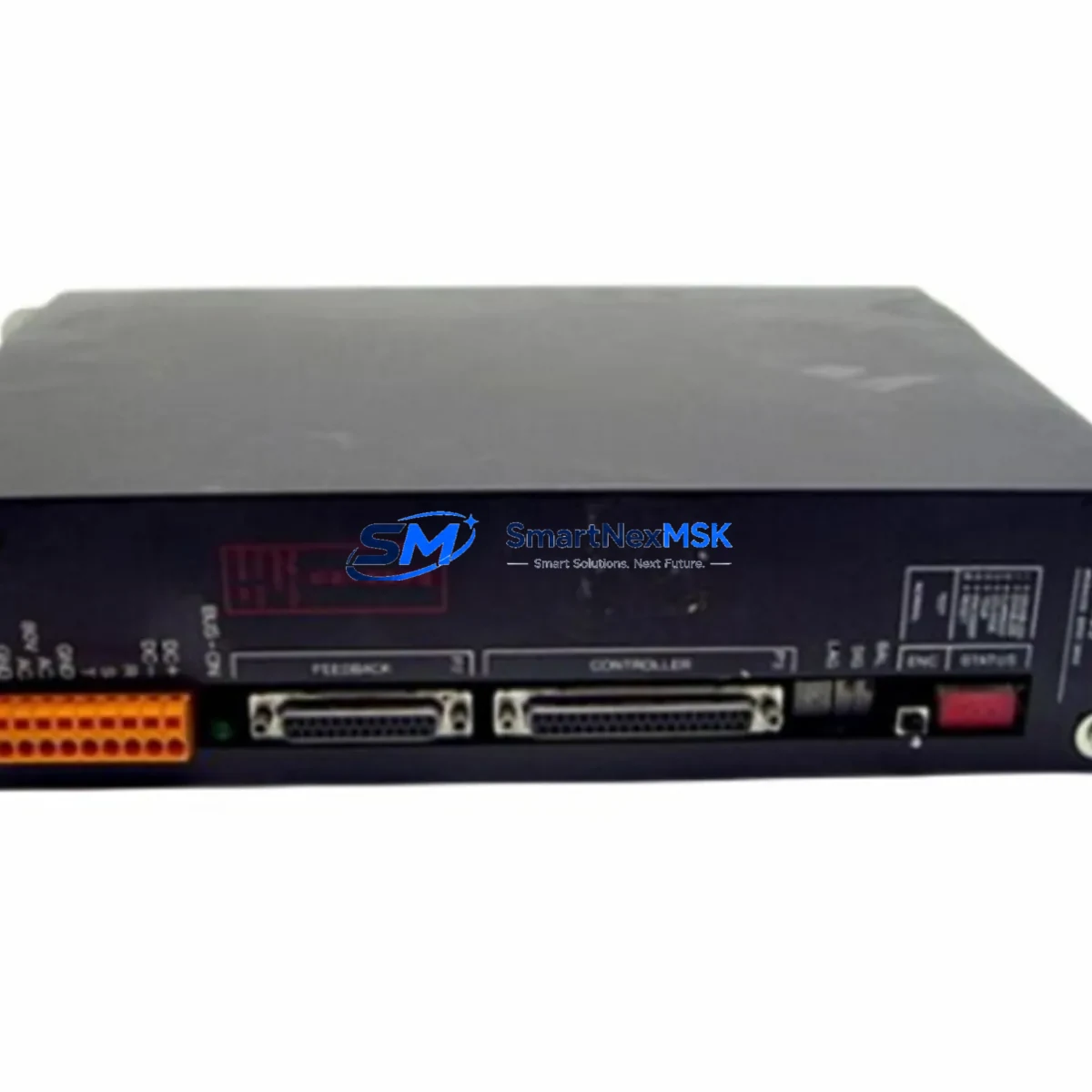
Baldor BRU-105 Retrofit-Ready Servo Drive for BRU Series Control Systems
The Baldor BRU-105 is a high-performance servo drive engineered for seamless integration into existing BRU Series automation architectures. Whether you are replacing a failed unit on an aging production line, upgrading a legacy motion control cabinet, or executing a planned retrofit of an end-of-life drive platform, the BRU-105 delivers the electrical compatibility, firmware continuity, and mechanical form factor required to minimize engineering rework and reduce total downtime. With a 12-month warranty, pre-shipment functional testing, and in-stock availability, the BRU-105 is the preferred replacement solution for maintenance engineers and system integrators managing Baldor-based servo systems worldwide.
The BRU Series was widely deployed across CNC machining centers, packaging lines, material handling conveyors, and precision positioning stages throughout the 1990s and 2000s. As original units reach end-of-life or become unavailable through standard distribution channels, sourcing a verified replacement that maintains backward compatibility with existing motor feedback devices, resolver wiring, and motion controller command interfaces becomes critical. The BRU-105 addresses this need directly, supporting the same resolver-based feedback architecture used across the BRU Series family and accepting standard ±10 V analog velocity command signals from upstream controllers such as the Baldor NextMove motion controller or third-party CNC systems.
Upgrade Compatibility Table
| Parameter | BRU-105 (Replacement Unit) | Notes / Retrofit Guidance |
|---|---|---|
| Drive Series | Baldor BRU Series | Direct series-compatible replacement |
| Feedback Interface | Resolver (standard BRU wiring) | Existing resolver cables reusable; verify pin-out against BRU-105 manual |
| Command Input | ±10 V Analog / Step-Direction | Compatible with Baldor NextMove, Mint controllers, and third-party CNC |
| Power Supply | AC Input (verify nameplate voltage) | Confirm bus capacitor condition in existing cabinet before energizing |
| Mounting / Form Factor | Panel-mount, standard BRU footprint | Existing DIN rail or panel cutout typically reusable |
| Communication | RS-232 / RS-485 (Mint protocol) | Verify baud rate and node address match original configuration |
| Motor Compatibility | Baldor BSM Series brushless servo motors | Confirm motor nameplate kW and feedback type before commissioning |
| Replacement Scope | Drop-in for BRU-105; cross-reference BRU-100, BRU-200 | Parameter backup recommended before swapping unit |
| Commissioning Tool | Baldor Mint WorkBench software | Required for parameter restore and auto-tune after installation |
| Warranty | 12 Months | Covers manufacturing defects; includes pre-shipment functional test report |
Retrofit Planning for Existing Automation Systems
A successful BRU-105 retrofit begins well before the replacement unit arrives on site. The first step is a thorough audit of the existing control cabinet. Engineers should document the current drive parameter set using Baldor Mint WorkBench, capturing all tuning values, I/O assignments, fault thresholds, and communication settings. This backup is essential: if the original BRU-105 is still partially functional, extract the parameter file before powering down. If the drive has failed completely, reference the original commissioning documentation or the machine builder’s parameter sheet.
Next, inspect the power supply infrastructure. The BRU Series relies on a shared DC bus or individual AC input stages depending on cabinet configuration. Before installing the replacement unit, verify that the existing transformer, line reactor, and EMC filter are rated for the BRU-105’s input current requirements. Aging bus capacitors in the power supply module should be evaluated — a capacitor bank that has been in service for over ten years may not sustain the inrush current during drive initialization, leading to nuisance faults or premature failure of the new unit.
Terminal wiring is the next critical checkpoint. The BRU-105 uses a defined terminal block layout for motor power (U, V, W), resolver feedback (R1, R2, S1, S2, S3, S4), enable/inhibit signals, and analog command input. Cross-reference the existing wiring against the BRU-105 installation manual before reconnecting. Pay particular attention to the resolver cable shield grounding point — improper grounding is a common source of velocity ripple and encoder fault alarms after replacement. If the existing cable is damaged or its shielding integrity is compromised, replace it with a new shielded twisted-pair resolver cable of equivalent specification.
For systems where the BRU-105 communicates with a Baldor NextMove e100 motion controller or a Mint-based multi-axis controller, verify that the RS-485 node address and baud rate stored in the replacement drive match the original configuration. In multi-axis cabinets, it is common to find BRU-100 and BRU-200 drives installed alongside the BRU-105 on the same communication bus — ensure that node address conflicts do not occur during the swap. Similarly, if the machine uses a Baldor HMI panel or a third-party operator interface connected via serial link, confirm that the HMI screen tags and drive register mappings remain valid after the unit replacement.
I/O expansion modules connected to the drive’s digital I/O terminals — such as relay output boards or proximity sensor input cards — should be disconnected and re-verified after installation. In some retrofit scenarios, engineers also take the opportunity to upgrade adjacent components: replacing aging Baldor BSM servo motors with current-production equivalents, installing a new 24 VDC power supply for control logic, or adding a surge protection device at the drive input terminals. These parallel upgrades, while not strictly required for the BRU-105 swap, significantly improve long-term system reliability and reduce the probability of a repeat emergency shutdown.
Downtime Control During System Migration
Minimizing production downtime during a BRU-105 replacement requires a structured pre-outage preparation protocol. Begin by staging all required materials before the maintenance window opens: the replacement BRU-105 unit, a laptop with Baldor Mint WorkBench installed, the parameter backup file, a calibrated multimeter, resolver cable test leads, and the drive installation manual. If the machine has multiple axes, identify which axis the BRU-105 controls and determine whether adjacent axes can remain operational during the swap — in many BRU Series cabinets, individual drives can be isolated without shutting down the entire motion system.
During the outage, follow a disciplined sequence: isolate and lock out the drive’s AC input, discharge the DC bus, remove the failed unit, install the replacement BRU-105, reconnect all wiring per the terminal diagram, restore the parameter file via Mint WorkBench, and perform a no-load auto-tune before reconnecting the mechanical load. This sequence protects the original program logic stored in the upstream motion controller — the Mint program itself does not reside in the drive, so controller-side logic is preserved throughout the drive replacement process.
After parameter restore, conduct a controlled jog test at reduced speed with the load disconnected. Verify that the drive responds correctly to the analog command signal, that resolver feedback is clean (no velocity ripple or fault alarms), and that all digital I/O signals — including the drive enable, fault relay, and at-speed output — function as expected. Only after this verification should the mechanical coupling be re-engaged and full-speed production testing commence. Documenting the commissioning results — including auto-tune parameters, fault log status, and test run data — creates a baseline record that simplifies future maintenance and supports the 12-month warranty claim process if required.
Retrofit Support FAQ
Q1: Is the BRU-105 a direct drop-in replacement for a failed BRU-105 unit, or does it require re-commissioning?
The BRU-105 is mechanically and electrically compatible with the original unit, but re-commissioning is always required. Parameter files do not transfer automatically — you must restore the saved parameter backup via Baldor Mint WorkBench and perform an auto-tune after installation. If no parameter backup exists, contact our technical team for assistance in reconstructing the tuning values from motor nameplate data.
Q2: Can the BRU-105 replacement unit be used with Baldor BSM motors that were originally paired with an older BRU-105?
Yes, provided the motor’s resolver feedback type and power rating are within the BRU-105’s specification range. Verify the motor nameplate kW, voltage, and resolver excitation frequency against the drive’s published motor compatibility list. In most cases, existing BSM Series motors are fully compatible without any wiring modification.
Q3: What pre-shipment testing is performed on the BRU-105 before delivery?
Every BRU-105 unit undergoes a functional power-on test, input/output signal verification, and communication interface check prior to shipment. A test report is included with each unit. The 12-month warranty covers manufacturing defects identified during installation and normal operation — it does not cover damage resulting from incorrect wiring, overvoltage conditions, or mechanical impact.
Q4: How long does delivery take, and is expedited shipping available?
Standard delivery from our Xiamen warehouse is 3–7 business days for most destinations. Expedited air freight options are available for urgent breakdown situations. Contact our sales team with your site location and required delivery date to confirm the fastest available shipping option for your region.
© 2026 SMARTNEXMSK. All rights reserved.
Original Source: https://smartnexmsk.com
Contact: [email protected] | +86 18259474341