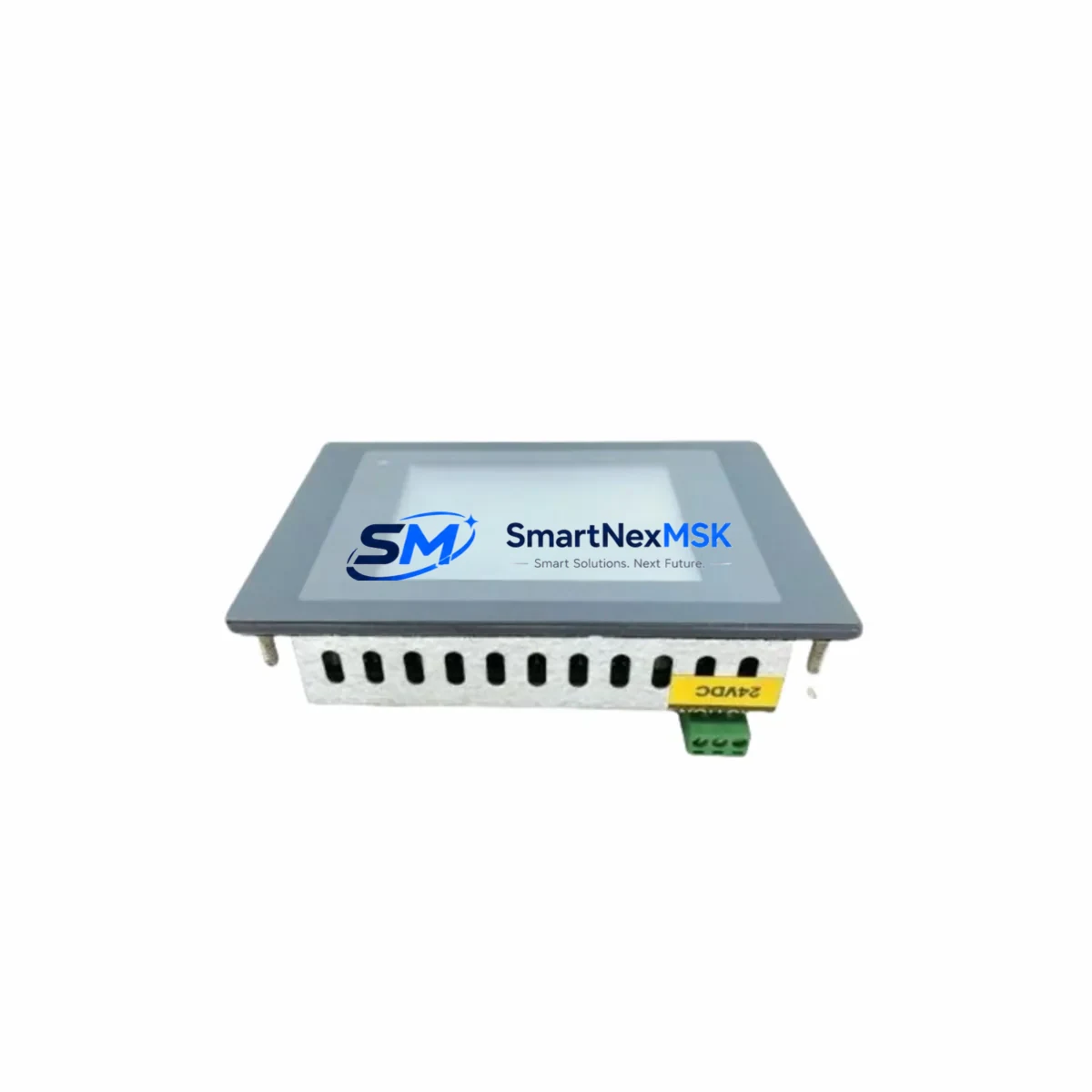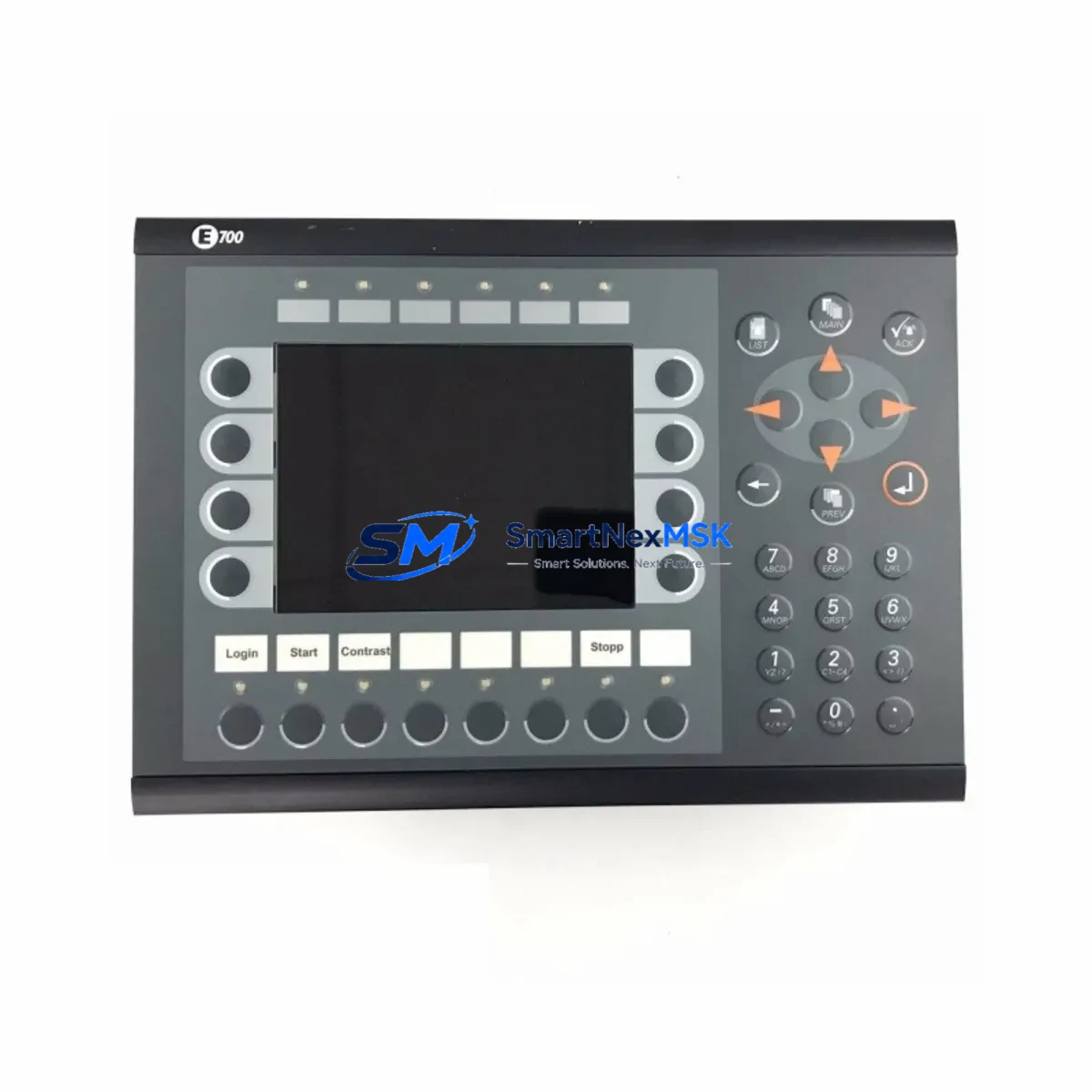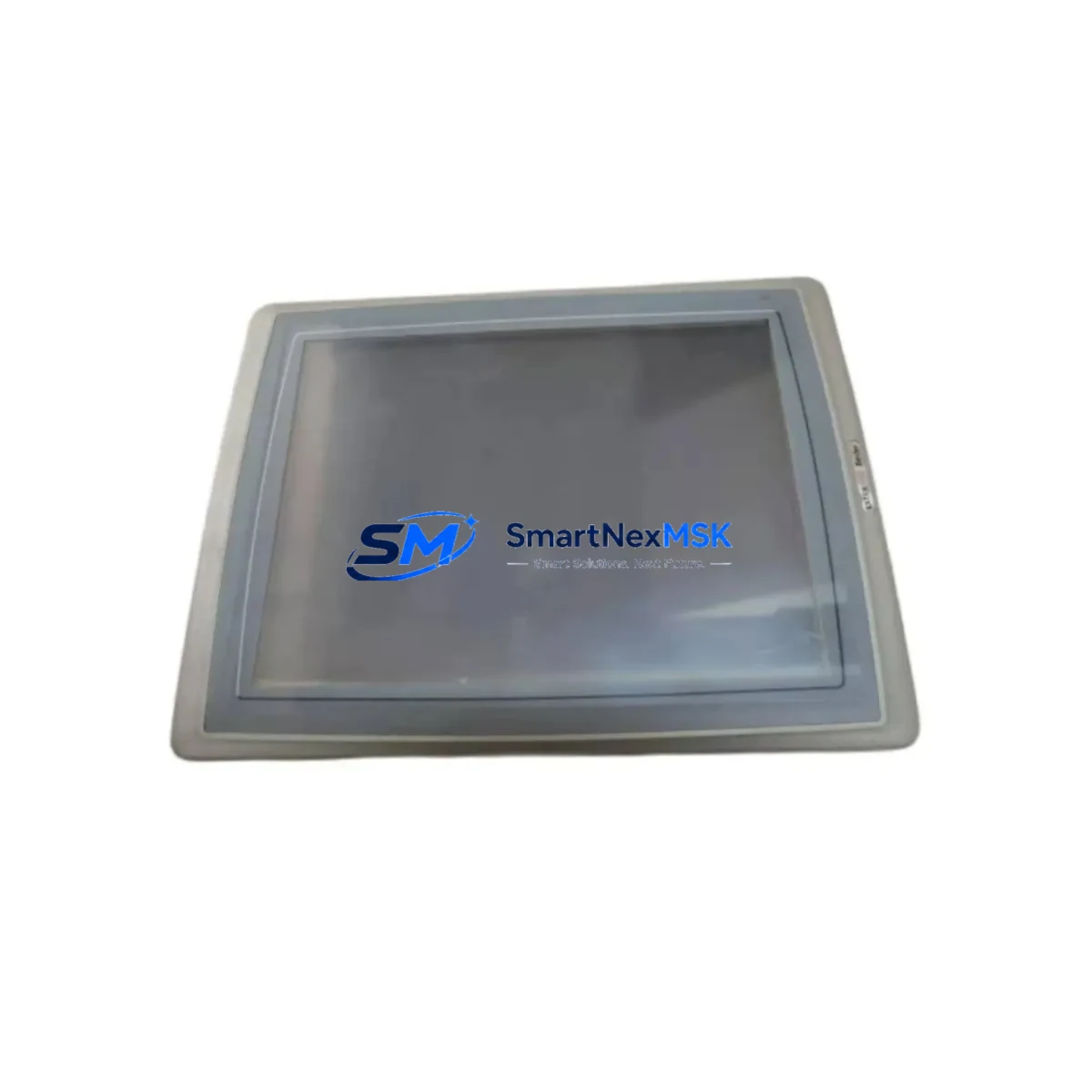
Beijer T150/AL Retrofit-Ready HMI for T-Series Control Systems
When a legacy T-Series operator panel fails on the production floor, every minute of downtime translates directly into lost output and escalating maintenance costs. The Beijer Electronics T150/AL is a proven retrofit-ready HMI operator panel engineered to slot into existing T-Series control cabinets with minimal re-engineering. Whether you are replacing a worn-out T100A, upgrading from an earlier T-Series monochrome display, or modernizing a Comli-based SCADA architecture, the T150/AL delivers a reliable, wiring-compatible upgrade path that protects your original program logic and keeps your process running.
Beijer’s T-Series platform has been deployed across water treatment facilities, pulp and paper lines, food processing plants, and discrete manufacturing cells for decades. The T150/AL continues that legacy with a compact aluminum-fronted panel design, a high-contrast display, and a communication stack that supports both Comli and Modbus RTU protocols — the two most common serial link standards found in legacy Beijer and third-party PLC installations. This dual-protocol capability means that when you swap out an older T100/AL or T100A panel, the existing RS-232 or RS-485 cable run to the controller does not need to be replaced or re-terminated, dramatically reducing the scope of the retrofit job.
Before committing to a T150/AL installation, experienced retrofit engineers typically verify four critical parameters: terminal block pinout compatibility, supply voltage range (typically 24 VDC), backplane or panel cutout dimensions, and the communication driver version loaded in the connected PLC. The T150/AL’s cutout dimensions are consistent with earlier T-Series panels, allowing direct panel-mount replacement without sheet-metal modification. The 24 VDC power input is compatible with standard DIN-rail power supply modules commonly found in the same cabinet, such as the Siemens SITOP PSU100S or equivalent 24 V regulated supplies, so no power wiring changes are required in most installations.
On the controller side, the T150/AL has been validated against a wide range of PLCs that communicate over Comli, including legacy Ericsson/Asea and ABB Masterpiece controllers, as well as Modbus RTU-capable devices from Schneider Electric, Mitsubishi, and Omron. If the existing installation uses a Beijer MAC E4 or E600 series controller, the Comli driver in the T150/AL will communicate natively without any protocol gateway or converter. For sites running older Siemens S5 or S7-200 controllers with a Modbus adapter, the T150/AL’s Modbus RTU driver handles the link directly, eliminating the need for an intermediate communication module.
HMI screen migration is often the most time-consuming part of a T-Series retrofit. The T150/AL is programmed using Beijer’s E-Designer or the compatible IGSS/CIMREX toolchain, and existing T100-series project files can frequently be imported and adapted rather than rebuilt from scratch. Engineers should audit each screen for font size compatibility, function key mapping, and alarm list structure before going live. In most cases, the alarm tag database and setpoint registers map directly to the same Modbus or Comli addresses used by the predecessor panel, so the PLC program itself requires no modification — a significant advantage when the original ladder logic is undocumented or the source code is no longer available.
For control cabinets that house additional I/O alongside the HMI, the retrofit plan should account for any Beijer I/O expansion modules or remote I/O racks connected via the same communication bus. Modules such as the Beijer BCS100 I/O coupler or third-party Wago 750-series fieldbus couplers on the same Modbus segment will continue to operate transparently once the T150/AL is online. Similarly, if the cabinet includes a dedicated Beijer or Phoenix Contact power distribution terminal block assembly, no rewiring is needed at the I/O level.
Upgrade Compatibility Table
| Parameter | Specification / Compatibility |
|---|---|
| SKU | T150/AL |
| Brand / Series | Beijer Electronics / T-Series |
| Product Type | HMI Operator Panel |
| Display | High-contrast LCD, monochrome, backlit |
| Supply Voltage | 24 VDC (compatible with standard cabinet PSU) |
| Communication Protocols | Comli, Modbus RTU (RS-232 / RS-485) |
| Panel Cutout | Compatible with T100/AL, T100A cutout dimensions |
| Terminal Wiring | Direct pin-compatible with T-Series predecessors |
| Programming Tool | Beijer E-Designer / CIMREX toolchain |
| PLC Compatibility | Beijer MAC E4/E600, ABB Masterpiece, Siemens S5/S7-200 (Modbus), Schneider, Omron |
| Replacement For | T100/AL, T100A, T150 (earlier revisions) |
| Mounting | Panel-mount, aluminum front frame |
| Origin | Sweden |
| Condition | New / Refurbished (tested before shipment) |
| Warranty | 12-Month Warranty |
Retrofit Planning for Existing Automation Systems
A successful T150/AL retrofit begins with a thorough audit of the existing control cabinet. Start by documenting the current T-Series panel’s terminal wiring diagram — specifically the 24 VDC supply terminals, the RS-232 or RS-485 communication port pinout, and any function key or alarm output wiring. In most T-Series installations, the communication cable runs directly from the HMI’s DB9 or terminal-strip serial port to the PLC’s programming or communication port, often a Siemens S7-200 CP port, an ABB Masterpiece serial interface, or a Modbus RTU adapter on a Schneider Modicon TSX Micro.
Once the wiring is documented, verify the panel cutout dimensions against the T150/AL’s mounting template. In the vast majority of T-Series installations, the cutout is a direct match, and the aluminum front frame of the T150/AL seats flush without modification. The four M4 mounting studs align with the existing panel holes, so installation is a straightforward swap. If the cabinet also houses a Beijer or third-party DIN-rail power supply — such as a Phoenix Contact QUINT-PS or a Murrelektronik MCS 24 VDC unit — confirm that the supply can deliver the T150/AL’s rated current draw before powering up.
For sites where the existing HMI communicates with a Beijer MAC E4 controller or an E600 series compact PLC, the Comli driver in the T150/AL is a native match. The station address, baud rate, and parity settings configured in the old panel should be transferred directly to the T150/AL project file during commissioning. If the installation uses a Modbus RTU link to a third-party controller — for example, a Mitsubishi FX3U with a Modbus adapter board, or an Omron CP1H with a serial communication module — the T150/AL’s Modbus driver handles the link without any intermediate protocol converter or gateway device.
I/O expansion modules connected to the same communication bus, such as Wago 750-series Modbus couplers or Beckhoff BK9000 Modbus TCP gateways, continue to operate on their own addresses and are unaffected by the HMI swap. Remote I/O racks, motor drive parameter displays, and soft-starter status panels wired into the same cabinet can remain powered and active throughout the HMI replacement, minimizing the scope of the shutdown window. A programming cable — typically a Beijer USB-to-serial adapter or a standard RS-232 null-modem cable — is all that is needed to download the adapted project file to the T150/AL before the panel goes live.
Downtime Control During System Migration
Minimizing unplanned downtime is the primary objective of any T-Series HMI retrofit. The T150/AL’s wiring and protocol compatibility with its predecessors means that the physical swap can typically be completed within a planned maintenance window of two to four hours, including project file adaptation, download, and functional verification. The following approach has proven effective across multiple industrial sites:
Pre-shutdown preparation: Adapt the existing T-Series project file in E-Designer on a laptop before the maintenance window begins. Verify all screen pages, alarm tags, and communication parameters in simulation mode. Prepare the programming cable and confirm the laptop’s COM port settings match the T150/AL’s download interface.
During shutdown: Isolate the HMI supply circuit using the cabinet’s 24 VDC MCB or fuse holder. Disconnect the serial communication cable and label it. Remove the old panel from the cutout, install the T150/AL, reconnect the supply and communication terminals in the same positions, and download the project file. The PLC program does not need to be stopped or modified — the controller continues to execute its scan cycle throughout the HMI replacement, maintaining all output states and interlocks.
Post-installation verification: Power up the T150/AL and confirm communication link establishment within the first 30 seconds. Navigate through all screen pages, verify alarm acknowledgment functions, and confirm that all setpoint write operations reach the correct PLC registers. If the installation includes a Beijer or third-party SCADA system connected via OPC or DDE, verify that the SCADA data link is unaffected by the HMI swap — in most cases it will be, since the SCADA communicates directly with the PLC, not through the HMI.
Every T150/AL unit shipped by SMARTNEXMSK undergoes a pre-shipment functional test covering power-on self-test, display verification, communication port continuity, and key input response. Units are packed in anti-static foam with full documentation. Stock is maintained to support urgent replacement orders with fast global dispatch.
Retrofit Support FAQ
Q1: Is the T150/AL a direct drop-in replacement for the T100/AL and T100A?
In the vast majority of installations, yes. The T150/AL shares the same panel cutout dimensions, 24 VDC supply input, and Comli/Modbus RTU communication ports as the T100/AL and T100A. Terminal wiring positions are compatible, and existing project files can be adapted and downloaded without modifying the PLC program. Minor differences in screen resolution or function key count should be reviewed during project file adaptation.
Q2: What pre-shipment testing is performed on each unit?
Every T150/AL unit undergoes a full power-on functional test, display and backlight verification, communication port continuity check, and key input response test before shipment. A test report is available on request. Units are shipped in anti-static protective packaging with all original or equivalent connectors.
Q3: What does the 12-month warranty cover?
The 12-month warranty covers all manufacturing defects, component failures, and functional faults identified under normal operating conditions. It does not cover damage caused by incorrect wiring, overvoltage, or physical impact. Warranty claims are processed with a replacement-first policy to minimize your downtime. Contact [email protected] to initiate a claim.
Q4: Can you support long-term supply for ongoing maintenance programs?
Yes. SMARTNEXMSK maintains stock of T150/AL units and related T-Series components to support planned maintenance programs, annual spare parts orders, and emergency replacement requirements. Framework pricing and reserved stock arrangements are available for industrial customers with recurring demand. Contact our team to discuss supply continuity options.
© 2026 SMARTNEXMSK. All rights reserved.
Original Source: https://smartnexmsk.com
Contact: [email protected] | +86 18259474341