FORCE COMPUTERS SYS68K/CPU-6 REV.4.1 Retrofit-Ready VMEbus SBC: Compatible Modernization & Smooth Legacy System Upgrade
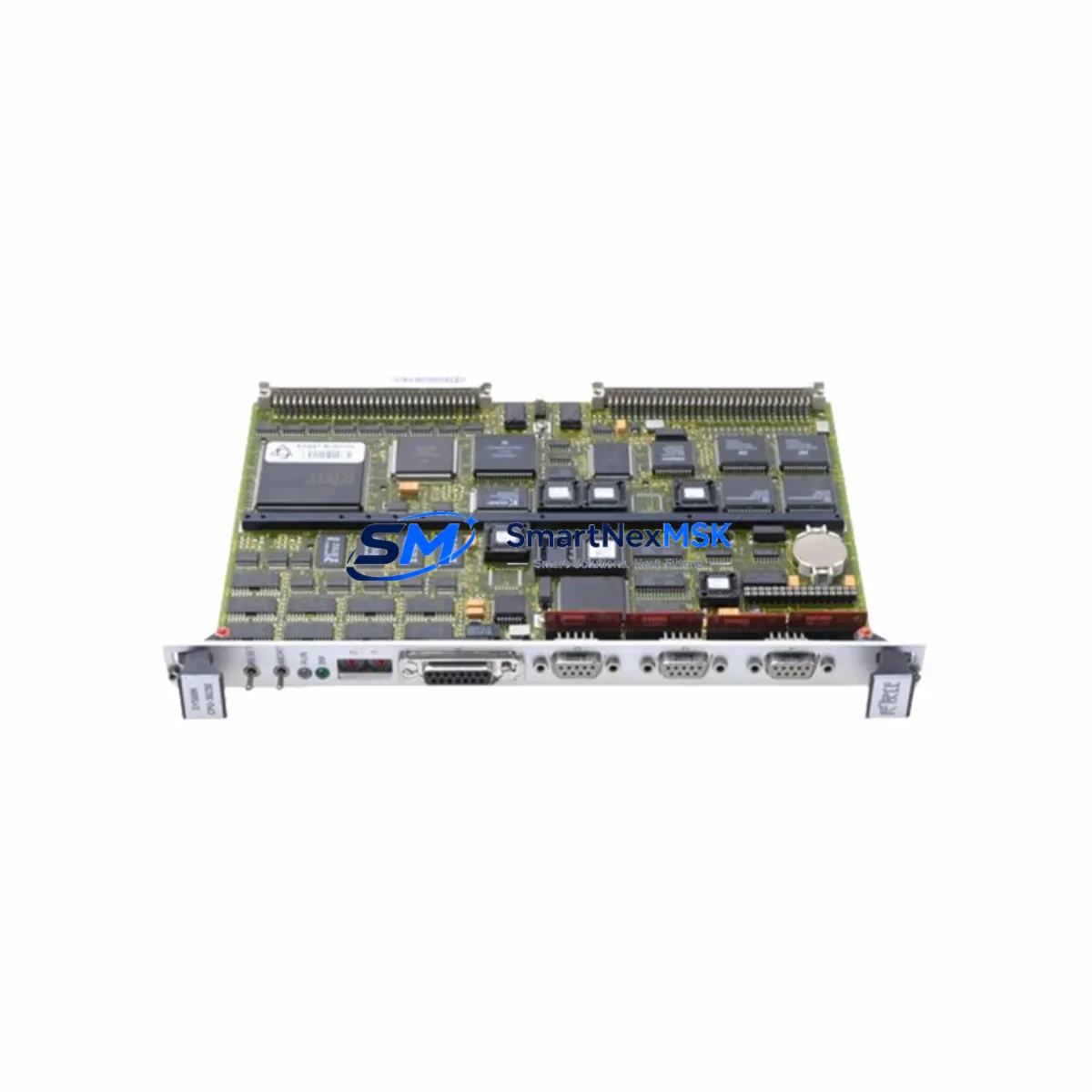
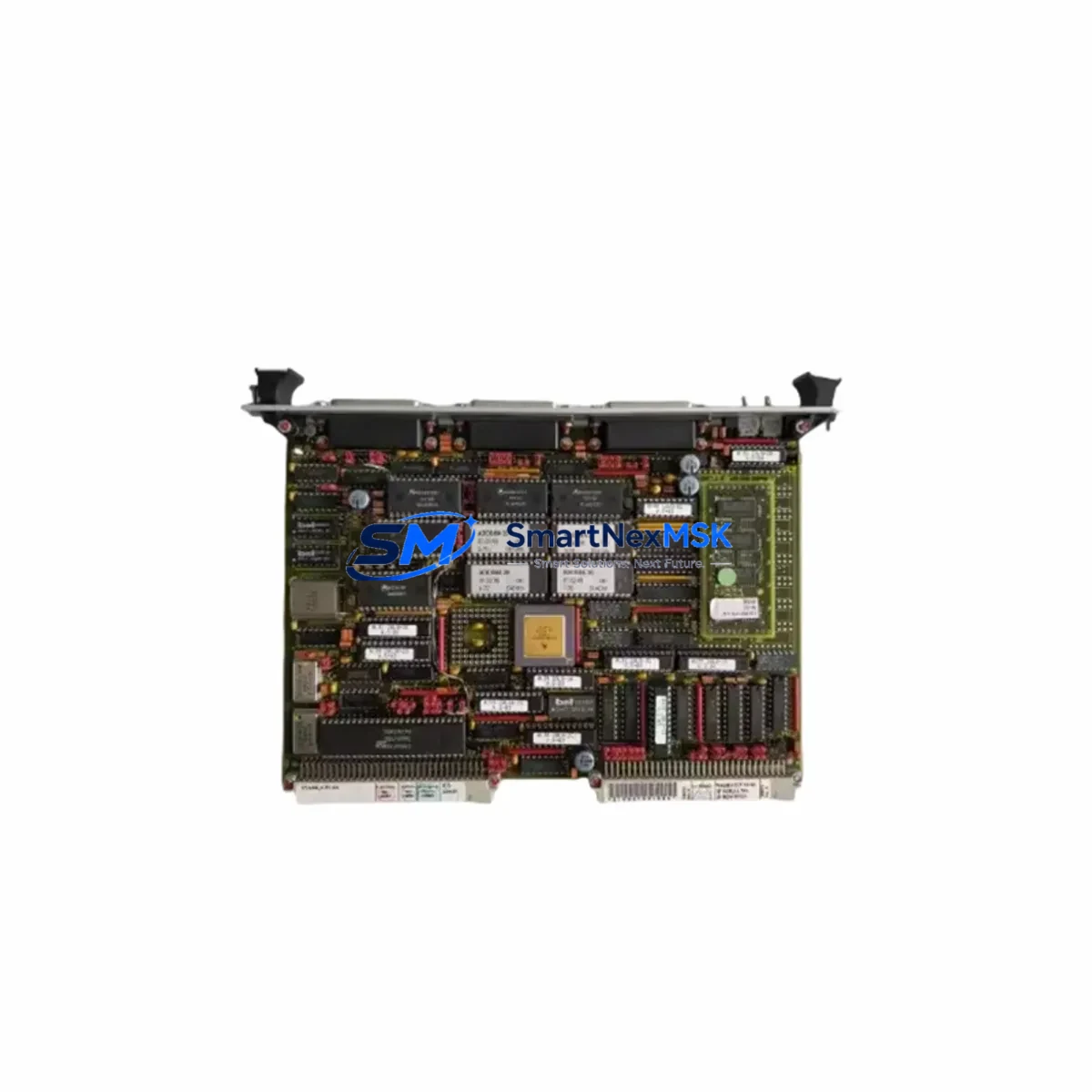
The FORCE COMPUTERS SYS68K/CPU-6 REV.4.1 is a high-performance VMEbus single-board computer built around the Motorola 68020 processor, designed for demanding real-time industrial control applications. As original SYS68K/CPU-6 units reach end-of-life and spare parts become increasingly scarce, this verified replacement module provides a direct, retrofit-ready solution for engineers managing legacy VMEbus control systems across manufacturing, energy, transportation, and defense sectors.
Whether you are replacing a failed board in a running production line, upgrading an aging control cabinet, or migrating from an obsolete automation platform, the SYS68K/CPU-6 REV.4.1 delivers the hardware compatibility and firmware continuity needed to restore system operation with minimal disruption. Our units are sourced from controlled inventory channels, individually tested prior to shipment, and backed by a 12-month warranty.
Upgrade Compatibility Table
| Parameter | SYS68K/CPU-6 REV.4.1 (This Unit) | Retrofit Notes |
|---|---|---|
| Processor | Motorola MC68020 @ 16/20 MHz | Verify clock speed matches host backplane timing requirements |
| Bus Standard | VMEbus (IEEE 1014) | Compatible with standard 6U VME racks and backplanes |
| Memory | Up to 4 MB DRAM onboard | Confirm memory map matches existing software address allocation |
| I/O Interface | Serial (RS-232/RS-422), parallel ports | Check terminal block wiring and port assignments before swap |
| Communication | VMEbus P1/P2 connectors | Inspect backplane connector pins; clean or replace if corroded |
| OS / Firmware | OS-9, VxWorks, or bare-metal compatible | Retain original EPROM or re-flash with validated firmware image |
| Power Supply | +5 VDC, ±12 VDC via VME backplane | Verify PSU capacity; recommend dedicated rail measurement before installation |
| Installation Format | 6U VMEbus single slot | Confirm slot address and board ID jumper settings match original |
| Replacement Scope | Direct drop-in for SYS68K/CPU-6 REV.3.x / REV.4.x | Minor jumper reconfiguration may be required for REV.3.x hosts |
| Warranty | 12 Months | Covers manufacturing defects; includes pre-shipment functional test report |
Retrofit Planning for Existing Automation Systems
Successful integration of the SYS68K/CPU-6 REV.4.1 into a legacy control system requires careful pre-installation planning. Before removing the failed or obsolete board, engineers should document the existing rack configuration, including the slot position, board address jumpers, and any custom I/O assignments. The SYS68K series was commonly deployed alongside companion modules such as the SYS68K/ISIO-1 serial I/O board, the SYS68K/ISCSI-1 SCSI interface module, and the SYS68K/FORCE-1 memory expansion card — all of which must remain undisturbed during the CPU board swap.
Power supply verification is a critical first step. The VMEbus backplane distributes +5 VDC and ±12 VDC rails to all installed modules. Before inserting the replacement SYS68K/CPU-6 REV.4.1, measure actual rail voltages under load using a calibrated multimeter. If the existing VME power supply module shows voltage sag or ripple beyond specification, replace it before commissioning the new CPU board to avoid premature failure.
Terminal block wiring and connector integrity should be inspected on the SYS68K/ISCSI-1 and any attached SYS68K/ISIO serial interface modules. Corroded or loose P2 backplane connector pins are a common cause of intermittent faults in aged VMEbus systems and should be cleaned or re-pinned as part of the retrofit procedure.
For systems running OS-9 or VxWorks, retain the original EPROM set from the failed CPU-6 board if possible. The firmware image contains board-specific initialization parameters, interrupt vectors, and device driver configurations that are difficult to reconstruct without the original source. If the EPROM is unreadable, our technical team can assist with firmware recovery options based on the known REV.4.1 baseline image.
HMI panels connected via RS-232 or RS-422 — including legacy FORCE COMPUTERS operator terminals or third-party HMI units communicating over serial protocols — must be re-validated after the CPU swap. Baud rate, parity, stop bits, and handshaking parameters should be confirmed against the HMI configuration before restarting the control loop. In systems where the HMI communicates through a VMEbus communication module such as the SYS68K/VMELAN or a third-party Ethernet bridge, the network node address and routing table should be verified to prevent address conflicts on restart.
I/O expansion modules installed in adjacent VME slots — including analog input cards, digital output modules, and SYS68K/FORCE I/O expansion boards — retain their configuration independently of the CPU board. However, the application program running on the new CPU-6 must correctly reference all I/O module base addresses. Cross-check the I/O address map in the original ladder logic or C program against the physical slot assignments before enabling outputs.
For systems using a VMEbus SCSI controller to boot from a hard disk or solid-state storage device, verify that the SCSI ID assignments and termination settings are unchanged. The SYS68K/CPU-6 REV.4.1 supports standard SCSI-1 and SCSI-2 boot sequences; however, the boot device must be present and responding before the CPU completes its POST sequence.
Downtime Control During System Migration
Minimizing unplanned downtime is the primary concern for any retrofit involving a production-critical VMEbus system. The recommended approach is to prepare the replacement SYS68K/CPU-6 REV.4.1 fully offline before the maintenance window begins. This includes setting all jumpers to match the original board configuration, loading the correct firmware image, and performing a bench-level power-on test using a spare VME rack or test backplane if available.
Before shutting down the live system, perform a complete backup of all program logic stored in battery-backed SRAM or on the SCSI boot device. For OS-9 systems, use the OS-9 backup utility to create a verified image of the boot partition. For VxWorks targets, ensure the boot script and application binary are archived to a separate storage medium.
During the physical swap, follow ESD precautions strictly. VMEbus boards are sensitive to electrostatic discharge, and improper handling can damage the 68020 processor or onboard memory without visible signs. Use a grounded wrist strap and anti-static mat throughout the procedure.
After installing the SYS68K/CPU-6 REV.4.1, power up the rack with all other modules in place but with field outputs disabled. Confirm that the CPU completes its POST sequence and that the OS or firmware loads correctly before enabling I/O. Monitor the system for at least 30 minutes under normal operating conditions before returning it to full production control. This staged restart approach protects the original program logic and maintains field control continuity by preventing unintended output activation during the initialization phase.
For systems where a cold restart is not acceptable, consider deploying a hot-standby VMEbus controller or a temporary bypass relay panel to maintain critical output states during the swap window. This is particularly important in process control applications where loss of a control signal could trigger a safety interlock or cause product loss.
Retrofit Support FAQ
Q1: Is the SYS68K/CPU-6 REV.4.1 a direct drop-in replacement for earlier REV.3.x boards?
A: In most cases, yes. The REV.4.1 is electrically and mechanically compatible with REV.3.x installations. Minor jumper reconfiguration may be required to match the original board’s memory map or interrupt assignments. We recommend comparing the jumper diagrams from both revision manuals before installation. Our technical team can provide guidance if the original documentation is unavailable.
Q2: What pre-shipment testing is performed on each unit?
A: Every SYS68K/CPU-6 REV.4.1 unit undergoes a functional power-on test, memory verification, and bus interface check before shipment. A test report is available upon request. Units are shipped in anti-static packaging with protective foam inserts to prevent transit damage.
Q3: Can the board operate with the original EPROM firmware, and what if the EPROM is damaged?
A: Yes, the REV.4.1 accepts the original EPROM set from earlier SYS68K/CPU-6 revisions. If the original EPROM is unreadable or missing, contact our sales team with your system details. We maintain a library of known-good firmware images for common SYS68K/CPU-6 configurations and can assist with EPROM programming as an optional service.
Q4: What does the 12-month warranty cover, and how is a warranty claim processed?
A: The 12-month warranty covers manufacturing defects and functional failures under normal operating conditions. It does not cover damage caused by incorrect installation, overvoltage, or physical mishandling. To initiate a warranty claim, contact us with your order number and a description of the fault. We will arrange return shipping and provide a replacement or repaired unit within the agreed service lead time.
© 2026 SMARTNEXMSK. All rights reserved.
Original Source: https://smartnexmsk.com
Contact: [email protected] | +86 18259474341