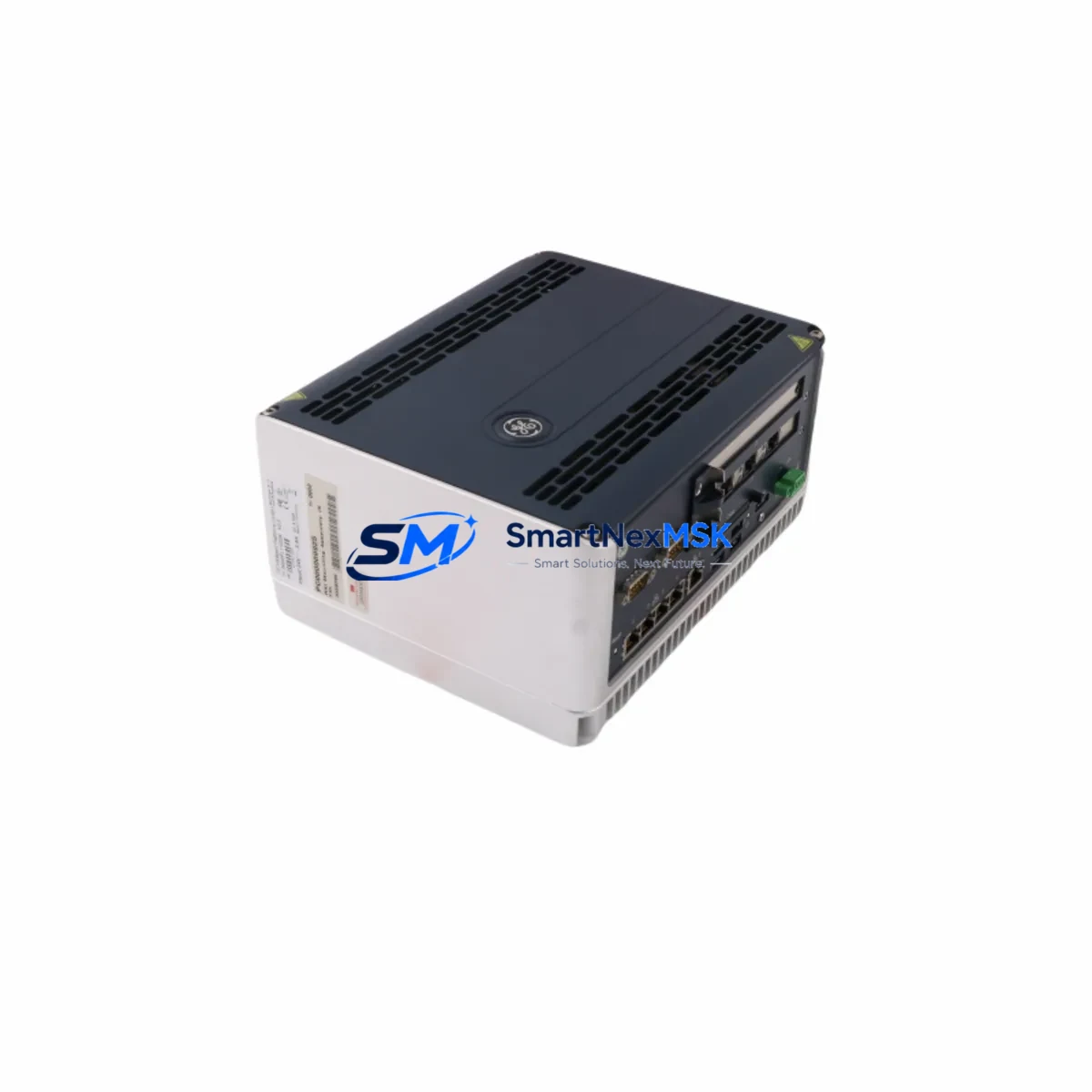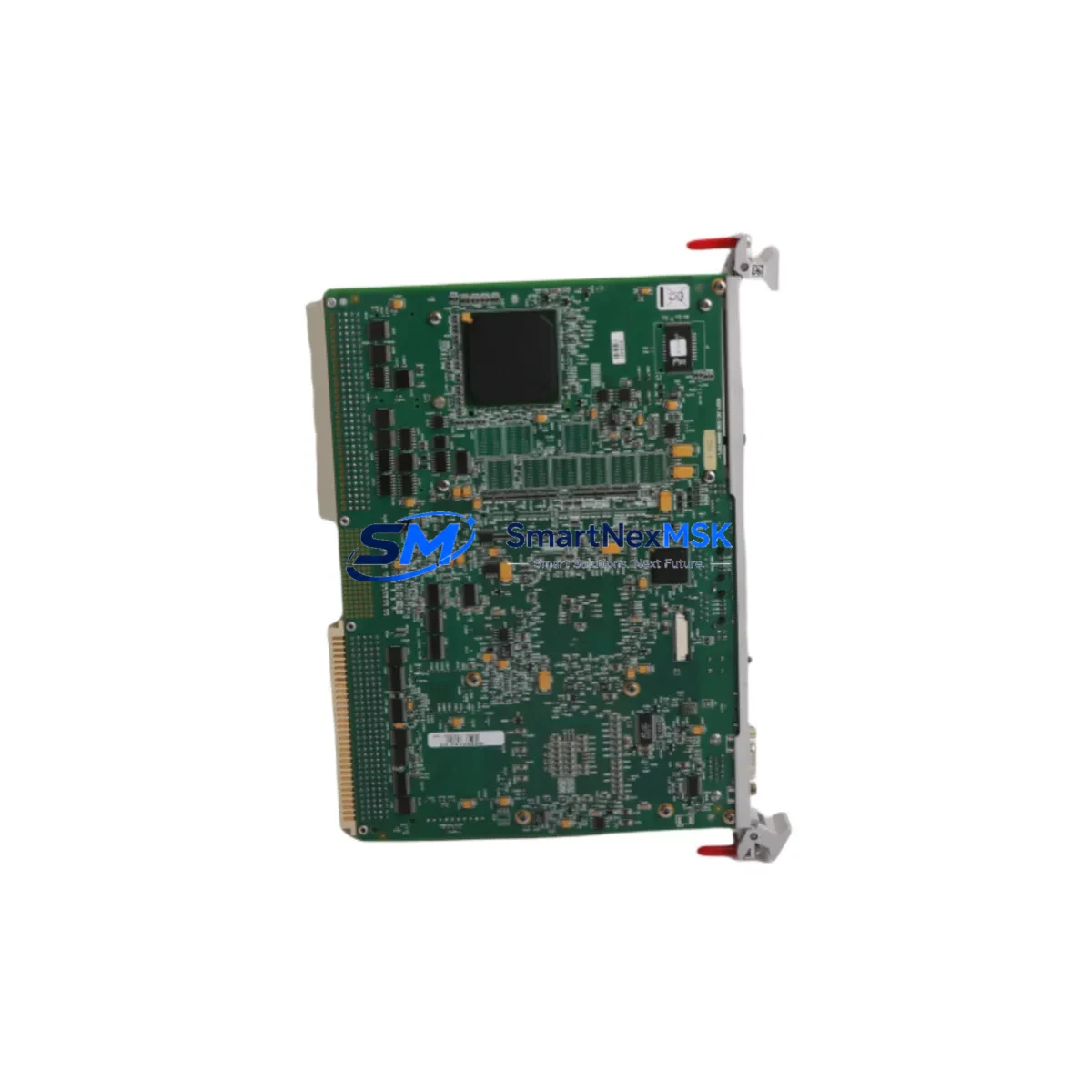
GE VME7671-42000A Retrofit-Ready Single Board Computer for VME7671 Control Systems
The GE VME7671-42000A (part number 605-064676-005) is a VMEbus Single Board Computer engineered for seamless retrofit integration into legacy GE Intelligent Platforms control architectures. Whether you are replacing a failed board in an active production line, upgrading an aging VME7671 Series chassis, or migrating from an end-of-life control platform, the VME7671-42000A delivers the processing performance, backplane compatibility, and I/O flexibility required for industrial-grade continuity. This module is stocked, tested, and shipped with a 12-month warranty, making it the preferred choice for maintenance engineers and system integrators managing critical automation infrastructure.
Facilities running GE Fanuc Series 90-70 PLC racks, Mark V or Mark VI turbine control panels, or VME-based SCADA platforms frequently encounter the challenge of sourcing compatible replacement boards as original equipment reaches end-of-life. The VME7671-42000A addresses this directly — it slots into standard 6U VMEbus backplanes, maintains compatibility with the VME7671 Series bus interface, and supports the power rail specifications common to GE’s legacy rack systems. Before installation, engineers should verify the backplane slot assignment, confirm the P1/P2 connector pinout against the existing wiring harness, and validate the module address configuration using the onboard DIP switch or jumper settings documented in the GE Intelligent Platforms hardware reference manual.
Upgrade Compatibility Table
| Parameter | VME7671-42000A (This Unit) | Retrofit Notes |
|---|---|---|
| Form Factor | 6U VMEbus Single Board Computer | Direct fit into standard VME7671 Series chassis slots |
| Bus Interface | VMEbus (P1/P2 connectors) | Verify P2 rear I/O transition module compatibility |
| Power Requirements | +5V, ±12V via VMEbus backplane | Confirm power supply capacity before hot-swap or cold replacement |
| Communication | Serial (RS-232/RS-422), Ethernet (model-dependent) | Validate protocol mapping if migrating from legacy serial to Ethernet-based SCADA |
| Module Addressing | Configurable via onboard DIP switches | Match slot address to original board configuration before power-on |
| Installation Requirement | ESD precautions, torque-spec card ejectors | Use anti-static wrist strap; do not force card into backplane |
| Replacement Compatibility | VME7671 Series SBC variants | Cross-reference part number 605-064676-005 against site BOM |
| Commissioning | Requires firmware/OS reload or image restore | Backup existing OS image before removal of original board |
| Warranty | 12 Months | Covers manufacturing defects; includes pre-shipment functional test |
Retrofit Planning for Existing Automation Systems
A successful VME7671-42000A retrofit begins well before the replacement board arrives on site. System integrators should start by auditing the existing rack configuration — identifying every module installed in the VMEbus chassis, including the power entry module, the CPU or SBC slot, any analog or digital I/O boards, and the communications interface cards. In a typical GE Intelligent Platforms VME rack, you may find companion modules such as the IC697MEM719 memory expansion card, IC697CMM742 communications coprocessor, or IC697ALG440 analog input module sharing the same backplane. Each of these must remain undisturbed during the SBC swap unless a broader system upgrade is planned.
The transition module mounted at the rear of the VME chassis — often a VME7671 rear transition card — carries the field wiring terminations for serial ports, discrete I/O, and network connections. Before removing the original board, photograph or document all terminal assignments, cable labels, and connector orientations. This documentation becomes critical during recommissioning, particularly if the site lacks up-to-date as-built drawings.
For sites migrating from legacy RS-232 or RS-422 serial communication to modern Ethernet-based protocols, the VME7671-42000A may require a companion Ethernet transition module or an external protocol converter. If the control system interfaces with a GE iFIX or Cimplicity HMI, the HMI communication driver configuration must be updated to reflect any changes in the SBC’s IP address, node name, or serial port parameters. Failure to update HMI screen bindings before restart is one of the most common causes of extended commissioning delays during VMEbus SBC replacements.
Power budget verification is equally important. The VMEbus backplane distributes +5V and ±12V rails across all installed modules. Adding a replacement SBC with a different power profile — even within the same product family — can push the system power supply beyond its rated capacity if the rack is already heavily loaded. Use the power budget worksheet from the GE Intelligent Platforms system planning guide to confirm headroom before installation. If the existing VME power supply module is near its rated output, consider replacing it concurrently to avoid nuisance trips after the SBC swap.
Program compatibility is another key checkpoint. If the original VME7671 SBC was running a real-time OS image with a customized application, that image must be backed up to a programming workstation or portable storage device before the board is removed. GE’s VxWorks-based runtime environments used in VME7671 Series boards are not always forward-compatible across hardware revisions, so confirming the OS version and application build against the replacement board’s firmware baseline is essential. Where a programming cable or JTAG interface is required for initial firmware load, ensure the appropriate IC690USB901 or equivalent programming adapter is available on site before the maintenance window begins.
Downtime Control During System Migration
Minimizing unplanned downtime during a VMEbus SBC replacement requires a structured pre-outage preparation protocol. The most effective approach is to pre-configure the VME7671-42000A off-line — loading the correct OS image, setting the DIP switch addresses to match the original board, and performing a bench-level power-on test — before the scheduled maintenance window opens. This reduces the on-site swap time to a physical card exchange and a controlled restart sequence, typically achievable within a two-hour maintenance window for experienced technicians.
To protect original program logic, always export a full backup of the application program from the existing SBC using the site’s programming workstation before initiating the swap. If the control system supports a redundant CPU configuration — common in larger GE VME-based installations — activate the redundant controller and verify bumpless transfer before taking the primary SBC offline. This approach maintains field control continuity throughout the hardware exchange and eliminates the risk of process upsets caused by an uncontrolled controller failover.
After installing the VME7671-42000A, follow a structured commissioning sequence: confirm backplane power rails are within specification, verify module addressing matches the original configuration, restore the application program from backup, and perform a controlled I/O checkout before returning the system to automatic mode. Document all steps taken during the swap in the site maintenance log, including the replacement board’s serial number and the date of installation, to support future warranty claims and audit requirements.
Retrofit Support FAQ
Q1: Is the VME7671-42000A a direct drop-in replacement for all VME7671 Series SBC variants?
The VME7671-42000A (605-064676-005) is compatible with the VME7671 Series chassis and backplane interface. However, rear transition module compatibility and firmware baseline should be verified against your specific site configuration before installation. Contact our technical team with your existing board part number for a confirmed cross-reference.
Q2: What commissioning steps are required after installing the replacement board?
After physical installation, you will need to confirm DIP switch addressing, restore the OS image and application program from your pre-swap backup, update any HMI communication parameters if the board’s network identity has changed, and perform a structured I/O checkout. A full commissioning checklist is available upon request.
Q3: Does the unit ship with a functional test certificate?
Yes. Every VME7671-42000A shipped by SMARTNEXMSK undergoes pre-shipment functional testing. A test report is included with the unit. The module is covered by a 12-month warranty against manufacturing defects from the date of shipment.
Q4: Can you supply other modules needed for a complete rack retrofit?
Yes. We maintain stock of companion VMEbus modules including I/O boards, communications coprocessors, power supply modules, and transition cards commonly used alongside the VME7671 Series SBC. Contact us with your full rack BOM for a consolidated quotation and coordinated delivery.
© 2026 SMARTNEXMSK. All rights reserved.
Original Source: https://smartnexmsk.com
Contact: [email protected] | +86 18259474341