
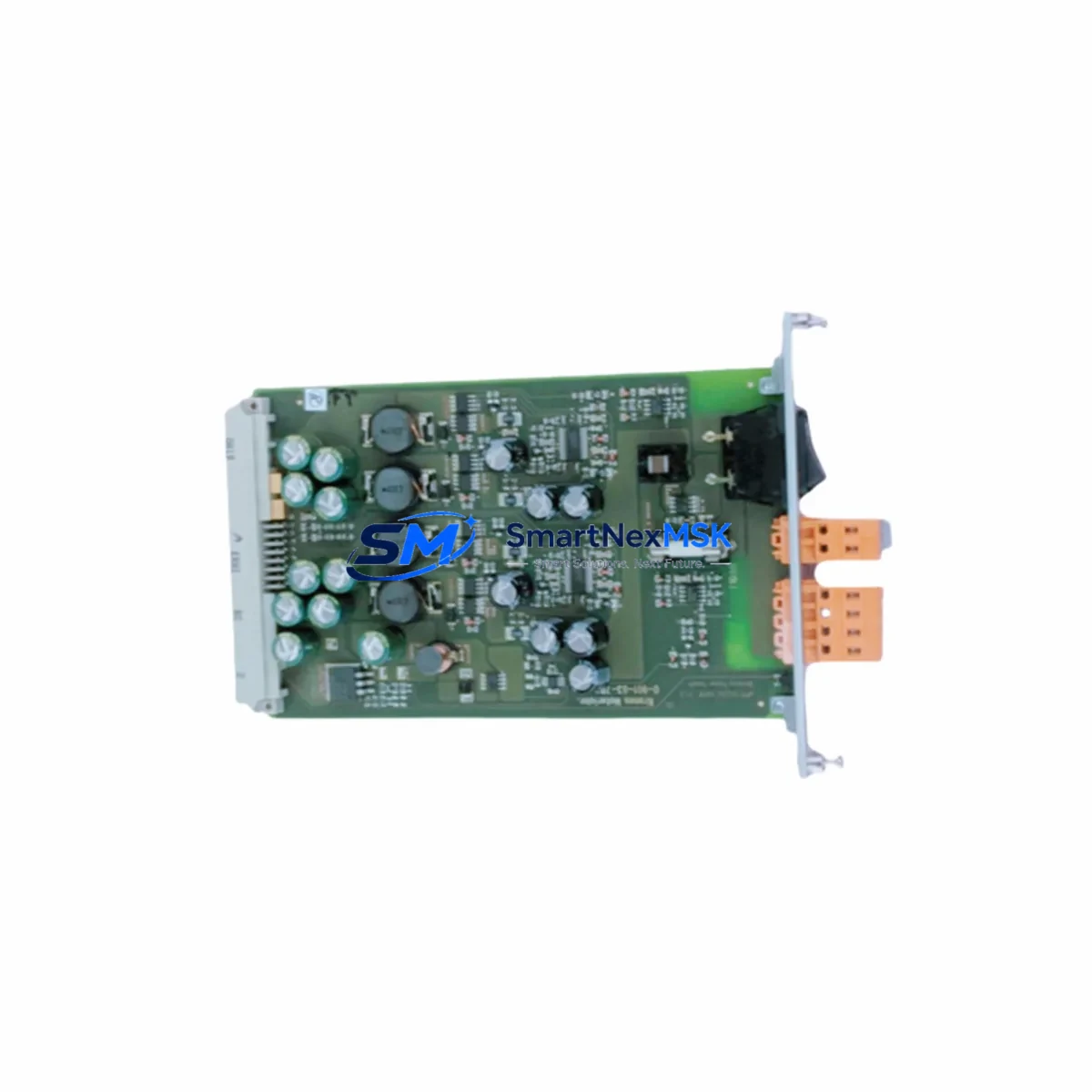
GERMAN POWER CPCI106-3512-24 Retrofit-Ready DC/DC Converter for CPCI106 Control Systems
The GERMAN POWER CPCI106-3512-24-DC/DC-CONVERTER is a retrofit-ready DC/DC power conversion module engineered for seamless integration into CompactPCI (CPCI106 Series) control system architectures. Designed as a direct replacement for discontinued or end-of-life power modules in legacy industrial control cabinets, this unit delivers stable, regulated output power to backplane-mounted I/O and communication modules without requiring chassis redesign or software reconfiguration.
Industrial automation engineers managing aging CPCI106-based control platforms will find this module particularly valuable when upgrading power distribution layers within existing 19-inch rack enclosures. The CPCI106-3512-24 maintains the same form factor, connector pinout, and output voltage profile as the original factory-installed unit, enabling a drop-in swap that minimizes engineering rework and eliminates the need for new panel drawings or terminal rewiring.
Upgrade Compatibility Table
| Parameter | Detail |
|---|---|
| Compatible Series | CPCI106 CompactPCI Platform |
| Input Voltage Range | 35V DC nominal (wide-range input) |
| Output Voltage | 12V / 24V DC regulated |
| Form Factor | CompactPCI 3U / 6U compatible |
| Backplane Interface | J1/J2 CompactPCI bus connector |
| Installation Requirement | Direct slot insertion — no bracket modification |
| Communication Compatibility | Passive power module — no protocol dependency |
| Replacement Recommendation | Direct drop-in for OEM CPCI106-3512-24 units |
| Commissioning Focus | Verify output voltage under load before full restart |
| Warranty | 12 Months — covers manufacturing defects and output failure |
Retrofit Planning for Existing Automation Systems
When planning a retrofit around the CPCI106-3512-24-DC/DC-CONVERTER, engineers must account for the full power budget of the CPCI106 backplane. Each slot populated with active modules — including CPCI106 CPU boards, CPCI106 digital I/O modules, CPCI106 analog input cards, and CPCI106 serial communication modules — draws a defined current from the 5V and 12V rails. Before swapping the DC/DC converter, calculate the aggregate load across all populated slots to confirm the replacement unit’s output capacity is not exceeded.
Terminal wiring at the DC input side must be verified against the original installation drawings. Input polarity, cable cross-section, and fuse rating should all be confirmed before energizing the replacement module. In systems where the CPCI106 rack is powered from a 24V DC bus fed by a DIN-rail mounted power supply unit, the upstream PSU output voltage should be measured under load to ensure it falls within the converter’s input tolerance window.
For systems that also include a CPCI106 Ethernet communication module or a CPCI106 PROFIBUS DP interface card, the power sequencing behavior of the backplane must be reviewed. Some communication modules require the 5V rail to stabilize before initiating their internal boot sequence. If the replacement DC/DC converter has a different soft-start ramp time than the original, a brief delay relay or inrush limiter may be required to prevent false fault trips on the communication layer.
In control cabinets where the CPCI106 rack operates alongside a separate HMI panel — such as a touch-screen operator interface connected via RS-232 or Ethernet — the HMI communication link should be temporarily disconnected during the module swap to prevent spurious alarm triggers or watchdog faults from propagating to the SCADA layer. After the replacement module is installed and output voltages are confirmed stable, the HMI link can be restored and the operator screen should be verified for correct tag mapping and alarm status.
Systems that include a CPCI106 programmable controller board running IEC 61131-3 ladder or function block programs should have the application program backed up to a programming laptop via the appropriate programming cable before any power module work begins. This ensures that if the CPU board loses its retain memory during the power interruption, the program can be reloaded immediately without delay. After power restoration, verify that all retentive data values — including counters, timers, and setpoints — have been correctly restored from battery-backed RAM or flash storage on the CPU module.
Downtime Control During System Migration
Minimizing production downtime during a CPCI106 power module replacement requires a structured pre-outage checklist. Before scheduling the maintenance window, confirm that a tested spare CPCI106-3512-24-DC/DC-CONVERTER unit is on-site and has passed a bench power-on test. Output voltage should be measured at no-load and at a representative partial load using a calibrated DC load bank or equivalent resistive load before the unit is installed in the live rack.
During the outage window, the sequence should follow: controlled shutdown of the PLC application program, safe de-energization of the 24V DC input feed, physical extraction of the failed or end-of-life converter module, insertion of the replacement unit with confirmation of full backplane connector engagement, re-energization of the DC input, and measurement of all output rails before releasing the CPU board from reset. This sequence protects the original program logic stored in the CPU’s flash memory and prevents partial-write corruption that can occur if power is interrupted during a memory write cycle.
For systems where continuous process monitoring is required, consider whether a temporary bypass using a bench DC power supply can maintain 5V or 12V rail continuity to the I/O modules while the converter is swapped. This approach is particularly effective in applications where the CPCI106 I/O modules are monitoring critical process variables — such as temperature, pressure, or flow — that must remain logged even during maintenance activities. Coordinate with the process control team to confirm that any brief data gap in the historian is acceptable and documented.
After the replacement module is installed and all rails are confirmed within specification, perform a full I/O scan verification by cycling each digital output and confirming field device response before returning the system to automatic mode. Document the replacement date, module serial number, and post-installation voltage readings in the maintenance log for future reference and warranty tracking.
Retrofit Support FAQ
Q1: Is the CPCI106-3512-24-DC/DC-CONVERTER a direct replacement for the original GERMAN POWER unit?
Yes. This module is manufactured to the same electrical and mechanical specification as the original CPCI106-3512-24 DC/DC converter. It uses the same CompactPCI backplane connector, the same output voltage profile, and the same mounting form factor, making it a drop-in replacement without chassis modification.
Q2: What commissioning steps are required after installation?
After insertion, measure the 5V and 12V output rails under partial load before releasing the CPU from reset. Confirm that all CPCI106 I/O modules and communication cards have powered up correctly by checking their status LEDs. Reload the PLC application program if retain memory was lost during the outage, and verify all analog input scaling and digital output assignments before returning to automatic control.
Q3: Can this module be used in a CPCI106 rack that also contains third-party CompactPCI cards?
In most cases, yes. The CPCI106-3512-24-DC/DC-CONVERTER supplies power to the backplane rails and is electrically independent of the logic or communication functions of individual slot cards. However, confirm the total current draw of all installed cards — including any third-party CompactPCI DSP boards, FPGA modules, or custom I/O cards — does not exceed the converter’s rated output current per rail.
Q4: What does the 12-month warranty cover?
The 12-month warranty covers manufacturing defects, output voltage deviation beyond specification under rated load conditions, and premature component failure under normal operating conditions. It does not cover damage resulting from incorrect input polarity, overvoltage at the DC input, physical damage during installation, or operation outside the specified ambient temperature range. Warranty claims are processed through SMARTNEXMSK with a typical turnaround of 5–10 business days including return shipping.
© 2026 SMARTNEXMSK. All rights reserved.
Original Source: https://smartnexmsk.com
Contact: [email protected] | +86 18259474341