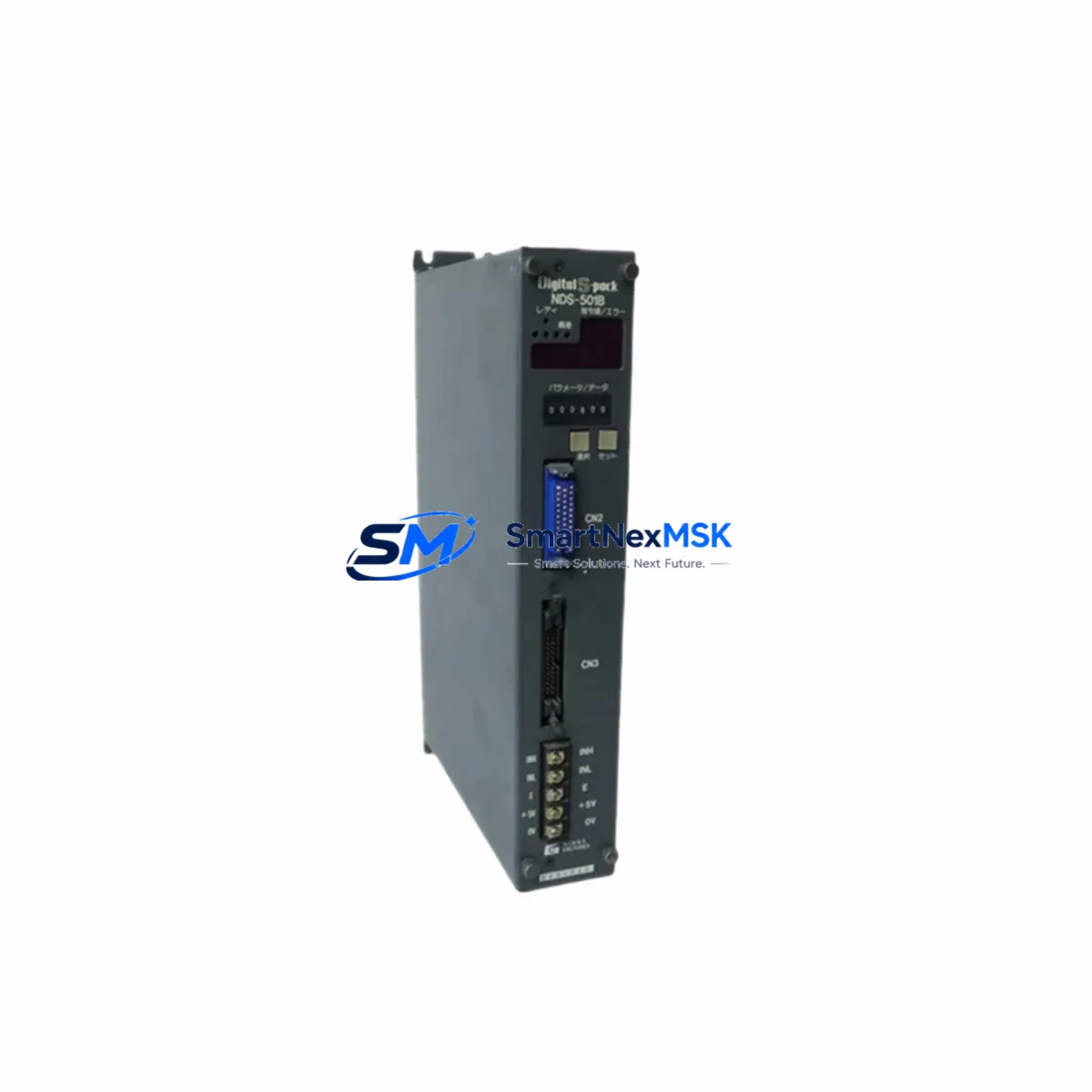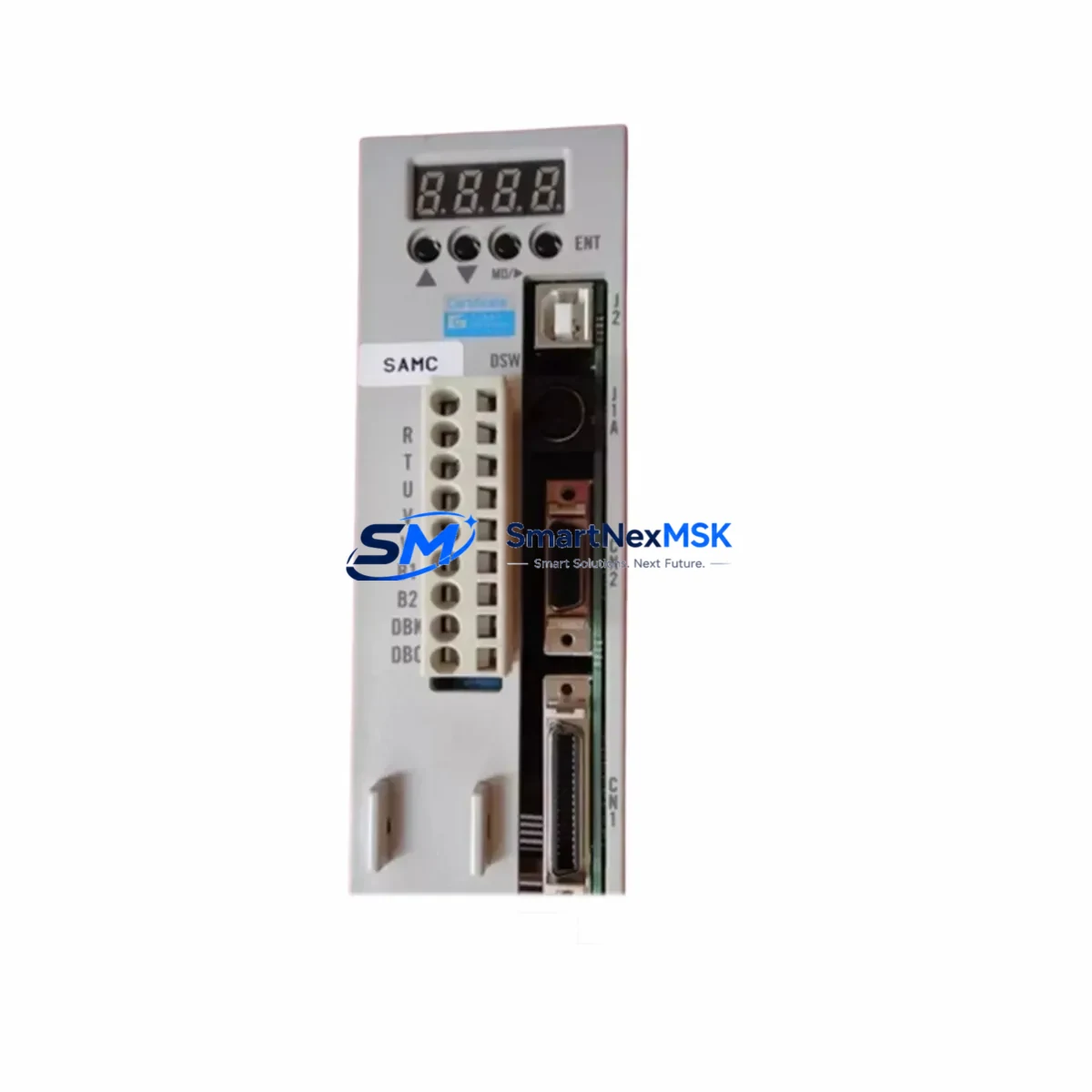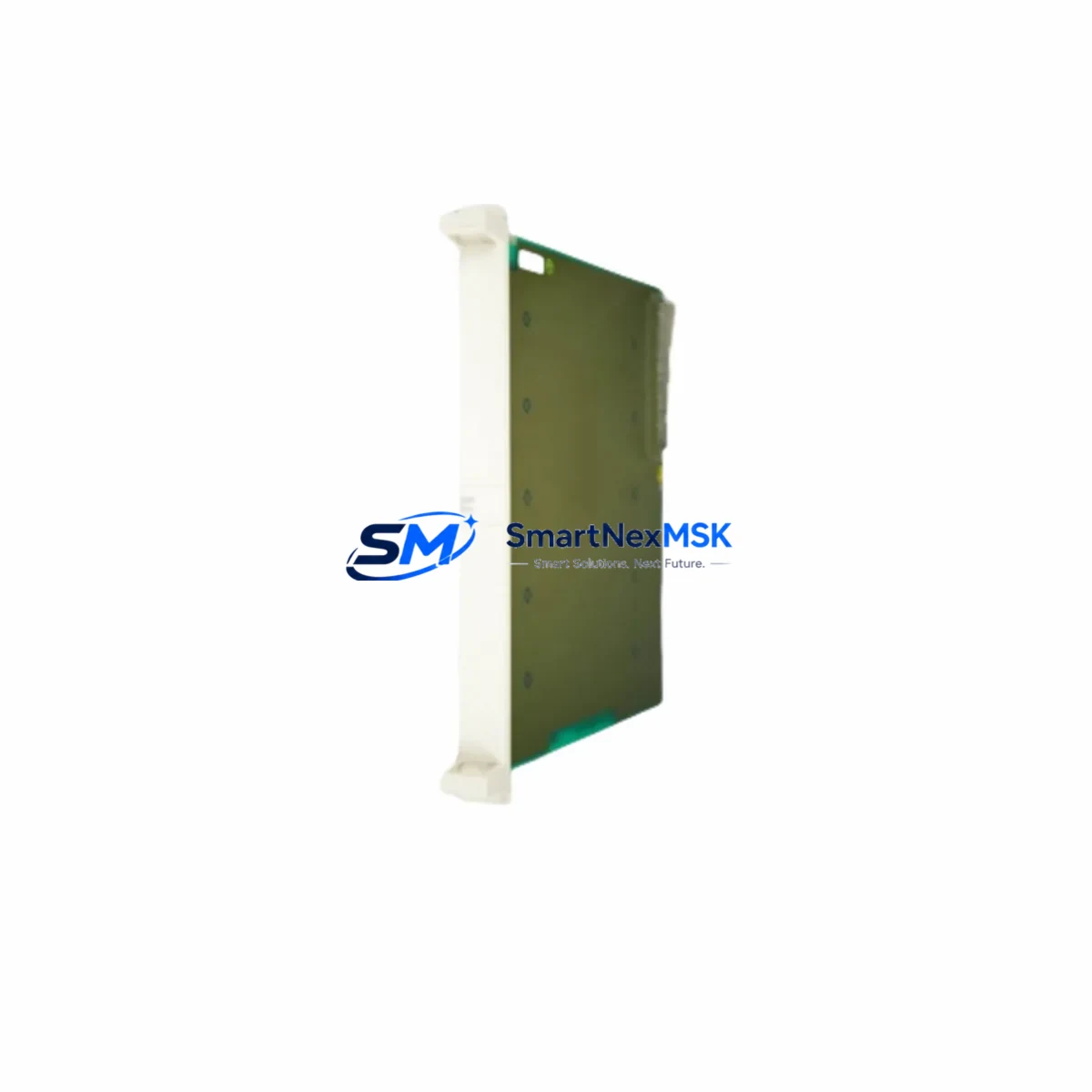
NIKKI NPA-20NN-50-E8 Retrofit-Ready CPU Module for NPA Series Control Systems
The NIKKI NPA-20NN-50-E8 is a high-reliability PLC CPU module engineered for seamless integration into existing NPA Series control architectures. As legacy automation systems reach end-of-life or face discontinued spare-part availability, the NPA-20NN-50-E8 serves as a verified retrofit solution — enabling engineers and maintenance teams to restore full system functionality without redesigning the control cabinet or rewriting core ladder logic programs.
Whether you are replacing a failed unit on an active production line, upgrading an aging control system to extend its operational lifespan, or migrating from an obsolete platform to a current-generation NPA architecture, the NPA-20NN-50-E8 provides the compatibility, performance, and supply assurance that industrial buyers require. All units are pre-tested prior to shipment, backed by a 12-month warranty, and supported by our technical team for wiring, addressing, and commissioning guidance.
Upgrade Compatibility Table
| Parameter | Details |
|---|---|
| Compatible Series | NIKKI NPA Series (NPA-20, NPA-30, NPA-40 sub-families) |
| Replaces / Supersedes | NPA-20NN-50-E8 and functionally equivalent discontinued variants |
| Backplane Interface | NPA-series standard backplane bus; compatible with NPA rack units (4-slot, 8-slot, 16-slot) |
| Communication Ports | RS-232C programming port; RS-485 / Modbus RTU network port |
| I/O Expansion | Supports NPA-series digital and analog I/O expansion modules via local bus |
| Power Supply Requirement | 24 VDC nominal; verify existing NPA power supply module (e.g. NPA-PS24) capacity before installation |
| Programming Software | Compatible with NIKKI NPA programming environment; existing ladder logic projects transferable |
| Installation Format | DIN-rail / rack-mount; direct slot replacement — no mechanical modification required |
| Retrofit Recommendation | Suitable as direct drop-in replacement; verify module address DIP switch settings match original configuration |
| Commissioning Notes | Confirm HMI tag mapping, communication link parameters, and I/O channel assignments post-installation |
| Warranty | 12 Months — covers manufacturing defects; pre-shipment functional test included |
Retrofit Planning for Existing Automation Systems
A successful retrofit begins well before the replacement module arrives on-site. When planning an NPA-20NN-50-E8 installation, the first step is to audit the existing control cabinet for power budget. The NPA-series power supply module — typically an NPA-PS24 or equivalent 24 VDC unit — must have sufficient headroom to support the CPU alongside any co-installed I/O expansion modules. If the existing power supply is already near capacity due to added NPA-DA analog output modules or NPA-DI digital input expansion cards, a power supply upgrade should be scheduled concurrently with the CPU replacement.
Terminal wiring on the NPA backplane is standardized across the NPA-20 sub-family, which simplifies the physical installation. However, engineers should photograph and document all existing terminal connections before removal, particularly for field wiring connected to NPA-series relay output modules and thermocouple input modules. Any deviation in terminal numbering between the original and replacement unit must be resolved before power-up.
Module addressing is a critical step that is frequently overlooked during rushed retrofits. The NPA-20NN-50-E8 uses DIP switches on the module face to set the station address on the RS-485 network. If the original CPU was configured as station 01 on a Modbus RTU network shared with an NPA-series HMI panel and remote I/O nodes, the replacement module must be set identically before the network is re-energized. Failure to match the address will cause communication faults across all connected devices, including any SCADA or DCS interface nodes upstream.
Program compatibility is generally maintained when replacing within the same NPA sub-family. The existing ladder logic project file, stored on the programming PC or a backup memory card, can be downloaded directly to the NPA-20NN-50-E8 via the RS-232C programming cable. Engineers should verify that all function block versions and special module instructions used in the original program are supported by the replacement CPU firmware. If the original system used an NPA-series positioning module or high-speed counter module, confirm that the pulse output and interrupt routines remain compatible.
HMI screen mapping should be validated after program download. If the control system includes an NPA-compatible operator panel or a third-party HMI communicating via Modbus RTU, all data register addresses (D-registers, M-coils, timer and counter values) must be verified against the HMI tag database. Discrepancies in register mapping are a common source of post-retrofit alarms that extend commissioning time unnecessarily.
Downtime Control During System Migration
Minimizing unplanned downtime is the primary concern for any production facility undertaking a PLC CPU replacement. The recommended approach for an NPA-20NN-50-E8 retrofit is to prepare the replacement module fully before the maintenance window begins. This means pre-configuring the DIP switch address settings, downloading and verifying the ladder logic program on a bench test setup if possible, and confirming communication parameters with the network administrator.
During the maintenance window, the sequence should follow a structured isolation protocol: de-energize the control cabinet, document the current I/O status and any active alarms, remove the failed or obsolete CPU module, install the NPA-20NN-50-E8 into the same backplane slot, and restore power in a controlled sequence. The NPA backplane design allows the CPU to be swapped without disturbing the wiring on adjacent I/O modules, which significantly reduces the risk of wiring errors during the changeover.
After power restoration, the commissioning sequence should begin with a communication link check — confirming that the RS-485 Modbus network is active and that all remote nodes, including any NPA-series remote I/O racks or third-party Modbus slave devices, are responding correctly. The HMI panel should be monitored for tag communication errors before the system is returned to automatic mode. A controlled manual jog of critical outputs — motor starters, valve actuators, conveyor drives — should be performed before releasing the line to production. This structured approach consistently achieves changeover times under four hours for standard NPA-series cabinet configurations.
Retrofit Support FAQ
Q1: Is the NPA-20NN-50-E8 a direct replacement for my existing NPA Series CPU?
A: Yes. The NPA-20NN-50-E8 is designed as a form-fit-function replacement within the NPA-20 sub-family. It installs into the same backplane slot, uses the same terminal wiring, and accepts the same ladder logic program files. Verify DIP switch address settings and firmware version compatibility before final commissioning.
Q2: Can I reuse my existing program without rewriting any logic?
A: In most cases, yes. The NPA-20NN-50-E8 supports the same instruction set as the original NPA-20 CPU. Download your existing project file via the RS-232C programming cable and perform a full I/O force test before returning the system to automatic operation. If your program uses special function modules such as positioning or PID control blocks, confirm module compatibility with our technical team prior to installation.
Q3: What wiring changes are required during installation?
A: No wiring changes are required for a standard slot-for-slot replacement. The NPA backplane handles all internal bus connections. Field wiring connected to I/O modules adjacent to the CPU slot is not disturbed during the swap. Document all terminal connections before removal as a precaution, and verify power supply polarity on the CPU power terminals before energizing.
Q4: What does the 12-month warranty cover, and is pre-shipment testing included?
A: Every NPA-20NN-50-E8 unit undergoes functional testing prior to shipment, including power-on verification, communication port check, and I/O bus integrity test. The 12-month warranty covers manufacturing defects and functional failures under normal operating conditions. Units showing physical damage from incorrect installation voltage or environmental exposure outside rated specifications are not covered. Contact our support team for RMA procedures if a warranty claim is required.
© 2026 SMARTNEXMSK. All rights reserved.
Original Source: https://smartnexmsk.com
Contact: [email protected] | +86 18259474341