
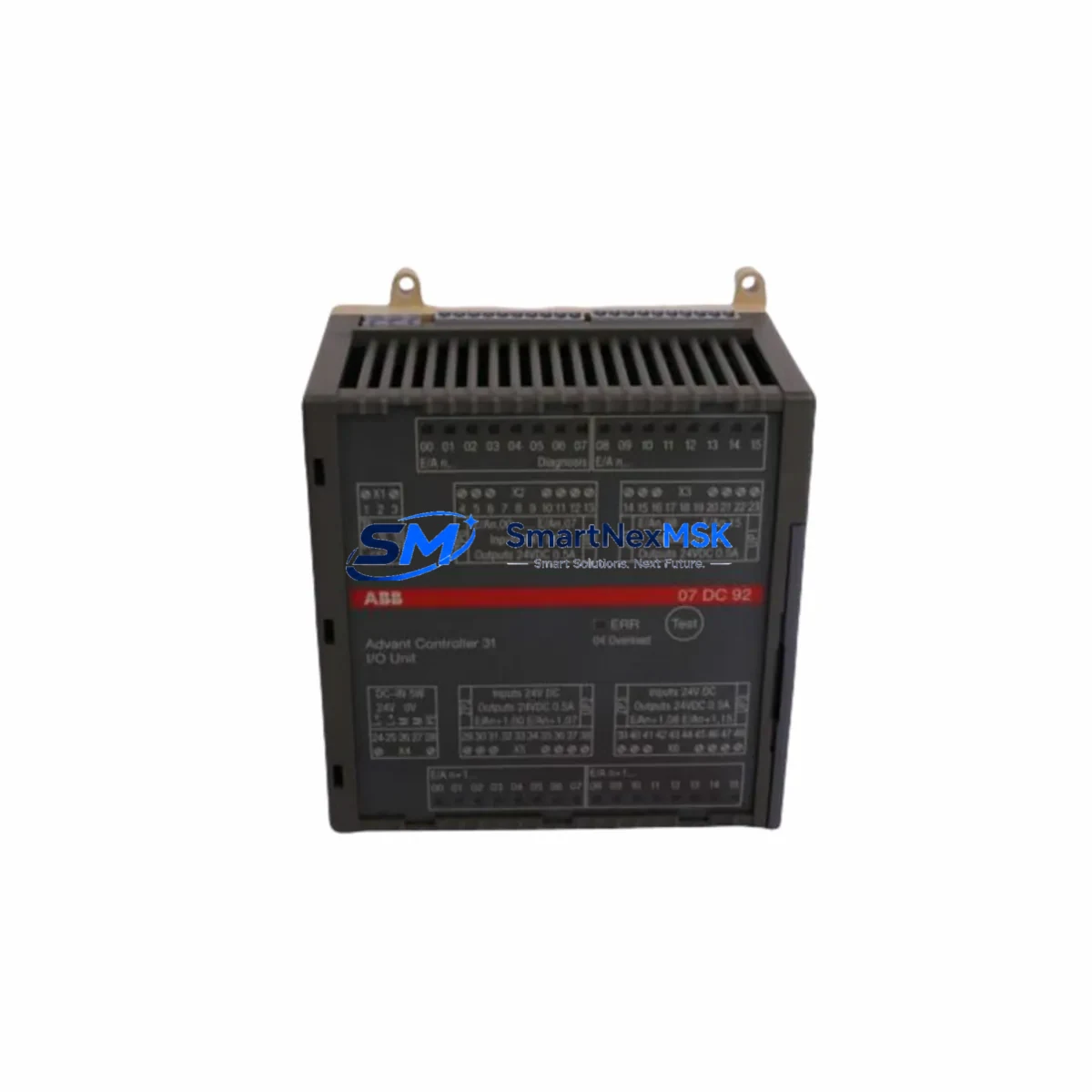
OBERG F-DMDM-PM-110E Retrofit-Ready Power Supply for DMDM Control Systems
The OBERG INDUSTRIES F-DMDM-PM-110E is a 110V AC input power supply module engineered for seamless retrofit integration into DMDM Series control systems. As legacy automation infrastructure ages and OEM support windows close, facilities engineers and system integrators increasingly rely on verified replacement modules to extend the operational life of existing control cabinets without committing to full platform migrations. The F-DMDM-PM-110E addresses this need directly — delivering a drop-in power solution that preserves existing backplane wiring, rack geometry, and program logic while meeting modern reliability standards.
Whether you are replacing a failed unit on an active production line, building a critical spare inventory for a DMDM-based control cabinet, or executing a phased modernization of an older automation system, the F-DMDM-PM-110E provides the electrical compatibility and mechanical fit required to minimize engineering rework and reduce unplanned downtime. Each unit ships pre-tested and is backed by a 12-month warranty.
Upgrade Compatibility Table
| Parameter | F-DMDM-PM-110E Specification | Retrofit Notes |
|---|---|---|
| Input Voltage | 110V AC (±10%) | Verify site supply voltage before installation; confirm breaker rating |
| Series Compatibility | DMDM Series control systems | Direct replacement for same-series power supply positions |
| Backplane Interface | DMDM standard backplane connector | No adapter required; confirm backplane slot assignment in rack layout |
| Mounting / Form Factor | Standard DMDM rack-mount | Fits existing DIN rail or rack enclosure without modification |
| Communication Compatibility | Passive power supply — no protocol dependency | No communication reconfiguration required post-swap |
| Terminal Wiring | Screw-terminal block (L, N, PE) | Verify wire gauge and torque spec against original wiring diagram |
| Replacement Recommendation | Direct drop-in for F-DMDM-PM-110E positions | Cross-reference original BOM and cabinet schematic before ordering |
| Commissioning Focus | Output voltage verification, load test | Measure DC bus output under full I/O load before returning to service |
| Warranty | 12 Months | Covers manufacturing defects; includes pre-shipment functional test |
Retrofit Planning for Existing Automation Systems
A successful power supply retrofit in a DMDM Series control cabinet requires more than a physical module swap. Engineers must account for the full power budget of the rack before selecting a replacement. In a typical DMDM installation, the power supply feeds not only the CPU module but also a range of I/O modules — including digital input cards, analog output cards, and specialty function modules — all drawing regulated DC power from the same backplane bus. Before removing the failed F-DMDM-PM-110E, document the total current draw of all installed modules and confirm the replacement unit’s rated output capacity covers the full load with adequate headroom.
Terminal block wiring is a critical checkpoint. The original L, N, and PE connections must be re-terminated to the correct torque specification using the appropriate wire gauge. In older cabinets, insulation degradation or undersized conductors may be discovered during this process — an opportunity to address deferred maintenance before returning the system to service. If the control cabinet also houses a DMDM Series communication module (such as a Profibus DP or Modbus RTU interface card), confirm that the communication link remains stable after power restoration, as some protocol adapters require a clean power cycle to re-establish network registration.
For systems that include an HMI panel connected to the DMDM controller, verify that the HMI communication driver re-establishes its connection automatically after the power supply swap. In installations where the HMI uses a serial RS-232 or RS-485 link to the CPU module, a brief communication timeout is normal during the power cycle; however, persistent faults may indicate that the HMI project’s communication parameters need to be re-confirmed against the controller’s port settings.
Facilities running mixed-generation DMDM racks — where newer I/O expansion modules have been added alongside original hardware — should pay particular attention to backplane slot addressing. Some expansion I/O modules, including remote I/O adapters and specialty counter modules, store their slot address in non-volatile memory and will resume normal operation after a power cycle without reprogramming. Others may require the programmer to re-download the I/O configuration from the engineering workstation using the original programming cable. Keep the programming cable and a laptop loaded with the appropriate PLC programming software accessible during the retrofit window.
Where the control system includes a redundant power supply configuration, the retrofit procedure should follow a hot-standby switchover protocol: confirm the standby supply is healthy, transfer the load, replace the failed unit, verify output, and then restore the redundant configuration. This approach eliminates the need for a full system shutdown and is the preferred method for continuous-process applications where even brief interruptions carry significant production cost.
Downtime Control During System Migration
Minimizing downtime during a power supply replacement in an active DMDM control system begins with preparation. Before the maintenance window opens, gather the original cabinet wiring diagram, the rack layout drawing, the PLC program backup (stored on a USB drive or engineering server), and the commissioning checklist from the original system integrator. Confirm that the replacement F-DMDM-PM-110E has been bench-tested and that output voltage is within specification before bringing it to the field.
During the swap, the CPU module retains its program in battery-backed RAM or flash memory, so the control logic does not need to be reloaded in most DMDM configurations. However, it is best practice to verify program integrity after power restoration by connecting the programming cable to the CPU’s programming port and performing a program comparison against the known-good backup. Any discrepancy should be investigated before returning the system to automatic mode.
To protect field control continuity, coordinate the power supply swap with the process control team so that field devices — including actuators, solenoid valves, and variable frequency drives receiving run commands from the DMDM I/O — are placed in a safe state before power is removed. Document the pre-shutdown state of all digital outputs so that the correct output states can be verified after restart. For analog output channels controlling flow control valves or temperature regulators, confirm that the process has stabilized at a safe setpoint before re-enabling automatic control from the PLC.
Post-restoration, run a full I/O scan and verify that all field signals — including limit switches, pressure transmitters, and thermocouple inputs — are reading correctly before releasing the system to production. A structured commissioning checklist, completed and signed off by the responsible engineer, provides the documentation trail required for ISO-compliant maintenance records and supports future troubleshooting if related faults emerge.
Retrofit Support FAQ
Q1: Is the F-DMDM-PM-110E a direct replacement for the original OBERG DMDM Series power supply?
Yes. The F-DMDM-PM-110E is designed as a direct replacement for the same SKU position in DMDM Series control racks. It uses the same backplane connector, the same mounting footprint, and the same 110V AC input configuration as the original module. No wiring adapters or mechanical modifications are required for a standard swap.
Q2: What commissioning steps are required after installation?
After physical installation and terminal re-termination, measure the DC output voltage at the backplane bus under full module load. Verify that all I/O modules power up correctly and that the CPU module enters RUN mode without fault codes. If a communication module is installed in the rack, confirm that the network link re-establishes within the expected timeout period. Connect the programming cable and perform a program comparison to verify that the control logic is intact.
Q3: How do I verify wiring compatibility before installation?
Refer to the original cabinet wiring schematic and confirm that the L, N, and PE terminals on the replacement module match the wire assignments in the drawing. Check wire gauge against the module’s terminal specification — typically 1.5mm² to 2.5mm² for 110V AC input connections. Verify that the upstream circuit breaker rating is appropriate for the module’s inrush and steady-state current draw. If the original wiring diagram is unavailable, contact our technical support team before proceeding.
Q4: What does the 12-month warranty cover, and is pre-shipment testing performed?
Every F-DMDM-PM-110E unit undergoes a functional pre-shipment test to verify input/output voltage regulation, protection circuit operation, and connector integrity before dispatch. The 12-month warranty covers manufacturing defects and component failures under normal operating conditions. It does not cover damage resulting from incorrect installation, overvoltage events, or operation outside the module’s rated environmental specifications. Warranty claims are processed with a replacement-first policy to minimize your system downtime.
© 2026 SMARTNEXMSK. All rights reserved.
Original Source: https://smartnexmsk.com
Contact: [email protected] | +86 18259474341