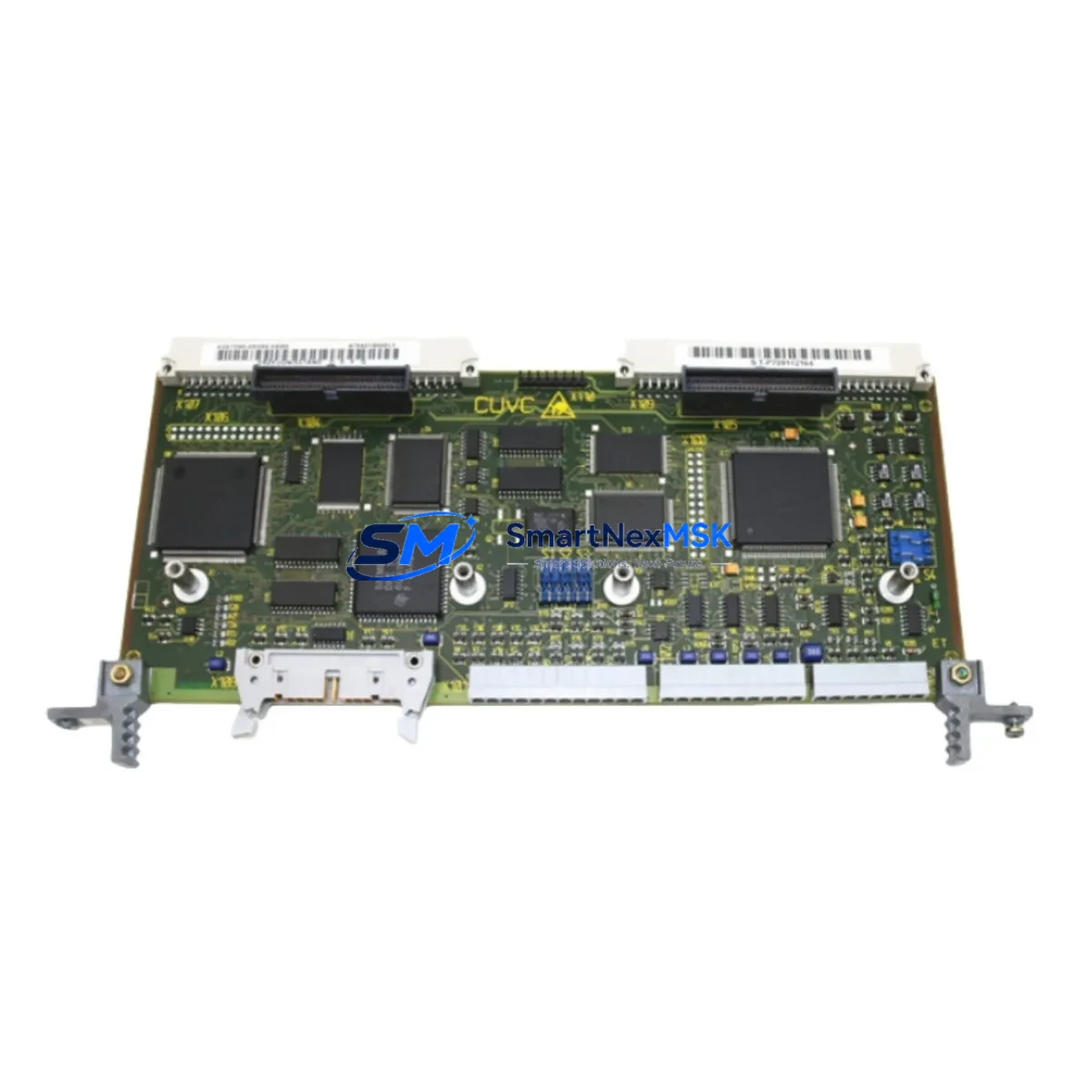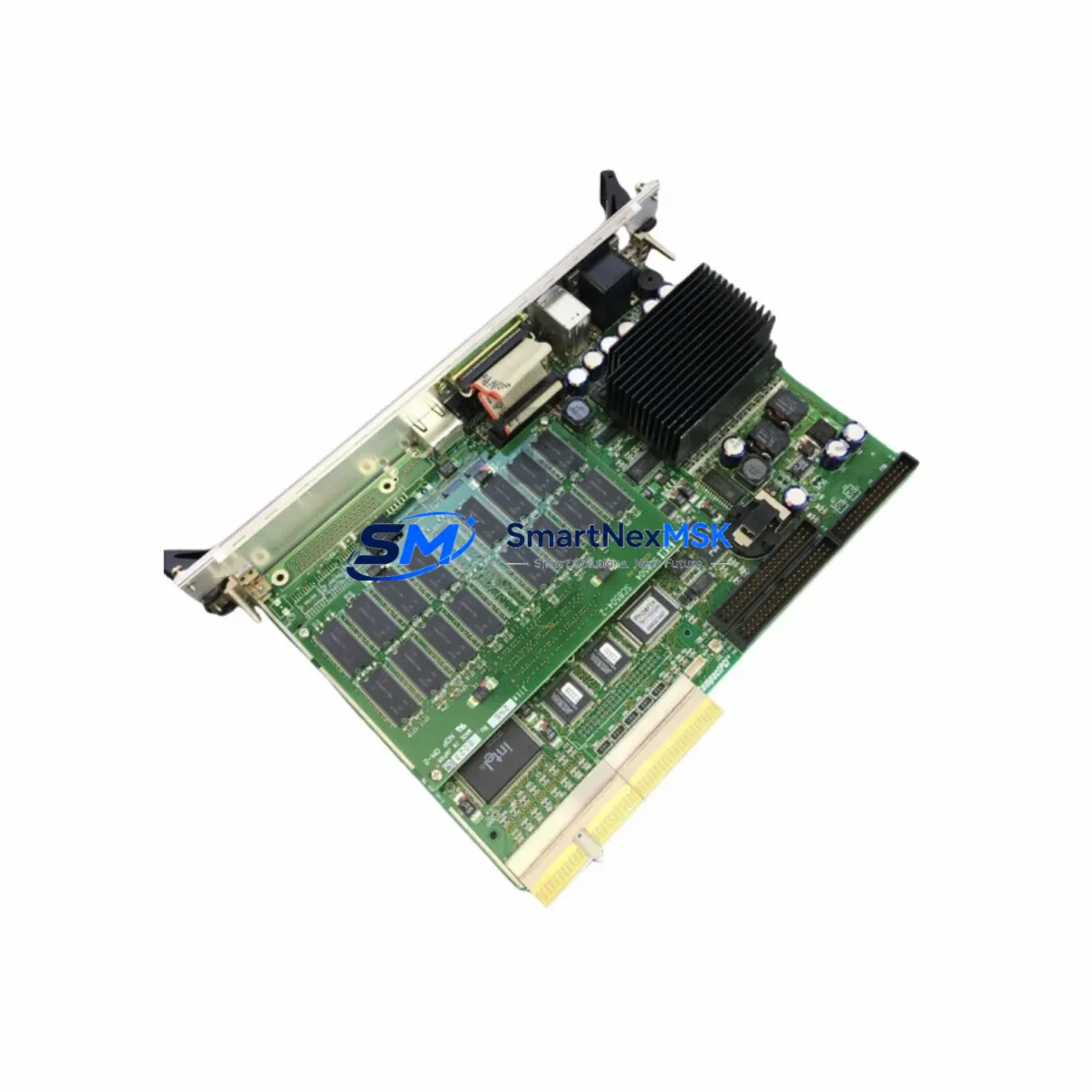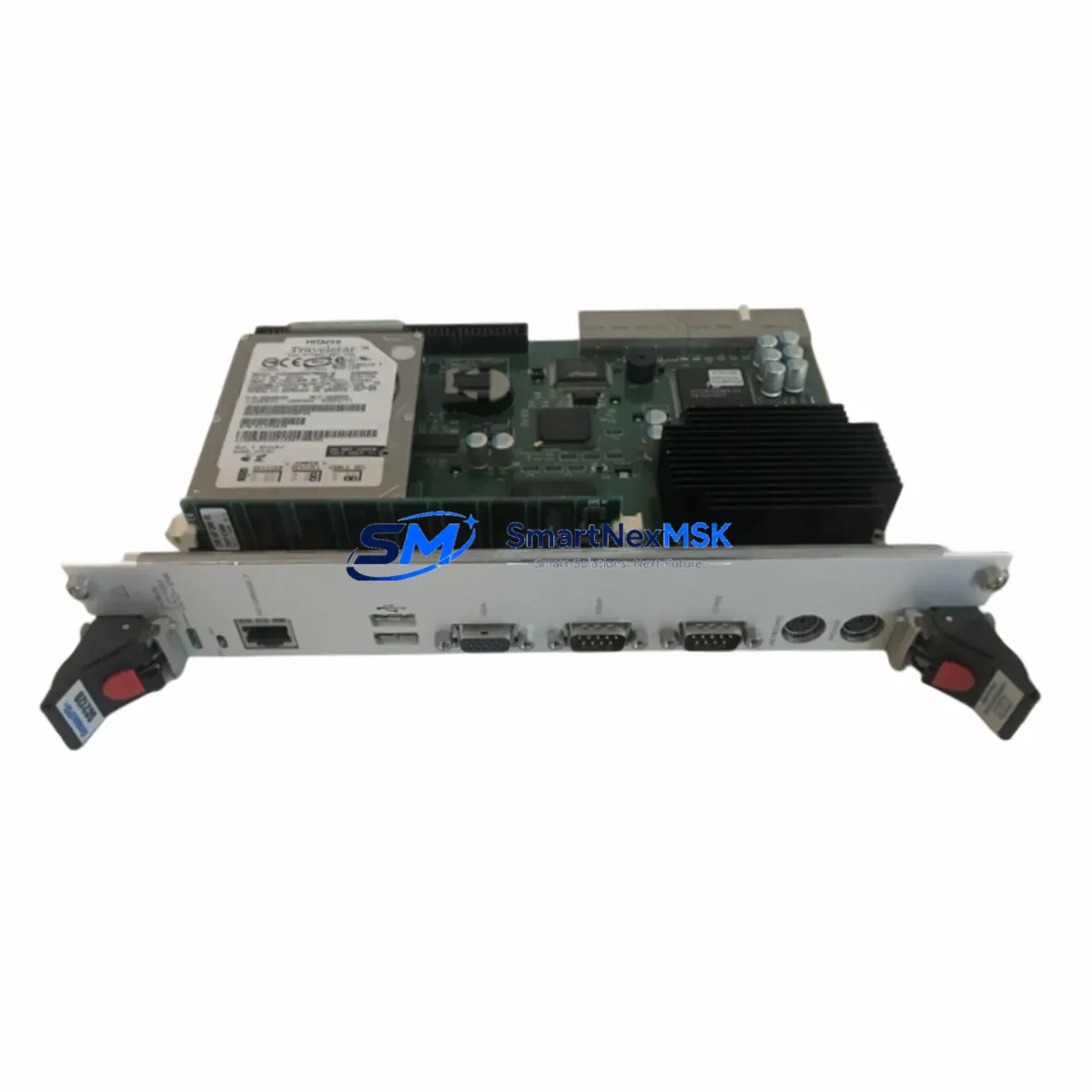
SANRITZ SC2120-3 Maintenance-Ready Spare for SC2120 Automation
The SANRITZ SC2120-3 is a critical DCS CPU processor module within the SC2120 Series distributed control architecture. For maintenance engineers managing aging automation systems, securing a verified original spare of the SC2120-3 is one of the most effective strategies to eliminate unplanned downtime and protect continuous production. Whether you are conducting routine control cabinet inspections, executing a planned shutdown replacement, or responding to an emergency processor fault, having a tested and ready SC2120-3 on the shelf is the foundation of a resilient spare parts program.
The SC2120-3 serves as the central processing unit of the SC2120 DCS node, responsible for executing control logic, managing I/O communication, and maintaining real-time data exchange across the distributed network. A failure in this module can bring an entire process loop or production line to a halt. Procurement engineers sourcing this part should confirm the full SKU — SC2120-3 — to avoid compatibility mismatches with adjacent SC2120 Series variants.
Spare Maintenance Table
| Parameter | Details |
|---|---|
| SKU | SC2120-3 |
| Brand | SANRITZ |
| Series | SC2120 |
| Product Type | DCS Processor Module |
| Origin | Japan |
| Compatibility | SC2120 Series DCS Systems |
| Application | Distributed Control System CPU Node |
| Installation | Backplane slot-mount, DIN rail compatible enclosure |
| Operating Environment | Industrial control cabinet, 0–55°C, humidity ≤90% non-condensing |
| Weight | 5,300 g |
| Condition | Original, new or refurbished-tested |
| Pre-shipment Testing | Full functional verification before dispatch |
| Warranty | 12 Months |
| Lead Time | In-stock units ship within 3–5 business days |
Maintenance Planning for Continuous Operation
When replacing the SC2120-3 in a live DCS environment, a disciplined maintenance engineer will not stop at the processor module alone. The SC2120 Series architecture integrates multiple interdependent components, and a processor fault is often symptomatic of upstream or downstream stress across the control cabinet.
Begin by inspecting the SC2120 Series power supply module that feeds the processor backplane. Voltage instability or ripple on the 24VDC rail is a common root cause of processor resets and memory corruption. Simultaneously, verify the SC2120 backplane bus for physical damage, oxidized connectors, or loose seating — a degraded backplane can cause intermittent communication faults that mimic processor failure.
Review the SC2120 I/O expansion modules connected to the processor node. Faulty analog input cards or digital output modules can generate excessive bus traffic that overloads the CPU. Check the communication interface module — whether Profibus, Modbus, or proprietary SANRITZ network — for firmware version alignment with the replacement SC2120-3 unit.
For systems with SANRITZ HMI operator panels linked to the SC2120 node, confirm that the HMI communication parameters remain valid after the processor swap. Configuration mismatches between the HMI and the new processor can cause display errors or loss of setpoint control. Also inspect signal isolators on critical analog loops — a degraded isolator can introduce ground loops that corrupt 4–20mA signals feeding the processor’s analog input channels.
Do not overlook the terminal blocks and field wiring connections on the I/O marshalling panel. Loose terminals are a leading cause of intermittent faults in aging systems. While the cabinet is open, inspect relay output modules for contact wear, and check fuse holders and miniature circuit breakers protecting the 24VDC control circuits. A blown fuse on a field device loop can be misdiagnosed as a processor fault.
For older SC2120 installations, consider stocking the SC2120-1 and SC2120-2 processor variants alongside the SC2120-3, as multi-node DCS architectures may use different revision levels across redundant controllers. Maintaining a cross-compatible spare inventory reduces the risk of a single-point-of-failure scenario during emergency callouts.
Site Replacement Workflow
Replacing the SANRITZ SC2120-3 on-site follows a structured sequence to minimize downtime and ensure system integrity. Before removing the faulty module, document the current processor configuration, firmware version, and I/O mapping using the SANRITZ engineering workstation software. Export the control program and parameter set to a backup file — this step is non-negotiable for a safe recovery.
Power down the affected DCS node following the site lockout/tagout procedure. Remove the SC2120-3 from its backplane slot, noting the connector orientation and any field wiring labels. Install the replacement SC2120-3, ensuring the module is fully seated and the locking mechanism is engaged. Restore power and observe the processor initialization sequence — the status LEDs should cycle through self-test before entering run mode.
Reload the backed-up control program and verify all I/O points are reading correctly before returning the loop to automatic control. Conduct a functional test of all critical outputs — including relay contacts, analog outputs, and communication links — before signing off the maintenance record. The entire replacement workflow, when supported by a pre-tested spare unit, can typically be completed within two to four hours, dramatically reducing the production impact of an unplanned processor failure.
For facilities managing legacy SC2120 installations beyond their original design life, a proactive spare parts strategy — including stocked SC2120-3 units, power supply modules, and I/O cards — is the most cost-effective approach to extending system life without a full DCS migration.
Spare Parts Support FAQ
Q1: What is the shelf life and storage requirement for a stocked SC2120-3 spare?
The SC2120-3 should be stored in an anti-static bag within a dry, temperature-controlled environment (10–30°C, humidity below 70%). Under proper storage conditions, the module maintains full functionality for 3–5 years. Annual visual inspection of the spare is recommended to check for oxidation on connectors or capacitor swelling.
Q2: How do I verify compatibility before installing the SC2120-3 replacement?
Confirm the full SKU — SC2120-3 — matches the module label on the faulty unit. Check the firmware revision sticker and cross-reference with the SANRITZ SC2120 Series compatibility matrix. If the replacement unit carries a different firmware revision, consult the SANRITZ engineering documentation or contact our technical support team before installation.
Q3: What pre-shipment testing is performed on the SC2120-3?
Every SC2120-3 unit dispatched by SMARTNEXMSK undergoes full functional verification, including power-on self-test, communication port check, and I/O bus integrity test. A test report is available upon request. Units are shipped in anti-static packaging with physical protection to prevent transit damage.
Q4: What does the 12-month warranty cover for the SC2120-3?
The 12-month warranty covers manufacturing defects, functional failures under normal operating conditions, and DOA (dead on arrival) units. Warranty claims are supported by our technical team within 24 hours of notification. Replacement or repair is arranged at no additional cost for valid warranty cases. The warranty period begins from the date of shipment.
© 2026 SMARTNEXMSK. All rights reserved.
Original Source: https://smartnexmsk.com
Contact: [email protected] | +86 18259474341