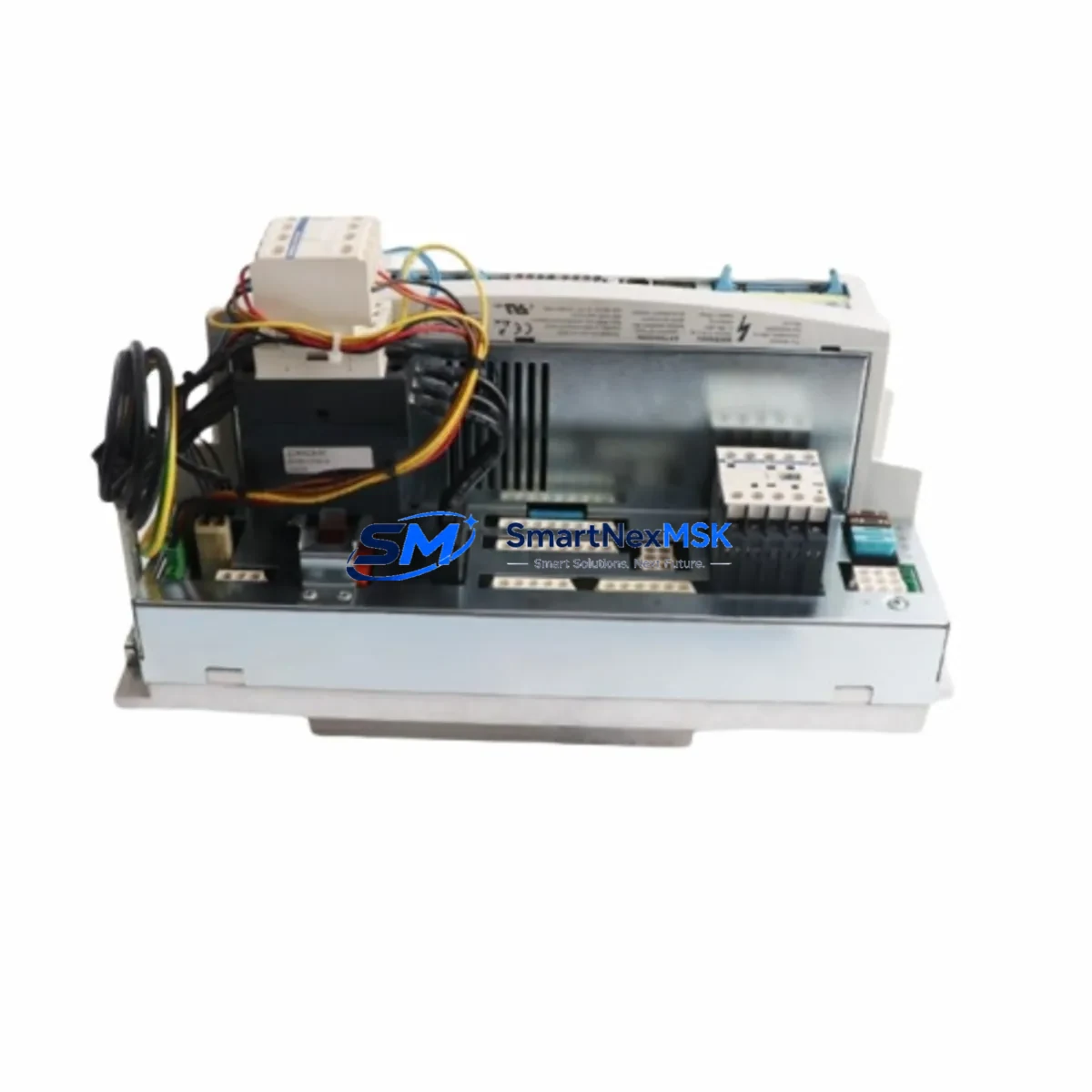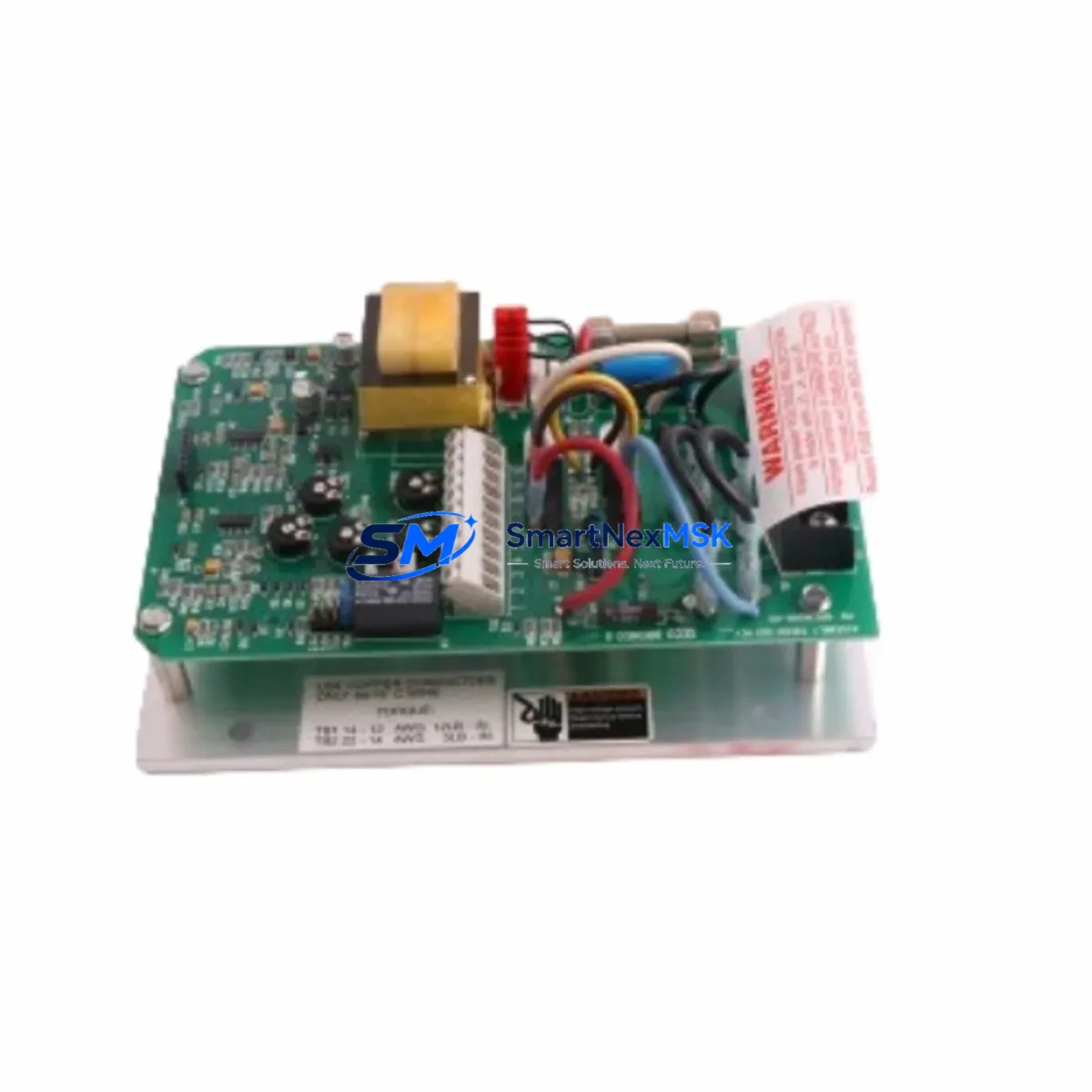
SCHIELE 2.423.451.00 Retrofit-Ready Digital Output Module for DCS Control Systems
The SCHIELE 2.423.451.00 is a discrete digital output module engineered for integration into distributed control system (DCS) architectures. As legacy SCHIELE DCS platforms approach end-of-life and original spare parts become increasingly scarce, this module serves as a verified retrofit-ready replacement for aging output cards across a wide range of process control and factory automation installations. Whether you are upgrading a control cabinet, restoring a discontinued output channel, or migrating I/O infrastructure to a modernized rack, the 2.423.451.00 provides a reliable, specification-matched solution backed by a 12-month warranty and pre-shipment functional testing.
Upgrade Compatibility Table
| Parameter | Details |
|---|---|
| Module Type | Digital Output Module (Discrete DO) |
| Compatible Platform | SCHIELE DCS Series Control Systems |
| Backplane Interface | DCS rack bus — compatible with standard SCHIELE rack assemblies |
| Installation Requirement | Direct slot insertion; verify rack slot addressing before installation |
| Communication Compatibility | Internal DCS backplane bus; no external fieldbus configuration required |
| Replacement Recommendation | Suitable as direct replacement for discontinued SCHIELE DO output cards of equivalent channel count and voltage rating |
| Commissioning Focus | Verify output channel address mapping, terminal wiring polarity, and load current per channel before energizing |
| Warranty | 12 months from date of shipment; includes pre-shipment functional burn-in test |
Retrofit Planning for Existing Automation Systems
Successful integration of the SCHIELE 2.423.451.00 into an existing control system begins well before the module arrives on site. Engineers should start by auditing the current rack configuration — confirming available slot positions, backplane bus version, and power supply headroom. The system power supply module must be verified to support the additional load introduced by the replacement output card; in many aging SCHIELE DCS cabinets, the original power supply is already operating near capacity, and adding a new output module without a power budget review can cause intermittent faults or system resets.
Terminal wiring is the next critical checkpoint. The 2.423.451.00 uses a standard screw-terminal field wiring interface. Before disconnecting the legacy output card, photograph and document all existing terminal assignments. Cross-reference these against the original I/O list and the PLC or DCS program’s tag database to ensure that output channel addresses are preserved exactly. If the host controller is a SCHIELE programmable logic controller or a third-party DCS controller communicating over the backplane, the module address configured in hardware (via DIP switch or jumper, depending on revision) must match the address declared in the control program — otherwise the controller will fail to recognize the new module on startup.
For installations where the SCHIELE DCS communicates upstream to a supervisory SCADA system or HMI panel, the output module replacement should be treated as a transparent swap: the HMI screen tag assignments, alarm setpoints, and interlock logic should remain unchanged provided the channel addressing is correctly preserved. If the site uses a PROFIBUS DP or MODBUS RTU communication link between the DCS rack and a remote I/O station, verify that the GSD file or register map still reflects the correct output module type after the swap — some DCS configurations store module type identifiers in the network configuration that must be updated when hardware is changed.
In multi-rack installations, where the SCHIELE DCS system spans several expansion racks connected via rack interconnect cables, the 2.423.451.00 can be installed in any rack slot that supports digital output modules. Confirm that the rack interconnect bus is intact and that the expansion rack’s local power supply is functional before proceeding. It is also advisable to check the status of adjacent modules — including analog input modules, digital input modules, and communication interface cards — since a failing backplane connector on a neighboring slot can cause the new output module to report faults even when the module itself is healthy.
Downtime Control During System Migration
Minimizing production downtime during a digital output module replacement requires a structured hot-swap or controlled-shutdown procedure. Where the process permits, isolate only the affected output channels rather than shutting down the entire DCS rack. Use the host controller’s force-output or manual-override function to hold critical output states — such as valve positions, motor run commands, or safety interlock signals — at their last known safe state before removing the legacy module.
Before pulling the old card, export a full backup of the control program from the engineering workstation. This protects against accidental program loss and provides a reference for verifying that output tag assignments are intact after the new module is seated. Once the SCHIELE 2.423.451.00 is installed and the rack is re-energized, perform a channel-by-channel output verification: command each output from the controller and confirm the corresponding field device responds correctly. Pay particular attention to output channels driving solenoid valves, motor contactors, or relay coils — these loads can mask wiring faults if not individually tested.
For sites where a full shutdown is unavoidable, coordinate the replacement window with operations to align with scheduled maintenance periods. Pre-stage the 2.423.451.00 alongside any other planned replacement components — such as a new programming cable for re-flashing the controller firmware, or a replacement HMI communication card if the panel has been flagged for upgrade — so that all work can be completed within a single maintenance window. This approach is especially important in continuous-process industries where even brief unplanned outages carry significant cost.
After commissioning, retain the replaced legacy module as a temporary spare until the new module has completed at least one full production cycle without fault. Document the replacement in the site’s maintenance log, including the module serial number, installation date, slot address, and the name of the commissioning engineer. This record supports future troubleshooting and satisfies the documentation requirements of most industrial quality management systems.
Retrofit Support FAQ
Q1: Is the SCHIELE 2.423.451.00 a direct drop-in replacement for the original discontinued output card?
In most SCHIELE DCS installations, yes — provided the replacement module shares the same channel count, output voltage rating, and backplane slot type as the original card. Always verify the hardware revision and DIP switch address settings against the original module before installation. If the original card used a specific output current rating for driving relay coils or solenoids, confirm that the 2.423.451.00 meets or exceeds that specification.
Q2: What wiring checks are required before energizing the new module?
Verify terminal polarity for each output channel, confirm that load current per channel does not exceed the module’s rated output current, and check that the common return terminal is correctly connected to the system ground reference. For output channels driving inductive loads such as motor contactors or solenoid valves, ensure that appropriate surge suppression (flyback diodes or RC snubbers) is installed at the load — this protects the output transistors or relay contacts inside the module from voltage spikes during switching.
Q3: How is compatibility with the existing DCS program verified after installation?
After seating the module and restoring power, use the DCS engineering software to perform an online module scan. The controller should automatically detect the 2.423.451.00 in its assigned slot. Compare the detected module type against the configuration stored in the project file. If the controller reports a module type mismatch, update the hardware configuration in the engineering software, download the revised configuration to the controller, and re-verify all output channel assignments before returning the system to automatic mode.
Q4: What does the 12-month warranty cover, and what pre-shipment testing is performed?
Every SCHIELE 2.423.451.00 unit shipped by SMARTNEXMSK undergoes a functional burn-in test that verifies all output channels switch correctly under load, the backplane interface communicates without error, and the module’s status indicators operate as expected. The 12-month warranty covers manufacturing defects and functional failures under normal operating conditions. It does not cover damage resulting from incorrect installation, overvoltage, reverse polarity wiring, or operation outside the module’s rated environmental specifications. Warranty claims are processed promptly with advance replacement available for qualified accounts.
© 2026 SMARTNEXMSK. All rights reserved.
Original Source: https://smartnexmsk.com
Contact: [email protected] | +86 18259474341