
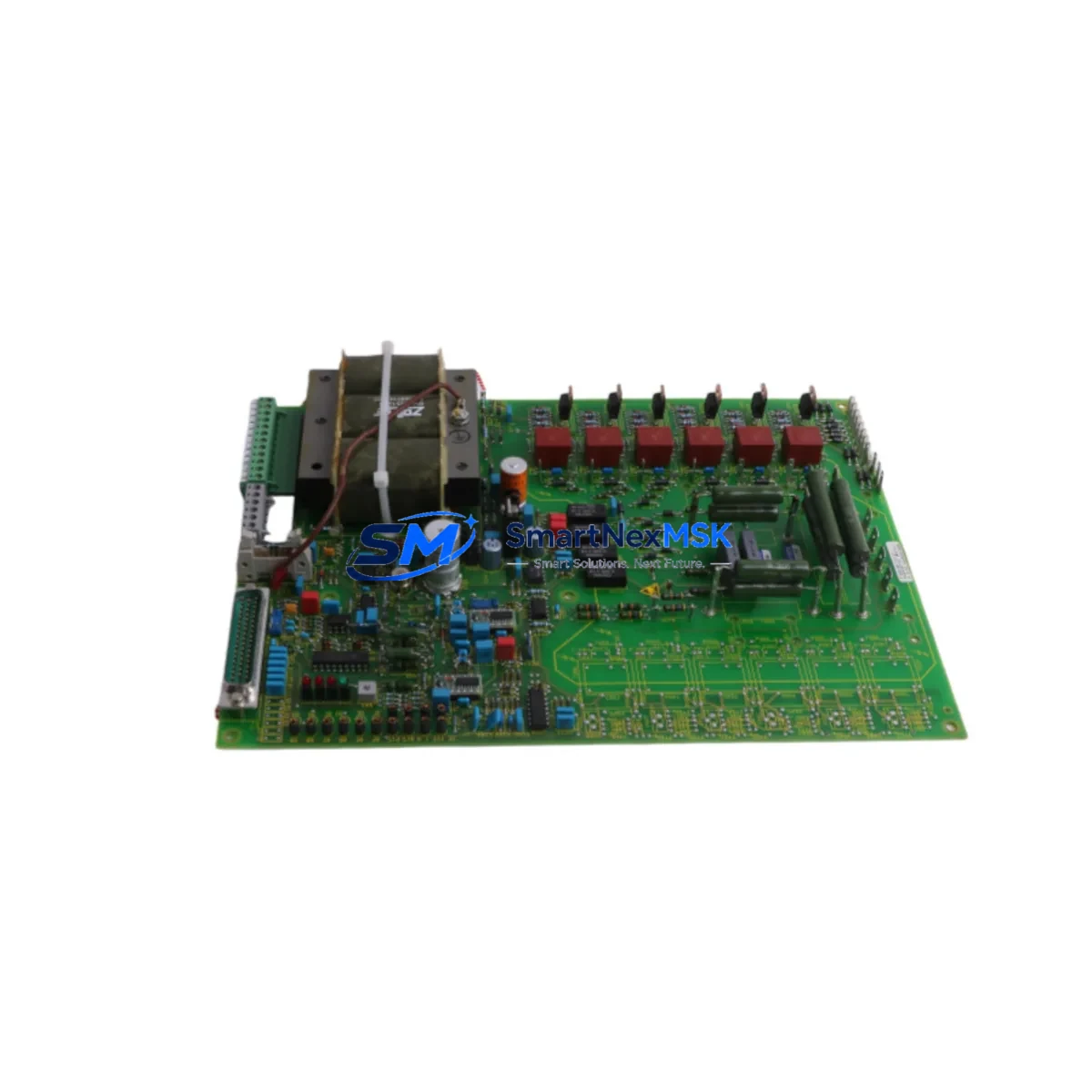
SIEMENS 6QN5501-0BA Retrofit-Ready Semiconductor Fuse for SITOR Control Systems
The SIEMENS 6QN5501-0BA is a SITOR-series semiconductor fuse engineered for high-speed protection of thyristor and diode assemblies in industrial drive and rectifier systems. As legacy SIMOREG DC Master and early SINAMICS S120 installations approach end-of-service milestones, the 6QN5501-0BA has become a critical retrofit component for engineers tasked with extending system life, replacing discontinued protective devices, and maintaining control continuity without full panel redesign.
This fuse is a direct form-fit-function replacement for obsolete SITOR fuse variants previously used in SIMOREG 6RA70 and 6RA24 series DC drive cabinets, as well as in legacy rectifier bridges paired with SINAMICS S120 Booksize and Chassis power modules. Its compact body, standardized terminal geometry, and rated breaking capacity make it compatible with existing fuse holders and busbars in most retrofit scenarios — eliminating the need for mechanical modifications to the control cabinet.
Upgrade Compatibility Table
| Parameter | Details |
|---|---|
| SKU / Part Number | 6QN5501-0BA |
| Brand / Manufacturer | SIEMENS |
| Series | SITOR Semiconductor Fuse Series |
| Compatible Drive Platforms | SIMOREG 6RA70, 6RA24; SINAMICS S120 Chassis & Booksize |
| Compatible Rectifier Types | Thyristor bridges, diode rectifier modules |
| Mounting / Installation | Standard SITOR fuse holder; no mechanical modification required |
| Communication Compatibility | N/A (passive protection device); compatible with PROFIBUS-DP and PROFINET-controlled drive systems |
| Replacement Recommendation | Direct replacement for discontinued SITOR fuse variants in 6RA70 / 6RA24 cabinets |
| Commissioning Notes | Verify rated current, voltage class, and I²t value before installation; confirm fuse holder torque spec |
| Warranty | 12 Months from date of shipment |
Retrofit Planning for Existing Automation Systems
Successful retrofit of the 6QN5501-0BA into an existing control cabinet requires a structured pre-installation review. Engineers should begin by auditing the existing SIMOREG 6RA70 or 6RA24 drive unit’s power section documentation to confirm the fuse’s rated current (A), voltage class (V), and I²t characteristic match the original specification. Mismatched I²t values — even within the same physical form factor — can result in nuisance tripping or, more critically, insufficient protection of the thyristor stack during fault conditions.
Before removing the failed or end-of-life fuse, document the terminal wiring layout and busbar connection sequence. In older SIMOREG cabinets, the fuse is typically located between the incoming AC supply and the thyristor bridge assembly. Confirm that the associated SIMOREG CUD1 or CUD2 control board is powered down and that the DC link capacitors are fully discharged before proceeding. For SINAMICS S120 Chassis units, the fuse is often integrated into the Active Line Module or Basic Line Module power path — consult the relevant SINAMICS S120 Hardware Installation Manual (HIM) for exact fuse location and torque specifications.
During the retrofit, also inspect the condition of the adjacent SIMOREG pulse transformer board and the firing pulse cables connecting to the thyristor gate terminals. Degraded pulse cables are a common secondary failure mode in aging SIMOREG systems and should be replaced proactively. If the system uses a SINAMICS S120 CU320-2 DP or CU320-2 PN control unit, verify that the firmware version supports the connected power module after any hardware change — firmware mismatches can cause F-class faults on startup.
For systems communicating over PROFIBUS-DP, confirm that the DP address of the drive unit is preserved in the STEP 7 or TIA Portal project after the retrofit. If the control system includes a SIMATIC S7-300 or S7-400 PLC managing the drive via a CBP2 PROFIBUS communication board, re-validate the GSD file assignment and cyclic data exchange after power-up. Systems migrating from PROFIBUS to PROFINET should also verify that the SINAMICS S120 CU320-2 PN firmware is updated and that the IO-Controller assignment in TIA Portal reflects the new hardware configuration.
Where the retrofit involves I/O expansion — for example, adding digital input/output modules to monitor fuse status or drive fault signals — consider integrating SIMATIC ET 200SP distributed I/O modules connected via PROFINET to the existing S7-1500 or S7-300 controller. This approach avoids rewiring the main control cabinet and allows remote diagnostics of fuse condition and drive status from the SCADA or HMI layer. Existing WinCC or WinCC Flexible HMI screens may require tag updates to reflect new fault codes introduced after the hardware change.
For DC drive systems using a SIMOREG 6RA70 with an SBP speed encoder board, confirm that the encoder signal integrity is maintained after the fuse replacement — vibration from adjacent busbar work can loosen encoder cable connectors, causing speed feedback errors on restart. A full functional test including ramp-up, speed reference tracking, and regenerative braking should be completed before returning the system to production.
Downtime Control During System Migration
Minimizing unplanned downtime during a fuse retrofit requires preparation before the maintenance window opens. Pre-stage the 6QN5501-0BA alongside any ancillary components — including spare thyristor modules, gate resistors, and snubber capacitors — so that the replacement sequence can be completed within a single planned shutdown. For SIMOREG 6RA70 systems, download and archive the current parameter set using STARTER or DriveMonitor before beginning work; this ensures that the drive can be restored to its exact operating configuration if a control board reset occurs during the retrofit.
For SINAMICS S120 systems managed via TIA Portal, export the current project backup and store it on an isolated engineering laptop before the maintenance window. If the system uses Safety Integrated functions — such as STO (Safe Torque Off) or SS1 (Safe Stop 1) — verify that the safety parameter checksum is recorded and that the safety commissioning password is available, as some firmware versions require re-acceptance of safety functions after a power cycle.
Where production continuity is critical, consider implementing a temporary bypass strategy using a portable SIMOREG or SINAMICS test drive connected in parallel to the affected axis, allowing the production line to continue operating on reduced capacity while the primary drive undergoes fuse replacement. This approach is particularly effective in multi-axis systems where a single failed fuse on one SIMOREG unit would otherwise halt the entire line.
After installation, perform a controlled power-up sequence: energize the AC supply, monitor the DC link voltage build-up on the SIMOREG or SINAMICS display, and confirm that no fault codes are active before issuing a run command. Log the commissioning date and fuse serial number in the equipment maintenance record to support future warranty claims and predictive maintenance scheduling.
Retrofit Support FAQ
Q1: Is the 6QN5501-0BA a direct drop-in replacement for the original SITOR fuse in my SIMOREG 6RA70 cabinet?
In most cases, yes. The 6QN5501-0BA shares the standard SITOR fuse body dimensions and terminal geometry used across the SIMOREG 6RA70 and 6RA24 series. However, always verify the rated current (A), voltage class (V), and I²t value against your original fuse label or the drive’s spare parts list before installation. If the original fuse label is illegible, cross-reference the SIMOREG 6RA70 spare parts catalog using the drive’s order number.
Q2: What commissioning steps are required after replacing the fuse?
After physical installation, restore power in sequence: AC supply first, then confirm DC link charge. Check the SIMOREG or SINAMICS operator panel for active faults. Re-run the drive’s automatic optimization routine (motor identification or speed controller optimization) if the system was powered down for an extended period. For PROFIBUS-DP systems, confirm cyclic data exchange is active between the PLC and drive before issuing a run command.
Q3: How do I verify wiring compatibility before installation?
Compare the terminal cross-section and busbar connection geometry of the 6QN5501-0BA against the existing fuse holder. Confirm that the busbar torque specification matches the fuse terminal rating. For cabinets with custom busbar layouts, a physical mock-up using the new fuse body is recommended before the live maintenance window to avoid delays during the actual retrofit.
Q4: What does the 12-month warranty cover?
The 12-month warranty covers manufacturing defects and premature failure under normal operating conditions consistent with the fuse’s rated specifications. Warranty claims require the original shipment documentation and a description of the failure mode. Fuses that have operated beyond their rated current or I²t limits, or that show evidence of external mechanical damage, are excluded from warranty coverage. Contact [email protected] to initiate a warranty claim.
© 2026 SMARTNEXMSK. All rights reserved.
Original Source: https://smartnexmsk.com
Contact: [email protected] | +86 18259474341



