
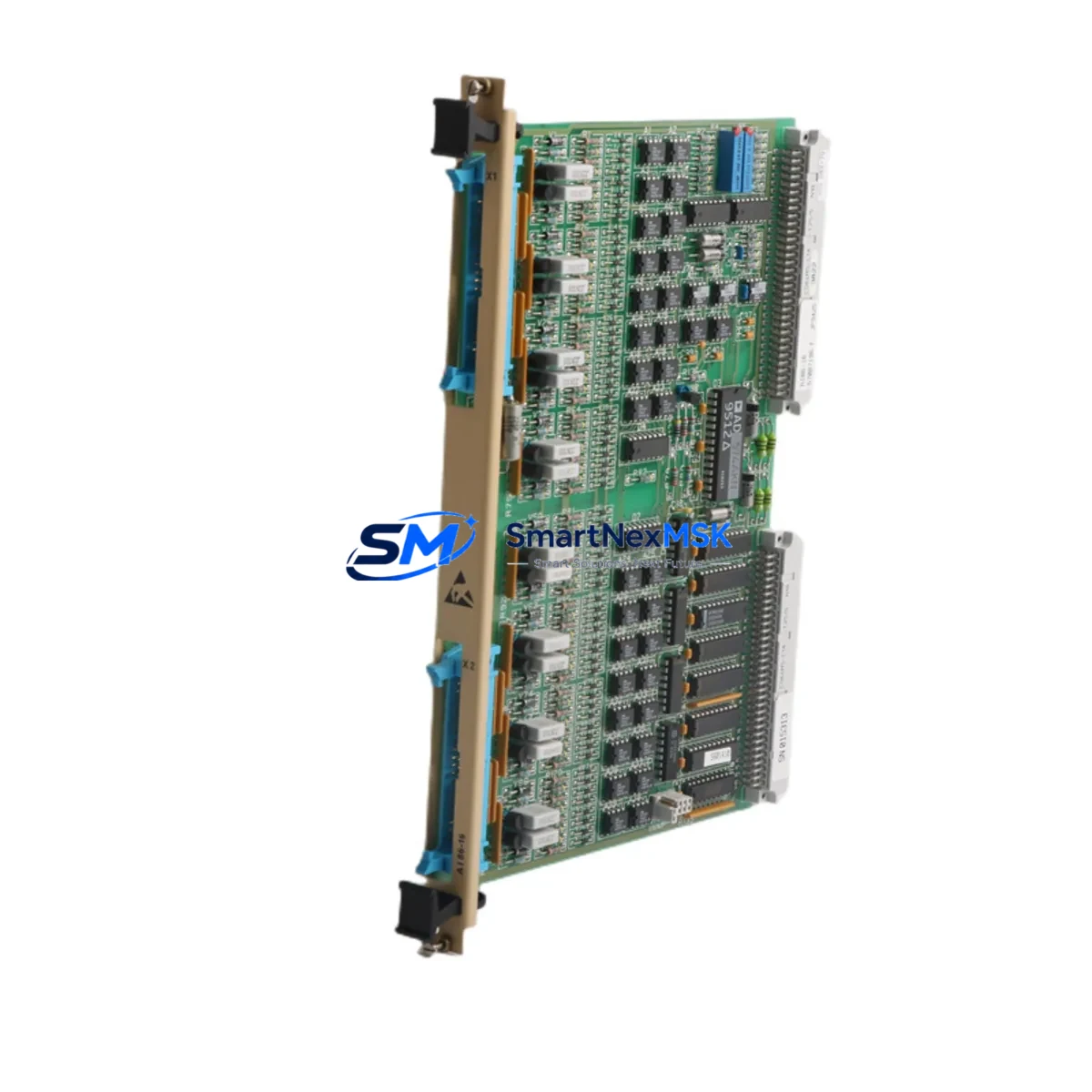
ABB AI86-16 57087196 Retrofit-Ready Analog Input for AC500 Control Systems
The ABB AI86-16 (catalog number 57087196) is a 16-channel analog input module engineered for the ABB AC500 PLC platform. Designed with backward compatibility at its core, this module is the preferred retrofit solution for facilities migrating from legacy AC500 configurations, decommissioning end-of-life analog I/O hardware, or expanding signal acquisition capacity within existing control cabinets. Whether you are replacing a failed module on a running production line or executing a planned system upgrade, the AI86-16 delivers the electrical and software compatibility required to minimize engineering rework and reduce total downtime.
The module accepts standard 4–20 mA and 0–10 V analog signals across all 16 channels, making it directly interchangeable with earlier AC500 analog input variants in most wiring configurations. Its compact form factor fits standard AC500 backplane slots, and the module address is configured via the AC500 programming environment (Automation Builder / PS501 Control Builder Plus), ensuring that existing program logic referencing analog input addresses can be preserved with minimal modification. For sites running older firmware on the AC500 CPU modules such as the PM571, PM581, or PM591, a firmware compatibility check is recommended prior to installation to confirm that the module descriptor file is recognized correctly.
Upgrade Compatibility Table
| Parameter | Detail |
|---|---|
| Compatible Platform | ABB AC500 PLC (all generations) |
| Backplane Interface | AC500 standard I/O bus connector |
| Channel Count | 16 analog input channels |
| Signal Types | 4–20 mA / 0–10 V (configurable per channel) |
| Installation Requirement | Standard AC500 I/O slot; no adapter required |
| Communication Compatibility | AC500 internal I/O bus; compatible with PROFIBUS DP, Modbus RTU, EtherNet/IP via CPU module |
| Replacement Recommendation | Direct replacement for legacy AC500 16-ch analog input modules |
| Commissioning Note | Verify module address assignment in Automation Builder; re-download configuration if required |
| Warranty | 12 months from date of shipment |
Retrofit Planning for Existing Automation Systems
Successful integration of the AI86-16 into an existing AC500 control system begins with a thorough audit of the current cabinet layout. Engineers should document the existing terminal wiring on the analog input terminal block, noting signal polarity, shielding connections, and any field device calibration offsets that are compensated in the PLC program. The AI86-16 uses the same screw-terminal interface as its predecessors, so field wiring can typically be transferred directly without re-labeling or re-routing cables.
Power supply capacity is a critical verification step. The AC500 system draws module power from the backplane, which is fed by the system power supply unit — commonly the AC500 CP600 or CP400 series power supply modules. Before adding or replacing analog I/O modules, confirm that the total backplane current budget is not exceeded. If the existing power supply is already near its rated output, a supplementary power supply module may be required.
For systems using distributed I/O over PROFIBUS DP or Modbus RTU, the AI86-16 is addressed through the AC500 CPU’s I/O configuration table. When replacing a module in a live system, the GSD file (for PROFIBUS) or the Modbus register map must be verified to ensure the new module’s data footprint matches the original. In systems where the HMI — such as an ABB CP600 operator panel or a third-party SCADA connected via OPC-UA — displays analog process values, the tag addresses and scaling parameters in the HMI project should be cross-checked against the new module’s channel mapping before restart.
Rack and backplane integrity should also be assessed during the retrofit. The AC500 TB521-ETH or TB511 terminal base units that house the I/O modules should be inspected for corrosion or mechanical damage. If the backplane connector shows wear, replacing the terminal base alongside the AI86-16 is advisable to ensure reliable signal transmission. In multi-rack configurations using the AC500 expansion bus, verify that the rack address switches are correctly set and that the expansion cable — typically the TK501 or TK502 — is undamaged.
Programming cable access is required if a full configuration download is needed. The AC500 programming interface is typically accessed via the CPU’s USB or Ethernet port using Automation Builder software. Having a TK501 USB programming cable or an Ethernet crossover connection prepared in advance reduces commissioning time significantly. Spare I/O modules such as the DI524 digital input module or the AO523 analog output module should be staged nearby if a broader I/O audit is being conducted simultaneously.
Downtime Control During System Migration
Minimizing production interruption during an analog input module replacement requires a structured hot-swap or cold-swap procedure depending on the AC500 CPU’s operating mode. For non-safety-rated systems, the AC500 supports module replacement in STOP mode: the CPU is placed in STOP, the module is physically swapped, and the CPU is returned to RUN after the configuration is verified. This approach preserves the existing program in CPU memory and does not require a full project re-download unless the module type or address has changed.
To protect original program logic, a full project backup should be exported from Automation Builder before any hardware change. This backup includes the POU (Program Organization Unit) structure, I/O configuration, HMI tag links, and communication settings. If the system uses a redundant CPU pair — such as the AC500 PM595 in hot-standby mode — the switchover sequence must be coordinated so that the standby CPU assumes control before the primary CPU is taken offline for the module swap.
Field control continuity can be maintained by placing downstream actuators in local manual mode at the field device level before disconnecting analog input signals. Process interlocks that depend on analog input values should be temporarily bypassed in the SCADA or DCS layer — with appropriate authorization and documentation — to prevent spurious shutdowns during the brief period when the module is unpowered. After the AI86-16 is seated and powered, a channel-by-channel signal verification using a loop calibrator confirms that all 16 inputs are reading correctly before the CPU is returned to automatic control.
Retrofit Support FAQ
Q: Is the AI86-16 (57087196) a direct drop-in replacement for older ABB AC500 analog input modules?
A: In most cases, yes. The AI86-16 uses the same backplane connector and terminal base as standard AC500 I/O modules. Wiring is compatible with 4–20 mA and 0–10 V field devices. A configuration download may be required if the module type identifier differs from the original in the Automation Builder project.
Q: What commissioning steps are required after installing the AI86-16?
A: After physical installation, connect to the AC500 CPU via Automation Builder, verify that the module is recognized in the I/O configuration tree, confirm channel signal types match field wiring, and perform a live signal check using a calibrated loop tester. If the HMI displays analog values, verify tag scaling after the module is online.
Q: Can the AI86-16 be used in systems running older AC500 firmware?
A: The AI86-16 is compatible with AC500 CPUs running current and recent firmware versions. For systems with firmware older than the module’s release date, an Automation Builder library update may be required to include the correct module descriptor. Contact your ABB distributor or our technical team to confirm firmware compatibility for your specific CPU model.
Q: What does the 12-month warranty cover?
A: All units are tested prior to shipment and covered by a 12-month warranty from the date of delivery. The warranty covers manufacturing defects and functional failures under normal operating conditions. Each unit ships with a test report. Expedited replacement is available for critical production applications.
© 2026 SMARTNEXMSK. All rights reserved.
Original Source: https://smartnexmsk.com
Contact: [email protected] | +86 18259474341



