
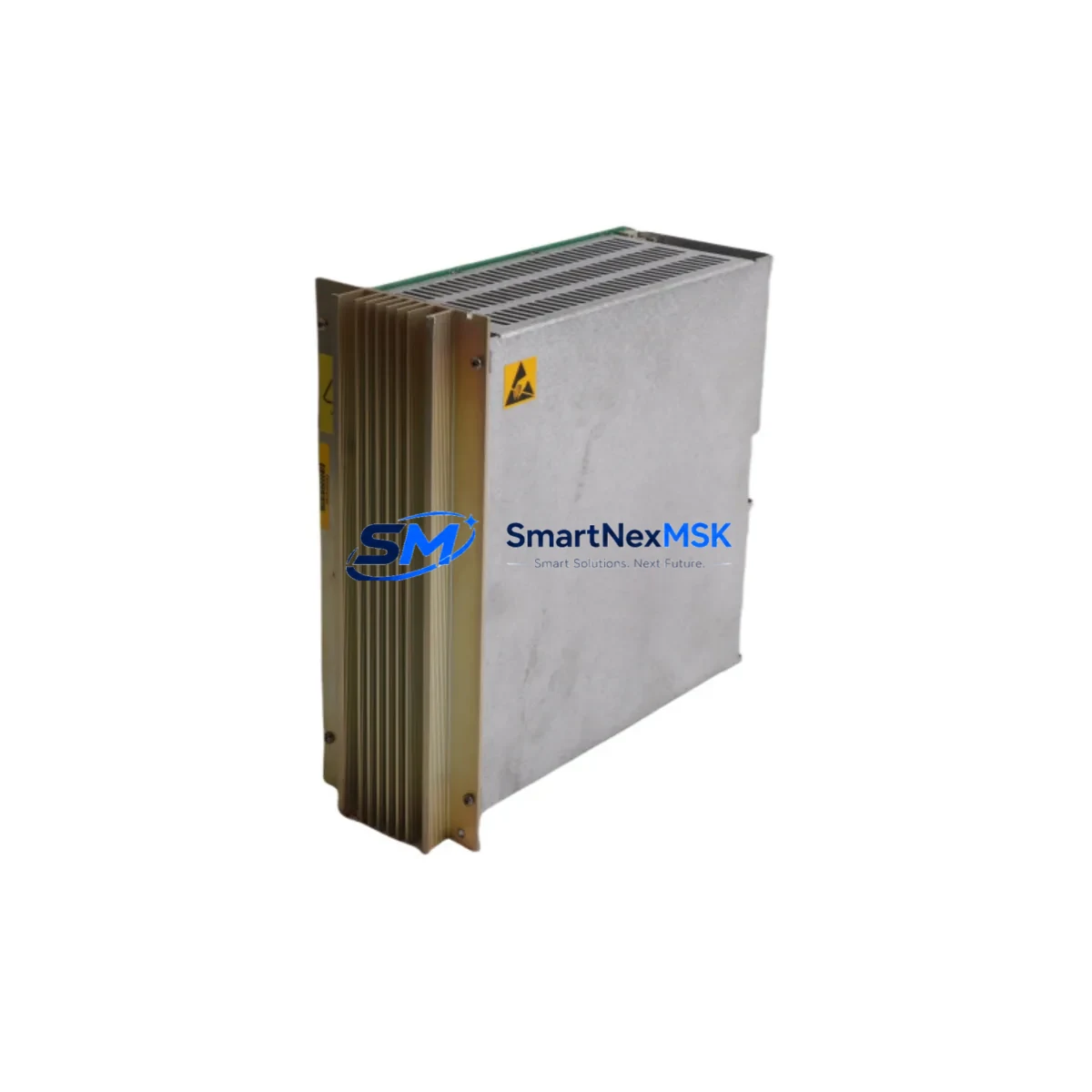
ABB DSQC258 Retrofit-Ready Power Supply for S3/S4 Control Systems: Compatible Modernization and Smooth Upgrade
The ABB DSQC258 is a proven power supply module engineered for ABB S3 and S4 series robot controllers, widely deployed across automotive body shops, foundry lines, arc welding cells, and general-purpose industrial automation systems. As original S3 and S4 platforms approach end-of-life and OEM spare parts become increasingly scarce, the DSQC258 remains one of the most sought-after replacement and retrofit components for engineers tasked with keeping legacy robot cells operational without committing to a full controller overhaul.
This module delivers regulated DC power to the controller backplane, supporting the logic boards, I/O interface cards, and communication modules that form the backbone of the S3/S4 control architecture. When sourcing a DSQC258 for retrofit or emergency replacement, buyers should verify the input voltage range (typically 115/230 VAC switchable), output rail specifications, and connector pinout against the existing installation to ensure a drop-in fit without rewiring the control cabinet.
Upgrade Compatibility Table
| Parameter | Details |
|---|---|
| Compatible Controllers | ABB S3, S4, S4C, S4C+ |
| Module Type | Power Supply Module |
| SKU / Part Number | DSQC258 |
| Input Voltage | 115 / 230 VAC (switchable) |
| Backplane Interface | S3/S4 standard backplane connector |
| Mounting | DIN rail / rack-mount per S3/S4 cabinet standard |
| Communication Compatibility | Compatible with DSQC233 (serial), DSQC352 (DeviceNet) on same backplane |
| Replacement Fit | Direct drop-in for original DSQC258; no firmware change required |
| Commissioning Notes | Verify address jumpers; re-confirm I/O mapping after swap |
| Warranty | 12-Month Warranty — covers defects in materials and workmanship |
Retrofit Planning for Existing Automation Systems
A successful DSQC258 retrofit begins well before the module arrives on-site. Engineers should pull the existing cabinet drawings and cross-reference the terminal block layout against the replacement unit. In most S3/S4 installations, the power supply feeds the main CPU board (commonly a DSQC326 or DSQC361 processor card) as well as the digital I/O boards such as the DSQC328 or DSQC332. Confirming that these downstream boards are in serviceable condition before swapping the power supply prevents misdiagnosis — a failing I/O board can mimic power supply symptoms.
For cabinets running a DSQC209 teach pendant interface or a legacy IRC5-predecessor HMI panel, the power rail stability is critical: any voltage sag on the 24 VDC logic rail will cause pendant communication dropouts and may corrupt active program memory. Before removing the old DSQC258, back up all robot programs, system parameters, and calibration data to a USB drive or the robot’s internal flash using the S4 system software backup routine.
If the retrofit is part of a broader communication protocol migration — for example, moving from the legacy DSQC233 RS-232/RS-422 serial link to a DSQC352 DeviceNet master or a DSQC378 Profibus-DP adapter — the power budget of the new DSQC258 must be recalculated to account for the additional current draw of the new communication modules. DeviceNet and Profibus cards draw measurably more power than passive serial adapters, and an undersized or degraded power supply is a common root cause of intermittent fieldbus faults in retrofitted S4 systems.
Rack and backplane integrity should also be inspected during the retrofit window. The S3/S4 backplane connector pins are susceptible to oxidation in humid or chemically aggressive environments. Clean the backplane edge connector with isopropyl alcohol and inspect for bent pins before seating the new DSQC258. If the existing rack shows signs of corrosion or mechanical damage, consider replacing it with a compatible S4 rack assembly at the same time to avoid a repeat service call.
All replacement DSQC258 units supplied by SMARTNEXMSK are functionally tested prior to shipment, with output voltage rails verified under load. Each unit ships with a 12-month warranty covering defects in materials and workmanship, giving maintenance teams confidence during the commissioning window.
Downtime Control During System Migration
Minimizing unplanned downtime is the primary concern for any S3/S4 power supply replacement. The recommended approach is a planned maintenance window during a scheduled production break, with a pre-staged replacement DSQC258 on the shelf before the old unit is removed. This eliminates the lead-time risk that comes with reactive procurement of obsolete ABB spare parts.
Before de-energizing the cabinet, document the current state of all I/O signals using the robot’s diagnostic screen or an external PLC monitoring tool. Photograph the terminal wiring on the power supply input side, particularly if the cabinet has been field-modified over its service life. Label all connectors before disconnection.
After installing the new DSQC258, power up in stages: verify the 24 VDC logic rail first with a multimeter before enabling the main contactor. Check that the DSQC326 or DSQC361 CPU board initializes correctly and that the teach pendant (DSQC209 or equivalent) establishes communication within the expected boot sequence. Reload the backed-up program files and run a dry-cycle (motors off) to confirm that all I/O addresses, program logic, and HMI screen data are intact before returning the cell to production.
For systems where even a brief shutdown is costly, a parallel commissioning approach can be used: install and power-test the new DSQC258 in a bench rig or spare cabinet before the cutover, confirming all output rails are within specification. This reduces the in-cabinet swap time to under 30 minutes for an experienced technician, keeping production impact to a single shift break.
Retrofit Support FAQ
Q1: Is the DSQC258 a direct replacement for the original ABB part, or does it require any wiring or configuration changes?
The DSQC258 is designed as a direct drop-in replacement for the original ABB DSQC258 power supply in S3 and S4 series controllers. No wiring changes are required provided the cabinet has not been field-modified. After installation, verify the address jumper settings match the original module and confirm that all output rails are within specification before enabling the main drive power.
Q2: What commissioning steps are required after swapping the DSQC258?
After physical installation, power up the logic rail first and confirm the CPU board (DSQC326 or DSQC361) initializes without fault codes. Reconnect the teach pendant and verify communication. Reload any backed-up program files and run a no-motion dry cycle to confirm I/O mapping and program logic are intact. Check all fieldbus communication links (DeviceNet via DSQC352, or Profibus via DSQC378 if applicable) before returning to automatic mode.
Q3: How do I verify compatibility if my S4 cabinet has been upgraded with additional I/O or communication modules?
Calculate the total current draw of all modules installed on the backplane, including any added DSQC328/DSQC332 I/O cards and communication adapters. Compare this against the DSQC258 output current rating. If the total load is close to or exceeds the rated capacity, consult the ABB S4 hardware manual or contact our technical team at [email protected] for a load analysis before ordering.
Q4: What does the 12-month warranty cover, and what is the return process?
The 12-month warranty covers all defects in materials and workmanship under normal operating conditions. It does not cover damage caused by incorrect installation, overvoltage events, or physical mishandling. To initiate a warranty claim, contact [email protected] with your order number, a description of the fault, and any available diagnostic data. Our team will arrange inspection and replacement or repair within the warranty period.
© 2026 SMARTNEXMSK. All rights reserved.
Original Source: https://smartnexmsk.com
Contact: [email protected] | +86 18259474341



