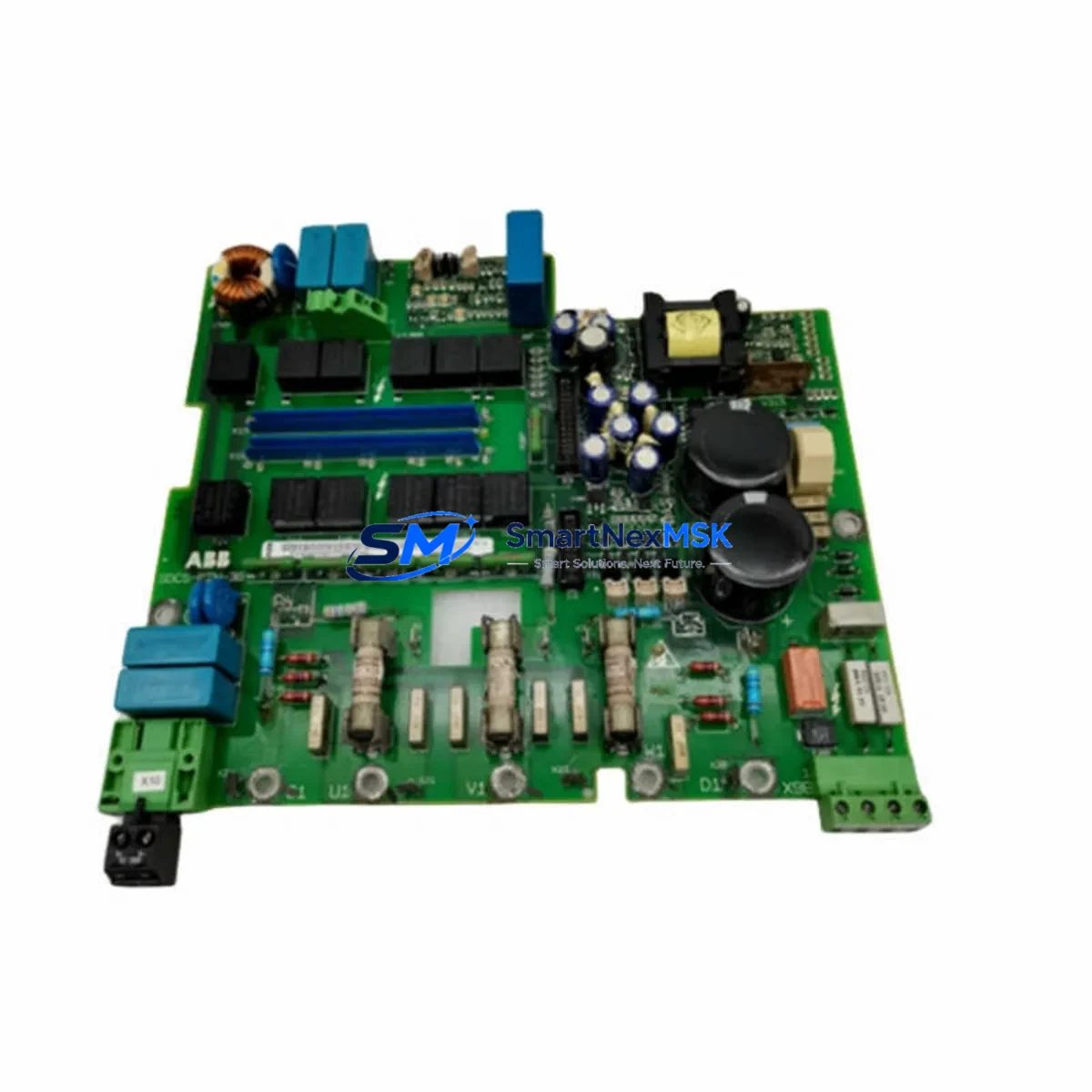
ABB SAFUK200F500 Maintenance-Ready Spare AC500-S Automation
The ABB SAFUK200F500 is a safety-rated PROFIBUS DP communication module designed for the AC500-S Safety PLC platform — one of ABB’s most widely deployed functional safety controllers in process automation, machine safety, and critical infrastructure applications. When this module fails or reaches end-of-service life, the consequences extend far beyond a single I/O point: the entire safety communication loop is interrupted, potentially triggering a plant-wide safety shutdown or leaving safety functions unmonitored. Sourcing a verified original spare and executing a structured replacement workflow is the fastest path to restoring safe, certified operation.
For maintenance engineers managing AC500-S-based safety systems, the SAFUK200F500 is a high-priority line item on any spare parts list. Its role as the PROFIBUS DP interface between the safety CPU and field devices — including remote I/O stations, safety drives, and intelligent field instruments — means that any degradation in communication integrity directly impacts SIL3/PLe-rated safety functions. Procurement engineers should treat this module as a critical-path spare, maintaining at least one unit on-site for immediate swap-out during planned or emergency maintenance windows.
Spare Maintenance Table
| Parameter | Specification |
|---|---|
| SKU / Part Number | SAFUK200F500 |
| Brand | ABB |
| Series | AC500-S Safety PLC |
| Module Type | Safety Communication Module — PROFIBUS DP |
| Safety Rating | SIL3 (IEC 61508) / PLe (ISO 13849) |
| Communication Protocol | PROFIBUS DP V1 |
| Supply Voltage | 24 V DC (via backplane) |
| Operating Temperature | 0 °C to +60 °C |
| Mounting | AC500-S CPU backplane / expansion rack |
| Certification | TÜV-certified, CE, IEC 61508 SIL3 |
| Country of Origin | Germany |
| Compatibility | AC500-S PM5xx Safety CPU series |
| Maintenance Recommendation | Replace at first sign of communication fault; do not operate degraded in SIL-rated loops |
| Warranty | 12 Months — tested and verified before shipment |
Maintenance Planning for Continuous Operation
A structured maintenance plan for any AC500-S safety system must account for the interdependencies between the SAFUK200F500 and the surrounding electrical and control architecture. When a maintenance or procurement engineer schedules replacement of this module, the following components should be inspected or verified concurrently to avoid repeat downtime:
The AC500-S PM573-ETH Safety CPU or equivalent PM5xx-series processor should be checked for firmware version compatibility with the replacement SAFUK200F500, as mismatched firmware can prevent the safety communication stack from initializing correctly. Alongside the CPU, the TB5600 terminal base or relevant backplane connector should be inspected for pin corrosion, mechanical damage, or contamination — a common root cause of intermittent PROFIBUS faults that are often misattributed to the communication module itself.
The 24 V DC power supply module feeding the AC500-S rack (such as the ABB CP-E 24/10.0 or equivalent) should be load-tested during the maintenance window. An undersized or aging power supply can cause marginal voltage conditions that stress communication modules and accelerate failure. The PROFIBUS DP cable and bus termination resistors at both ends of the segment must be verified — improper termination is a leading cause of communication errors in PROFIBUS networks and will cause the replacement SAFUK200F500 to report faults immediately after installation.
For systems using distributed I/O, the ABB S900 remote I/O modules or third-party PROFIBUS DP slaves connected to this segment should be polled for diagnostic alarms before and after the swap. Any slave reporting persistent errors after the new module is installed may indicate a wiring fault or address conflict rather than a module defect. The PROFIBUS DP address switch settings on the SAFUK200F500 must be confirmed against the project documentation before powering up.
Where the AC500-S system interfaces with safety relays — such as the ABB JOKAB SMILE or Pluto safety relay series — the relay input status and response time should be verified post-replacement to confirm that the safety function chain remains intact. Similarly, if the system includes ABB CP600 or CP400 HMI panels communicating over the same PROFIBUS segment, HMI connectivity should be confirmed as part of the post-replacement acceptance test.
For facilities maintaining older AC500-S installations, the SD card or memory module used for CPU program backup should be updated after any hardware change. This ensures that the as-maintained configuration is preserved for future recovery scenarios, supporting long-term system life extension without requiring a full engineering re-commission.
Site Replacement Workflow
Step 1 — Pre-Replacement Verification: Confirm the replacement SAFUK200F500 SKU matches the installed unit exactly. Check the firmware label and hardware revision on both the outgoing and incoming modules. Verify that the AC500-S project configuration in Automation Builder references the correct module type and slot position.
Step 2 — Safe Isolation: Follow the site-specific Lockout/Tagout (LOTO) procedure. Place the safety CPU in STOP mode via the Automation Builder online interface or the local mode switch. Confirm that all safety outputs are de-energized and that the process is in a safe state before proceeding.
Step 3 — Module Removal: Disconnect the PROFIBUS DP connector from the SAFUK200F500. Release the module locking mechanism and slide the module out of the terminal base. Inspect the terminal base contacts for damage before inserting the replacement unit.
Step 4 — Replacement Installation: Insert the new SAFUK200F500 into the terminal base until the locking tab engages. Reconnect the PROFIBUS DP connector, ensuring the cable shield is properly grounded at the connector housing. Set the PROFIBUS node address switches to match the original configuration.
Step 5 — System Restart and Validation: Power up the rack and observe the module status LEDs. Connect Automation Builder and perform an online comparison to confirm the hardware configuration matches the project. Execute the required safety function validation tests per the site’s functional safety management plan before returning the system to automatic mode.
Step 6 — Documentation: Record the replacement in the site maintenance log, including the new module serial number, date, technician name, and post-replacement test results. Update the spare parts inventory to trigger reorder of a replacement unit.
Spare Parts Support FAQ
Q: Is the SAFUK200F500 compatible with all AC500-S CPU variants?
A: The SAFUK200F500 is designed for the AC500-S Safety PLC platform and is compatible with PM5xx-series safety CPUs. Compatibility with specific CPU firmware versions should be verified against the ABB AC500-S system manual or confirmed with our technical team before installation in a certified safety loop.
Q: How is the SAFUK200F500 tested before shipment?
A: Every unit undergoes functional verification prior to dispatch, including communication interface testing and visual inspection for physical integrity. A 12-month warranty is provided from the date of shipment, covering defects in materials and workmanship under normal operating conditions.
Q: What is the recommended spare parts strategy for AC500-S systems?
A: For safety-critical systems, we recommend maintaining a minimum of one SAFUK200F500 on-site as a hot spare, particularly for installations where PROFIBUS DP is the primary safety communication bus. For multi-rack installations, one spare per PROFIBUS segment is advisable. Long-term supply agreements are available for facilities managing large AC500-S fleets.
Q: Can the SAFUK200F500 replace older or discontinued ABB safety communication modules?
A: Subject to hardware revision and firmware compatibility, the SAFUK200F500 may serve as a direct replacement for earlier AC500-S PROFIBUS communication modules. Physical form factor and backplane pinout are consistent across the AC500-S platform generation. Always validate against the installed CPU firmware version and project configuration before committing to a replacement in a live safety system.
© 2026 SMARTNEXMSK. All rights reserved.
Original Source: https://smartnexmsk.com
Contact: [email protected] | +86 18259474341