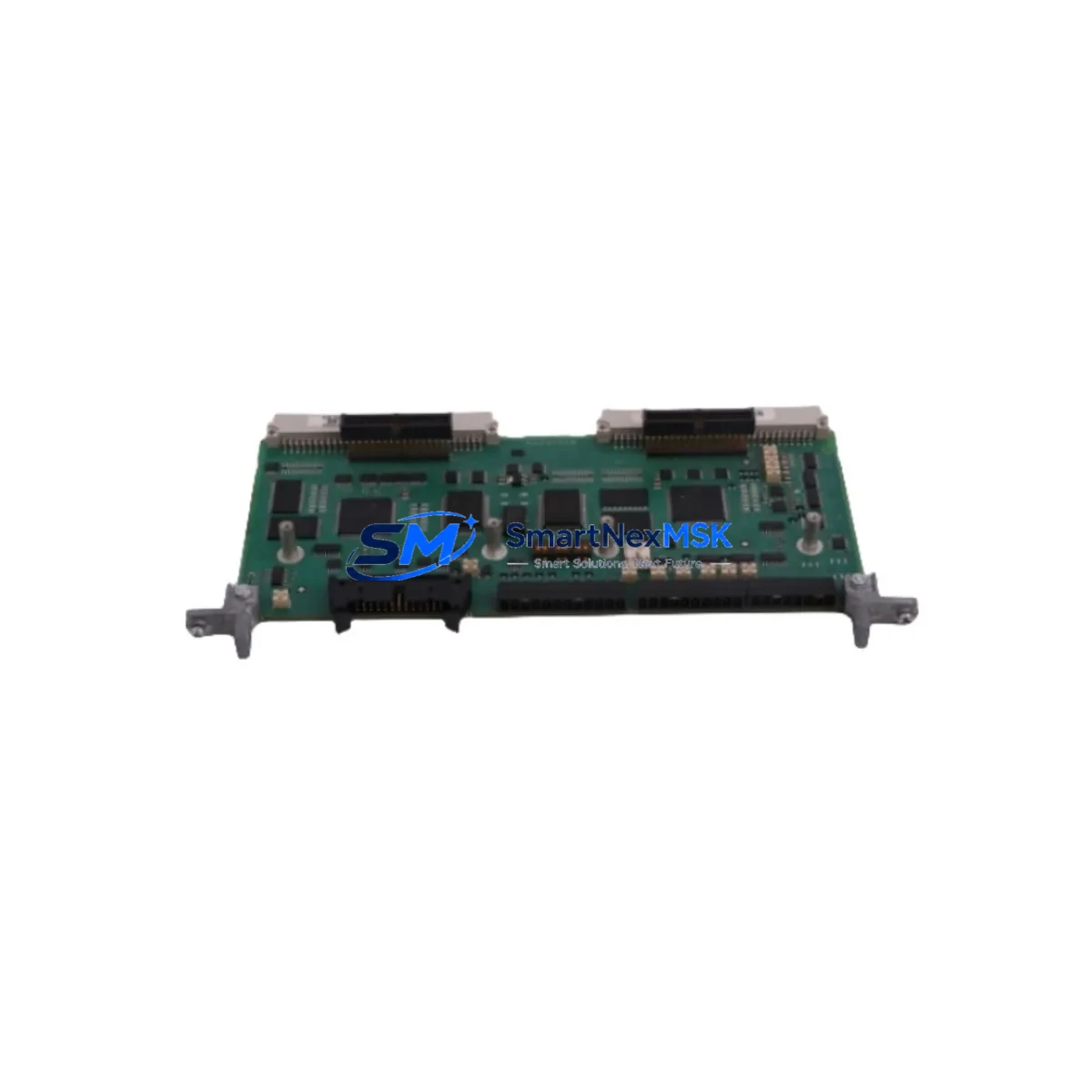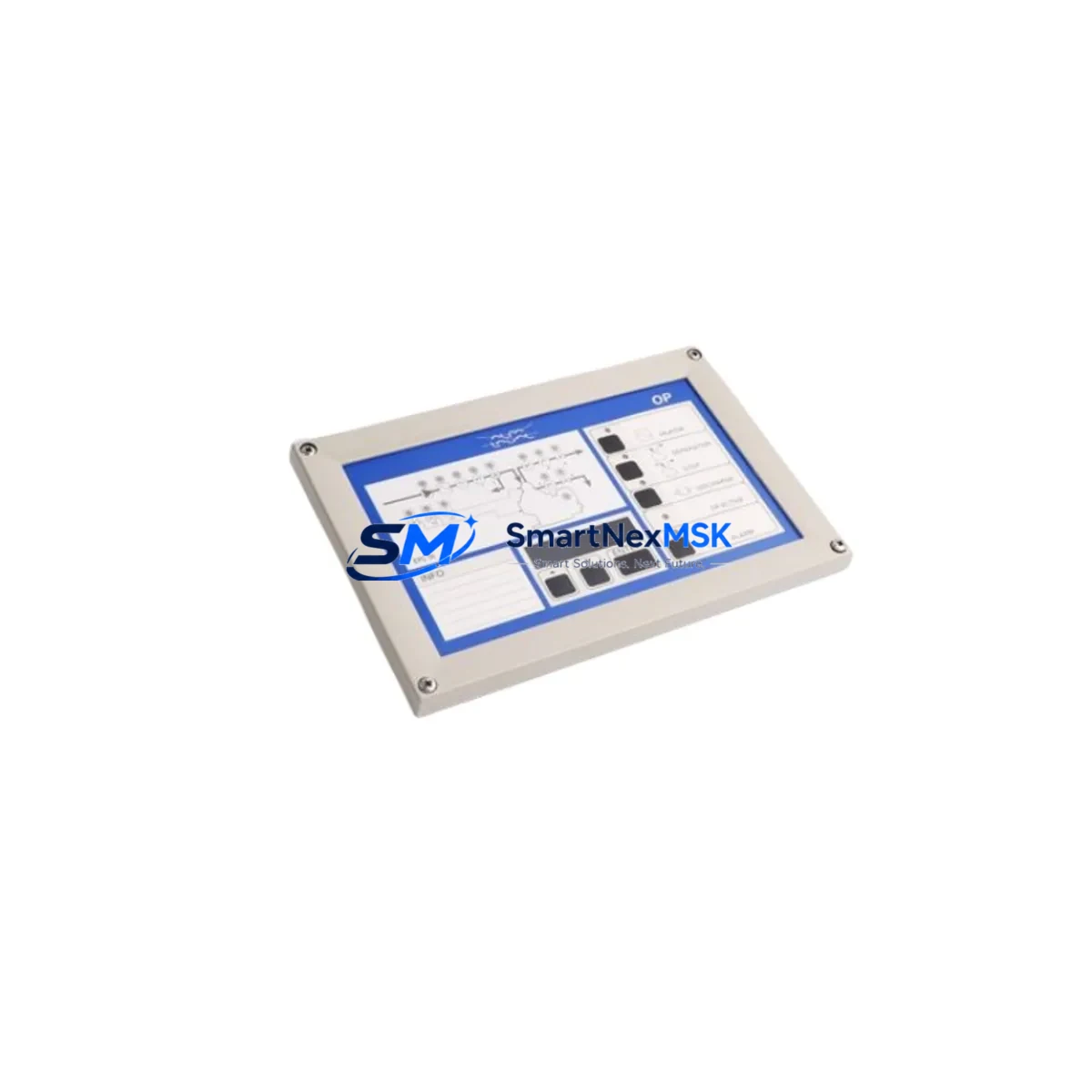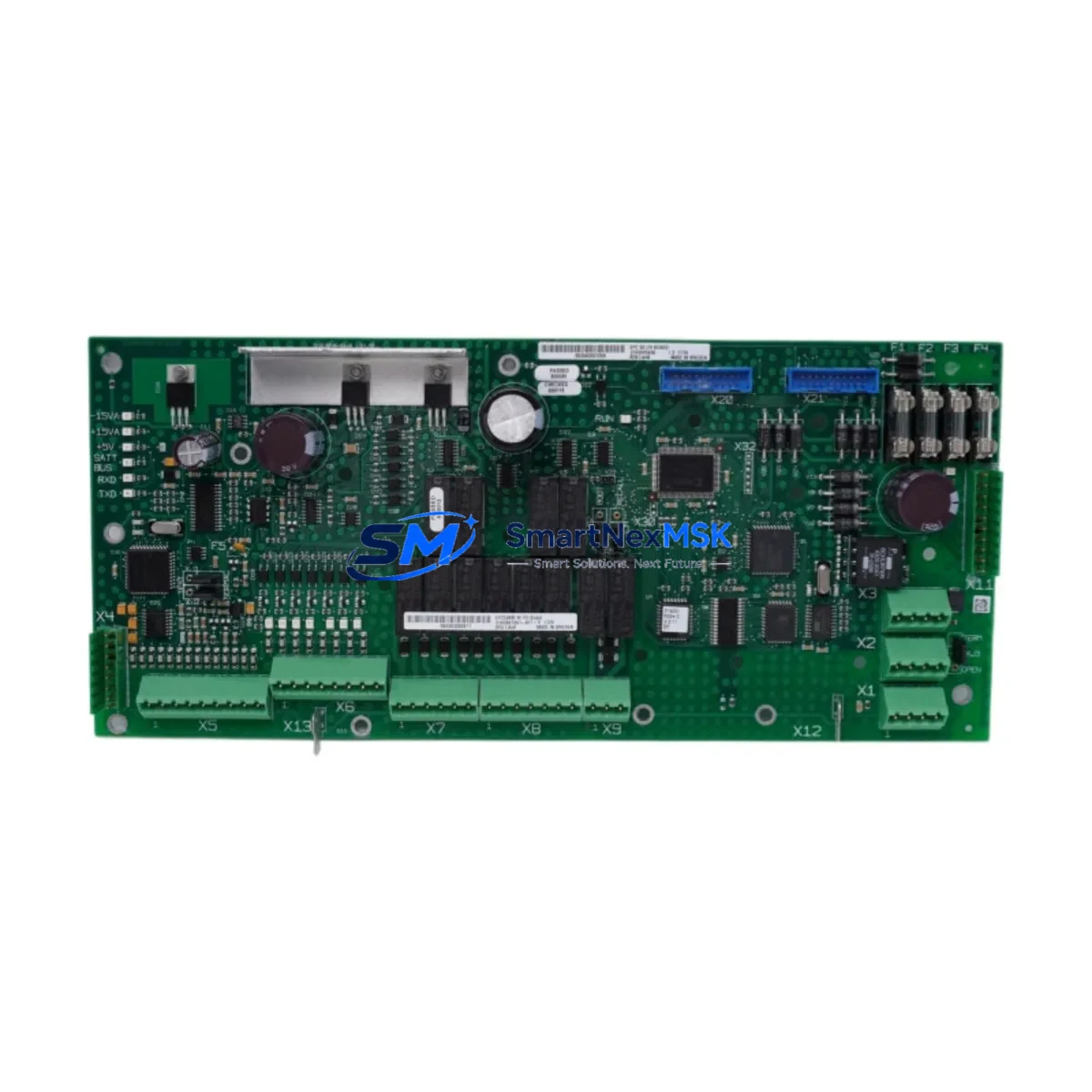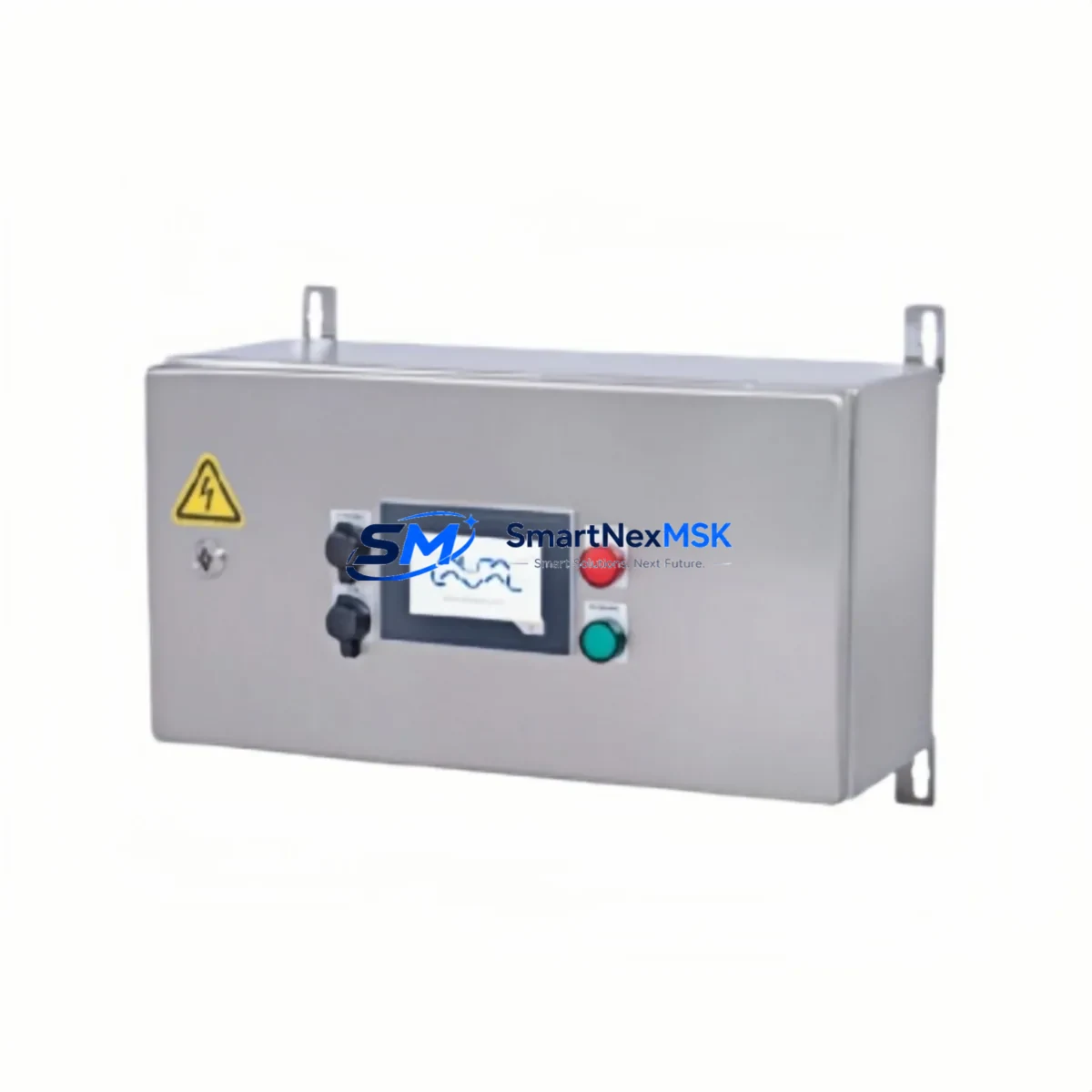
Alfa Laval EPC1000 Retrofit-Ready PLC for EPC Series Control Systems
The Alfa Laval EPC1000 is a retrofit-ready programmable logic controller engineered for seamless integration into existing EPC Series control architectures. Whether you are replacing an end-of-life unit, upgrading a legacy control cabinet, or migrating from an obsolete automation platform, the EPC1000 delivers verified compatibility, reduced commissioning time, and a 12-month warranty backed by in-stock global supply.
Industrial facilities operating Alfa Laval heat exchanger skids, separator systems, and fluid handling lines frequently encounter the challenge of sourcing discontinued control components. The EPC1000 addresses this directly — it is designed as a functional replacement for earlier EPC-generation controllers, maintaining the same backplane interface geometry, terminal block wiring layout, and communication protocol stack that field engineers rely on during live system changeovers.
Upgrade Compatibility Table
| Parameter | EPC1000 Specification | Retrofit Notes |
|---|---|---|
| Backplane Interface | EPC Series standard rack slot | Direct drop-in; no rack modification required |
| Terminal Wiring | Screw-terminal, 24 VDC I/O compatible | Existing field wiring reusable; verify conductor gauge |
| Communication Protocol | Modbus RTU / RS-485; optional Profibus DP | Confirm master device baud rate and node address before swap |
| Power Supply Requirement | 24 VDC ± 10%, <5 A draw | Audit existing PSU capacity; recommend EPC-PSU24 or equivalent |
| Program Compatibility | IEC 61131-3 Ladder / FBD | Back up existing program via EPC programming cable before removal |
| HMI Interface | Serial / Ethernet HMI link | Update HMI tag addresses if node ID changes |
| Module Addressing | DIP-switch configurable | Match original module address to avoid I/O mapping conflicts |
| Replacement Recommendation | Direct replacement for EPC900, EPC950 | Functional equivalent; verify firmware revision compatibility |
| Commissioning Focus | I/O scan, comms link, analog calibration | Run full I/O diagnostic before returning to AUTO mode |
| Warranty | 12 Months | Covered from date of shipment; includes DOA exchange |
Retrofit Planning for Existing Automation Systems
A successful EPC1000 retrofit begins well before the module arrives on site. Engineers should start by auditing the existing control cabinet for power budget headroom — the EPC1000 draws up to 5 A at 24 VDC, and older installations may share a single EPC-PSU24 power supply module across multiple I/O racks. If the power supply is already at capacity, a supplementary rail-mount DIN PSU should be staged alongside the replacement controller.
Terminal block wiring is typically reusable, but technicians should photograph and document every conductor before disconnection. The EPC1000 uses the same screw-terminal pitch as its predecessors, so field wiring from digital input modules such as the EPC-DI16 (16-channel 24 VDC digital input) and analog output modules like the EPC-AO4 (4-channel 4–20 mA analog output) can be transferred directly without re-termination.
For systems running Modbus RTU over RS-485, the existing communication cable connecting the EPC controller to upstream SCADA or DCS nodes — such as a Honeywell Experion PKS C300 controller or a Siemens S7-300 CP343-1 Ethernet module — should be left in place. Only the node address and baud rate settings on the EPC1000 need to be confirmed against the master device configuration before power-up.
Sites that have already migrated part of their network to Profibus DP should note that the optional EPC-PB Profibus DP communication card slots directly into the EPC1000 expansion bay, enabling the controller to participate in existing Profibus segments alongside third-party devices such as Siemens ET 200S distributed I/O or ABB AC500 remote I/O modules.
HMI screens built on platforms such as the Alfa Laval LMC HMI panel or a third-party Weintek cMT Series touch panel will require a tag address review if the replacement EPC1000 is assigned a different node ID than the original unit. In most cases, a simple global find-and-replace in the HMI project file resolves this within 30 minutes, avoiding the need to rebuild screens from scratch.
Finally, the programming cable — typically an EPC USB-to-Serial programming cable — should be used to upload a full program backup from the outgoing controller before any hardware is removed. This backup serves as both a safety net and the baseline for the post-swap functional verification test.
Downtime Control During System Migration
Minimizing unplanned downtime during an EPC1000 swap requires a structured hot-swap protocol. Begin by placing the affected control loop in manual mode at the DCS or SCADA level, ensuring that downstream actuators — valves, pumps, and variable-frequency drives — hold their last commanded position. This preserves process continuity while the controller is physically exchanged.
With the original program backed up and the replacement EPC1000 pre-configured off-line (node address set, firmware verified, I/O map loaded), the physical swap can typically be completed in under 20 minutes. After re-seating the module in the backplane rack and reconnecting the terminal blocks, restore power and allow the EPC1000 to complete its self-diagnostic cycle — indicated by the RUN LED transitioning from amber to solid green.
Re-establish the communication link to the upstream master device and confirm that all I/O channels report expected states before releasing the loop back to automatic control. A structured commissioning checklist — covering analog channel calibration, digital I/O scan, communication link status, and HMI data refresh — ensures that no latent fault is carried forward into normal operation. Total controlled downtime for a prepared team is typically 45–90 minutes, including documentation.
Retrofit Support FAQ
Q: Is the EPC1000 a direct drop-in replacement for the EPC900 and EPC950?
A: Yes. The EPC1000 shares the same backplane slot geometry, terminal wiring layout, and core communication protocol stack as the EPC900 and EPC950. Verify the firmware revision of your existing program against the EPC1000 runtime environment before final commissioning.
Q: Can I reuse my existing field wiring and terminal blocks?
A: In the majority of installations, yes. The EPC1000 uses the same screw-terminal pitch and 24 VDC I/O voltage levels as its predecessors. Inspect conductor insulation and confirm wire gauge compatibility before re-termination.
Q: What pre-shipment testing is performed on each EPC1000 unit?
A: Every EPC1000 is powered-on tested, I/O channel verified, and communication port checked prior to shipment. Units are shipped with a test report and are covered by a 12-month warranty from the date of shipment, including dead-on-arrival exchange.
Q: How do I confirm communication compatibility with my existing SCADA or DCS master?
A: Retrieve the baud rate, parity, stop bits, and node address from your existing master device configuration. Set the EPC1000 DIP switches to match before installation. For Profibus DP networks, confirm the GSD file version is compatible with your DP master’s configuration tool.
© 2026 SMARTNEXMSK. All rights reserved.
Original Source: https://smartnexmsk.com
Contact: [email protected] | +86 18259474341