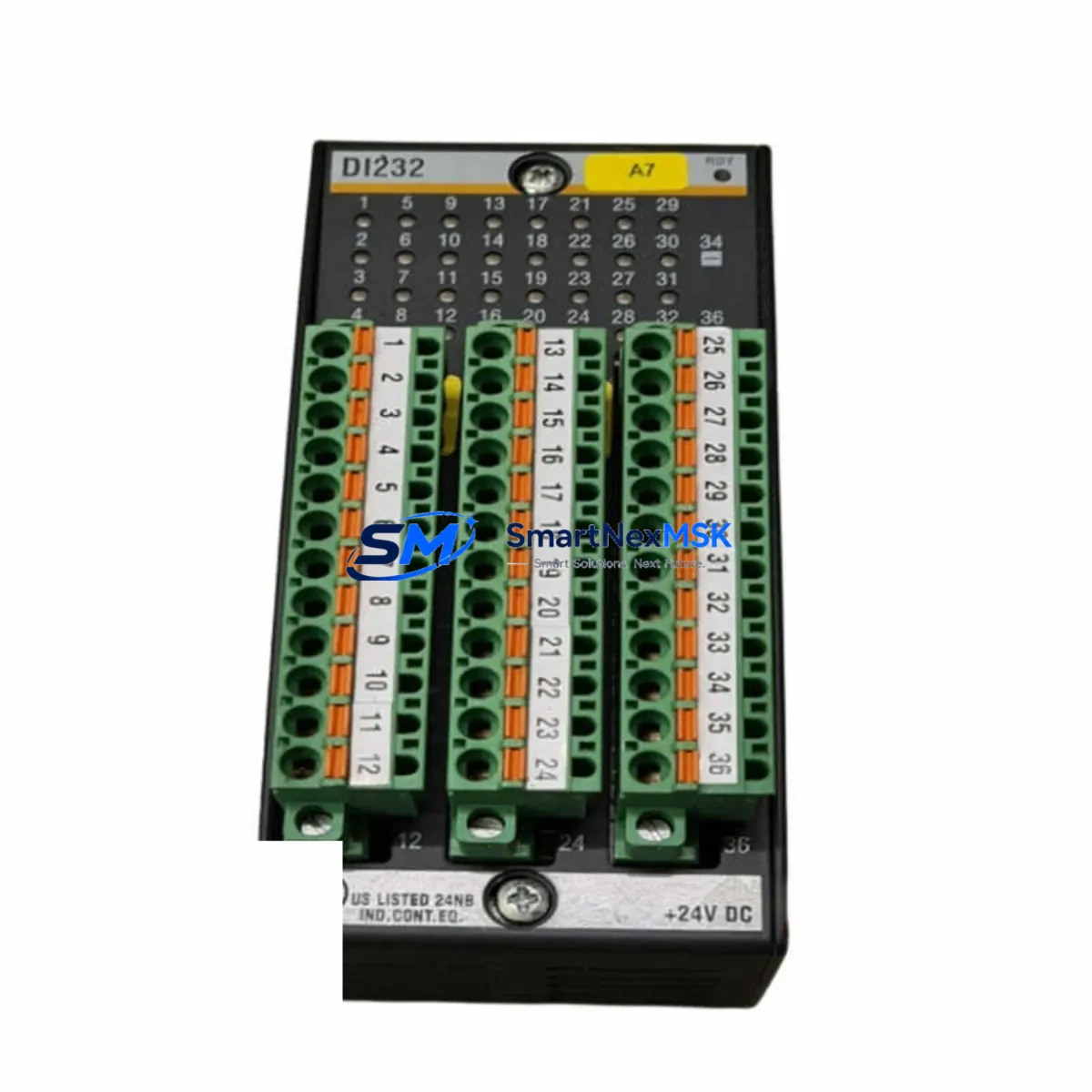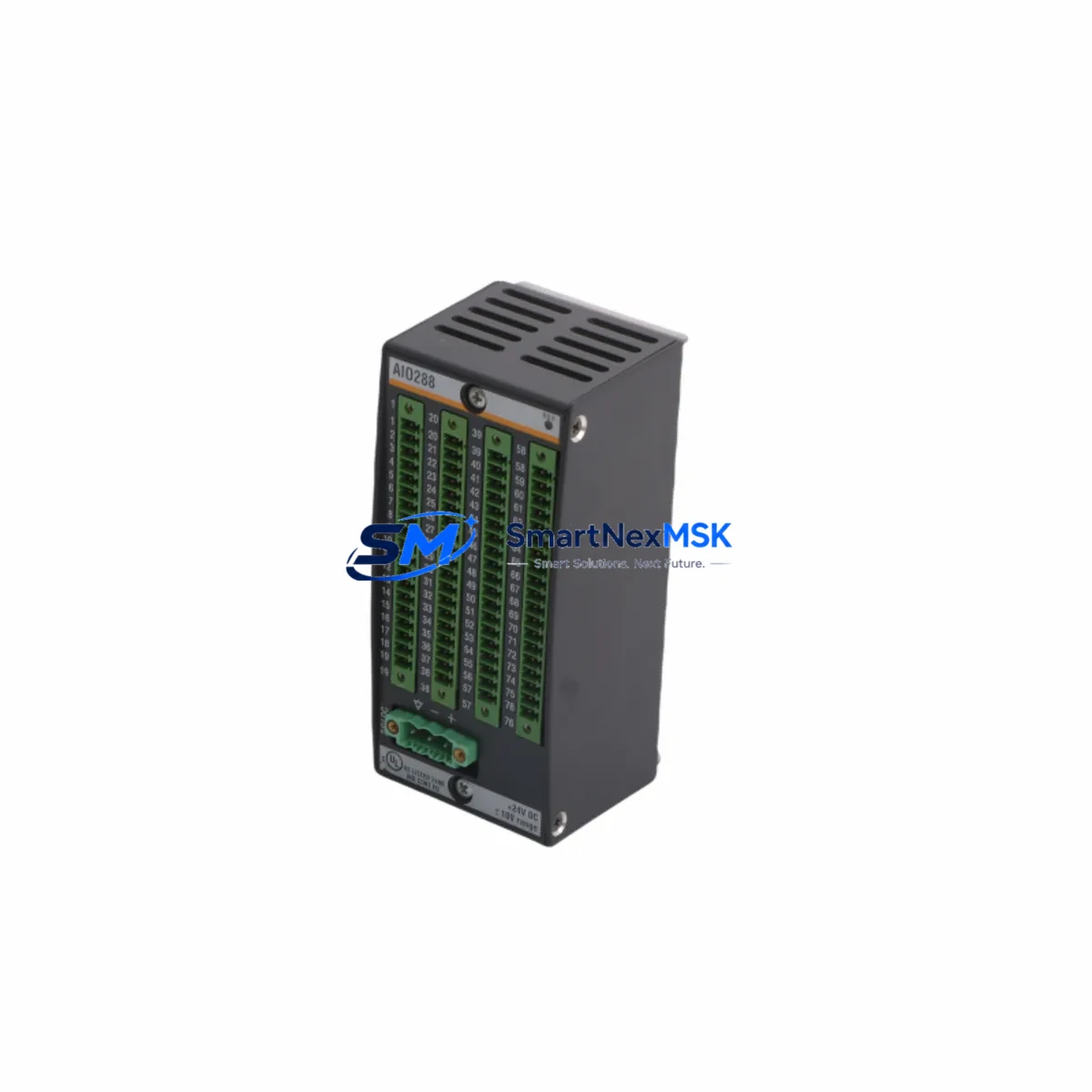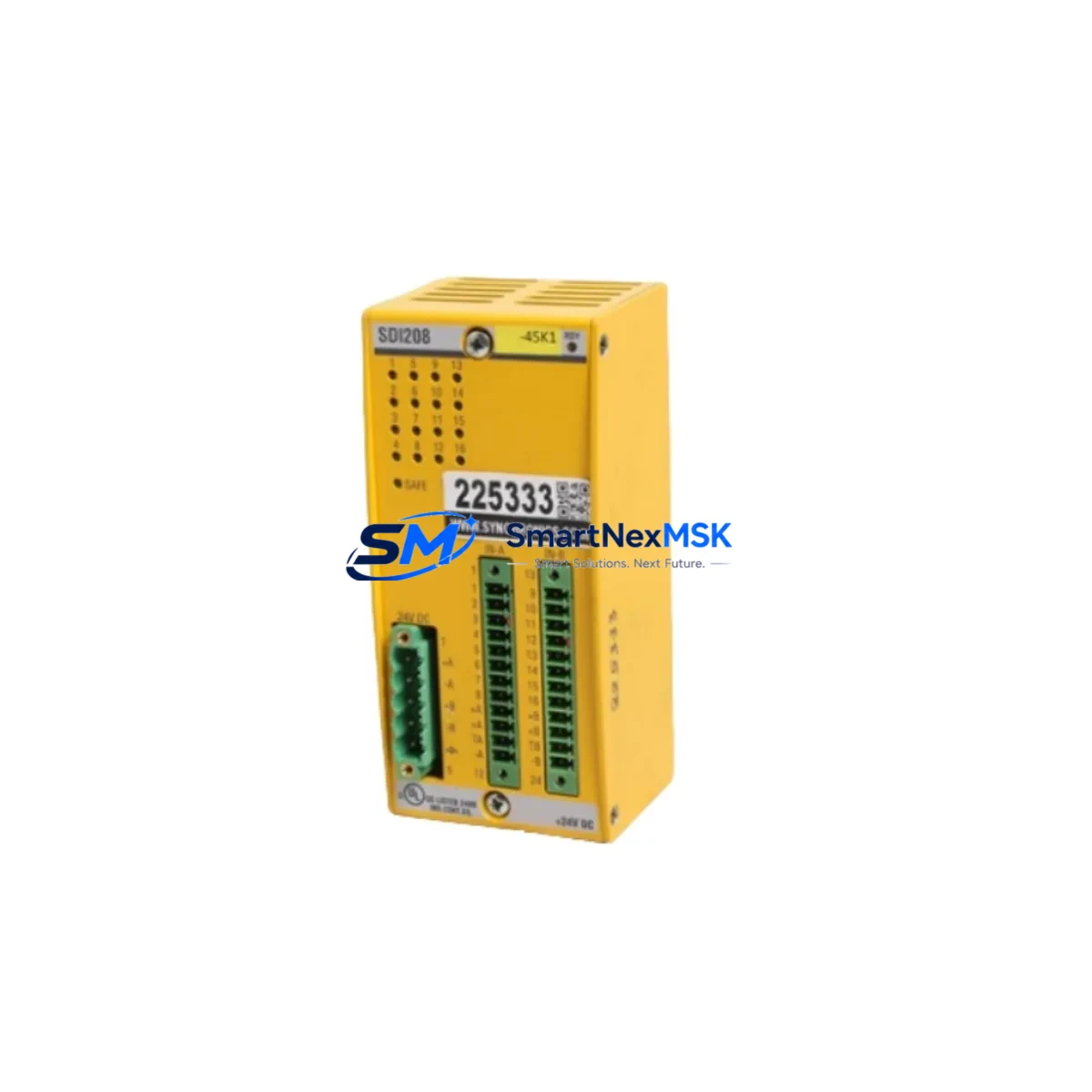
Bachmann SDI208 Retrofit-Ready Safety Input for MX Series Control Systems
The Bachmann SDI208 is an 8-channel SIL3-rated Safety Digital Input Module engineered for the Bachmann MX Series modular control platform. In aging wind turbine control cabinets, offshore automation racks, and continuous-process safety systems where the original SDI208 has reached end-of-life or suffered field damage, this module provides a verified drop-in retrofit path that preserves existing wiring, backplane addressing, and safety logic without requiring a full controller replacement. SMARTNEXMSK maintains ready stock of the SDI208 with full pre-shipment functional testing and a 12-month warranty, enabling maintenance teams to plan controlled replacements rather than emergency shutdowns.
Before committing to a retrofit, engineers should confirm several compatibility checkpoints. First, verify that the target MX Series rack — typically an MX200 or MX213 chassis — has sufficient backplane slot capacity and that the power supply module, such as the MPS200 or MPS213, can sustain the additional current draw introduced by the replacement SDI208. The SDI208 draws its logic power directly from the backplane bus, so a degraded or undersized power supply can cause intermittent module faults even when the module itself is healthy. Second, review the terminal wiring layout: the SDI208 uses a 40-pin front connector, and field cables terminated to the original module should map directly to the replacement without re-pinning, provided the original installation followed Bachmann’s standard wiring convention. Any non-standard field modifications should be documented before the swap.
Communication and addressing are equally critical. The SDI208 is addressed through the MX Series backplane and recognized by the Bachmann SolutionCenter engineering tool. When inserting the replacement module, the controller — typically an MC200 or MC210 CPU module — will perform an automatic hardware scan. If the project configuration in SolutionCenter was built against the original SDI208 hardware signature, the replacement module will be accepted without requiring a program download, provided firmware versions are compatible. Mismatched firmware between the CPU and the SDI208 can trigger a configuration mismatch alarm; always confirm the SDI208 firmware revision against the project’s hardware library before powering the rack.
Safety function verification is mandatory after any SIL3 module replacement. The SDI208 monitors digital inputs from field devices such as emergency stop buttons, safety gate switches, light curtain output contacts, and pressure switch safety contacts. After installation, each input channel must be exercised through its full switching cycle to confirm that the safety PLC — running Bachmann’s IEC 61508-certified safety runtime — correctly reads the channel state and that the associated safety function, such as a drive inhibit or valve close command, responds within the required reaction time. This proof test should be documented in the site’s functional safety management records.
Upgrade Compatibility Table
| Parameter | Detail |
|---|---|
| SKU / Part Number | SDI208 |
| Brand / Series | Bachmann / MX Series |
| Module Type | 8-Channel SIL3 Safety Digital Input Module |
| Safety Integrity Level | SIL3 (IEC 61508) |
| Input Channels | 8 × Safety Digital Input (24 VDC) |
| Backplane Interface | MX Series 40-pin backplane connector |
| Compatible Racks | MX200, MX213 and compatible MX Series chassis |
| Compatible CPUs | MC200, MC210 and MX Series CPU modules |
| Engineering Tool | Bachmann SolutionCenter (IEC 61131-3) |
| Retrofit Drop-in | Yes — same slot, same wiring, same address |
| Firmware Compatibility | Verify SDI208 firmware vs. SolutionCenter hardware library |
| Communication Protocol | MX Series internal backplane bus |
| Power Supply Requirement | Backplane-powered; verify MPS200 / MPS213 capacity |
| Operating Temperature | −20 °C to +60 °C |
| Protection Rating | IP20 (cabinet-mounted) |
| Country of Origin | Germany |
| Warranty | 12-Month Warranty — functional test included |
Retrofit Planning for Existing Automation Systems
A successful SDI208 retrofit begins well before the module arrives on site. The maintenance engineer should pull the current SolutionCenter project file and review the I/O mapping for every channel assigned to the SDI208 being replaced. In systems where the SDI208 works alongside an SDO208 safety digital output module — for example, in a dual-channel emergency stop loop — the output module’s response to input channel faults must be re-validated after the swap to confirm that the safety function remains intact end-to-end.
Power budget analysis is the next step. In a fully populated MX Series rack, the MPS200 power supply module may already be operating near its rated output. Adding a replacement SDI208 that draws slightly different current due to a revised hardware revision can tip the balance. If the power margin is less than 15%, consider upgrading to the MPS213 or adding a secondary power supply module before proceeding with the SDI208 replacement.
For systems that also include analog safety inputs — handled by modules such as the SAI204 — the SDI208 replacement should be sequenced so that the analog safety channels remain active during the digital input swap, maintaining partial safety coverage on the machine or process. Similarly, if the control cabinet includes a CM202 or CM206 communication module for PROFIBUS or CANopen connectivity to field devices, confirm that the communication module’s configuration is not affected by the backplane slot change.
HMI screens connected to the Bachmann controller via the MX Series Ethernet port should be reviewed for any alarm displays tied to SDI208 channel diagnostics. After the replacement, force a full HMI refresh to clear any latched diagnostic alarms from the previous module. If the site uses a SCADA system polling the controller via OPC-UA or Modbus TCP, verify that the data tags mapped to SDI208 input states are still resolving correctly after the hardware swap.
Programming cable access is also worth planning in advance. If the SolutionCenter project requires a firmware update on the new SDI208, the programming interface on the MC200 or MC210 CPU must be accessible. In tightly packed control cabinets, this sometimes requires partial disassembly of cable management trays. Scheduling this access during a planned maintenance window avoids the pressure of an unplanned outage.
Downtime Control During System Migration
Minimizing downtime during an SDI208 replacement requires a structured approach. The most effective strategy is to pre-configure and bench-test the replacement module before the maintenance window begins. At SMARTNEXMSK, every SDI208 shipped undergoes a pre-shipment functional test that verifies all 8 input channels respond correctly to 24 VDC switching signals. This means the module arrives site-ready, eliminating the risk of discovering a DOA unit during a live maintenance window.
On the day of replacement, the sequence should be: isolate the safety function controlled by the SDI208 (place the machine in a safe state or bypass the affected safety loop under a formal bypass permit), power down the MX Series rack, extract the faulty SDI208, insert the replacement, restore rack power, and allow the MC200 or MC210 CPU to complete its hardware scan. In most cases, the controller will resume normal operation within 30 seconds of power restoration if the firmware and configuration are compatible. The safety function bypass can then be lifted after the proof test confirms correct operation.
For sites where continuous production makes even a brief shutdown unacceptable, a hot-standby architecture using a redundant MX Series rack with a second SDI208 can be pre-staged. The redundant module takes over safety input monitoring while the primary module is replaced, reducing the effective downtime to the switchover time rather than the full replacement and test cycle. SMARTNEXMSK can supply matched pairs of SDI208 modules from the same production batch to support this approach.
Retrofit Support FAQ
Q1: Is the SDI208 a direct drop-in replacement for the original Bachmann SDI208 installed in my MX Series rack?
Yes. The SDI208 uses the same 40-pin backplane connector, the same slot form factor, and the same module address scheme as the original. In most cases, no wiring changes or program modifications are required. Firmware compatibility should be verified against your SolutionCenter project before installation.
Q2: What pre-shipment testing does SMARTNEXMSK perform on the SDI208?
Every SDI208 is functionally tested before shipment. All 8 input channels are exercised with 24 VDC switching signals to confirm correct channel response. The module is inspected for physical damage, connector integrity, and firmware version. A test report is available on request.
Q3: Does the SDI208 replacement require a new SolutionCenter project download to the CPU?
Not in most cases. If the replacement SDI208 has the same hardware revision and firmware version as the original, the MC200 or MC210 CPU will recognize it automatically during the hardware scan without requiring a project re-download. If the firmware version differs, a firmware update may be needed before the CPU accepts the module. SMARTNEXMSK can advise on firmware compatibility based on your project version.
Q4: What warranty and long-term supply support does SMARTNEXMSK offer for the SDI208?
All SDI208 modules supplied by SMARTNEXMSK carry a 12-month warranty covering functional defects under normal operating conditions. We maintain ongoing stock of the SDI208 and related MX Series modules to support long-term maintenance programs. For sites with multiple MX Series racks, we can reserve dedicated inventory to guarantee supply continuity for planned maintenance cycles.
© 2026 SMARTNEXMSK. All rights reserved.
Original Source: https://smartnexmsk.com
Contact: [email protected] | +86 18259474341