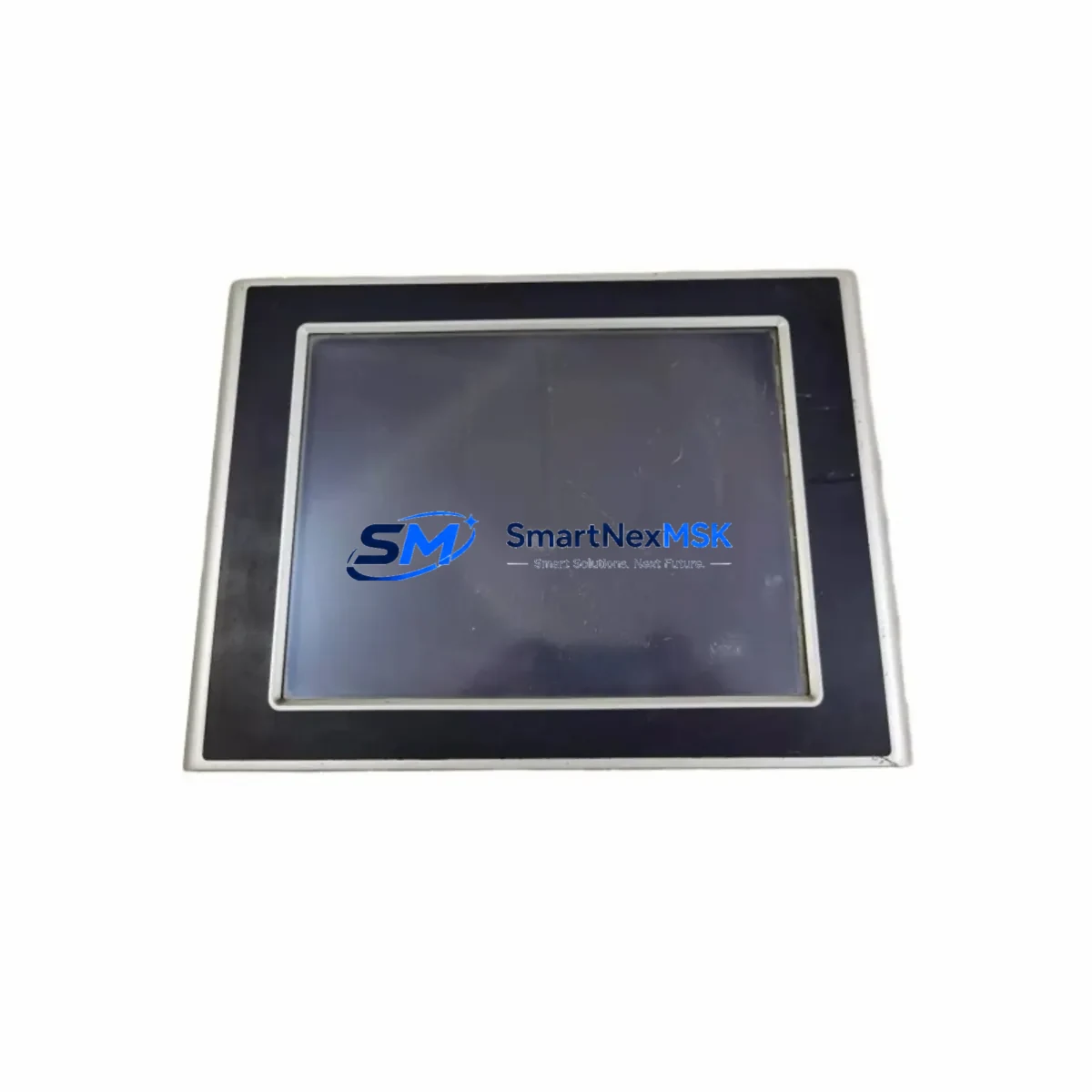
Bachmann OT1300-OT1312/BE1/GT1G0/8G Retrofit-Ready HMI Panel for OT Series Control Systems
The Bachmann OT1300-OT1312/BE1/GT1G0/8G is an 8-inch color touchscreen HMI operator panel engineered for seamless integration into Bachmann OT Series automation platforms. As legacy OT-generation control cabinets approach end-of-life, this unit serves as the primary retrofit and drop-in replacement solution for facilities running aging Bachmann M1 controller-based systems. Whether you are upgrading a discontinued panel, recovering from an unplanned hardware failure, or executing a planned control-cabinet modernization, the OT1300-OT1312/BE1/GT1G0/8G delivers the compatibility, communication fidelity, and physical form factor required to restore or enhance your existing automation infrastructure with minimal disruption.
This HMI panel is fully compatible with Bachmann’s M1 controller family and communicates natively over Ethernet TCP/IP, enabling direct integration with existing M1 CPU modules without protocol conversion middleware. Engineers migrating from older Bachmann OT800 or OT1000 series panels will find that the OT1300-OT1312/BE1/GT1G0/8G retains the same mounting cutout dimensions and connector pinout conventions, significantly reducing mechanical rework during cabinet retrofits. The panel supports standard Bachmann SolutionCenter project files, allowing existing HMI screen logic, alarm pages, and trend displays to be imported and validated before commissioning — a critical advantage when downtime windows are tight.
For sites operating mixed Bachmann and third-party control architectures, the panel’s multi-protocol communication stack supports Modbus TCP alongside native Bachmann protocols, making it suitable for hybrid retrofit scenarios where legacy PLCs from other vendors remain in the control loop. This is particularly relevant in phased upgrade projects where the HMI must simultaneously visualize data from a Bachmann M200 or M240 controller and a legacy third-party I/O subsystem during the transition period.
Upgrade Compatibility Table
| Parameter | OT1300-OT1312/BE1/GT1G0/8G | Notes / Retrofit Guidance |
|---|---|---|
| Display Size | 8.0″ TFT Color Touch | Same cutout as OT800/OT1000 series — no panel door modification required |
| Communication Interface | Ethernet RJ45 (TCP/IP) | Compatible with Bachmann M1 CPU Ethernet port; Modbus TCP also supported |
| Power Supply | 24 VDC (18–30 VDC range) | Verify existing cabinet PSU output; standard Bachmann 24 VDC rail is compatible |
| Mounting | Panel-mount, front IP65 | Rear IP20; confirm cabinet depth ≥ 65 mm for connector clearance |
| Project File Compatibility | Bachmann SolutionCenter | Import existing .bpj project files; validate tag mappings before go-live |
| Replaces | OT800, OT1000, OT1200 series panels | Confirm firmware version compatibility with connected M1 controller |
| Commissioning Tool | SolutionCenter + USB/Ethernet download | No proprietary programming cable required; standard USB-B or Ethernet download |
| Warranty | 12 Months | Covers manufacturing defects; includes pre-shipment functional test report |
Retrofit Planning for Existing Automation Systems
A successful retrofit begins well before the panel arrives on site. When replacing a legacy Bachmann OT-series HMI in an active production environment, the first step is to audit the existing control cabinet for power distribution capacity. The OT1300-OT1312/BE1/GT1G0/8G draws up to 15 W at 24 VDC; confirm that the cabinet’s Bachmann PSU module — typically a Bachmann MPC240 or equivalent 24 VDC DIN-rail power supply — has sufficient headroom after accounting for all connected I/O modules, communication modules, and relay outputs.
Next, document the existing terminal wiring at the HMI’s power and communication connectors. The OT1300-OT1312/BE1/GT1G0/8G uses a standard 3-pin power connector (24 VDC, 0 V, PE) and an RJ45 Ethernet port. If the legacy panel used a serial RS-232 or RS-485 link to the controller, a Bachmann Ethernet communication module or a protocol gateway will be required to bridge the communication path before the new HMI can be commissioned. In many OT-series cabinets, a Bachmann MPC210 or MPC230 CPU module with an onboard Ethernet port is already present, making the transition straightforward.
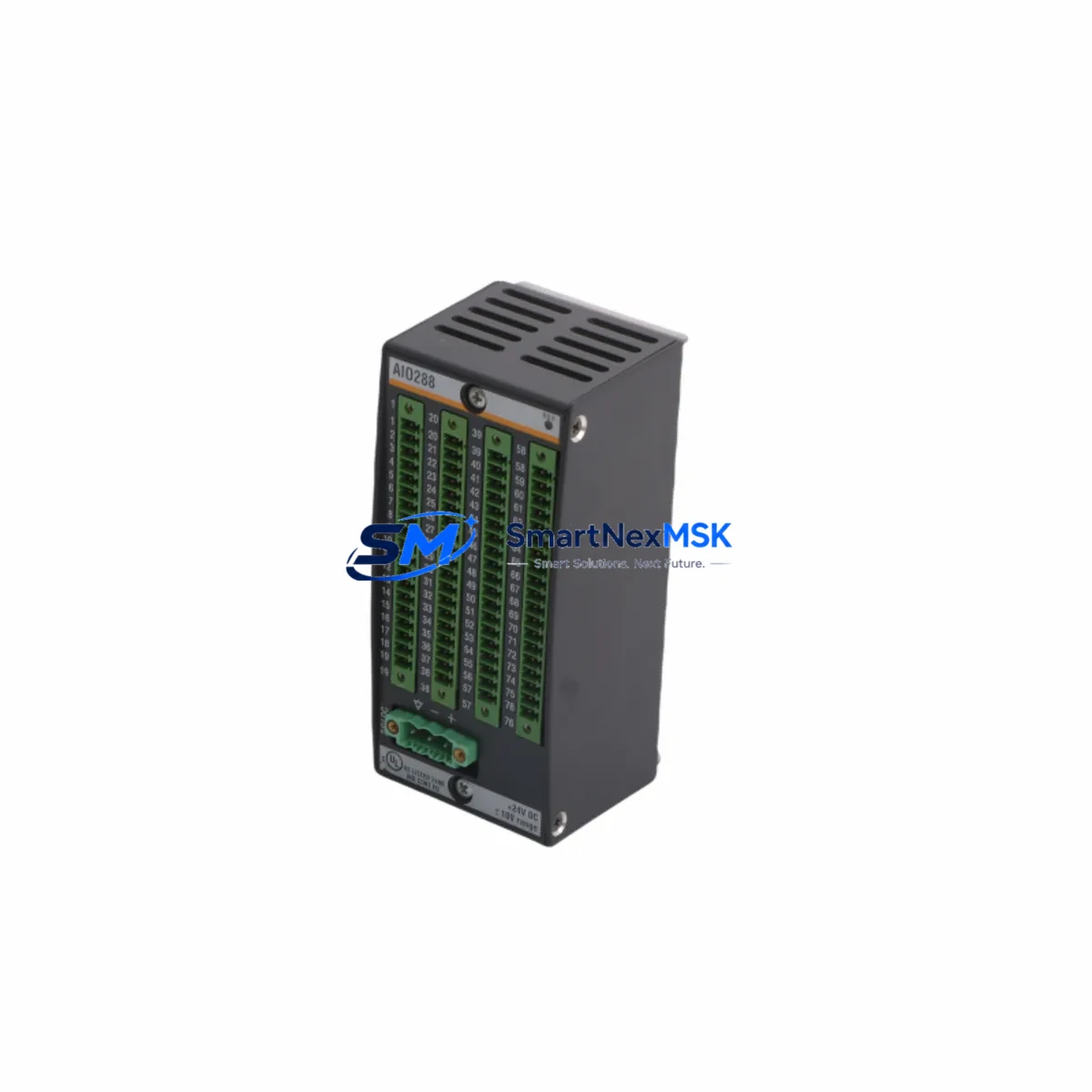
For I/O-intensive applications, verify that all Bachmann DIO280 digital I/O modules, AIO288 analog input modules, and any specialty function modules remain addressable from the updated HMI project. The OT1300-OT1312/BE1/GT1G0/8G communicates with the M1 controller over Ethernet, and the controller handles all I/O addressing — so I/O module addresses do not need to change during the HMI swap. However, if the retrofit also involves replacing the controller backplane or adding a Bachmann MX213 expansion rack, re-verify all module slot assignments in SolutionCenter before downloading the updated project.
HMI screen migration is typically the most time-consuming element of an OT-series retrofit. Export all existing screen pages, alarm definitions, recipe tables, and trend configurations from the legacy SolutionCenter project. The OT1300-OT1312/BE1/GT1G0/8G supports the same graphical object library, so most screen elements transfer without manual redraw. Pay particular attention to any custom ActiveX or script-based objects in older projects — these may require adaptation for the updated runtime environment. Where the original system included a Bachmann WebMI server for remote visualization, confirm that the new panel’s firmware version is compatible with the installed WebMI license.
Finally, if the control system includes a Bachmann programming cable or USB download adapter for the M1 CPU, retain it for post-retrofit firmware updates. The HMI itself is updated via Ethernet or USB-B, but the controller may require a separate firmware synchronization step if the SolutionCenter project version has been incremented during the HMI migration process.
Downtime Control During System Migration
Minimizing unplanned downtime is the primary operational concern during any HMI retrofit. The recommended approach for OT1300-OT1312/BE1/GT1G0/8G installations is a parallel validation strategy: configure and fully test the new HMI project on a bench setup — using a spare Bachmann M1 controller or a SolutionCenter simulation environment — before the scheduled maintenance window begins. This allows alarm logic, setpoint screens, and communication links to be verified offline, so the on-site swap is reduced to a physical panel exchange and a final live commissioning check.
During the cutover window, preserve the original controller program in the Bachmann M1 CPU’s non-volatile memory. Do not perform a controller program download during the same window as the HMI swap unless the project version has been explicitly validated. If the retrofit also involves replacing a Bachmann MPC240 power supply or adding new I/O modules to the rack, sequence these changes before the HMI swap so that the controller I/O map is stable when the new HMI comes online.
For continuous-process applications where even brief interruptions are critical, consider using the OT1300-OT1312/BE1/GT1G0/8G’s Ethernet redundancy capability (where supported by the M1 controller configuration) to maintain HMI visibility during the physical panel exchange. Document all field device states, active alarms, and current setpoints before powering down the cabinet, and confirm restoration of all control loops within the first 15 minutes of recommissioning. Each unit shipped by SMARTNEXMSK undergoes a pre-shipment functional test, and a test report is included with delivery to support your site acceptance procedure.
Retrofit Support FAQ
Q1: Can the OT1300-OT1312/BE1/GT1G0/8G directly replace an older Bachmann OT800 or OT1000 panel without mechanical modification?
In most cases, yes. The OT1300-OT1312/BE1/GT1G0/8G shares the same panel-cutout dimensions as the OT800 and OT1000 series, so no door or enclosure modification is required. Confirm the cabinet depth allows for the rear connector clearance of at least 65 mm. Power and Ethernet connections are re-terminated at the new panel’s connectors using the existing cabinet wiring.
Q2: Does the replacement panel require a new SolutionCenter license or programming software version?
The OT1300-OT1312/BE1/GT1G0/8G is compatible with Bachmann SolutionCenter. If your existing SolutionCenter installation is at an older version, a software update may be required to support the new panel’s firmware. Contact your Bachmann distributor or SMARTNEXMSK for firmware and software version compatibility confirmation before ordering.
Q3: What communication protocols are supported, and can the panel connect to non-Bachmann controllers?
The panel supports Ethernet TCP/IP with native Bachmann M1 protocol and Modbus TCP. This makes it suitable for hybrid retrofit scenarios where legacy third-party PLCs or I/O systems remain in the control loop during a phased migration. RS-232/RS-485 serial connections are not natively supported on this model; a protocol gateway is required for serial legacy devices.
Q4: What does the 12-month warranty cover, and what is included with shipment?
All OT1300-OT1312/BE1/GT1G0/8G units supplied by SMARTNEXMSK carry a 12-month warranty covering manufacturing defects and functional failures under normal operating conditions. Each unit is pre-tested before shipment, and a functional test report is included in the package. Units are shipped with original or equivalent packaging to ensure safe transit. For warranty claims or technical support, contact [email protected].
© 2026 SMARTNEXMSK. All rights reserved.
Original Source: https://smartnexmsk.com
Contact: [email protected] | +86 18259474341