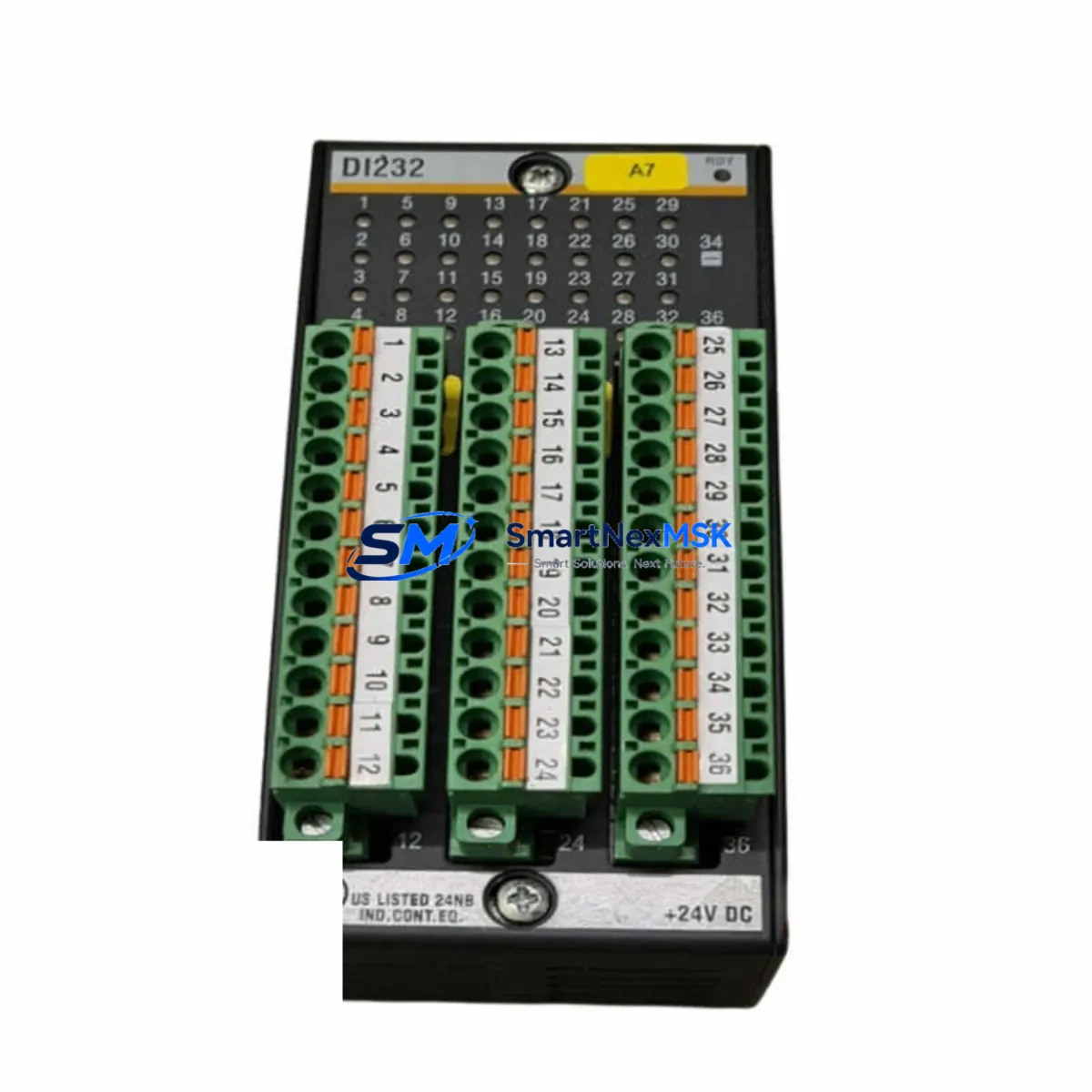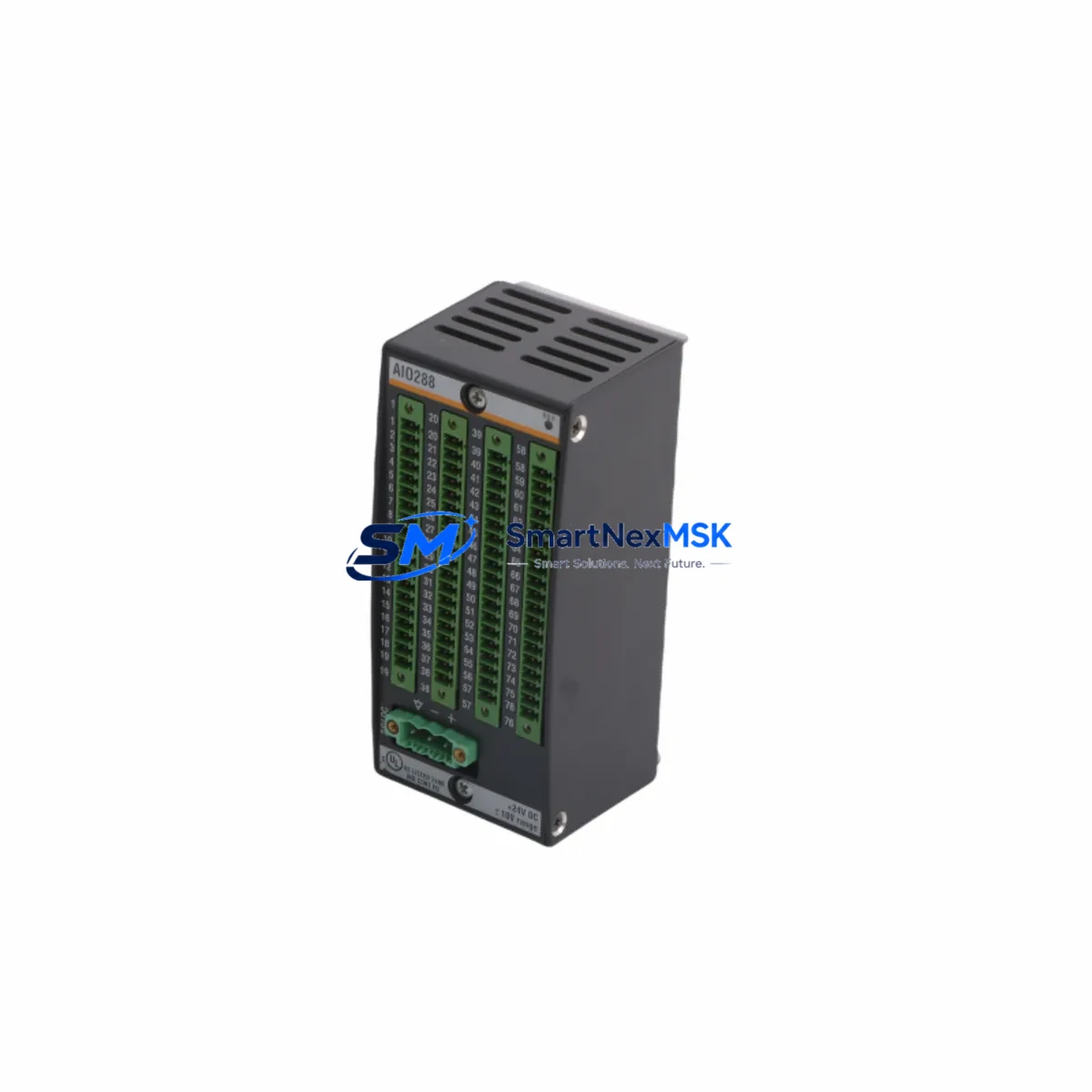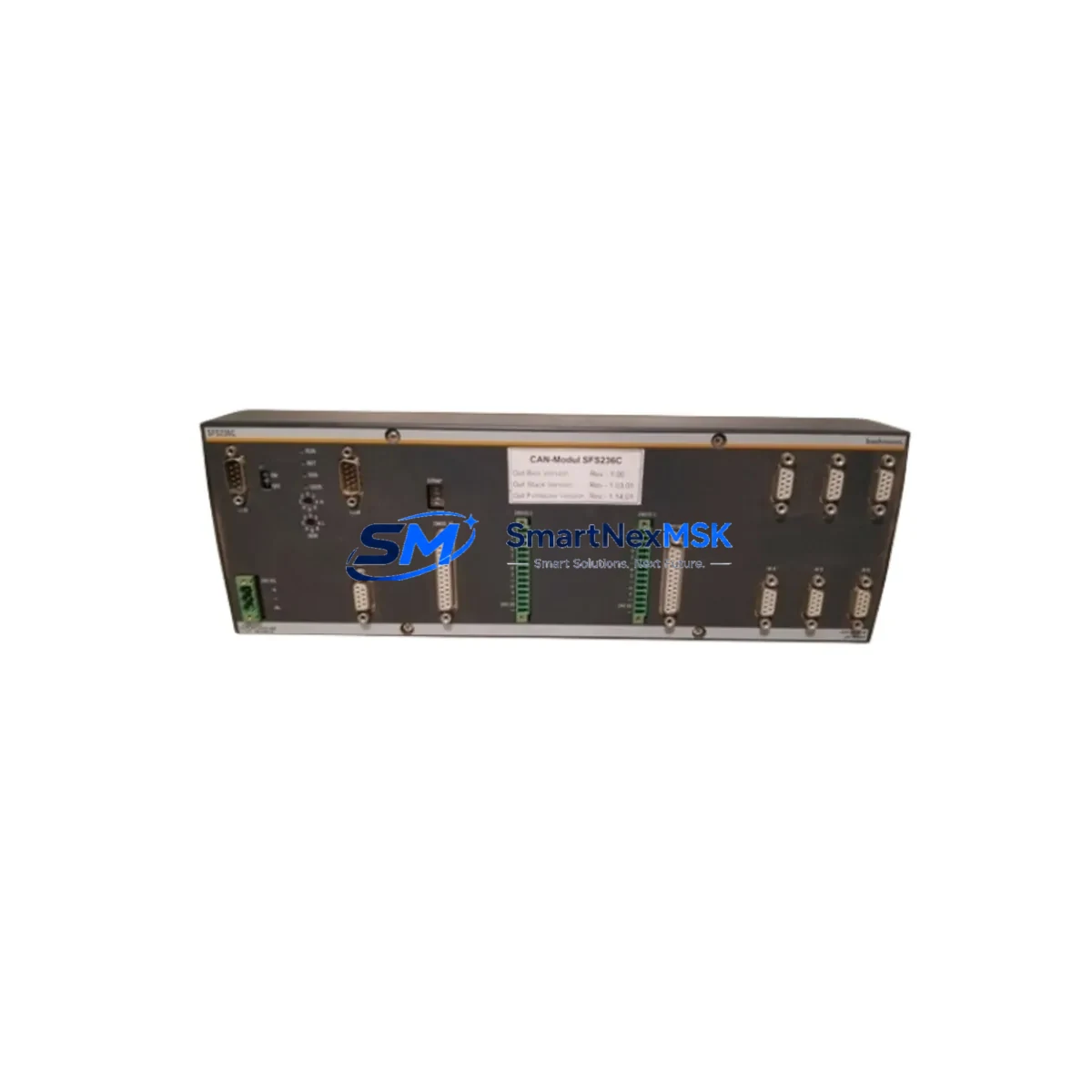
BACHMANN SFS236C Maintenance-Ready Spare for M1 Automation
The BACHMANN SFS236C is an original fieldbus communication module designed for the BACHMANN M1 automation platform — one of the most widely deployed modular PLC/controller architectures in industrial process control, power generation, wind energy, and machine automation. For maintenance engineers managing aging M1 control systems, sourcing a verified SFS236C spare is a critical step in minimizing unplanned downtime and sustaining fieldbus network integrity across the control cabinet.
This module serves as the fieldbus interface layer within the M1 rack, enabling deterministic communication between the M1 CPU and field devices across PROFIBUS-DP, CANopen, or other supported fieldbus protocols depending on variant configuration. When the SFS236C fails or degrades, the entire fieldbus segment it manages becomes unreachable — triggering I/O loss, process alarms, and potential emergency shutdowns. Stocking a tested replacement unit is the most effective strategy for rapid fault recovery.
Spare Maintenance Table
| Parameter | Specification / Value |
|---|---|
| SKU / Part Number | SFS236C |
| Brand | BACHMANN |
| Series | M1 Automation Platform |
| Module Type | Fieldbus Communication Module |
| Protocol Support | PROFIBUS-DP / CANopen (series-dependent) |
| Backplane Interface | M1 rack-compatible, hot-swap capable (system-dependent) |
| Operating Voltage | 24 VDC (supplied via M1 backplane) |
| Operating Temperature | 0 °C to +55 °C |
| Storage Temperature | -25 °C to +70 °C |
| Protection Class | IP20 (cabinet-mounted) |
| Country of Origin | Germany |
| Weight | 1,300 g (approx.) |
| Compatibility | BACHMANN M1 series racks and CPU modules |
| Application Environment | Power generation, wind turbine control, process automation, machine control |
| Maintenance Recommendation | Inspect fieldbus wiring, termination resistors, and DP/CAN connectors during replacement |
| Warranty | 12 Months — tested before shipment |
Maintenance Planning for Continuous Operation
When a maintenance or procurement engineer schedules replacement of the SFS236C, the fieldbus communication module is rarely the only component requiring attention. A thorough control cabinet inspection during the same maintenance window significantly reduces the risk of repeat failures and secondary faults.
Begin with the M1 CPU module (such as the MPC240 or MPC265) — verify firmware version compatibility with the replacement SFS236C and confirm that the CPU’s fieldbus master configuration matches the new module’s node address and baud rate settings. Next, inspect the M1 power supply module (e.g., MPC210 or dedicated PSU cards): measure output voltage under load and check for capacitor aging, which is a common failure mode in systems over seven years old.
On the fieldbus side, check all PROFIBUS-DP connectors and cable shielding along the segment served by the SFS236C. Degraded termination resistors or broken shield continuity are frequent root causes of intermittent communication errors that are misdiagnosed as module failures. If the system uses CANopen, verify node IDs and baud rate consistency across all connected devices.
Inspect the M1 I/O modules in adjacent rack slots — particularly digital input/output cards and analog signal modules — for signs of overheating, connector oxidation, or firmware mismatch. A failed SFS236C can mask underlying I/O faults that only become visible after the communication path is restored.
For systems with signal isolators between field transmitters and the M1 rack, verify isolation barrier integrity and check for drift in 4–20 mA loops. Simultaneously, inspect relay output modules and terminal blocks for contact wear, loose wiring, and correct torque on screw terminals — these are high-failure-rate components in high-cycle industrial environments.
If the M1 system communicates upstream via Ethernet or MODBUS TCP through a dedicated communication card, verify that the network switch port, patch cable, and IP configuration remain intact after the SFS236C swap. Finally, review the HMI or SCADA connection to the M1 controller: confirm that tag mappings referencing fieldbus device data are correctly re-established after the module replacement and system restart.
Maintaining a documented spare parts list that includes the SFS236C alongside the CPU module, power supply, I/O cards, and communication modules ensures that your team can execute a full control cabinet restoration within a single planned maintenance window — rather than discovering secondary failures after the primary repair is complete.
Site Replacement Workflow
Step 1 — Pre-replacement verification: Download and archive the current M1 project configuration from the BACHMANN SolutionCenter engineering tool. Record all fieldbus node addresses, baud rates, and device mappings associated with the SFS236C segment before powering down.
Step 2 — Safe isolation: Follow your site LOTO (Lockout/Tagout) procedure. De-energize the M1 rack via the main cabinet isolator. Disconnect the fieldbus connector (DB9 or M12, depending on variant) from the SFS236C front panel.
Step 3 — Module extraction and installation: Release the module locking mechanism and slide the SFS236C out of the rack slot. Insert the replacement unit — ensure the module is fully seated and the backplane connector is engaged. Re-attach the fieldbus connector and verify cable routing and strain relief.
Step 4 — Configuration restore: Power up the rack and use SolutionCenter to download the archived project to the M1 CPU. Verify that the SFS236C is recognized by the CPU and that all fieldbus slave devices appear online with correct status.
Step 5 — Functional test: Cycle through all I/O points on the restored fieldbus segment. Confirm process values, alarm states, and communication cycle times are within specification before returning the system to automatic operation.
This workflow is compatible with both direct replacement of a failed SFS236C and planned preventive swap of an aging unit approaching end-of-service life. Using a pre-tested, original spare from a verified supplier eliminates firmware incompatibility risks and reduces commissioning time compared to sourcing unverified aftermarket alternatives.
Spare Parts Support FAQ
Q1: What is the expected service life of the BACHMANN SFS236C, and when should I plan a preventive replacement?
The SFS236C is designed for long-term industrial deployment, but fieldbus communication modules in high-cycle or thermally stressed environments typically show increased failure rates after 8–12 years of continuous operation. We recommend scheduling a preventive replacement during a planned shutdown if the unit has been in service for over 10 years, shows intermittent communication errors, or if the system is being upgraded to a newer M1 firmware baseline.
Q2: How do you verify compatibility before shipment?
Each SFS236C unit is inspected and functionally tested prior to dispatch. We verify the hardware revision, firmware label, and backplane connector integrity. Compatibility with the M1 rack and CPU is confirmed based on the SKU and series documentation. If you provide your existing CPU module part number and firmware version, our technical team can perform a pre-sale compatibility check.
Q3: Can the SFS236C replace older or discontinued BACHMANN fieldbus modules?
The SFS236C is designed for the M1 platform and may serve as a direct replacement for earlier M1-series fieldbus modules with the same protocol and slot form factor. Cross-compatibility depends on the specific rack generation and CPU firmware. We recommend confirming the hardware revision of your existing module before ordering to ensure a drop-in fit without requiring configuration changes.
Q4: What does the 12-month warranty cover, and what is the return process?
Our 12-month warranty covers manufacturing defects and functional failures under normal operating conditions. Each unit is tested before shipment and ships with a test report on request. In the event of a warranty claim, contact our support team with the order number and fault description. We will arrange a replacement or repair with priority handling to minimize your system downtime.
© 2026 SMARTNEXMSK. All rights reserved.
Original Source: https://smartnexmsk.com
Contact: [email protected] | +86 18259474341