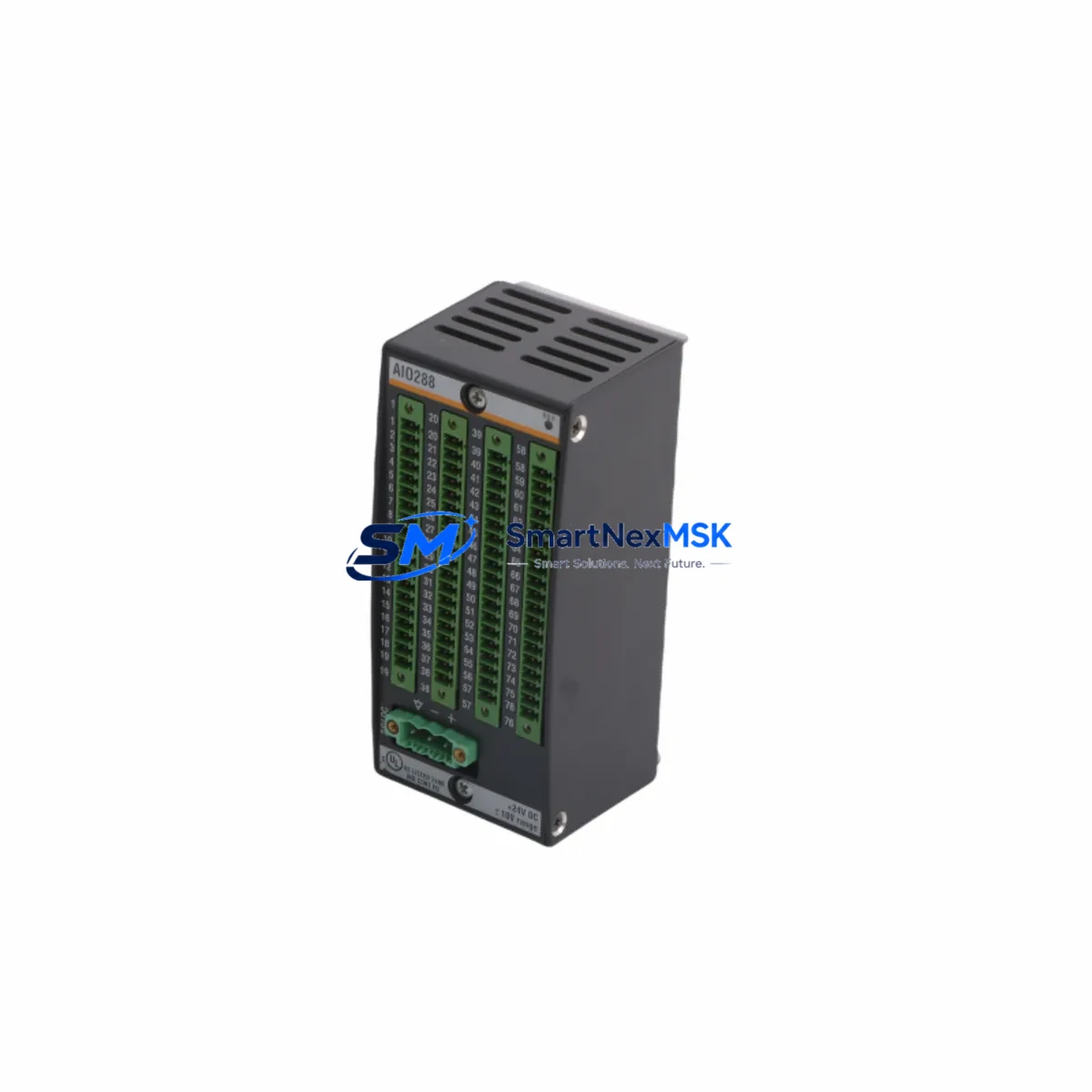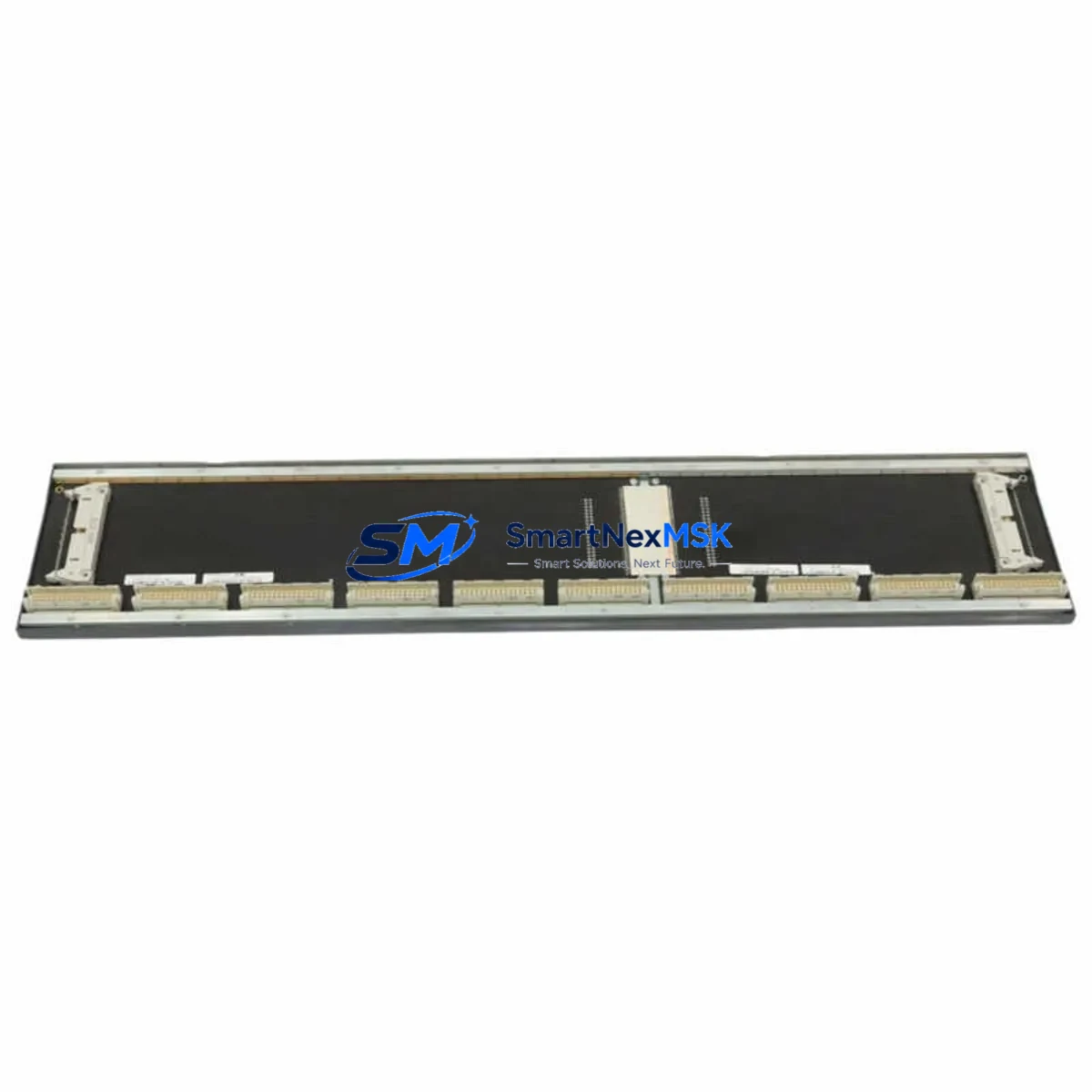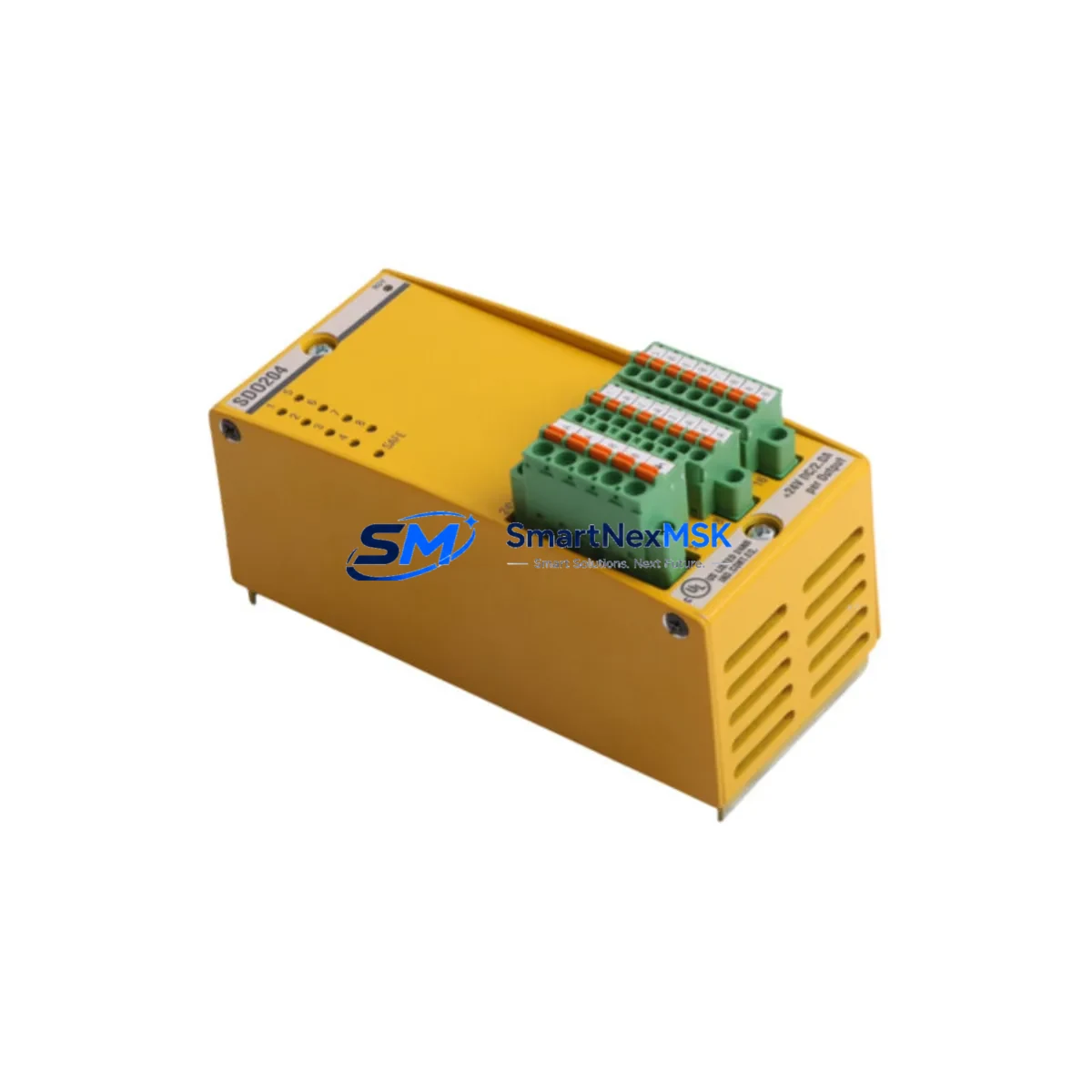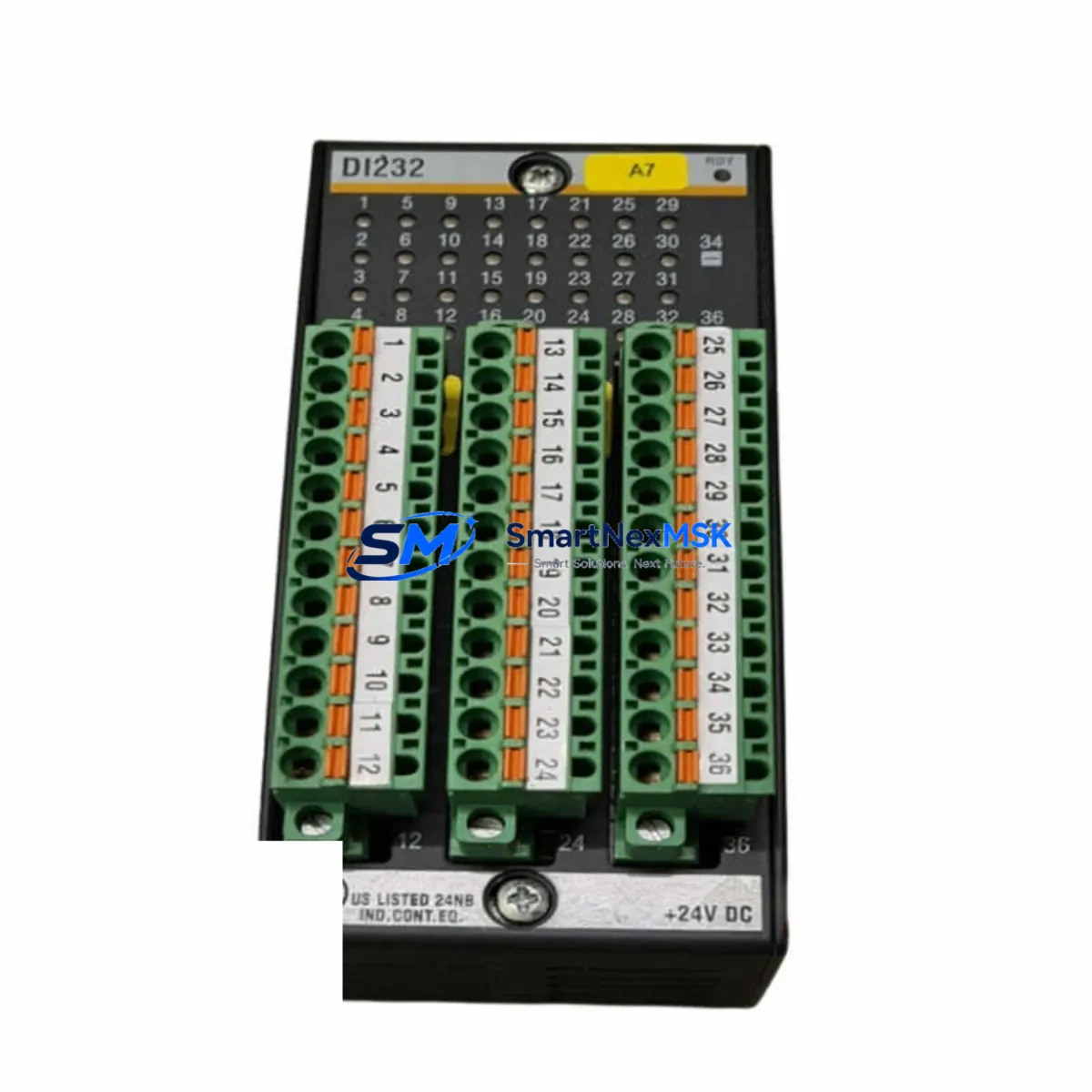
BACHMANN DI232 Maintenance-Ready Spare for MX200 Automation
The BACHMANN DI232 is a 32-channel digital input module engineered for the BACHMANN MX200 modular PLC platform, widely deployed across power generation, wind energy, industrial process control, and infrastructure automation systems. As a maintenance-ready original spare, the DI232 is the critical first line of defense against unplanned downtime when field-side digital signal acquisition fails. Whether you are executing a planned annual shutdown, responding to a fault alarm, or building a strategic spare parts buffer for aging MX200 control cabinets, sourcing a verified DI232 replacement is a non-negotiable step in any serious maintenance program.
Maintenance engineers and procurement specialists working with BACHMANN MX200 systems understand that digital input modules are among the highest-wear components in any control cabinet. Exposed to continuous signal cycling, voltage transients, and environmental stress, the DI232 must be replaced proactively — not reactively. A failed DI232 can silently mask field sensor faults, trigger cascading I/O errors across the MX200 backplane, and ultimately force a full system halt. Keeping a tested, original DI232 on the shelf is the most cost-effective insurance against a multi-hour or multi-day production stoppage.
Spare Maintenance Table
| Parameter | Specification |
|---|---|
| SKU / Part Number | DI232 |
| Brand | BACHMANN |
| Series | MX200 |
| Module Type | 32-Channel Digital Input Module |
| Input Channels | 32 x Digital Input (DI) |
| Input Voltage Range | 24 V DC (nominal), IEC 61131-2 compliant |
| Signal Logic | Positive logic (source type) |
| Backplane Interface | MX200 modular backplane bus |
| Isolation | Optocoupler-isolated inputs |
| Operating Temperature | 0 °C to +55 °C |
| Mounting | MX200 rack / backplane slot |
| Origin | Austria (AT) |
| Weight | 220 g |
| Compatibility | BACHMANN MX200 PLC platform |
| Application Environment | Power generation, wind turbine control, process automation, infrastructure |
| Maintenance Recommendation | Inspect every 12–24 months; replace on first sign of input fault or channel dropout |
| Warranty | 12 Months — tested before shipment |
Maintenance Planning for Continuous Operation
When a DI232 module is flagged for replacement during a scheduled inspection or fault-driven corrective maintenance event, experienced maintenance engineers know that the DI232 rarely fails in isolation. A thorough cabinet audit should accompany any DI232 swap to prevent repeat callouts and ensure the MX200 system returns to full operational integrity.
Begin by verifying the 24 V DC field supply feeding the DI232 input commons — a degraded or noisy power supply module (such as the BACHMANN PS204 or equivalent MX200 power supply) can cause intermittent input faults that mimic a failed DI232. Next, inspect the terminal blocks and field wiring connected to the 32 input channels; corroded or loose terminals on Phoenix Contact or Weidmüller-style terminal strips are a frequent root cause of apparent module faults. Check the MX200 backplane connector for bent pins or oxidation before seating the replacement DI232.
If the MX200 system includes a DO232 digital output module or AO2xx analog output modules in the same rack, inspect those simultaneously — shared backplane faults can affect multiple modules. Review the MX200 CPU module (such as the MC206 or MC210) event log for any backplane communication errors that preceded the DI232 fault; a corrupted rack configuration may require a firmware re-download after module replacement. For systems using BACHMANN SolutionCenter or ACOPOS-integrated configurations, confirm that the I/O mapping and channel assignments are intact post-swap.
Signal isolators or barriers installed between field sensors and the DI232 inputs — particularly in hazardous area or long-cable-run installations — should be tested for output voltage compliance. A signal isolator delivering marginal output voltage may cause the replacement DI232 to register false-low inputs. Similarly, if the MX200 cabinet includes a CM202 or CM206 communication module for PROFIBUS or CANopen field bus connectivity, verify that the bus termination and node addressing are undisturbed after the maintenance intervention. Finally, check any installed surge protection devices (SPDs) on the DI232 input wiring — SPDs degrade over time and should be replaced on a defined maintenance cycle alongside the I/O modules they protect.
Site Replacement Workflow
Replacing a BACHMANN DI232 on an active MX200 system requires a structured approach to minimize downtime and avoid configuration errors. Follow this field-proven workflow:
1. Pre-Replacement Verification: Confirm the replacement DI232 SKU matches the installed module revision. BACHMANN MX200 modules are revision-sensitive; mixing hardware revisions within the same rack can cause backplane initialization errors. Cross-reference the module label against the MX200 hardware configuration file in SolutionCenter before proceeding.
2. Safe Isolation: Place the MX200 CPU in STOP mode via the SolutionCenter engineering tool or the local mode switch. De-energize the 24 V DC field supply to the DI232 input commons. Do not remove the module under live backplane power unless the MX200 rack supports hot-swap for that slot — verify this in the rack documentation.
3. Module Exchange: Remove the faulty DI232 by releasing the module locking lever. Seat the replacement module firmly until the backplane connector is fully engaged and the locking lever clicks. Reconnect field wiring terminal blocks, verifying channel-by-channel against the as-built wiring diagram.
4. Post-Replacement Commissioning: Power up the field supply and transition the MX200 CPU to RUN mode. Monitor the DI232 channel status in SolutionCenter or the connected HMI (such as a BACHMANN-compatible Weintek or Siemens TP series panel) for 5–10 minutes to confirm all 32 channels are reading correctly. Log the replacement in the maintenance record with date, module serial number, and technician ID.
5. Spare Stock Replenishment: Immediately initiate a procurement order for a replacement DI232 to restore your spare parts buffer. Systems with more than one MX200 rack should maintain a minimum of one DI232 per rack in strategic stock.
Spare Parts Support FAQ
Q1: Is this DI232 an original BACHMANN module or a compatible replacement?
This is an original BACHMANN DI232 module sourced from authorized distribution and verified stock channels. Each unit is tested for backplane communication integrity and channel functionality before shipment. We do not supply counterfeit or reverse-engineered substitutes.
Q2: What is the warranty coverage and what does it include?
All DI232 modules carry a 12-month warranty from the date of shipment. The warranty covers manufacturing defects and functional failures under normal operating conditions. Each module is tested before dispatch; a test report is available upon request. Warranty claims are processed via direct RMA with our technical support team.
Q3: How do I confirm compatibility with my specific MX200 rack configuration?
Provide your MX200 rack part number, CPU module type (e.g., MC206, MC210), and SolutionCenter project hardware revision. Our technical team will cross-reference your configuration and confirm DI232 hardware revision compatibility before shipment. For legacy MX200 installations, we maintain stock of multiple DI232 hardware revisions to match your exact system.
Q4: What is your lead time and can you support emergency spare requirements?
Standard orders ship within 2–5 business days. Emergency spare requirements with same-day or next-day dispatch are supported for in-stock units — contact our sales team directly at [email protected] or +86 18259474341 to confirm availability and arrange priority shipment. Long-term supply agreements and consignment stock programs are available for high-volume MX200 fleet operators.
© 2026 SMARTNEXMSK. All rights reserved.
Original Source: https://smartnexmsk.com
Contact: [email protected] | +86 18259474341