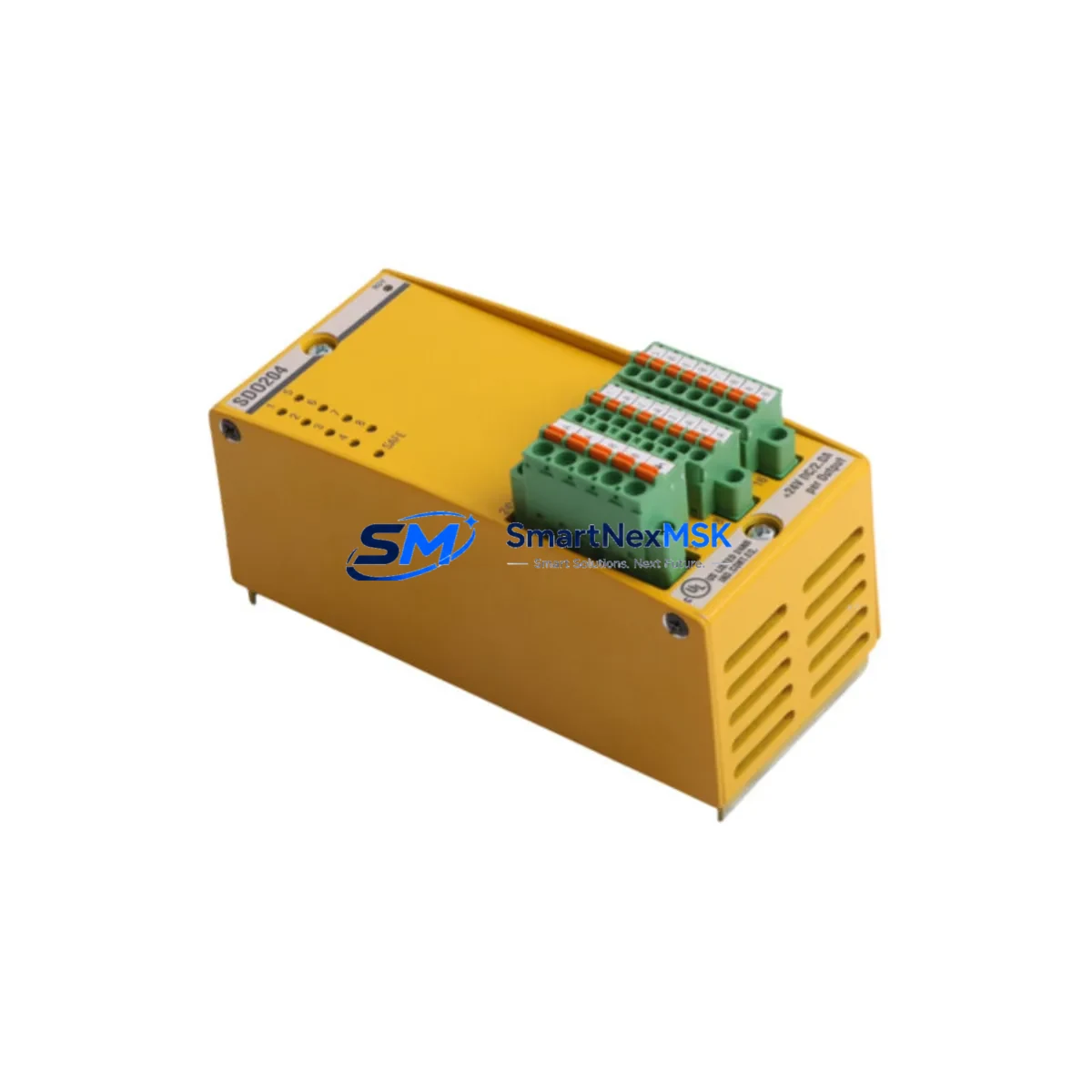
BACHMANN SDO204 SD0204 Maintenance-Ready Spare MX Series: Safety Output Replacement for Zero-Downtime Industrial Operations
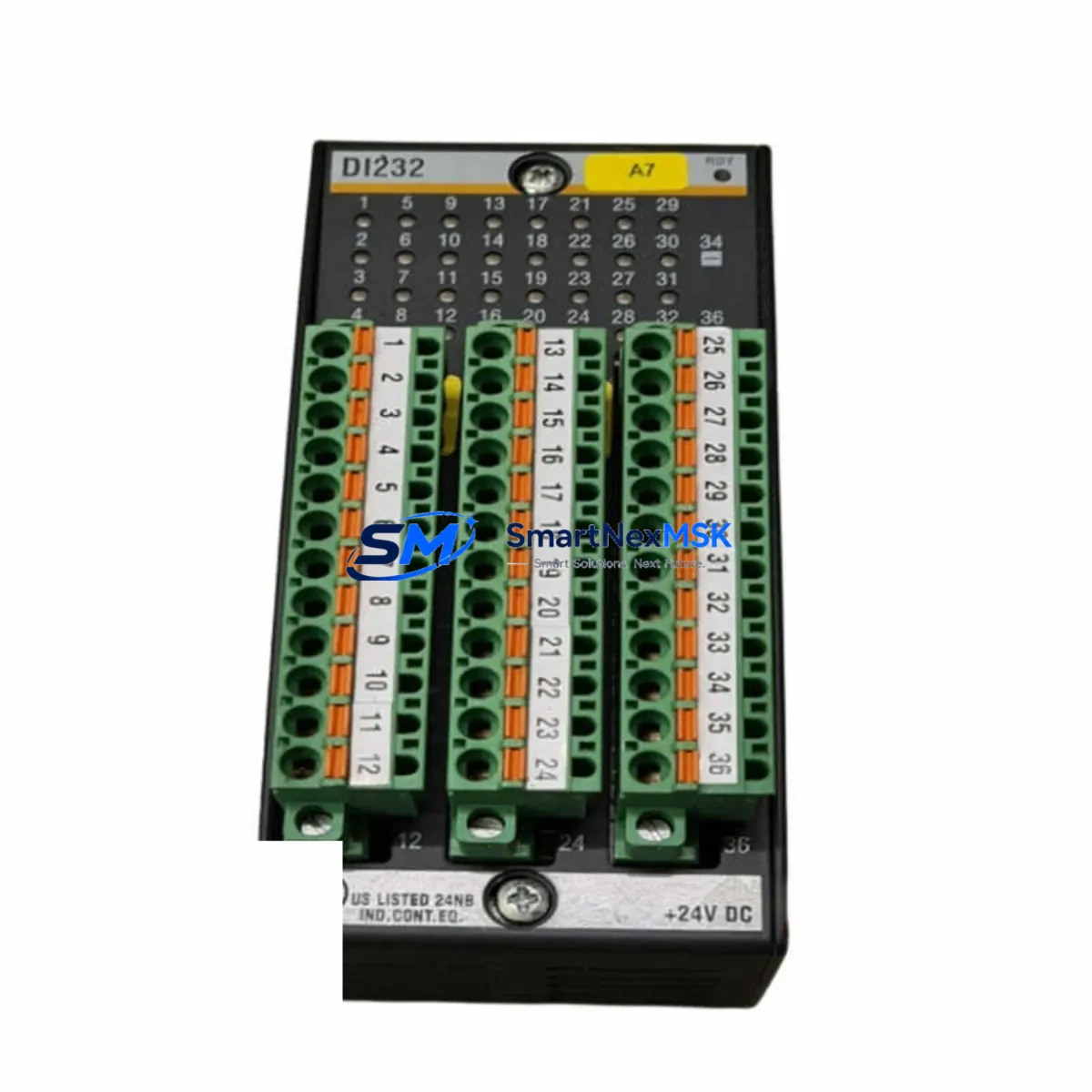
The BACHMANN SDO204 (also referenced as SD0204) is a Safety Digital Output Module designed for the BACHMANN MX Series modular automation platform. Certified to SIL2 under IEC 61508, this module delivers four safety-rated digital output channels for machine guarding, emergency stop circuits, and process shutdown applications across manufacturing, energy, and heavy industry environments. When this module fails or reaches end-of-service life, rapid replacement with a verified original spare is critical to restoring safe operation and minimizing unplanned downtime.
At SMARTNEXMSK, every SDO204 unit is sourced as an original BACHMANN component, pre-shipment tested against factory electrical specifications, and dispatched with a 12-month warranty. Our inventory is maintained specifically to support maintenance engineers and procurement teams who cannot afford extended lead times on safety-critical spares.
Spare Maintenance Table
| Parameter | Specification |
|---|---|
| Part Number | SDO204 / SD0204 |
| Brand | BACHMANN |
| Series | MX Series |
| Module Type | Safety Digital Output Module |
| Output Channels | 4 × Safety Digital Outputs |
| Safety Integrity Level | SIL2 (IEC 61508) |
| Supply Voltage | 24 V DC (via MX Series backplane) |
| Output Voltage Range | 24 V DC nominal |
| Output Current (per channel) | Up to 0.5 A (typical, per BACHMANN MX spec) |
| Backplane Compatibility | BACHMANN MX Series rack / backplane |
| Form Factor | MX Series plug-in module |
| Operating Temperature | 0 °C to +55 °C |
| Protection Class | IP20 |
| Weight | 260 g |
| Country of Origin | Germany |
| Compatibility | BACHMANN MX Series PLC/Safety Controller platforms |
| Maintenance Recommendation | Inspect output wiring, load fuses, and safety loop continuity at each planned maintenance interval |
| Warranty | 12 Months — covers manufacturing defects, electrical failure under normal operating conditions |
Maintenance Planning for Continuous Operation
Replacing the SDO204 in a live MX Series cabinet is rarely an isolated task. Maintenance engineers who have performed this replacement consistently report that the surrounding components deserve equal scrutiny during the same maintenance window. Before declaring the safety output circuit restored, the following components should be inspected or tested alongside the SDO204:
The BACHMANN MX Series 24 V DC power supply module (such as the MX200 or MX211 PSU variants) feeds the backplane rail that powers the SDO204. A degraded power supply with marginal output voltage or excessive ripple can cause nuisance trips or latent faults in safety output channels — replace or re-test the PSU if the SDO204 failure was preceded by intermittent output behavior. Similarly, the MX Series backplane or rack assembly should be inspected for oxidized connector pins, mechanical damage, or contamination that could cause intermittent contact with the module’s edge connector.
On the field wiring side, the output terminal blocks and field wiring harness connected to the SDO204’s four output channels should be checked for loose terminations, insulation breakdown, or moisture ingress — particularly in environments with vibration or thermal cycling. Each output channel typically drives a safety relay or contactor coil; these relays (for example, PILZ PNOZ or equivalent safety relay modules used in the same cabinet) should be tested for coil resistance and contact integrity, as a shorted or open relay coil can cause the SDO204 to report a channel fault even after module replacement.
The BACHMANN SDI204 or SDI series Safety Digital Input Module is the logical counterpart to the SDO204 in most safety loop architectures — if the output module has failed, the input module feeding the same safety function should be verified for correct signal levels and response times. Likewise, the BACHMANN MX Series CPU or safety controller module (such as the MX220 or MX240 CPU) should be checked for active fault logs and safety program integrity after any safety I/O module replacement.
For cabinets with communication-intensive architectures, the BACHMANN MX Series PROFIBUS or EtherCAT communication module should be confirmed as online and fault-free after the SDO204 swap, since some safety controller configurations require a full network re-initialization following module replacement. If the system uses signal isolators or safety barriers between the SDO204 outputs and field devices in hazardous areas, these isolators should be tested for correct output signal propagation. Finally, inspect the cabinet-level fuse holders and miniature circuit breakers protecting the 24 V DC output circuits — a blown fuse on an output channel is sometimes misdiagnosed as a module failure, and replacing the SDO204 without clearing the upstream protection device will result in an immediate repeat fault.
Site Replacement Workflow
Step 1 — Fault Isolation: Before removing the SDO204, use the BACHMANN MX Series diagnostic software (SolutionCenter or equivalent) to confirm the fault is isolated to the SDO204 module and not to a field device, wiring fault, or upstream power issue. Document the active fault codes and safety program state.
Step 2 — Safe Isolation: Follow your site’s Lockout/Tagout (LOTO) procedure. De-energize the 24 V DC supply to the affected rack section. Confirm zero energy state on all output terminals before proceeding.
Step 3 — Module Removal: Release the MX Series module locking mechanism and withdraw the SDO204 from the backplane slot. Note the slot position for correct re-insertion of the replacement unit.
Step 4 — Replacement Insertion: Insert the new BACHMANN SDO204 into the same backplane slot. Ensure the module is fully seated and the locking tab is engaged. The MX Series platform supports hot-swap on some configurations — verify your system’s hot-swap capability before energizing.
Step 5 — Configuration Restore: If the SDO204 stores local configuration parameters, restore the module configuration via SolutionCenter. In most MX Series deployments, the CPU automatically downloads the module configuration from the project file on first power-up.
Step 6 — Functional Test: Re-energize the rack. Confirm the SDO204 reports no faults in the diagnostic interface. Perform a functional test of each output channel by activating the associated safety function and verifying correct field device response. Clear all fault logs and confirm the safety program returns to RUN state.
Step 7 — Documentation: Record the replacement in the site maintenance log, including the old module’s serial number, the new module’s serial number, date, technician, and post-replacement test results. Retain the failed module for failure analysis if required by your maintenance program.
Spare Parts Support FAQ
Q1: Is the SDO204 still available as a new original spare, or only as refurbished stock?
All SDO204 units supplied by SMARTNEXMSK are original BACHMANN components. We maintain stock of both new and professionally tested original units. Each unit is clearly identified by condition grade at the time of quotation, and all units — regardless of grade — are covered by our 12-month warranty.
Q2: How do I confirm compatibility between the SDO204 and my existing MX Series rack before ordering?
The SDO204 is designed for the BACHMANN MX Series modular platform. Compatibility is determined by your rack generation and firmware version. Please provide your MX Series CPU part number and firmware version when requesting a quotation — our technical team will confirm compatibility before shipment. We also recommend cross-referencing the BACHMANN MX Series hardware manual for slot assignment rules.
Q3: What pre-shipment testing is performed on each SDO204 unit?
Every SDO204 dispatched by SMARTNEXMSK undergoes electrical functional testing including power-on self-test verification, output channel continuity and load switching tests, and backplane connector inspection. A test report is available upon request. Units that do not pass all test criteria are not shipped.
Q4: What is your recommended spare parts stocking strategy for the SDO204 in a critical production environment?
For facilities running BACHMANN MX Series safety controllers in critical processes, we recommend maintaining a minimum of one SDO204 spare per installed rack, with a secondary buffer unit held at the central maintenance store. Given that safety output modules are subject to wear from frequent switching cycles in emergency stop and machine guarding applications, a planned replacement interval of 5–7 years (or per BACHMANN’s recommended maintenance schedule) is advisable. SMARTNEXMSK can support blanket order agreements for long-term supply continuity.
© 2026 SMARTNEXMSK. All rights reserved.
Original Source: https://smartnexmsk.com
Contact: [email protected] | +86 18259474341