
How to Send Product Label Photos for Faster Automation Model Verification
How clear product label photos help verify automation models, revisions, ratings, serial details, and compatible spare parts.
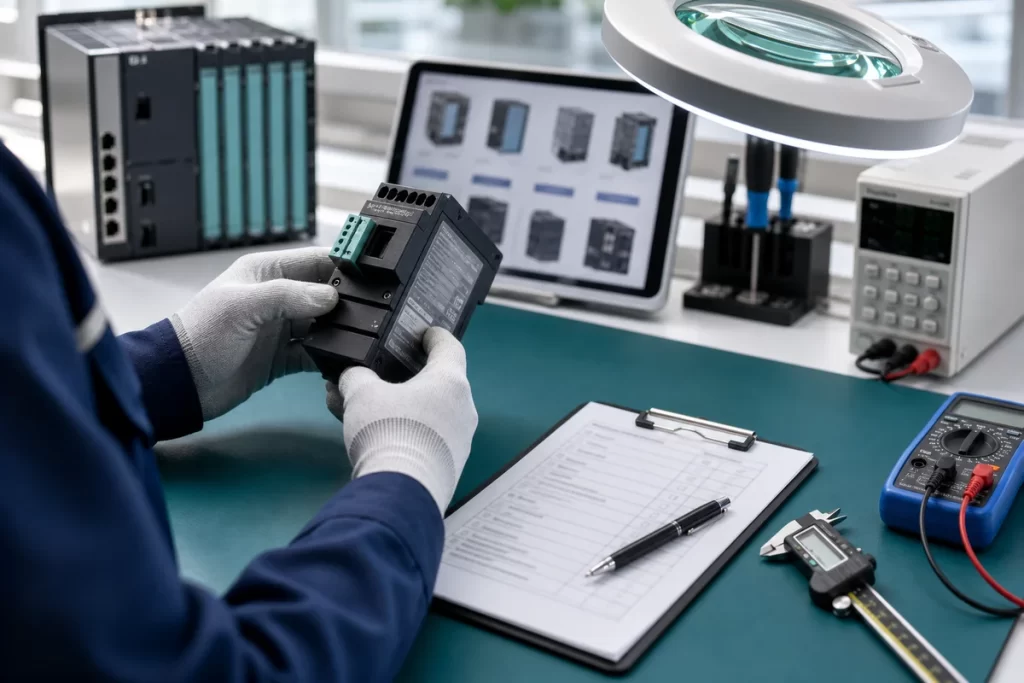
Clear photos can shorten an automation RFQ dramatically. When a model number is incomplete, a label is damaged, or a replacement is uncertain, photos help SmartNexMSK verify the part before quoting. This guide explains what to photograph and how to send useful evidence without slowing down the purchasing process.
Take the label photo first
The most useful photo is the original product label. It should show the brand, full model number, order code, serial or revision details, voltage, current, and certification marks if available. Keep the camera parallel to the label and avoid glare. If the label is small, take one full product photo and one close-up label photo.
- Front product photo
- Side or rear label close-up
- Connector or terminal area
- Installed cabinet or machine position
- Existing packing or old spare label if relevant
When cabinet photos are useful
For PLC, HMI, servo, VFD, power supply, communication module, and sensor replacements, the surrounding cabinet can reveal the rack, slot position, voltage, wiring, communication network, or mounting space. This does not replace the model number, but it helps when the label is missing or the original part is obsolete.
If you are not sure where to start, use Technical Support or the Contact Us page. For exact model searches, use the Parts Catalog. For category-level routing, start with Product Categories.
Photo checklist by situation
- Exact replacement: label photo, quantity, country, urgency
- Obsolete model: label, installed position, connected module or machine note
- Unknown sensor: label, connector, mounting, target object
- Servo system: drive label, motor nameplate, encoder connector, cable labels
- Export order: packing preference, fragile notes, documentation needs
How this helps quotation
Photos reduce uncertainty before price, lead time, and replacement options are checked. They also create better internal notes for quality confirmation, packing review, and after-sales communication. A clear RFQ with photos is easier to route than a message with only a partial model number.
Send label and cabinet photos for faster model verification
Use support when labels are unclear, models are obsolete, or replacement risk needs to be checked before quotation.
Related Insights
Continue with sourcing and model matching guides
 Sep 8, 2026
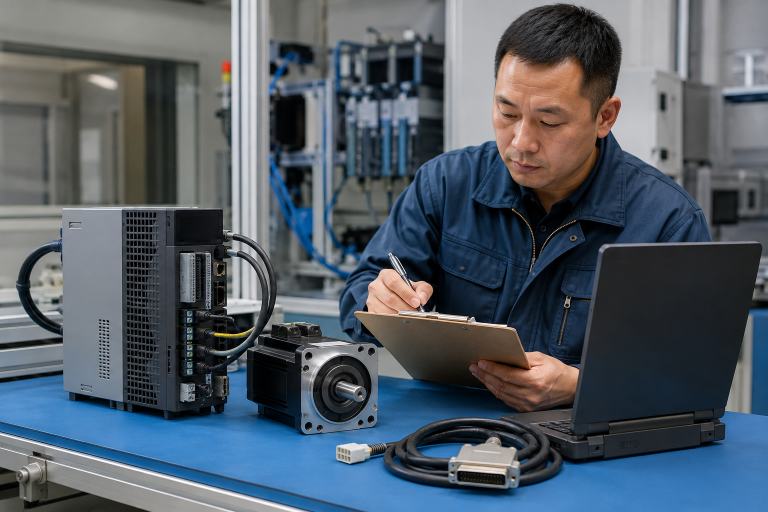
SANYO DENKI QS1E Spares: Save Parameters First
When a SANMOTION Q axis stops, the purchasing request often becomes a model number: “Please quote QS1E01AA0H4A3P1T.” That is a useful starting point, but…
Read guide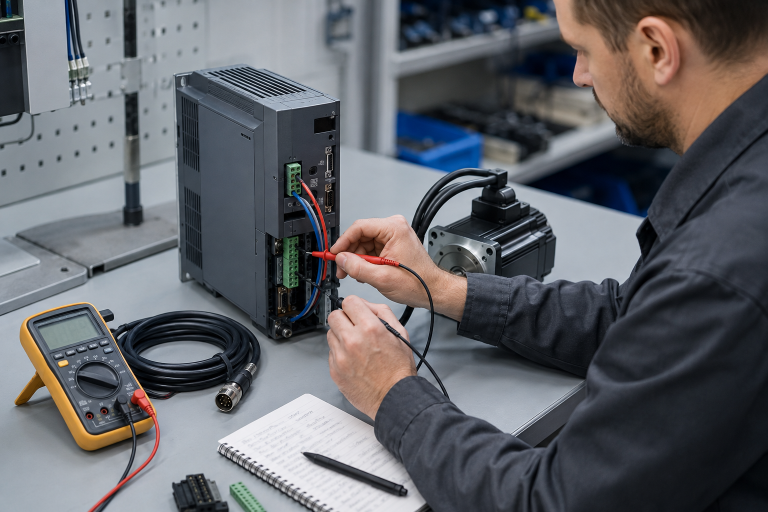 Sep 6, 2026
Yaskawa SGDH-05DE-OY Spares: Check the Servo Chain
A servo drive fault often produces a deceptively simple purchasing request: “Replace the SGDH-05DE-OY.” In a running machine, however, the amplifier is only one…
Read guide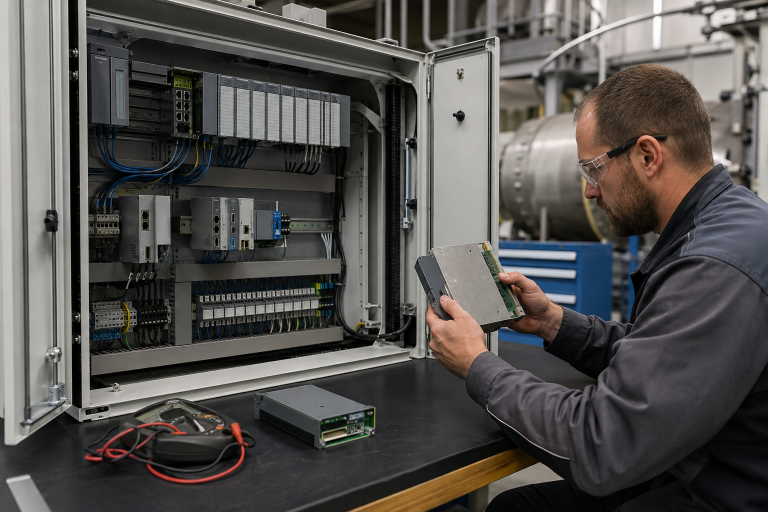 Sep 5, 2026
GE IS220PCLAH1A Spares: Check Mark VIe Fit
When a Mark VIe cabinet develops an intermittent control fault, the urgent request often becomes a single line: “Please quote IS220PCLAH1A.” That is understandable…
Read guide