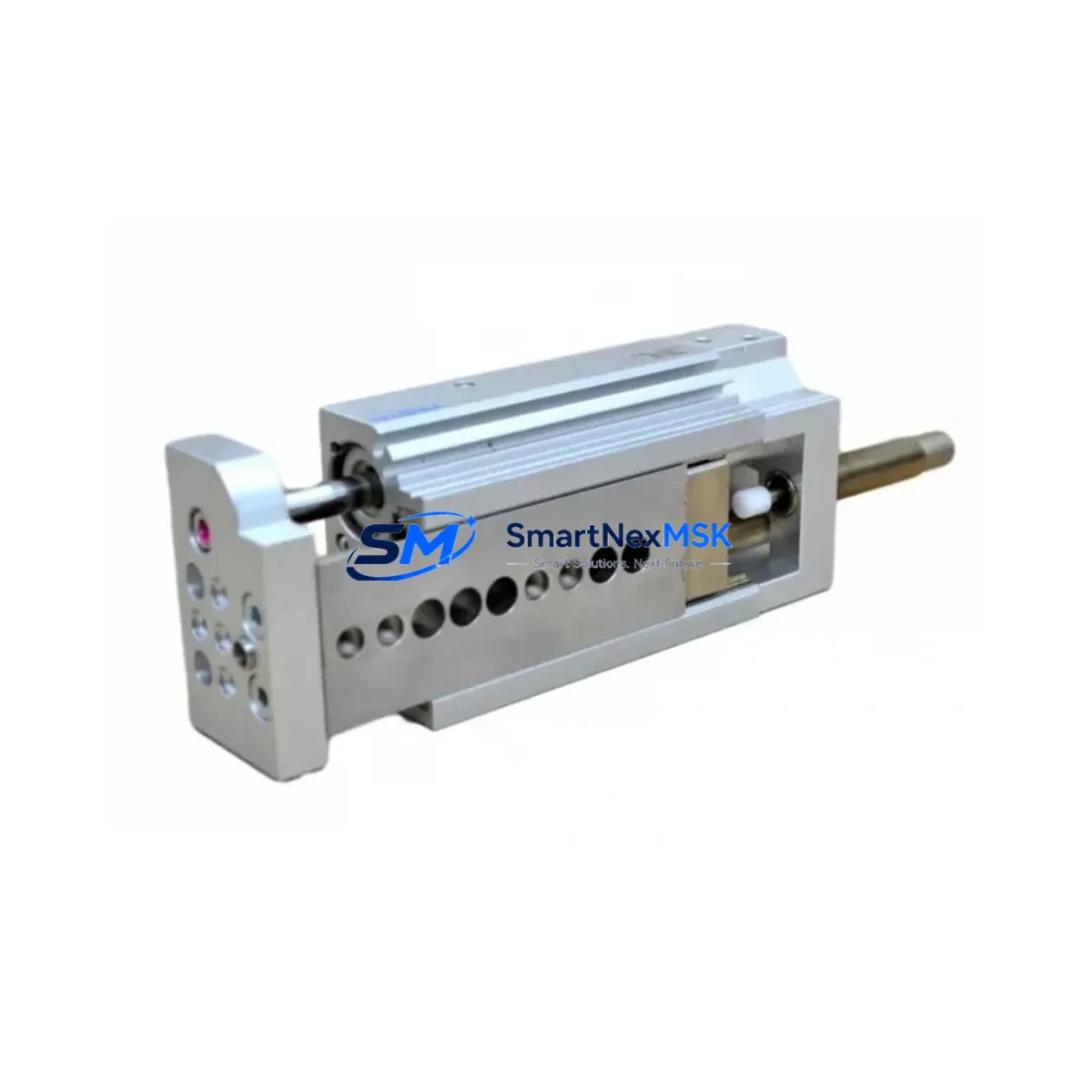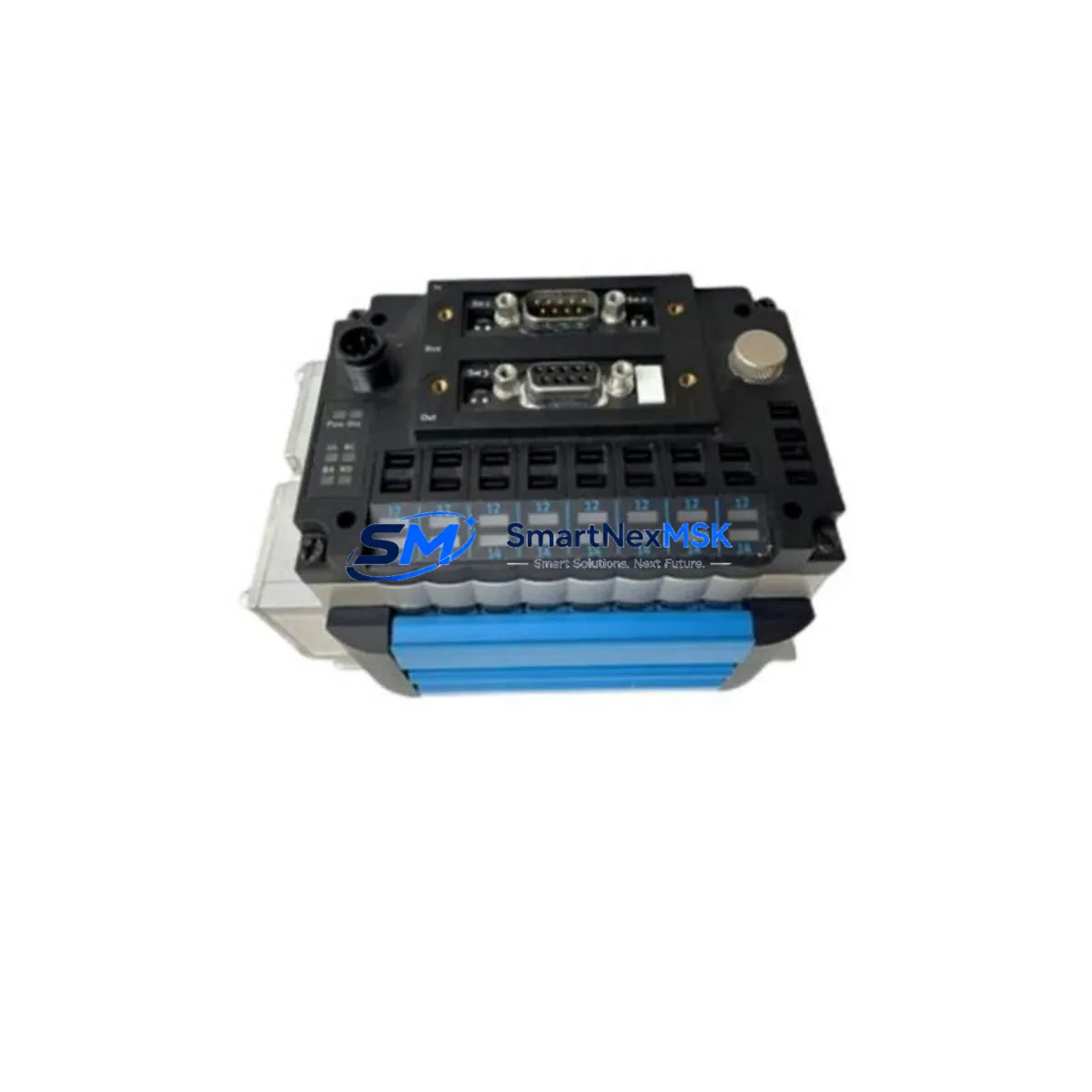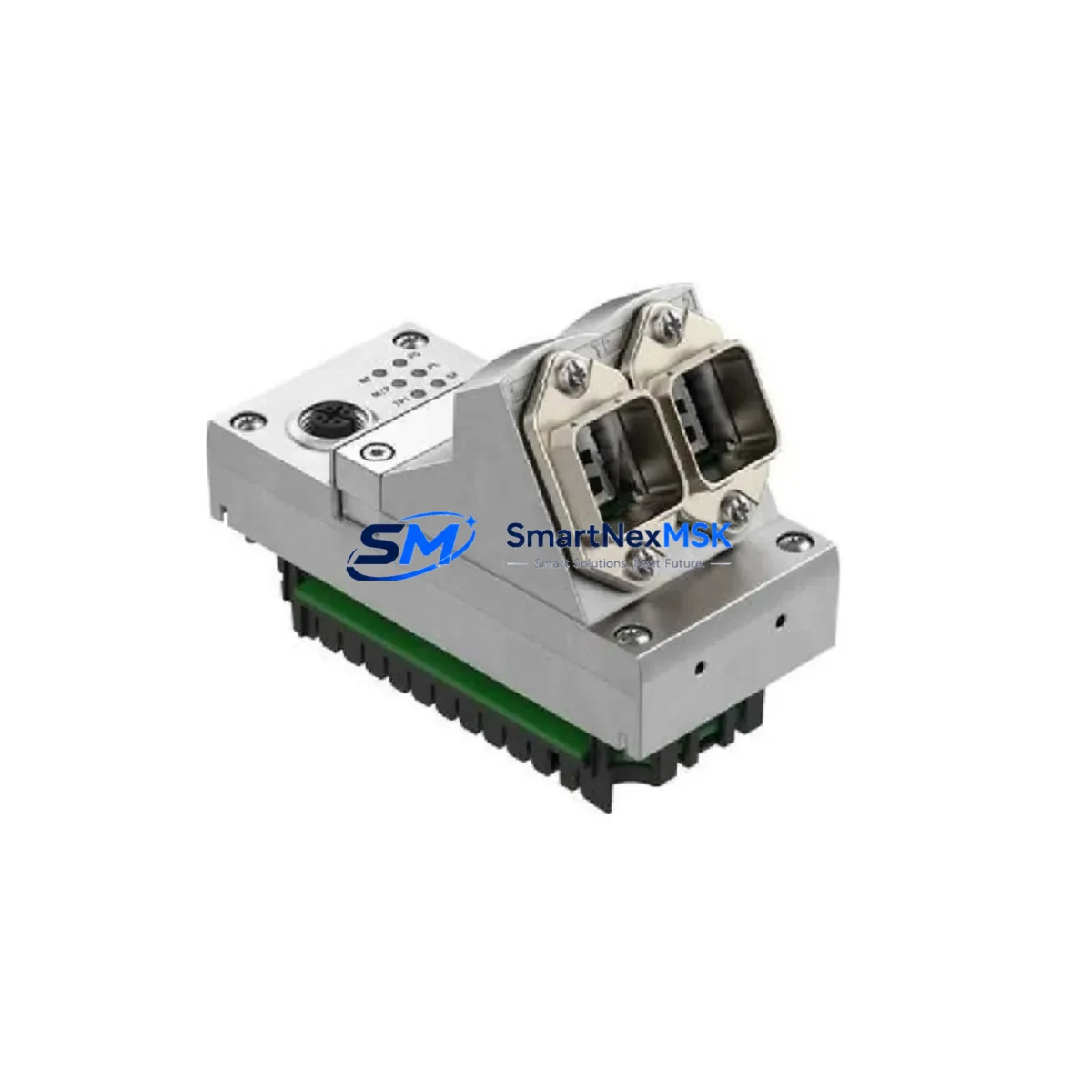
FESTO CPX-SB-LT-WELD-SA Retrofit-Ready Welding Sub-Base for CPX Series Control Systems
The FESTO CPX-SB-LT-WELD-SA is a welding sub-base module engineered for the CPX Series valve terminal platform, widely deployed across automotive body-in-white lines, resistance welding cells, and general industrial pneumatic control cabinets. As original CPX-SB-LT-WELD-SA units reach end-of-service life or become unavailable through standard distribution channels, this retrofit-ready replacement provides a direct, specification-matched upgrade path that preserves existing wiring harnesses, backplane connections, and PLC program logic without requiring panel redesign or software re-engineering.
Engineers and maintenance teams sourcing a CPX-SB-LT-WELD-SA replacement must verify several critical parameters before committing to a swap. First, confirm the supply voltage rail — the CPX platform supports both 24 VDC and 42 VDC variants depending on the valve island configuration, and the sub-base must match the bus node’s rated input. Second, inspect the terminal block pitch and wiring gauge compatibility; the CPX-SB-LT-WELD-SA uses the standard CPX M8/M12 pneumatic port layout and the integrated electrical sub-base connector must align with the existing CPX-GE-EV-S or CPX-GE-EV-Z bus node already mounted in the cabinet. Third, verify the backplane slot address — in multi-node CPX racks, each sub-base occupies a defined slot position that maps directly to the I/O address table in the Siemens S7-300, S7-1500, or Allen-Bradley ControlLogix controller managing the valve island. Changing the slot position without updating the hardware configuration in STEP 7, TIA Portal, or Studio 5000 will cause a diagnostic fault on startup.
For sites running older CPX-FB13 or CPX-FB32 fieldbus nodes communicating over PROFIBUS DP, the CPX-SB-LT-WELD-SA replacement integrates without protocol modification. Sites that have already migrated the fieldbus node to CPX-FB38 for PROFINET IO or CPX-FB34 for EtherNet/IP will find the sub-base equally compatible, as the electrical interface between the sub-base and the bus node is independent of the upper-layer communication protocol. This makes the CPX-SB-LT-WELD-SA an ideal component for staged migration projects where the fieldbus infrastructure is being modernized incrementally while the pneumatic valve island hardware remains in place.
During the physical swap, technicians should also inspect the CPX-P-10-24VDC-1A power supply module feeding the valve island. Welding environments impose high electromagnetic interference loads, and a degraded power module is frequently the root cause of intermittent CPX sub-base faults that are misdiagnosed as valve or sub-base failures. If the CPX-P-10-24VDC-1A shows ripple voltage outside the 24 VDC ±10% tolerance band, replace it concurrently with the sub-base to avoid repeat callouts. Similarly, check the CPX-AB-8-M12X2 pneumatic manifold block for port thread wear or seal degradation before reinstalling the sub-base, as pneumatic leakage at the manifold interface will generate false pressure-fault signals in the PLC diagnostic buffer.
For systems where the CPX valve island is controlled via a FESTO CPX-CEC-C1 integrated controller rather than an external PLC, the sub-base replacement procedure requires an additional step: export the current CPX-CEC project from FESTO Automation Suite before disconnecting power, and verify that the I/O mapping for the welding output channels matches the new sub-base’s port numbering. In most cases the mapping is identical, but firmware versions below 3.2.x on the CPX-CEC-C1 may require a parameter download after the hardware swap to re-initialize the sub-base diagnostics register.
HMI screens built on FESTO VISU+ or third-party SCADA platforms referencing CPX diagnostic tags should be reviewed after the swap. The CPX-SB-LT-WELD-SA replacement preserves the standard CPX diagnostic word structure, so existing HMI faceplates displaying valve position feedback, short-circuit status, and load voltage monitoring will continue to function without screen modification. However, if the site uses a CPX-MMI-1 local display module for on-panel diagnostics, perform a module reset after installation to clear any latched fault codes from the previous sub-base.
Upgrade Compatibility Table
| Parameter | Original CPX-SB-LT-WELD-SA | This Retrofit Replacement |
|---|---|---|
| Electrical Interface | CPX standard sub-base connector | Identical — direct plug-in |
| Pneumatic Port Layout | CPX M8/M12 standard pitch | Identical — no manifold modification |
| Supply Voltage | 24 VDC / 42 VDC (model-dependent) | Matched to original specification |
| Fieldbus Compatibility | PROFIBUS DP, PROFINET IO, EtherNet/IP, DeviceNet | Full compatibility — protocol-agnostic sub-base |
| Backplane Slot Address | Defined by rack position | Same — no PLC address remapping required |
| Installation Requirement | DIN rail or panel mount | Identical mounting footprint |
| Wiring Adaptation | Existing harness retained | No rewiring required |
| Replacement Recommendation | — | Direct drop-in; inspect power module concurrently |
| Commissioning Focus | — | Slot address, firmware version, HMI tag validation |
| Warranty | — | 12-Month Warranty included |
Retrofit Planning for Existing Automation Systems
A successful CPX-SB-LT-WELD-SA retrofit begins with a complete bill-of-materials audit of the affected control cabinet. In a typical welding cell, the CPX valve island shares the cabinet with a CPX-P-10-24VDC-1A or CPX-P-10-42VDC-1A power supply module, a CPX-FB38 PROFINET bus node, and between four and sixteen CPX-V13-P valve coil positions. The sub-base sits between the bus node and the valve manifold, and its condition directly affects the reliability of every downstream valve output. When planning the retrofit, order the CPX-SB-LT-WELD-SA replacement alongside any suspect CPX-V13-P valve coils and a spare CPX-AB-8-M12X2 manifold block so that the maintenance window covers all wear items in a single planned outage rather than requiring a second unplanned shutdown.
For multi-rack CPX installations where the valve island spans more than one CPX-SB-LT sub-base, coordinate the replacement sequence with the PLC programmer to ensure that the I/O force table in TIA Portal or Studio 5000 is cleared before the swap and that all forced outputs are documented for reinstatement after commissioning. In welding applications, forced outputs controlling electrode advance or clamp solenoids must be handled with particular care to prevent unintended mechanical movement during the maintenance window. Isolate the pneumatic supply to the manifold using the upstream CPX-3-M5-3 or equivalent lockout valve before disconnecting the sub-base, and verify zero-energy state with a pressure gauge on the manifold test port.
Sites migrating from an older PROFIBUS DP fieldbus architecture to PROFINET IO as part of a broader Industry 4.0 upgrade should treat the CPX-SB-LT-WELD-SA replacement as an opportunity to simultaneously upgrade the bus node from CPX-FB13 to CPX-FB38, update the GSD/GSDML device description file in TIA Portal, and reconfigure the CPX-CEC-C1 or external PLC I/O table to reflect the new network addressing. This combined approach eliminates a second planned outage and allows the engineering team to validate the complete new fieldbus segment — including the CPX-MMI-1 local display, the CPX-P power module, and all valve coil diagnostics — in a single commissioning session.
Downtime Control During System Migration
Minimizing production downtime during a CPX-SB-LT-WELD-SA replacement requires pre-staging all replacement components, tools, and documentation before the maintenance window opens. The physical swap of the sub-base typically takes 15–30 minutes for an experienced technician; the majority of downtime risk lies in post-swap commissioning — specifically, resolving unexpected PLC diagnostic faults caused by address mismatches, firmware incompatibilities, or residual forced outputs left in the controller from previous troubleshooting sessions.
To protect original program logic, export a full PLC backup from TIA Portal, Studio 5000, or GX Works3 before disconnecting any hardware. Archive the CPX-CEC project from FESTO Automation Suite if an integrated controller is in use. Take a screenshot or export of the current HMI tag database referencing CPX diagnostic words so that any post-swap discrepancies can be identified and corrected quickly. If the site uses a CPX-MMI-1 local display, photograph the current diagnostic screen to capture the pre-swap baseline state.
After installing the CPX-SB-LT-WELD-SA replacement, restore power in stages: energize the CPX-P power module first and verify the supply voltage at the sub-base connector before enabling the fieldbus node. This staged power-up sequence allows the bus node — whether CPX-FB38 for PROFINET or CPX-FB34 for EtherNet/IP — to perform its self-test and report any hardware faults before the PLC attempts to establish communication. Once the bus node reports a healthy status LED, enable the PLC connection and monitor the diagnostic buffer for the first 10–15 scan cycles to confirm that all I/O addresses are resolving correctly and that no valve coil short-circuit faults are present. Only after a clean diagnostic scan should the pneumatic supply be restored and the welding cell returned to automatic mode.
Retrofit Support FAQ
Q1: Is the CPX-SB-LT-WELD-SA a direct replacement for the original FESTO part without any wiring or programming changes?
Yes. This replacement unit matches the original CPX-SB-LT-WELD-SA electrical connector, pneumatic port layout, and backplane slot footprint. In the vast majority of installations, no wiring modification, PLC address remapping, or HMI screen update is required. The only recommended pre-swap action is to verify the supply voltage variant (24 VDC or 42 VDC) matches the existing CPX power module.
Q2: How do I confirm compatibility with my existing CPX fieldbus node and communication protocol?
The CPX-SB-LT-WELD-SA sub-base is protocol-agnostic — it interfaces with the bus node through the CPX backplane, not through the fieldbus layer. Whether your site uses CPX-FB13 (PROFIBUS DP), CPX-FB38 (PROFINET IO), CPX-FB34 (EtherNet/IP), or CPX-FB32 (DeviceNet), the sub-base replacement is compatible without any fieldbus reconfiguration. Confirm the bus node firmware version is current to avoid diagnostic register mismatches after the swap.
Q3: What pre-shipment testing is performed on this replacement unit?
Each CPX-SB-LT-WELD-SA replacement unit undergoes functional electrical testing of the sub-base connector interface, pneumatic port integrity verification, and visual inspection for mechanical damage before shipment. Units are shipped with protective port caps installed. A 12-month warranty covers manufacturing defects and functional failures under normal operating conditions from the date of receipt.
Q4: What is the lead time and do you hold stock for urgent maintenance requirements?
We maintain ready stock of CPX-SB-LT-WELD-SA replacement units to support urgent maintenance and unplanned downtime scenarios. Orders placed before the daily cut-off are processed for same-day dispatch. For large-quantity requirements or scheduled maintenance programs, contact our sales team to arrange reserved stock allocation and confirm delivery timelines for your region.
© 2026 SMARTNEXMSK. All rights reserved.
Original Source: https://smartnexmsk.com
Contact: [email protected] | +86 18259474341