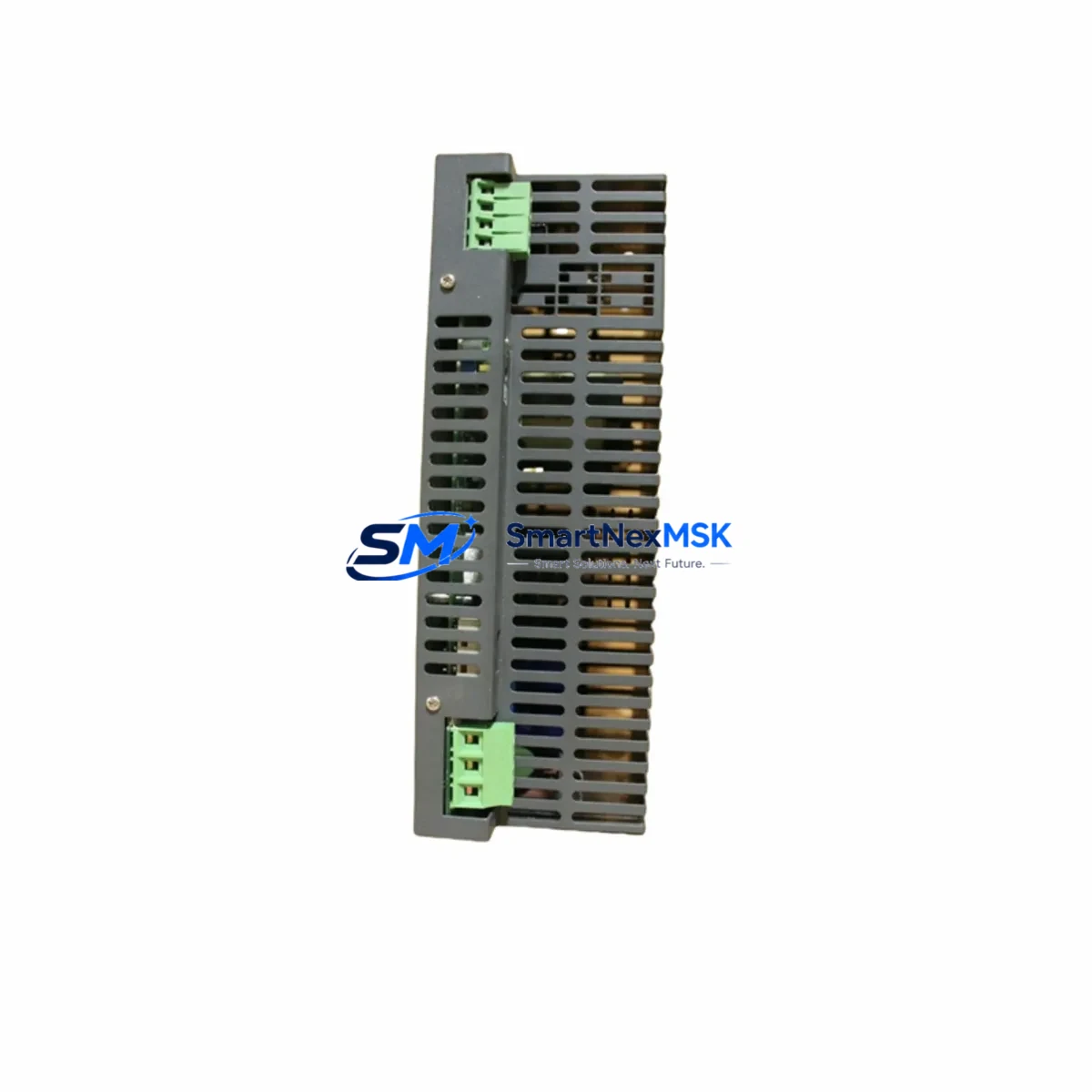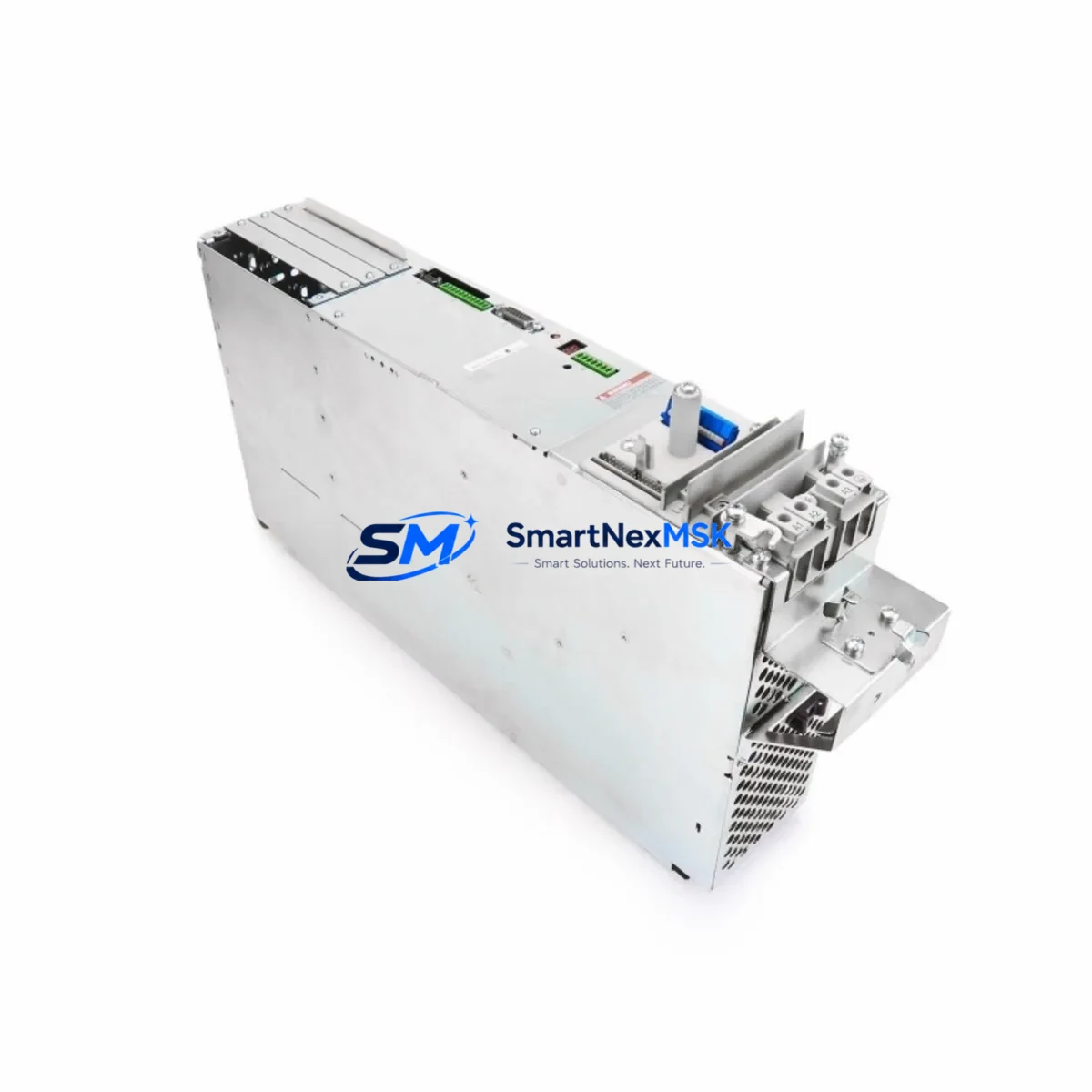
LinMot E4000-MT Retrofit-Ready Servo Drive for MT Series Control Systems
The LinMot E4000-MT is a high-performance servo drive engineered for seamless integration into existing MT Series linear motor control architectures. Whether you are replacing an end-of-life drive, upgrading a legacy control cabinet, or migrating from an older LinMot drive generation, the E4000-MT delivers verified electrical compatibility, reduced commissioning time, and a 12-month warranty — making it the preferred choice for industrial retrofit projects across packaging, assembly, and precision motion applications.
For engineers managing aging automation lines, the E4000-MT addresses the most critical pain points in drive replacement: power supply compatibility, terminal wiring continuity, backplane interface alignment, module addressing, and program logic preservation. Its design mirrors the mechanical footprint and connector layout of predecessor MT Series drives, allowing direct panel mounting without cabinet rework in most retrofit scenarios.
Upgrade Compatibility Table
| Parameter | E4000-MT Specification | Retrofit Notes |
|---|---|---|
| Drive Series | LinMot MT Series | Direct replacement for prior MT-generation drives |
| Supply Voltage | 24 VDC control / 48–72 VDC power bus | Verify existing PSU output capacity before swap |
| Communication Interface | CANopen / EtherCAT / LinMot Talk | Confirm fieldbus protocol with host PLC or motion controller |
| Connector / Terminal | Standard MT Series pinout | Existing motor cables typically reusable; verify shield grounding |
| Backplane / Rack | DIN rail or panel mount | No rack modification required in standard MT cabinet layouts |
| Module Addressing | Node ID via rotary switch or software | Match original node address to avoid PLC scan conflicts |
| Program Compatibility | LinMot Talk parameter import supported | Export and restore motion profiles from replaced unit |
| HMI Screen Mapping | Status word / fault code compatible | Verify HMI tag bindings after drive swap |
| Installation Standard | CE / UL listed | Suitable for EU and North American panel builds |
| Warranty | 12 Months | Covers manufacturing defects; includes pre-shipment functional test |
Retrofit Planning for Existing Automation Systems
A successful E4000-MT retrofit begins well before the drive arrives on site. Start by auditing the existing control cabinet: confirm that the LinMot power supply module — typically a 48 VDC or 72 VDC unit mounted adjacent to the drive — can sustain the E4000-MT’s peak current demand during acceleration. If the original PSU is undersized or aging, replacing it alongside the drive eliminates a common source of nuisance faults after commissioning.
Next, inspect the motor cable and terminal block wiring. The E4000-MT uses the standard MT Series connector pinout, so existing LinMot linear motor cables — including the combined power and encoder cable — are generally reusable without modification. However, verify that cable shielding is intact and that the shield is terminated correctly at the drive end to prevent EMI interference on the CANopen or EtherCAT communication link.
For systems running CANopen, confirm the baud rate and node ID settings on the replacement drive before powering up. In multi-axis cabinets where several E4000-MT drives share a single CANopen trunk, each drive must carry a unique node address. The LinMot C1100 CANopen master controller or a third-party PLC running a CANopen master stack will enumerate all nodes on startup — a duplicate address will prevent the axis from going online. For EtherCAT topologies, the drive’s position in the ring determines its station alias; document the original topology before removal.
When the host controller is a Siemens S7-300 or S7-1500 series PLC communicating via PROFIBUS DP or PROFINET, a gateway module such as the LinMot E1100-GP-XC may be present in the cabinet to bridge the LinMot proprietary protocol to the Siemens fieldbus. Confirm that the gateway firmware version is compatible with the E4000-MT parameter set before finalizing the retrofit plan. Similarly, if the machine uses a Beckhoff CX series embedded PC with TwinCAT motion, verify that the EtherCAT ESI file for the E4000-MT is loaded in the TwinCAT System Manager before scanning the bus.
I/O expansion cards installed in the same control cabinet — such as digital input/output modules for end-of-stroke sensors, safety relays, or pneumatic valve outputs — are unaffected by the drive swap but should be documented as part of the overall cabinet audit. Likewise, if the machine includes a LinMot E1200-XC or similar multi-axis controller coordinating several linear axes, confirm that the axis configuration file references the correct drive type after replacement.
Finally, back up the complete LinMot Talk parameter file from the original drive before removal. This file contains all motion profiles, stroke limits, force limits, and homing sequences. After installing the E4000-MT, import the parameter file, verify each axis parameter against the machine’s original commissioning sheet, and perform a slow-speed jog test before returning the line to production speed.
Downtime Control During System Migration
Minimizing unplanned downtime during a drive replacement requires a structured swap procedure. Begin by scheduling the replacement during a planned maintenance window and preparing a pre-tested E4000-MT unit — ideally one that has been bench-configured with the correct node ID, baud rate, and parameter file before it reaches the production floor.
Before powering down the cabinet, capture a screenshot or export of the current HMI screen showing axis status, active faults, and any operator-set parameters. This reference image accelerates post-swap verification. Power down the cabinet in the correct sequence: disable the PLC output that enables the drive, then remove the 48/72 VDC power bus, and finally remove the 24 VDC control supply. This sequence prevents fault logging from an ungraceful shutdown and protects the drive’s internal memory.
With the E4000-MT installed and wired, restore power in reverse order: 24 VDC control first, then the power bus. Use LinMot Talk to confirm that the drive is online and that the parameter file has loaded correctly before enabling the axis from the PLC. Run a homing cycle at reduced speed, verify end-of-stroke sensor responses, and confirm that the HMI displays the correct axis position before releasing the line to full production speed. A structured swap following this sequence typically achieves mechanical and electrical restoration within 30–60 minutes, keeping production impact to a single shift segment.
Retrofit Support FAQ
Q1: Is the E4000-MT a direct drop-in replacement for older LinMot MT Series drives?
In most MT Series cabinet configurations, yes. The E4000-MT shares the same mechanical footprint, connector pinout, and parameter structure as its predecessors. A parameter file export from the original drive and import to the E4000-MT is strongly recommended to preserve all motion profiles and axis settings. Minor firmware differences may require a parameter review using LinMot Talk before the first powered test.
Q2: What communication protocols does the E4000-MT support, and how do I verify compatibility with my PLC?
The E4000-MT supports CANopen and EtherCAT natively, with LinMot Talk available for direct USB commissioning. Verify the fieldbus protocol used by your host controller — whether a Siemens S7, Beckhoff CX, or other PLC platform — and confirm that the corresponding ESI or EDS file for the E4000-MT is available in your engineering software before installation. If your existing system uses an older serial protocol, a gateway module may be required.
Q3: What does the 12-month warranty cover, and is pre-shipment testing included?
Every E4000-MT unit undergoes a functional pre-shipment test covering power-on self-test, communication interface verification, and output stage integrity. The 12-month warranty covers manufacturing defects in materials and workmanship from the date of shipment. It does not cover damage resulting from incorrect wiring, overvoltage, or mechanical impact. Warranty claims are processed through SMARTNEXMSK with a typical turnaround of 5–10 business days.
Q4: Can I reuse my existing LinMot motor cables and terminal wiring when installing the E4000-MT?
Yes, in standard MT Series installations. The E4000-MT uses the same combined power and encoder connector as the MT Series motor cable. Inspect the cable for insulation damage, verify shield continuity, and confirm that the terminal block torque values meet the drive’s specification sheet before powering up. If the existing cable is more than five years old or shows signs of jacket cracking, replacement is recommended to avoid intermittent encoder faults after commissioning.
© 2026 SMARTNEXMSK. All rights reserved.
Original Source: https://smartnexmsk.com
Contact: [email protected] | +86 18259474341