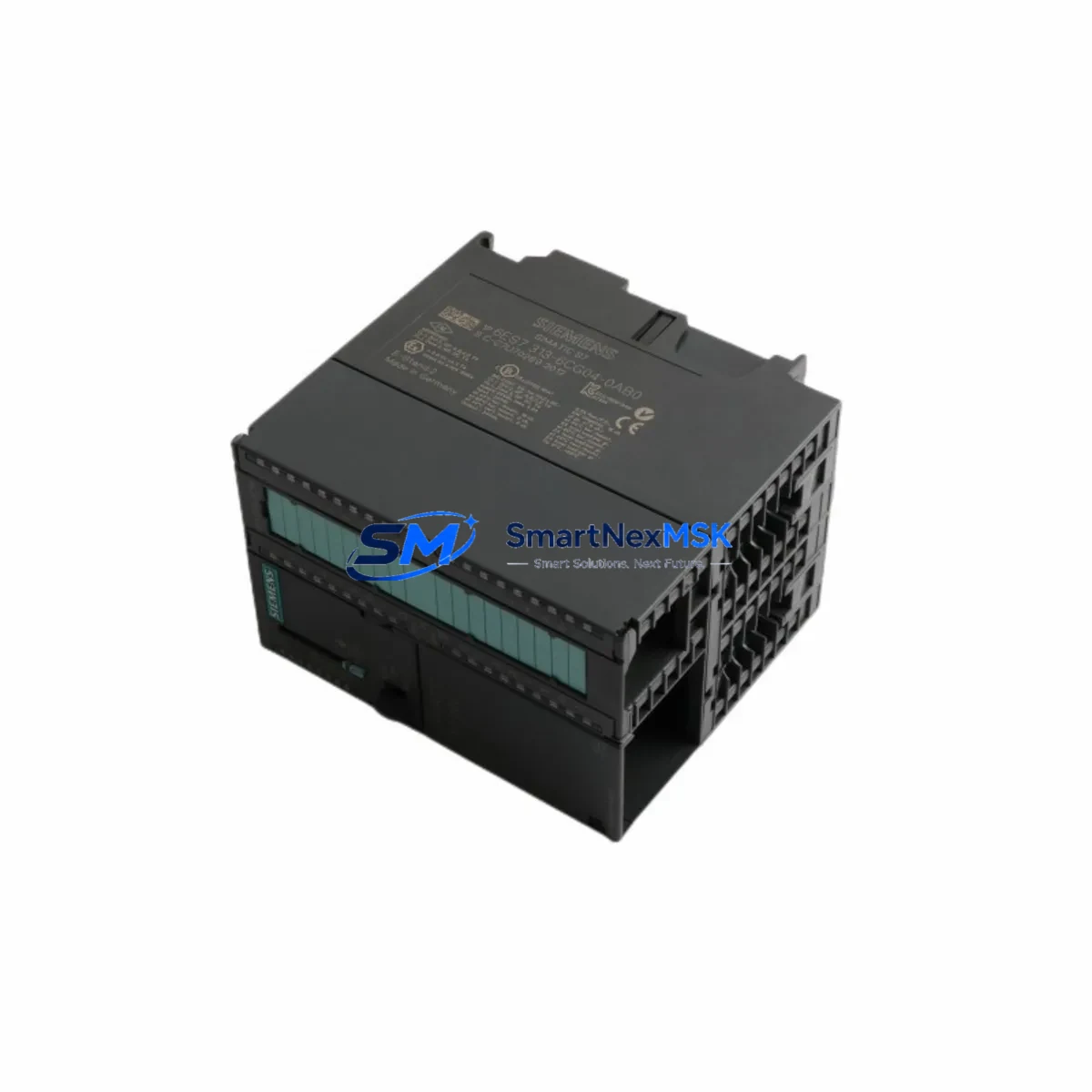
Siemens 6AV6647-0AH11-3AX1 Retrofit-Ready HMI for SIMATIC S7 Control Systems
The Siemens 6AV6647-0AH11-3AX1 KTP400 Basic Mono PN is a 4-inch monochrome PROFINET-based Human Machine Interface panel engineered for seamless integration into existing SIMATIC S7-300 and S7-400 control architectures. As legacy operator panels such as the OP77B and TP177B reach end-of-life, the KTP400 Basic Mono PN provides a validated, cost-effective upgrade path that preserves existing HMI screen logic, tag structures, and communication configurations with minimal re-engineering effort.
Designed for industrial environments where downtime is measured in production losses, the 6AV6647-0AH11-3AX1 supports PROFINET IO communication natively, enabling direct integration with SIMATIC S7-300 CPUs such as the CPU 315-2 PN/DP and CPU 317-2 PN/DP without additional communication modules. Engineers migrating from MPI-based panels will need to verify the CPU’s PROFINET port availability or add a CP 343-1 communications processor to bridge legacy MPI backplane connections to the PROFINET segment.
When planning a retrofit involving the 6AV6647-0AH11-3AX1, the following technical checkpoints are critical: confirm 24 VDC supply capacity at the control cabinet’s power supply module (PSU), such as the SITOP PSU100S or equivalent; verify panel cutout dimensions (138 mm × 108 mm) against the existing door or enclosure; and review terminal wiring for the PROFINET RJ45 port, ensuring shielded Cat5e or Cat6 cabling is used to maintain signal integrity in electrically noisy environments.
HMI project migration from WinCC flexible to TIA Portal is a common requirement during this upgrade. Existing OP77B or TP177B projects can be imported into TIA Portal V15.1 or later using the integrated migration wizard, which converts screen objects, tag connections, and alarm configurations. Engineers should audit all function keys and touch-area mappings, as the KTP400 Basic Mono PN uses a combination of 4 function keys and a touch-sensitive display, differing from the pure key-based navigation of the OP77B.
Upgrade Compatibility Table
| Parameter | Legacy Panel (OP77B / TP177B) | 6AV6647-0AH11-3AX1 KTP400 Basic Mono PN |
|---|---|---|
| Display Size | 3.8″ / 5.7″ STN | 4.0″ Monochrome TFT |
| Communication Interface | MPI / PROFIBUS DP | PROFINET IO (RJ45) |
| Power Supply | 24 VDC | 24 VDC (4.5 W typical) |
| Panel Cutout | Varies by model | 138 mm × 108 mm |
| Engineering Software | WinCC flexible 2008 | TIA Portal V13 SP1 or higher |
| PLC Compatibility | S7-200 / S7-300 / S7-400 | S7-300 / S7-400 / S7-1200 / S7-1500 |
| Installation Type | Panel mount | Panel mount (IP65 front) |
| Replacement Recommendation | Direct retrofit with TIA Portal project migration; verify PROFINET availability on CPU | |
| Commissioning Focus | Tag re-mapping, PROFINET device name assignment, IP address configuration, screen function key re-assignment | |
| Warranty | — | 12-Month Warranty included |
Retrofit Planning for Existing Automation Systems
A successful retrofit using the 6AV6647-0AH11-3AX1 begins with a thorough audit of the existing control cabinet. Engineers should document the current SIMATIC S7-300 or S7-400 rack configuration, including the CPU module, power supply module (e.g., PS 307 5A), and any installed signal modules such as SM 321 digital input modules or SM 331 analog input modules. If the existing system uses a CP 343-1 for Ethernet communications, the PROFINET segment can be extended to include the KTP400 panel without additional hardware.
For systems still running on PROFIBUS DP backbones, the migration path typically involves retaining the existing DP master CPU while adding a PROFINET-capable CPU or a PN/DP coupler. In some installations, a SCALANCE X005 or SCALANCE XB008 unmanaged switch is added to the PROFINET segment to accommodate multiple devices including the new HMI panel, remote I/O stations, and drives.
Wiring adaptation is straightforward: the 6AV6647-0AH11-3AX1 uses a standard 2-pin power connector for 24 VDC supply and a single RJ45 PROFINET port. Installers should label and photograph all existing terminal connections before removal. If the legacy panel used a 9-pin Sub-D MPI connector, this wiring is no longer required and the cable can be capped or removed from the duct.
During the software phase, TIA Portal’s HMI migration tool imports the WinCC flexible project and flags incompatible objects for manual review. Typical items requiring attention include recipe views, trend displays, and custom VB scripts, which must be rewritten as TIA Portal-compatible structured text or function block logic. Once the project compiles without errors, a factory acceptance test (FAT) on the bench — connecting the KTP400 to a test CPU 315-2 PN/DP or a PLCSIM instance — validates all screen navigation, alarm acknowledgment, and data tag communication before the panel is installed on-site.
Related components commonly involved in this retrofit scope include the SIMATIC S7-300 CPU 315-2 PN/DP, PS 307 power supply module, SM 321 DI 16×DC 24V input module, SM 322 DO 16×DC 24V output module, CP 343-1 Ethernet communications processor, SCALANCE X005 network switch, SIMATIC Comfort Panel TP700 (for larger display upgrades), MPI/PROFIBUS programming cable PC Adapter USB A2, and the SITOP PSU100S 24V/5A stabilized power supply. Each of these components may be part of the same control cabinet modernization project and should be assessed for compatibility and availability during the planning phase.
Downtime Control During System Migration
Minimizing production downtime during an HMI panel replacement requires a structured cutover plan. The recommended approach is to complete all software preparation — TIA Portal project migration, PROFINET device naming, and IP address assignment — offline before the scheduled maintenance window. A pre-configured replacement panel with the downloaded HMI project can be staged and tested on a bench setup, ensuring that the on-site swap is limited to physical installation and network connection.
During the cutover, the existing PLC program continues to run on the S7-300 or S7-400 CPU without interruption. The HMI panel is the only component being replaced, so process control is maintained through the PLC’s autonomous execution of the control program. Operators should be briefed to monitor the process via local indicators or a secondary SCADA system during the brief period when the HMI is offline.
After physical installation of the 6AV6647-0AH11-3AX1, the PROFINET device name must be assigned using TIA Portal’s online device configuration tool or the Primary Setup Tool (PST). Once the device name and IP address are confirmed, the HMI project is downloaded to the panel and communication with the PLC is established. A structured commissioning checklist — covering alarm display, setpoint entry, trend logging, and recipe selection — should be executed and signed off before the maintenance window is closed. Total on-site cutover time for a well-prepared retrofit is typically 2 to 4 hours.
Retrofit Support FAQ
Q: Is the 6AV6647-0AH11-3AX1 a direct drop-in replacement for the OP77B?
A: The KTP400 Basic Mono PN is functionally compatible as a replacement for the OP77B but requires a PROFINET connection rather than MPI. The panel cutout dimensions differ slightly, so a mounting adapter plate may be needed. The HMI project must be migrated from WinCC flexible to TIA Portal before commissioning.
Q: What commissioning steps are required after installation?
A: After physical installation, assign the PROFINET device name and IP address via TIA Portal or PST, download the migrated HMI project to the panel, verify PLC communication by checking tag values on the HMI, and run through all operator screens to confirm correct display and control functionality. Document the commissioning results and retain for maintenance records.
Q: Can the 6AV6647-0AH11-3AX1 connect directly to an S7-1200 or S7-1500 PLC?
A: Yes. The KTP400 Basic Mono PN supports PROFINET IO communication with S7-1200 and S7-1500 CPUs natively. TIA Portal is required for project engineering, and the HMI connection is configured as a PROFINET device within the same TIA Portal project as the PLC.
Q: What does the 12-month warranty cover?
A: All units supplied by SMARTNEXMSK are covered by a 12-month warranty from the date of dispatch. Each unit undergoes pre-shipment functional testing including power-on verification, display check, and communication port inspection. In the event of a confirmed hardware defect within the warranty period, a replacement unit or repair service will be arranged. Contact [email protected] for warranty claims and technical support.
© 2026 SMARTNEXMSK. All rights reserved.
Original Source: https://smartnexmsk.com
Contact: [email protected] | +86 18259474341