
ET 200SP Spares: Check the BaseUnit Before Ordering
Identify ET 200SP modules and BaseUnits separately, then confirm supply-group role, variant and receiving evidence before ordering a replacement.
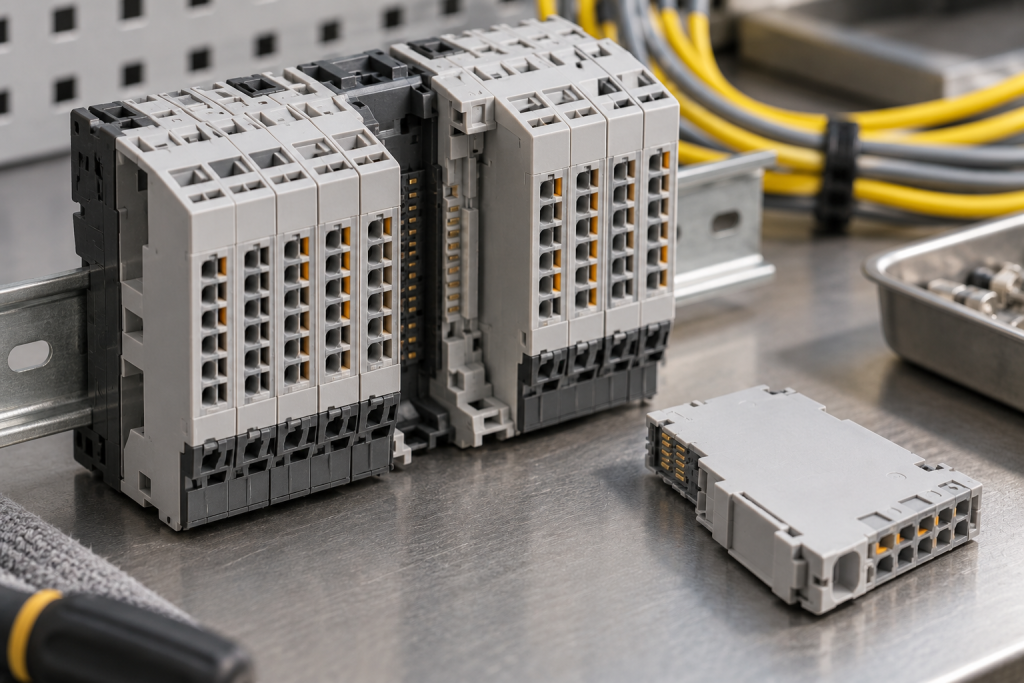
An ET 200SP spare request often arrives with a photograph of the electronic module and no record of the terminal base beneath it. The replacement might match the visible module label while leaving the team unable to confirm the base variant, terminal arrangement or supply-group role. That gap should be resolved before an order becomes an urgent installation decision.
For maintenance and MRO procurement, the objective is to identify the installed assembly, not to guess a BaseUnit from the cabinet’s appearance. This guide addresses documentation and purchasing checks. It is not an energized replacement procedure, a universal compatibility table or a claim that a listed spare is ready for every ET 200SP station.
Record the module and the BaseUnit separately
Build the request around two identities: the electronic module’s complete article number and the BaseUnit’s complete identification. Add station location, slot position, photographs, drawing references and the equipment configuration used for the application. Keep unclear characters marked as unresolved rather than silently completing a part number from a search result.
Siemens’ BaseUnits equipment manual, June 2025 edition, documents multiple base types and variants with different terminal and accessory arrangements. Matching the required type does not remove the need to identify the actual variant. Use the applicable module documentation and installed drawings together.
For sourcing context, the communication and I/O spare category can help organize requests. A category page is not a compatibility approval, and a product description should not override the manufacturer’s documentation when they disagree.
Document the supply-group role
The BaseUnit is not merely a holder for the electronics. Siemens’ ET 200SP system manual, December 2015 edition, distinguishes bases that open a new potential group from bases that continue an existing group. It also documents exceptions to simplified first-slot rules. Check the documentation applicable to the installed station rather than applying a universal color-only rule.
For the RFQ, record which group the slot belongs to, where its supply originates and which neighboring modules share that group. Ask engineering to confirm this from the approved drawing. Do not infer the circuit solely from a close-up photograph or assume that an adjacent module with power proves every supply path is correct.
This is a documentation check, not a suggestion to modify distribution or bypass protection. Any change to the supply arrangement belongs in the site’s controlled engineering process, with qualified personnel and approved isolation procedures.
Distinguish module replacement from base replacement
Ask which item the request actually covers: the electronic module, the BaseUnit, accessories or a complete assembly. If only the module is needed, preserve the existing base identity in the compatibility record. If the base is damaged or requires replacement, identify the wiring and group arrangement that must be restored.
Physical similarity does not settle the purchasing decision. Compare the complete identity and required interfaces, then document any proposed difference. Do not call a changed base a like-for-like spare simply because it occupies similar space. Record the difference before quotation approval so it does not emerge during the outage.
Investigate the fault before buying a bundle
Retain the observed symptom, diagnostic information and relevant maintenance history. The purchasing record should distinguish a confirmed failed component from a candidate suspected during troubleshooting. A missing signal alone does not establish which part of the field device, wiring, supply, terminal connection or electronic path is responsible.
Use the site’s approved diagnostic process to resolve that uncertainty. Do not swap unrelated modules as an uncontrolled experiment or authorize live measurements from this article. If the fault remains unresolved, label the RFQ accordingly and have the engineering owner define the acceptance evidence needed.
Buying a complete assembly can be appropriate when the requirement has been established, but buying more components does not prove the cause of failure. Keep diagnostic conclusions separate from commercial availability.
Prepare a supplier-readable identity package
Send clear nameplate and installation photographs, complete article numbers, requested quantities and whether the electronic module and base are required separately. Include known revision or configuration constraints, the delivery requirement and whether only an exact replacement is acceptable. Avoid sending passwords, production programs or sensitive network information as routine quotation attachments.
Ask the supplier to identify what it proposes to supply and to disclose substitutions before shipment. For broader brand-level requests, the Siemens automation sourcing page provides a verified starting point. No individual model is nominated here because the installed base has not been identified and catalog wording is not sufficient acceptance evidence.
Make receiving checks reflect the order
At receipt, compare the supplied identity and accessories with the approved request. Keep the packaging, labels and evidence linked to the receiving record. Where an ordered variant is missing or a suffix differs, hold the item for engineering review rather than treating the difference as an administrative correction.
Separate acceptance into identity, condition and installation suitability. A photograph can support identification; it cannot prove an unseen connection is undamaged or that a replacement is approved for the application. Record what was actually checked and the limitations remaining before the item is released as ready stock.
Update the assembly record after the work
After an authorized replacement, record the installed identities, approved changes and the results of the site’s return-to-service checks. Update the warehouse description so the next request includes both the electronic module and the associated base information. Preserve the previous record for traceability rather than overwriting the reason for the change.
Set an owner for unresolved documentation. A purchasing team can obtain a quotation without complete engineering evidence, but quotation availability must not be confused with permission to install. Keep those decisions visible and separately approved.
Frequently asked questions
Can the module’s article number identify every compatible base?
It can help find the required base type, but the actual variant and station arrangement still need confirmation against applicable documentation and drawings.
Is the BaseUnit color enough to order a spare?
No. Color can support identification, but use the complete article number, installed role and documented compatibility instead of a color-only purchasing rule.
Should the BaseUnit always be replaced with the module?
No. Determine the failed or required item through the approved diagnostic process. Specify separate components when the requirement calls for them.
Does a successful power-up prove installation suitability?
No. A limited functional check does not establish the correct base variant, supply-group arrangement or approved configuration for the destination station.
What if a supplier proposes a different suffix?
Require the difference to be disclosed and reviewed before acceptance. Do not approve a substitution solely from a family name or similar photograph.
Prepare the request before the outage
Send the installed module and base identities, nameplate photos, quantities, discontinued-part replacement needs and delivery requirement to [email protected] or WhatsApp/Phone +86 18259474341. State which details remain unresolved and whether an engineering-reviewed alternative may be considered.
Route this topic into a sourcing request
Connect the article topic to a model number, category, brand, quantity, and destination before opening the RFQ.
Related Insights
Continue with sourcing and model matching guides
 Nov 28, 2026
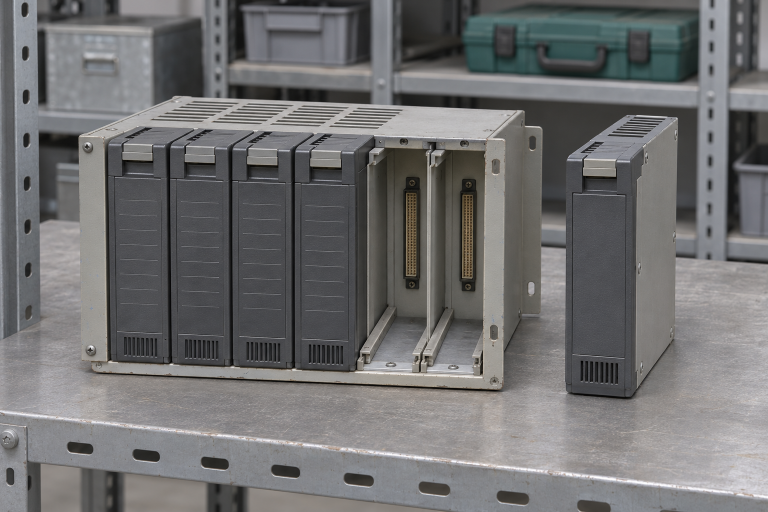
Series 90-30 Spares: Check the RX3i Rack Boundary
Separate exact Series 90-30 spares from the verified RX3i rack, processor and retained I/O needed for a planned migration.
Read guide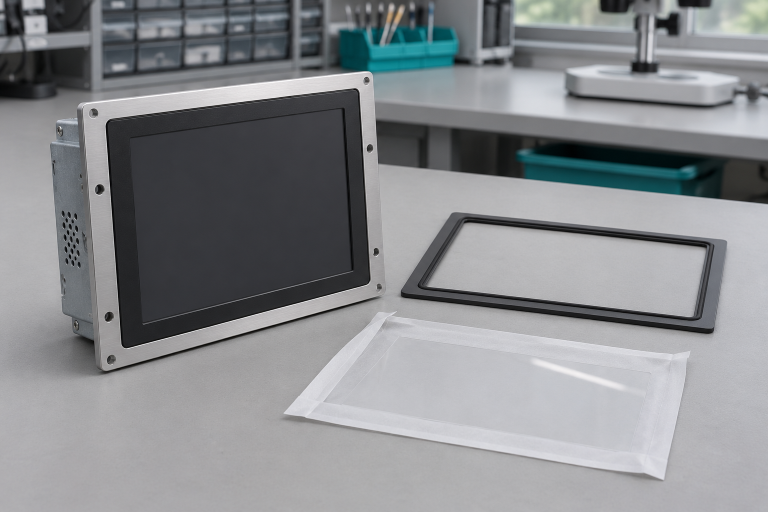 Nov 27, 2026
HMI Screen Spares: Identify the Failed Layer
Separate surface damage, touch input and the supported display assembly before specifying an HMI hardware spare.
Read guide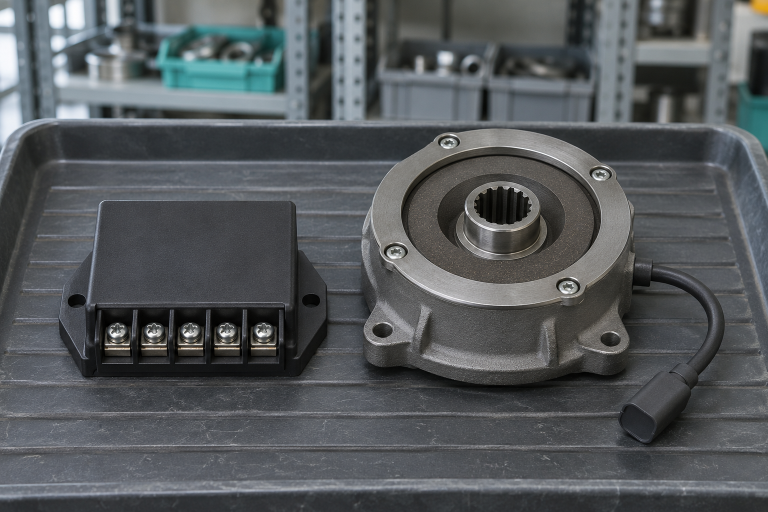 Nov 26, 2026
Motor Brake Rectifier Spares: Match the Coil
Check the fitted brake coil and approved control function before treating a motor brake rectifier as an exact spare.
Read guide