
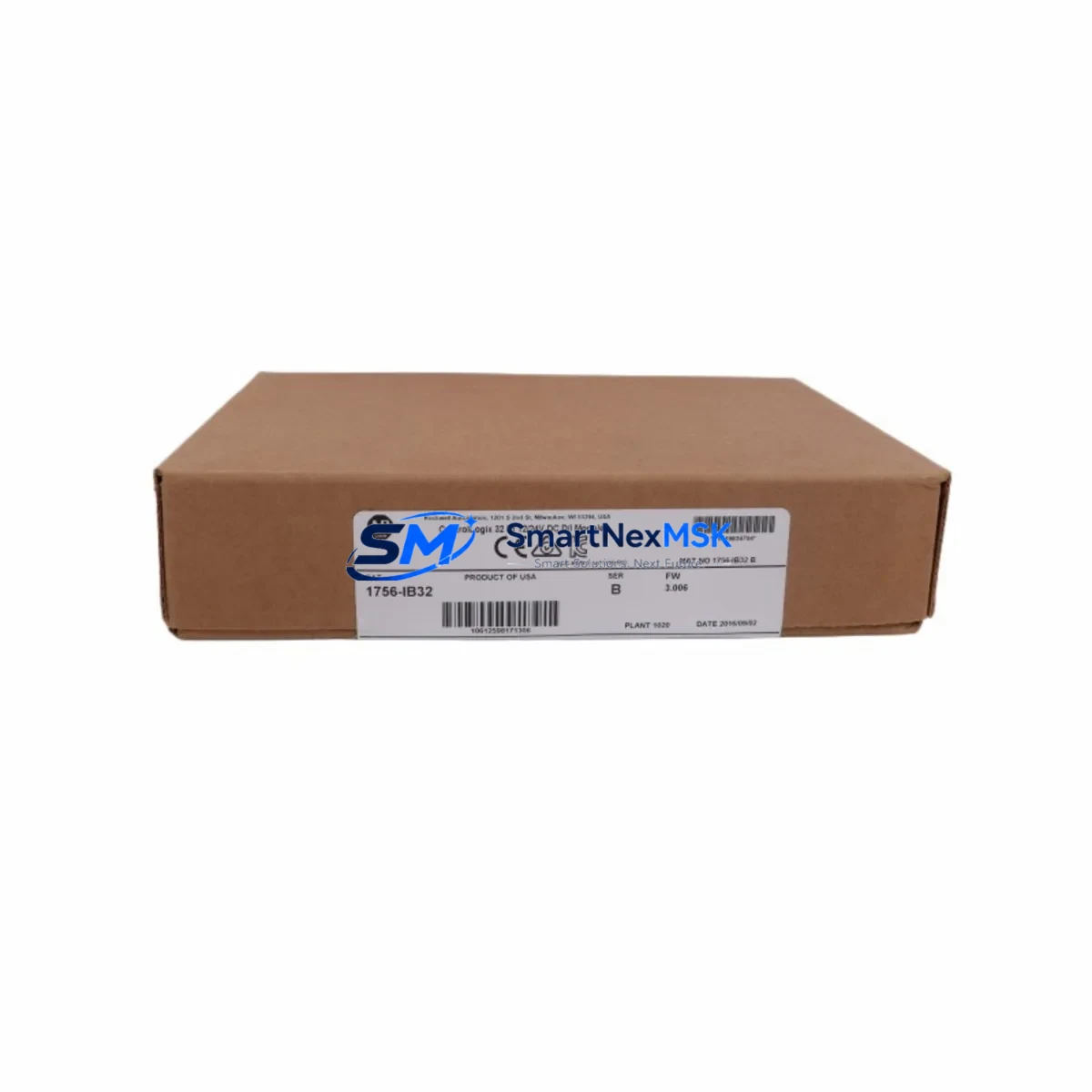
Allen-Bradley 1756-IB32 Retrofit-Ready Digital Input Module: Compatible Upgrade for ControlLogix Control Systems
The Allen-Bradley 1756-IB32 is a 32-point, 12/24V DC digital input module designed for the ControlLogix 1756 chassis platform. As legacy automation systems age and original spare parts become increasingly difficult to source, the 1756-IB32 serves as a proven retrofit solution for facilities operating aging SLC 500, PLC-5, or early-generation ControlLogix installations. Whether you are replacing a failed module, expanding I/O capacity, or executing a full control cabinet upgrade, the 1756-IB32 delivers the electrical compatibility, backplane interface, and software integration required for a smooth transition with minimal production downtime.
This module occupies a single slot in any 1756 series chassis — including the 1756-A4, 1756-A7, 1756-A10, 1756-A13, and 1756-A17 — and communicates directly with the ControlLogix controller over the ControlBus backplane. It is fully compatible with Studio 5000 Logix Designer and RSLogix 5000 programming environments, allowing engineers to import existing tag databases and ladder logic without rewriting control programs. For sites migrating from PLC-5 or SLC 500 architectures, the 1756-IB32 integrates into the 1756 platform alongside migration tools such as the 1756-DHRIO or 1756-KFC15 communication modules, preserving legacy Data Highway Plus or ControlNet links during phased cutover.
Each unit is tested prior to shipment against Allen-Bradley factory specifications, covering input threshold voltage, response time, and backplane communication integrity. In-stock inventory is maintained to support urgent replacement orders, and all units ship with a 12-month warranty covering manufacturing defects and functional failures under normal operating conditions.
Upgrade Compatibility Table
| Parameter | 1756-IB32 Specification | Retrofit / Replacement Notes |
|---|---|---|
| Input Points | 32 points, single-ended | Direct replacement for 1756-IB32 and compatible with 1756-IB16 applications requiring I/O expansion |
| Input Voltage Range | 12/24V DC (10.2–26.4V DC) | Verify field device supply voltage before wiring; compatible with 24V DC sourcing sensors |
| Backplane Interface | 1756 ControlBus backplane | Fits all 1756-Axxx chassis; no adapter required |
| Chassis Compatibility | 1756-A4, A7, A10, A13, A17 | Confirm available slot count and power budget with 1756-PA72 or 1756-PB72 power supply |
| Communication | ControlBus (backplane) | No additional communication module required; integrates with EtherNet/IP via 1756-EN2T or 1756-EN3TR |
| Software Compatibility | Studio 5000 / RSLogix 5000 | Add-on Profile (AOP) available; existing tag structures preserved during module swap |
| Installation | Hot-swap capable (with controller in Run mode) | Inhibit module in software before physical removal to prevent fault; re-enable after seating |
| Commissioning | Auto-configure via RSLogix 5000 / Studio 5000 | Verify I/O tree tag mapping and force table values after replacement |
| Warranty | 12 Months | Covers manufacturing defects and functional failures under normal operating conditions |
Retrofit Planning for Existing Automation Systems
Successful integration of the 1756-IB32 into an existing control system begins with a thorough pre-installation audit. Engineers should document the current chassis slot assignments, confirm the available power budget from the installed 1756-PA72 or 1756-PB72 power supply, and verify that the backplane address assigned to the replacement module matches the original configuration. In multi-chassis architectures connected via a 1756-RM or 1756-RM2 redundancy module, the replacement procedure must be coordinated across both primary and secondary chassis to maintain redundancy integrity.
Terminal wiring on the 1756-IB32 uses a removable 40-pin RTB (Removable Terminal Block). When replacing a failed module, the existing RTB can be transferred directly to the new unit, eliminating the need to rewire individual field conductors — a significant advantage in time-critical maintenance scenarios. Confirm that the RTB locking mechanism is fully engaged and that all conductors are seated to the correct terminal positions before powering the module.
For facilities migrating from SLC 500 or PLC-5 platforms, the 1756-IB32 is typically deployed alongside a 1756-L7x or 1756-L8x ControlLogix controller, with legacy communication preserved through a 1756-DHRIO module for Data Highway Plus networks or a 1756-CNB module for ControlNet segments. HMI screens built on PanelView Plus 6 or PanelView Plus 7 terminals can be updated to reference the new ControlLogix tag database using FactoryTalk View Studio, with minimal changes to graphic display logic when tag naming conventions are maintained consistently.
I/O expansion projects frequently pair the 1756-IB32 with the 1756-OB32 digital output module, the 1756-IF16 analog input module, and the 1756-OF8 analog output module within the same chassis. Where remote I/O is required, the 1756-EN2T EtherNet/IP communication module enables distributed rack configurations using POINT I/O or FLEX I/O adapters, extending the control system footprint without additional controller hardware.
Downtime Control During System Migration
Minimizing unplanned downtime is the primary concern in any live-system module replacement. The 1756-IB32 supports hot-swap installation, allowing the module to be removed and reinserted while the ControlLogix controller remains in Run mode — provided the module is inhibited in the I/O configuration tree before physical removal. This prevents the controller from generating a major fault and halting the control program during the swap procedure.
Before initiating the replacement, engineers should capture a full backup of the controller project using Studio 5000 or RSLogix 5000, including all force tables, produced/consumed tag configurations, and motion group settings if applicable. The backup should be stored on a local engineering workstation and a secondary network location to ensure recovery capability in the event of an unexpected controller fault during the migration window.
After the new 1756-IB32 is seated and the RTB reconnected, the module should be re-enabled in the I/O tree and the controller allowed to re-establish communication. Verify all 32 input points against the field device status using the online tag monitor in Studio 5000 before releasing the system to production. Where process continuity is critical, coordinate the cutover with the operations team to schedule the swap during a planned low-production window, and confirm that the 1756-IB32’s input response time settings match the original module configuration to avoid timing discrepancies in the control logic.
Retrofit Support FAQ
Q1: Is the 1756-IB32 a direct drop-in replacement for a failed unit of the same model?
Yes. The 1756-IB32 is a direct slot-for-slot replacement within any 1756 series chassis. The existing RTB wiring can be transferred without modification. After seating the new module, re-enable it in the Studio 5000 I/O configuration tree and verify input tag status online before returning the system to automatic operation.
Q2: Can the 1756-IB32 replace older ControlLogix digital input modules such as the 1756-IB16?
Yes, with planning. The 1756-IB32 provides 32 input points versus the 16 points of the 1756-IB16, occupying the same single chassis slot. When substituting, update the module definition in the controller project to reflect the 32-point configuration, and confirm that the additional 16 input tags are either mapped to unused field terminals or suppressed in the program logic to prevent nuisance faults.
Q3: What commissioning steps are required after installing a replacement 1756-IB32?
After physical installation and RTB connection: (1) Re-enable the module in the Studio 5000 I/O tree. (2) Go online with the controller and verify the module status indicator shows a solid green Run state. (3) Use the online tag monitor to confirm all 32 input points reflect correct field device states. (4) Clear any inhibit or fault conditions in the controller diagnostics. (5) Conduct a functional test of all connected field devices before releasing to production.
Q4: What does the 12-month warranty cover, and how is a warranty claim initiated?
The 12-month warranty covers manufacturing defects and functional failures under normal operating conditions, including backplane communication failures, input circuit faults, and RTB connector defects. Warranty claims are initiated by contacting our sales team with the order reference number and a description of the observed fault. Units confirmed defective under warranty terms will be replaced or repaired at no additional charge. Contact: [email protected] | +86 18259474341.
© 2026 SMARTNEXMSK. All rights reserved.
Original Source: https://smartnexmsk.com
Contact: [email protected] | +86 18259474341



