
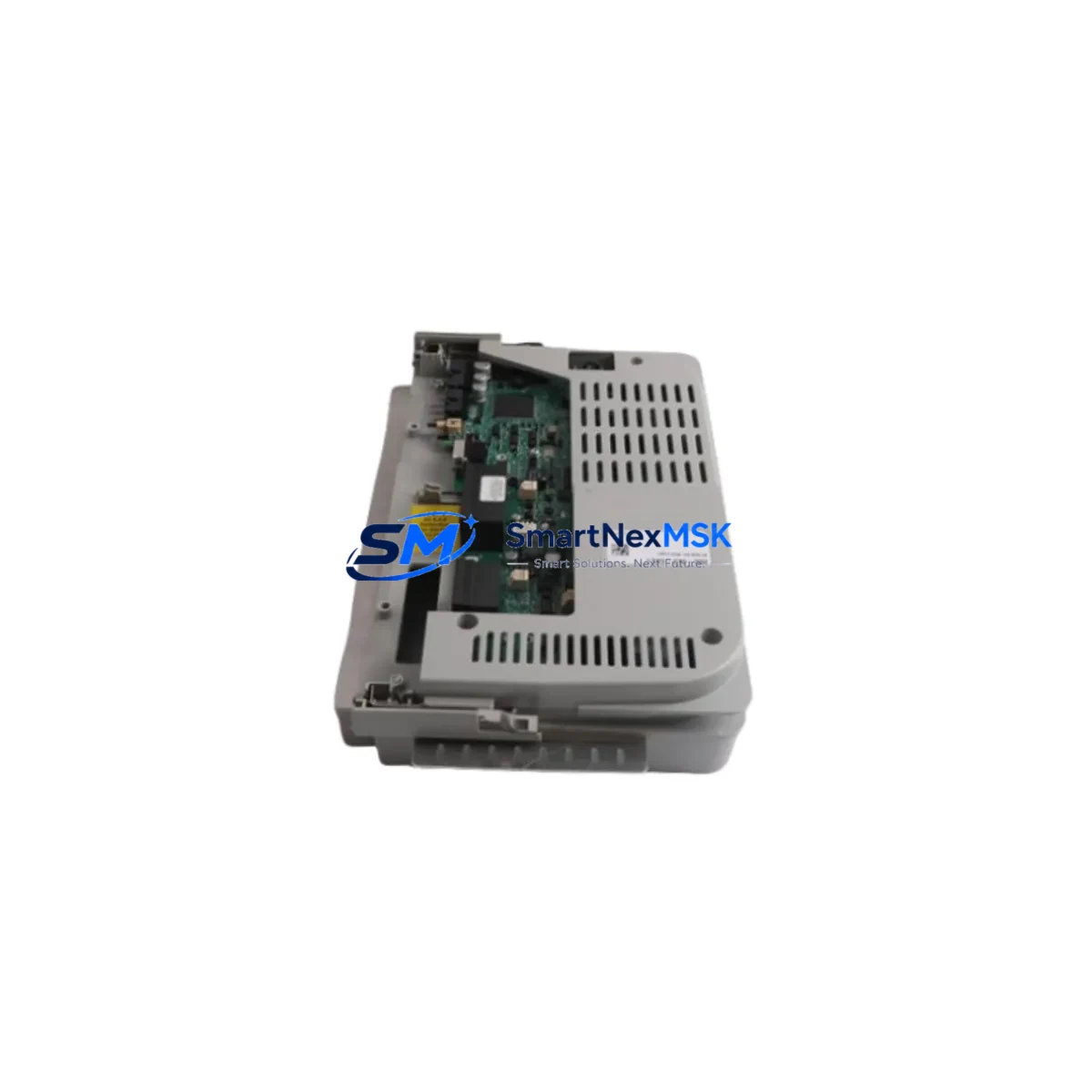
Allen-Bradley 193-EC2DD Retrofit-Ready Overload Relay for E3 Plus Control Systems
The Allen-Bradley 193-EC2DD is a DeviceNet-enabled electronic overload relay from the E3 Plus series, engineered for direct integration into existing Allen-Bradley motor control and PLC-based automation architectures. As legacy 193-EC series modules approach end-of-life and spare parts become increasingly scarce, the 193-EC2DD remains one of the most sought-after retrofit components for engineers tasked with sustaining aging MCC (Motor Control Center) lineups, upgrading control cabinets, and migrating from older bulletin 193 overload relays to a fully networked DeviceNet topology.
Whether you are replacing a failed unit on a running production line, modernizing a legacy system originally built around the 193-EDNE DeviceNet expansion module, or consolidating motor protection under a unified ControlLogix or CompactLogix PLC platform, the 193-EC2DD delivers the diagnostic depth, network transparency, and installation footprint that retrofit projects demand. Each unit shipped from our inventory undergoes pre-shipment functional verification, and all orders are covered by a 12-month warranty from the date of delivery.
Upgrade Compatibility Table
| Parameter | Details |
|---|---|
| SKU / Part Number | 193-EC2DD |
| Series | Allen-Bradley E3 Plus (Bulletin 193-EC) |
| Network Protocol | DeviceNet (onboard, no expansion module required) |
| Common Replaced Models | 193-EC1DD, 193-EC3DD, 193-ECPM, 193-EDNE + legacy 193-E base units |
| Mounting / Installation | DIN rail or panel mount; compatible with 193-EA and 193-EB contactor adapters |
| Terminal Compatibility | Standard screw-clamp terminals; verify wire gauge against original wiring schedule |
| Backplane / Rack Interface | Standalone (not rack-mounted); connects via DeviceNet drop cable |
| Communication Compatibility | DeviceNet; integrates with 1756-DNB (ControlLogix) and 1769-SDN (CompactLogix) scanner modules |
| Retrofit Recommendation | Direct replacement for same-range 193-EC2DD; verify FLA setting and trip class before energizing |
| Commissioning Notes | Assign node address via rotary switches before powering; configure EDS file in RSNetWorx for DeviceNet |
| Warranty | 12 months from date of delivery, covering manufacturing defects and functional failure |
Retrofit Planning for Existing Automation Systems
A successful 193-EC2DD retrofit begins well before the replacement unit arrives on site. Engineers should pull the original panel drawings and cross-reference the existing wiring schedule against the 193-EC2DD terminal layout. In most E3 Plus installations, the control power supply — typically a 100–240 V AC or 24 V DC control transformer — feeds the overload relay directly, and confirming that the supply capacity is sufficient for the new unit’s inrush and steady-state draw is a mandatory first step.
On the DeviceNet side, the 193-EC2DD connects to the network trunk via a standard micro or mini DeviceNet drop cable. Before removal of the failed unit, record the existing node address (set via the onboard rotary switches) and the MAC ID assignment in RSNetWorx for DeviceNet. This ensures the replacement module can be configured to the same address without requiring a full network re-scan, which is particularly important in systems where the DeviceNet scanner — such as a 1756-DNB ControlLogix DeviceNet Bridge or a 1769-SDN CompactLogix scanner — manages a large number of nodes and a re-scan would cause extended downtime.
For installations where the 193-EC2DD is mounted adjacent to an 800F pushbutton station or wired into a 1492-IFM interface module for remote I/O termination, verify that the auxiliary contact output wiring is correctly mapped to the PLC input card. Many legacy systems use the overload relay’s auxiliary contacts to drive a 1756-IB16 or 1769-IQ16 digital input module, and any wiring discrepancy will cause a false fault indication in the ControlLogix or CompactLogix program.
If the retrofit is part of a broader control cabinet upgrade that also involves replacing a 1747-SDN SLC 500 DeviceNet scanner with a modern 1769-SDN, plan the EDS file migration carefully. The 193-EC2DD EDS file is available from Rockwell Automation’s product compatibility database, and importing it into RSNetWorx before the physical swap eliminates one of the most common sources of commissioning delay. Similarly, if the HMI — whether a PanelView 800, PanelView Plus 7, or a third-party SCADA terminal — displays motor protection status from the overload relay’s DeviceNet data table, verify that the tag addresses and data types in the HMI project match the new module’s I/O assembly configuration before going live.
Power budget verification is equally critical in multi-drop DeviceNet segments. Each 193-EC2DD draws current from the DeviceNet network power supply, and in dense MCC lineups where multiple overload relays, 1734-ADN Point I/O DeviceNet adapters, and other network devices share a single trunk segment, the total current draw must remain within the power supply’s rated output. A 1787-DNPS or equivalent DeviceNet power supply should be checked against the updated node count before the retrofit is completed.
Downtime Control During System Migration
Minimizing unplanned downtime during a 193-EC2DD swap requires a structured pre-outage checklist. Before de-energizing the panel, upload the current PLC program from the ControlLogix or CompactLogix processor to a laptop running Studio 5000 Logix Designer. This preserves the live program state — including any online edits that may not have been saved to the project file — and provides a verified restore point if the commissioning process encounters unexpected faults.
Document the DeviceNet node address, the FLA (Full Load Ampere) setting, the trip class, and the phase-loss sensitivity configuration of the outgoing 193-EC2DD before removal. These parameters are not stored in the PLC program; they are set locally on the relay and must be replicated exactly on the replacement unit to maintain the same motor protection profile. A mismatch in trip class — for example, substituting a Class 20 setting for the original Class 10 — can result in nuisance tripping or, worse, inadequate motor protection during locked-rotor conditions.
Once the replacement 193-EC2DD is physically installed and wired, power the DeviceNet segment and use RSNetWorx for DeviceNet to verify that the module appears at the correct node address with a healthy status. Perform a manual trip test using the relay’s test/reset button before enabling the PLC output that controls the associated motor starter or contactor. This confirms that the auxiliary contact wiring is intact and that the PLC fault logic will respond correctly to an overload condition. With these steps completed, the system can be returned to automatic mode with confidence, typically within a planned maintenance window of two to four hours for a single motor circuit replacement.
Retrofit Support FAQ
Q: Is the 193-EC2DD a direct drop-in replacement for the 193-EC1DD or 193-EC3DD?
A: The 193-EC2DD covers a specific FLA range within the E3 Plus series. The 193-EC1DD and 193-EC3DD cover lower and higher current ranges respectively. Confirm the motor’s FLA against the 193-EC2DD’s rated adjustment range before ordering. If the FLA falls outside the range, the 193-EC1DD or 193-EC3DD may be the correct replacement. All three models share the same DeviceNet interface, terminal layout, and mounting footprint, so the physical swap procedure is identical.
Q: Do I need to update the PLC program after replacing the 193-EC2DD?
A: In most cases, no program changes are required, provided the replacement unit is configured to the same DeviceNet node address and the EDS file already exists in the RSNetWorx project. The PLC’s DeviceNet scanner will automatically re-establish communication with the module at the same address. However, if the original installation used a non-standard I/O assembly instance or a polled/change-of-state messaging configuration, verify the connection parameters in the scanner’s device list before going online.
Q: What pre-shipment testing is performed on each 193-EC2DD unit?
A: Every 193-EC2DD shipped from our inventory is functionally tested prior to dispatch. Testing includes power-on verification, DeviceNet communication handshake confirmation, trip mechanism actuation, and auxiliary contact continuity check. Units that do not pass all test criteria are quarantined and not shipped. A 12-month warranty covering manufacturing defects and functional failure applies from the date of delivery.
Q: Can the 193-EC2DD be used in a system that is migrating from DeviceNet to EtherNet/IP?
A: The 193-EC2DD is a native DeviceNet device and does not support EtherNet/IP directly. For systems migrating to EtherNet/IP, the E3 Plus EtherNet/IP variant (193-EEJD or equivalent) would be the appropriate long-term replacement. However, during a phased migration where the DeviceNet segment remains operational while the EtherNet/IP infrastructure is being commissioned, the 193-EC2DD can continue to serve as a reliable interim solution, maintaining motor protection continuity without requiring changes to the existing DeviceNet wiring or PLC scanner configuration.
© 2026 SMARTNEXMSK. All rights reserved.
Original Source: https://smartnexmsk.com
Contact: [email protected] | +86 18259474341



