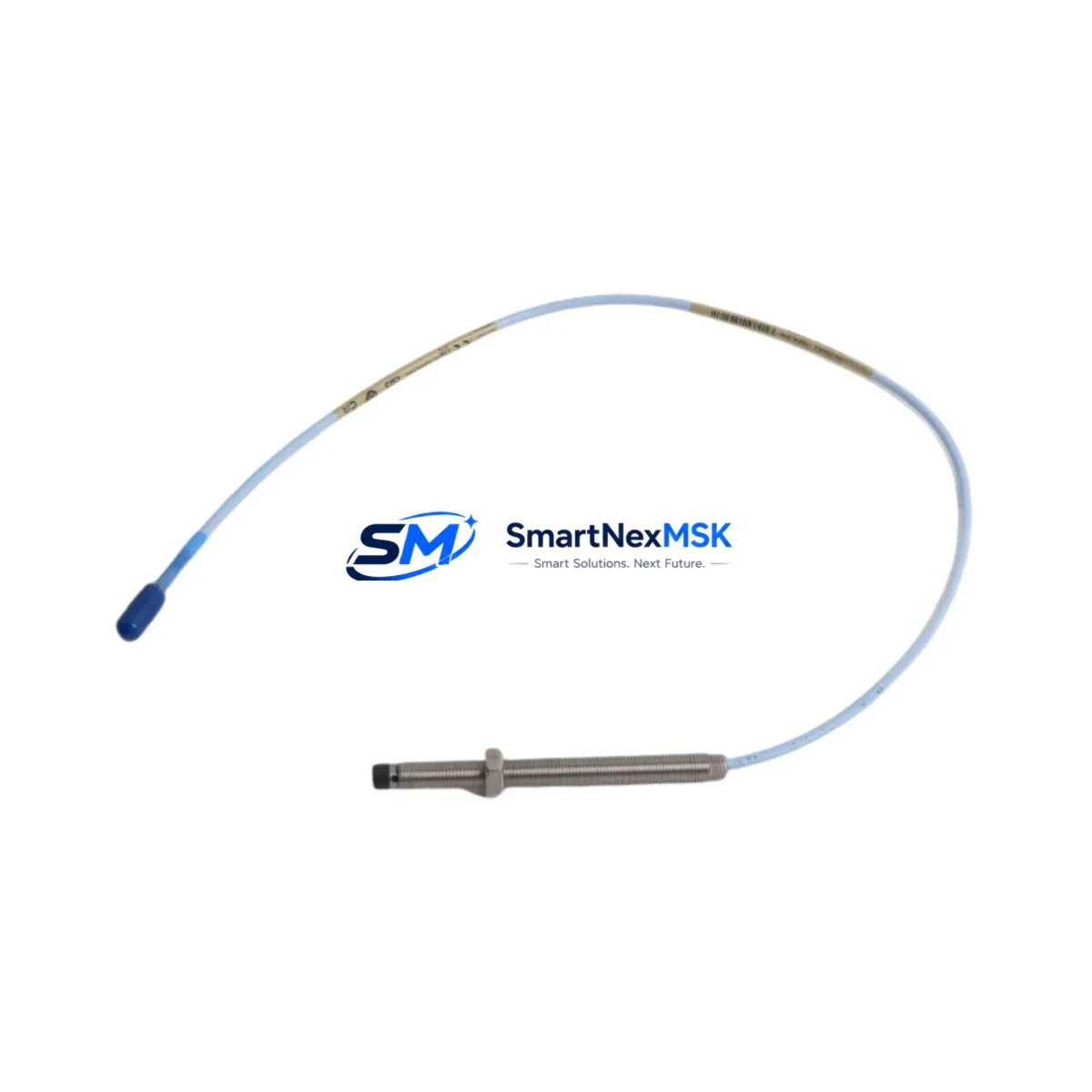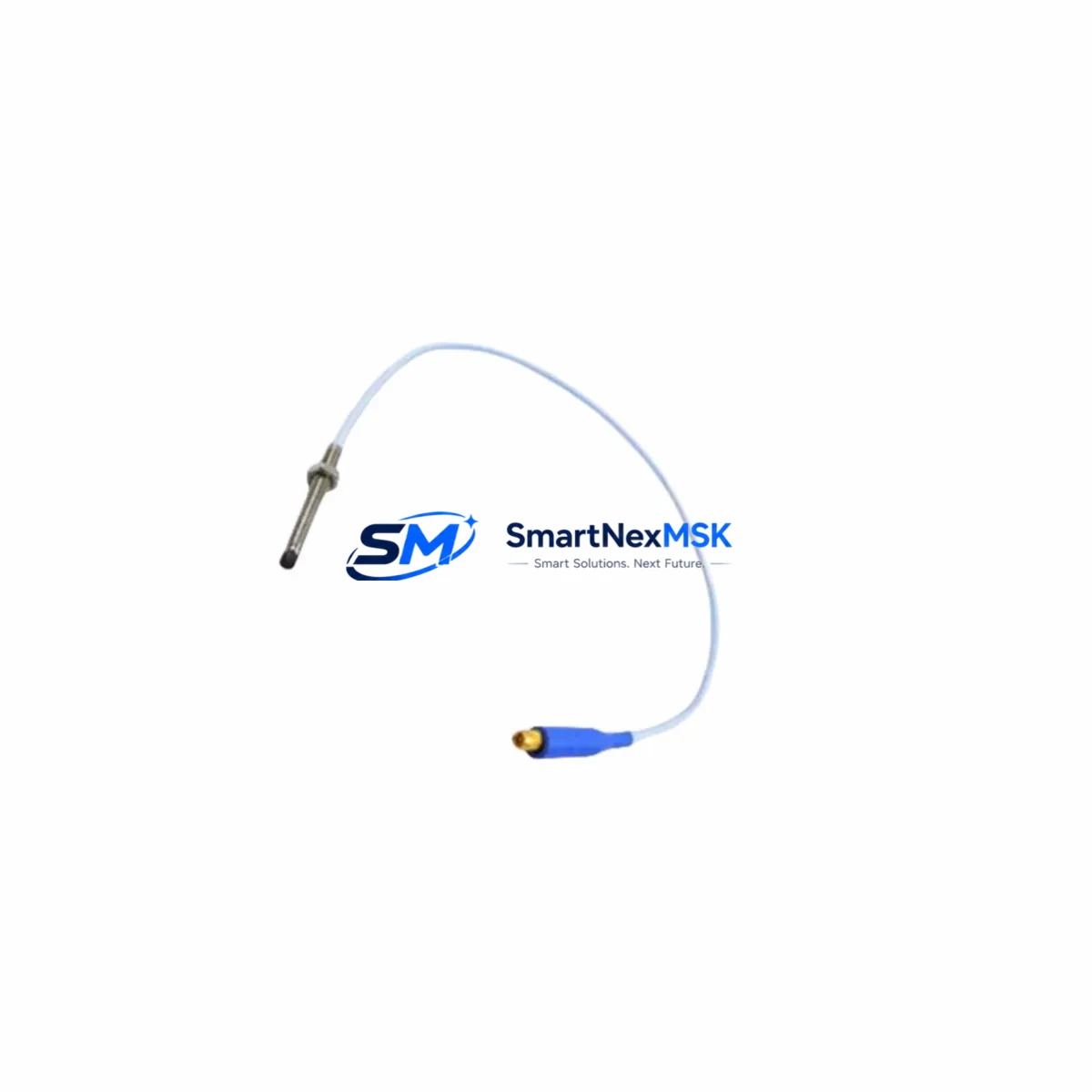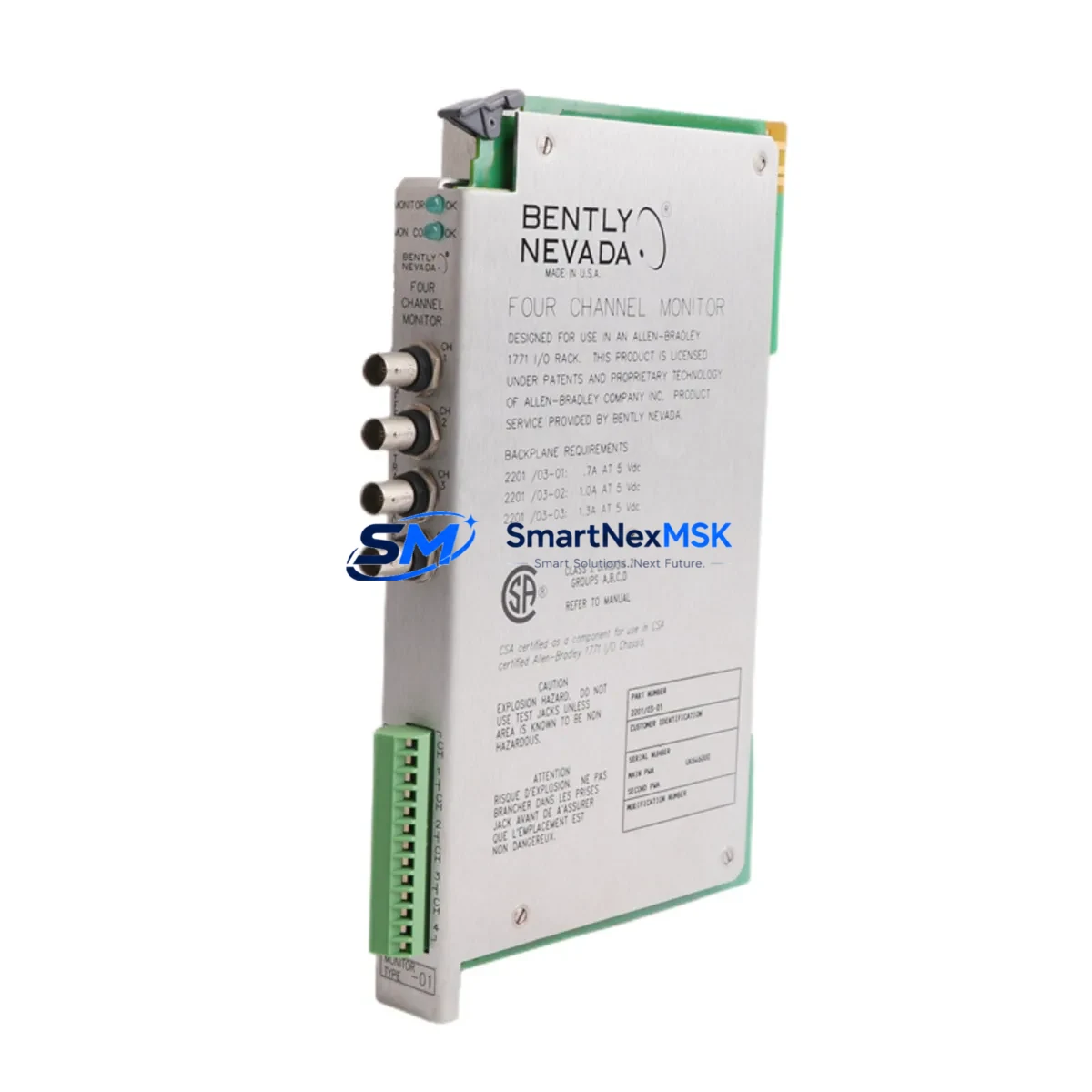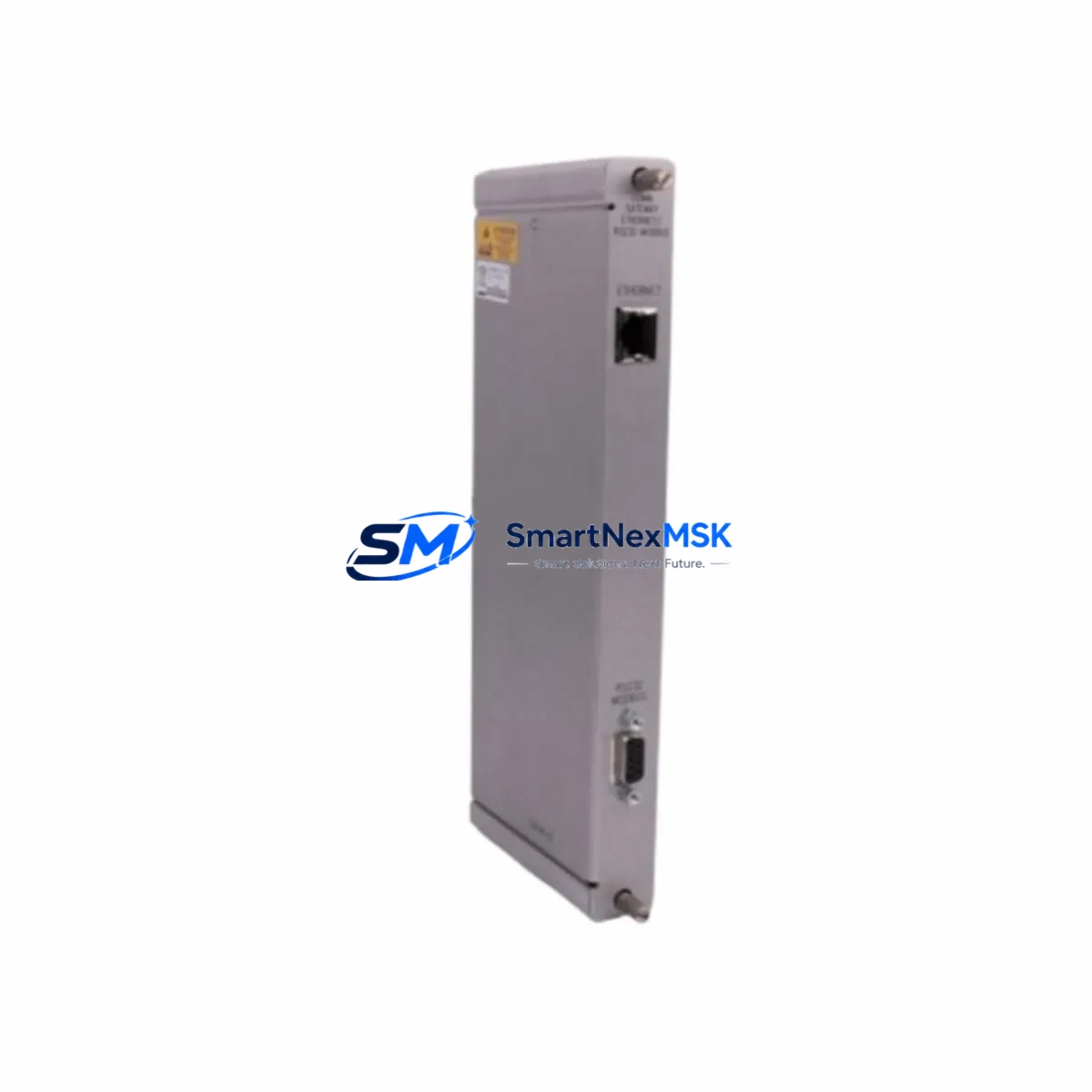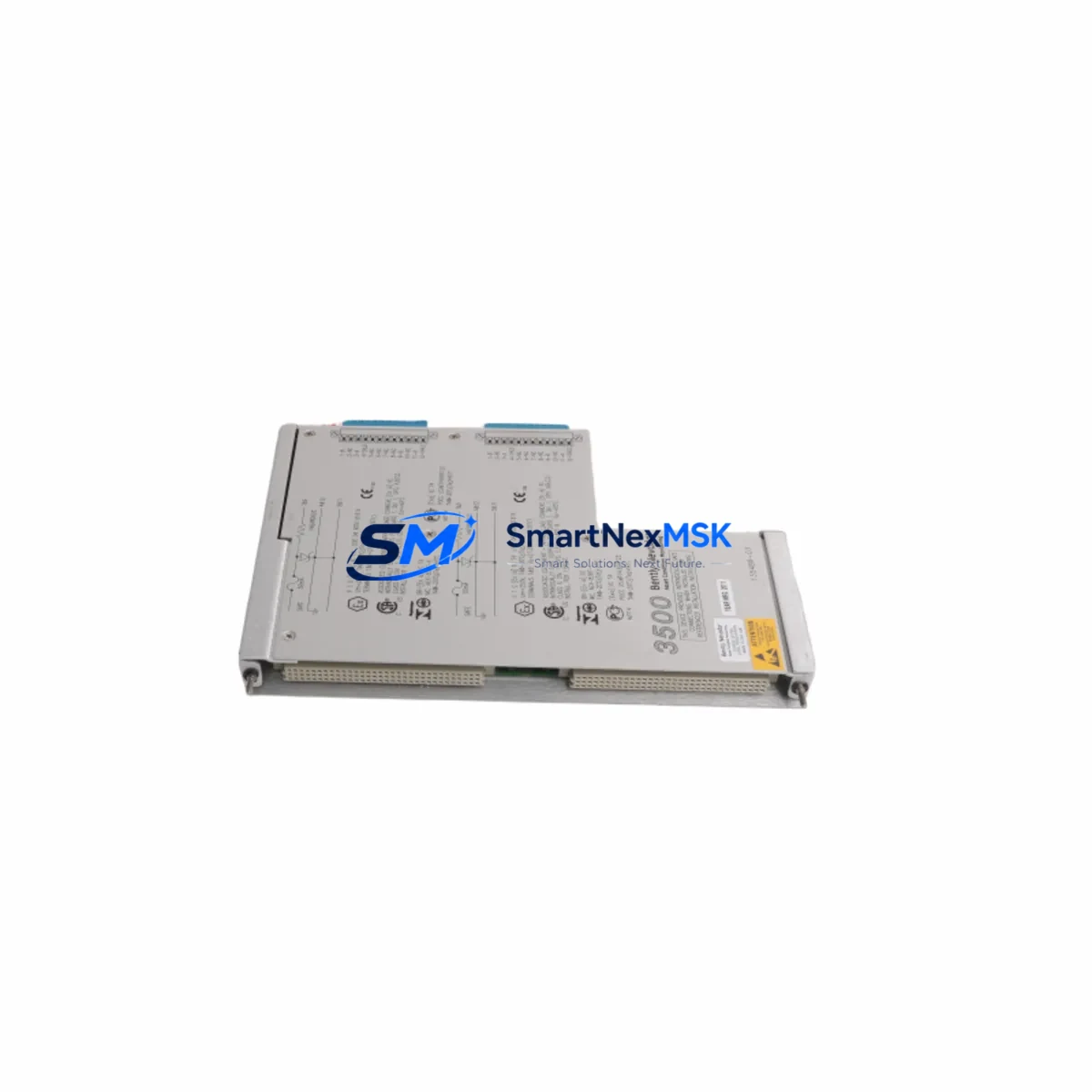
Bently Nevada 135489-03 Maintenance-Ready Spare 3500 Automation
The Bently Nevada 135489-03 is an original Proximitor Barrier I/O Module designed for the 3500 Series machinery protection system — one of the most widely deployed continuous monitoring platforms in rotating equipment facilities worldwide. For maintenance engineers managing turbines, compressors, pumps, and generators, this module sits at the heart of proximity probe signal conditioning, making it a critical spare in any planned maintenance inventory. When this module fails or degrades, the entire vibration monitoring channel for that machine train goes offline, creating a direct risk of undetected bearing wear, shaft misalignment, or rotor instability. Sourcing a verified original replacement quickly is not optional — it is a core part of responsible asset management.
This listing supplies the 135489-03 as a maintenance-ready spare: inspected, function-tested prior to shipment, and backed by a 12-month warranty. Whether you are executing a planned turnaround, responding to an unplanned trip, or building out your critical spares inventory ahead of a seasonal outage window, this module ships ready for immediate installation into your 3500 rack.
Spare Maintenance Table
| Parameter | Specification / Detail |
|---|---|
| Part Number | 135489-03 |
| Brand | Bently Nevada |
| Series | 3500 Series Machinery Protection System |
| Module Type | Proximitor Barrier I/O Module |
| Function | Signal conditioning and galvanic isolation for proximity probe inputs |
| Compatibility | 3500/42M, 3500/44M, 3500/45, 3500/46M, 3500/50M monitor cards; 3500 rack backplane |
| Input Signal | Eddy-current proximity probe (Bently Nevada 3300 XL, 7200 Series probes) |
| Installation | Mounts to 3500 I/O module bay; field-replaceable without rack removal |
| Operating Environment | Industrial control room / marshalling cabinet; standard DIN-rail compatible enclosures |
| Origin | USA |
| Condition | Original OEM, function-tested before shipment |
| Warranty | 12 Months |
| Lead Time | In stock — ships within 1–3 business days |
Maintenance Planning for Continuous Operation
Replacing the 135489-03 in a live 3500 system is rarely an isolated task. Experienced maintenance engineers know that a Proximitor Barrier I/O Module failure often signals broader stress in the monitoring loop. Before returning the machine to service, a thorough inspection of the surrounding components is strongly recommended.
Start with the 3500 rack power supply module — typically the 3500/15 or 3500/20 — and verify output voltage stability under load. A marginal power supply can cause intermittent I/O module faults that are misdiagnosed as module failures. Next, inspect the 3500 rack backplane for connector corrosion or bent pins, which can cause poor contact with the replacement 135489-03 and lead to repeat failures.
Check the proximity probe extension cables and Proximitor sensor (commonly the 3300 XL 8mm or 3300 XL 11mm series) for cable jacket damage, connector oxidation, or impedance drift — these are frequent root causes of signal anomalies that get attributed to the barrier module. If the probe or extension cable is near end-of-life, replace them concurrently to avoid a second outage within weeks.
On the signal output side, verify the 3500 monitor card (such as the 3500/42M Proximitor/Seismic Monitor or 3500/46M Hydro Monitor) is reading correctly after module swap. A corrupted monitor configuration or a failed monitor card can mask a successful I/O module replacement. While the rack is open, inspect terminal blocks and field wiring terminations in the marshalling cabinet — loose or corroded terminals are a common source of noise on proximity channels.
For facilities running integrated safety systems, confirm that the 3500/22M Transient Data Interface or any connected System 1 Evolution data acquisition node is still receiving clean channel data after the swap. If your plant uses a Bently Nevada 3500/92 Communication Gateway for Modbus or OPC integration to the DCS, verify that the channel mapping remains intact post-replacement. Finally, check any signal isolators or surge protection barriers installed between the field junction box and the rack — these are often overlooked during corrective maintenance but are critical for long-term module protection in electrically noisy environments.
Site Replacement Workflow
The 135489-03 is designed for field replacement without specialized tooling, making it well-suited for rapid swap during unplanned outages. Follow this sequence to minimize downtime and ensure system compatibility:
1. Inhibit the channel in the 3500 monitor card configuration before removal to prevent spurious trips during the swap. Use the rack’s front-panel keyswitch or System 1 software to place the channel in bypass mode.
2. Document the existing wiring at the I/O module terminal block — photograph field wiring connections before disconnecting. The 135489-03 uses a standard 3500 I/O terminal assignment; verify against the rack wiring diagram for your specific monitor card pairing.
3. Remove the legacy module by releasing the front-panel locking screw and sliding the module out of the I/O bay. Inspect the backplane connector for damage before inserting the replacement 135489-03.
4. Install and verify — seat the new module firmly, reconnect field wiring per documentation, and restore channel inhibit. Observe the monitor card’s OK LED and confirm gap voltage is within the probe’s linear range (typically –10 to –18 VDC for standard 3300 XL probes).
5. Return to service — remove bypass, confirm alarm setpoints are active, and log the replacement in your CMMS with the module serial number and installation date. This supports warranty tracking and future predictive maintenance scheduling.
This workflow applies equally when upgrading from an older 135489-01 or 135489-02 revision to the -03 variant. The -03 revision maintains full backward compatibility with existing 3500 rack configurations, eliminating the need for reconfiguration in most installations.
Spare Parts Support FAQ
Q: Is the 135489-03 compatible with all 3500 Series monitor cards?
A: The 135489-03 is compatible with the majority of 3500 Series monitor cards that use proximity probe inputs, including the 3500/42M, 3500/44M, 3500/45, 3500/46M, and 3500/50M. Always verify the I/O module slot assignment against your rack wiring diagram before installation, as some specialized monitor cards use dedicated I/O modules.
Q: What does the 12-month warranty cover, and how is it validated?
A: The 12-month warranty covers manufacturing defects and functional failures under normal operating conditions. Each unit is function-tested prior to shipment and ships with a test record. Warranty claims are supported by the serial number and shipment documentation provided with the order.
Q: How should I store the 135489-03 as a long-term critical spare?
A: Store in the original anti-static packaging in a climate-controlled environment (15–35°C, <70% RH, non-condensing). Avoid proximity to strong magnetic fields or high-voltage equipment. Inspect annually for connector oxidation and verify firmware revision compatibility if your 3500 system has been updated since the spare was purchased.
Q: Can this module replace an older 135489-01 or 135489-02 revision in an existing rack?
A: Yes. The -03 revision is backward compatible with earlier -01 and -02 variants in standard 3500 rack configurations. No rack reconfiguration is required in most cases. If your facility uses a customized I/O assignment or non-standard monitor card pairing, confirm compatibility with your system documentation before installation.
© 2026 SMARTNEXMSK. All rights reserved.
Original Source: https://smartnexmsk.com
Contact: [email protected] | +86 18259474341