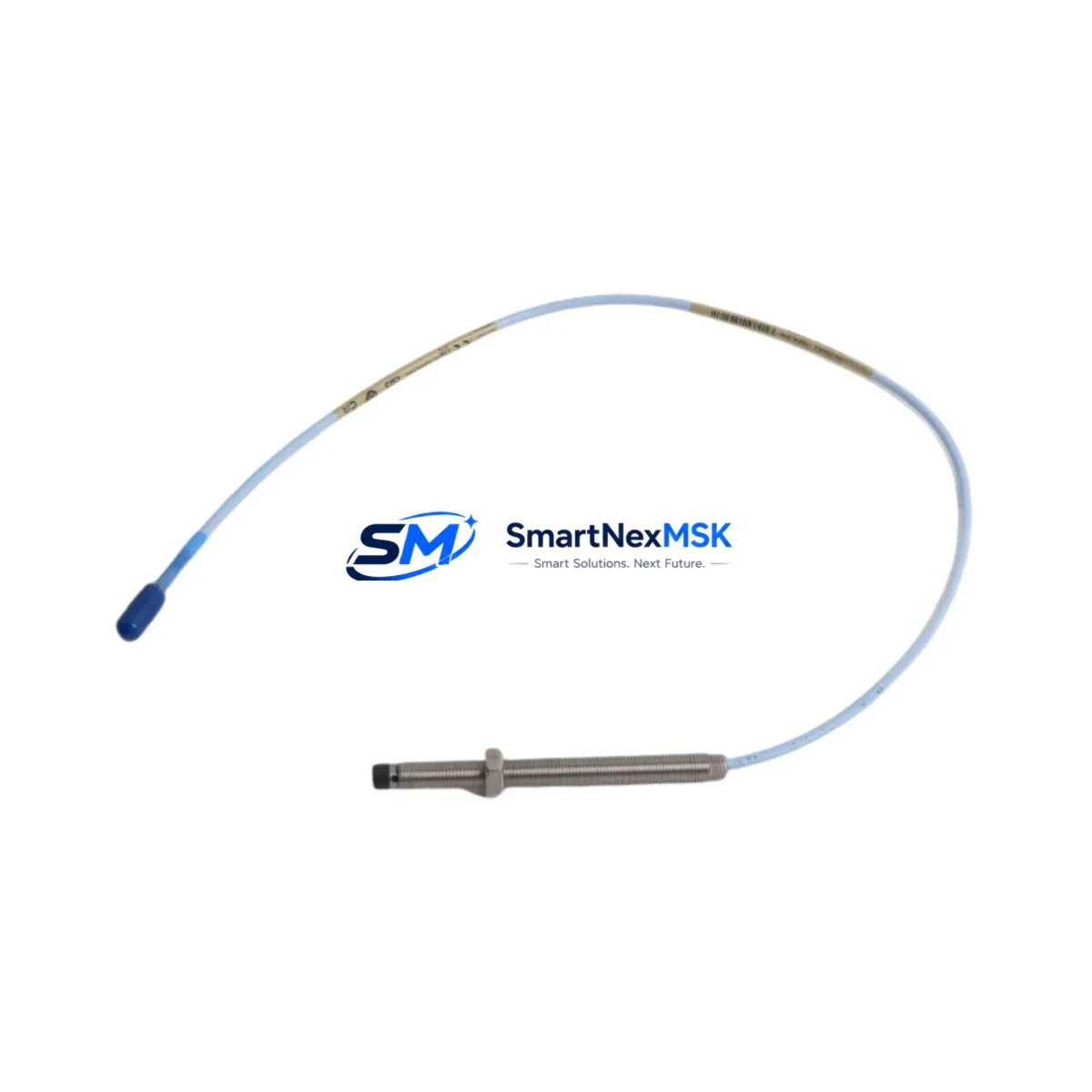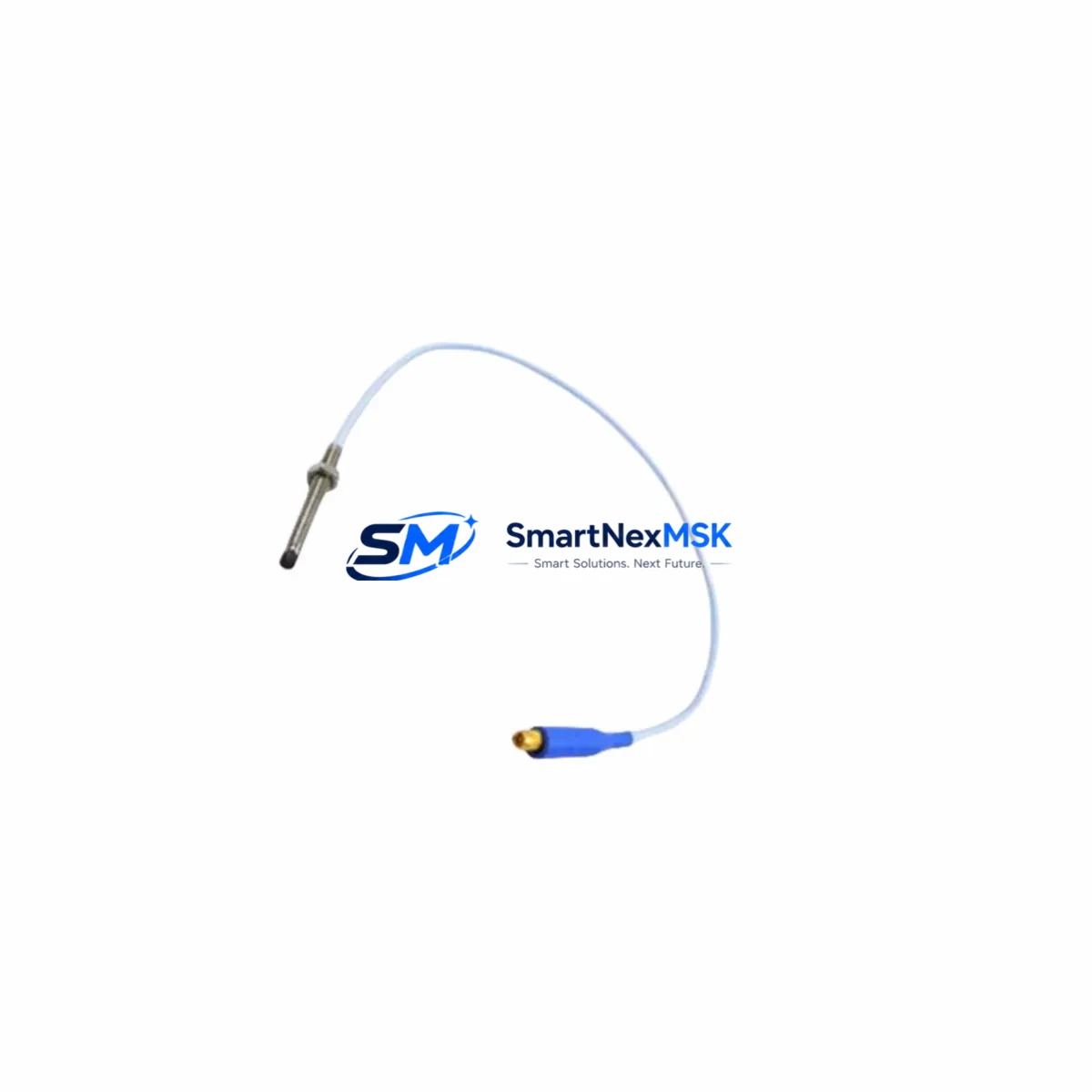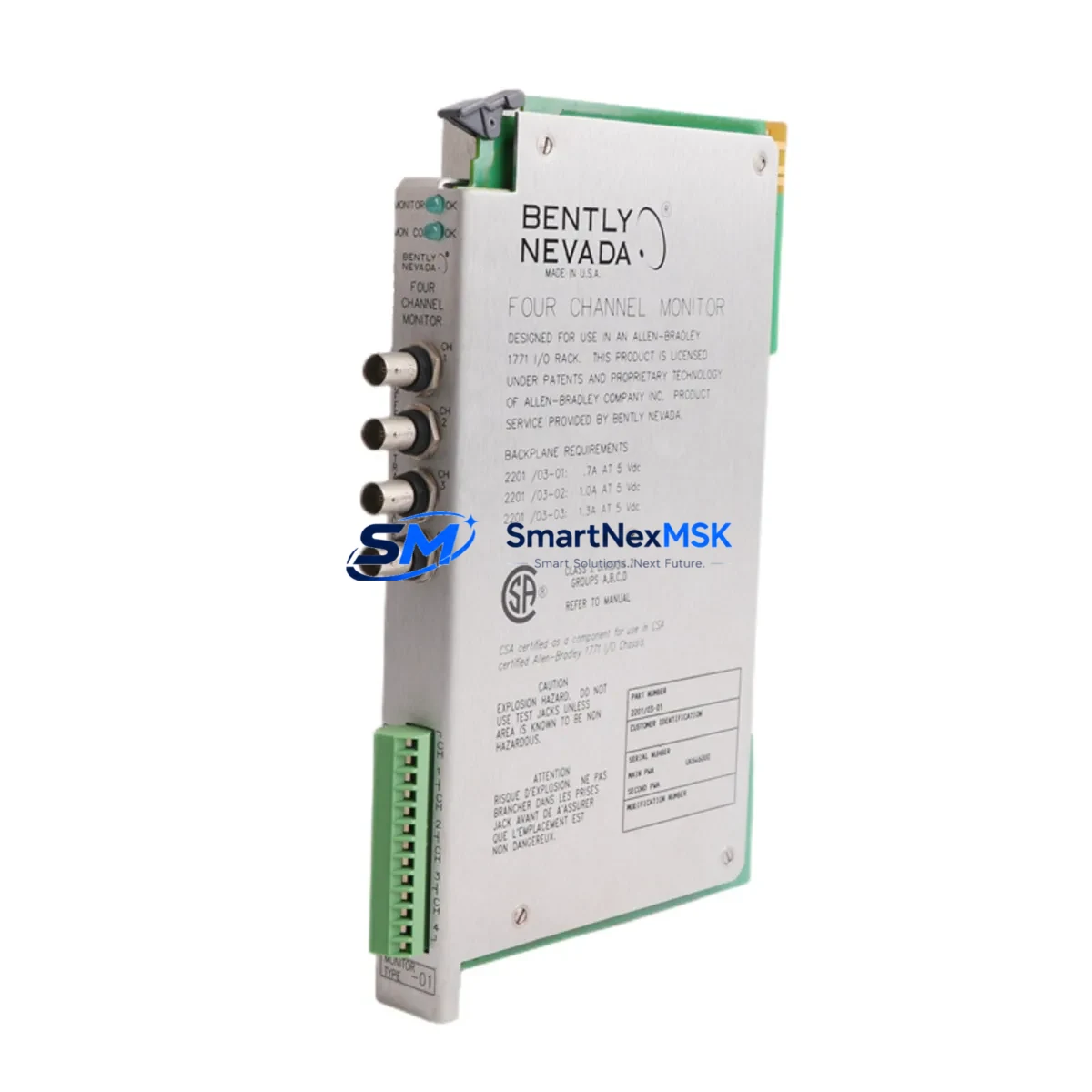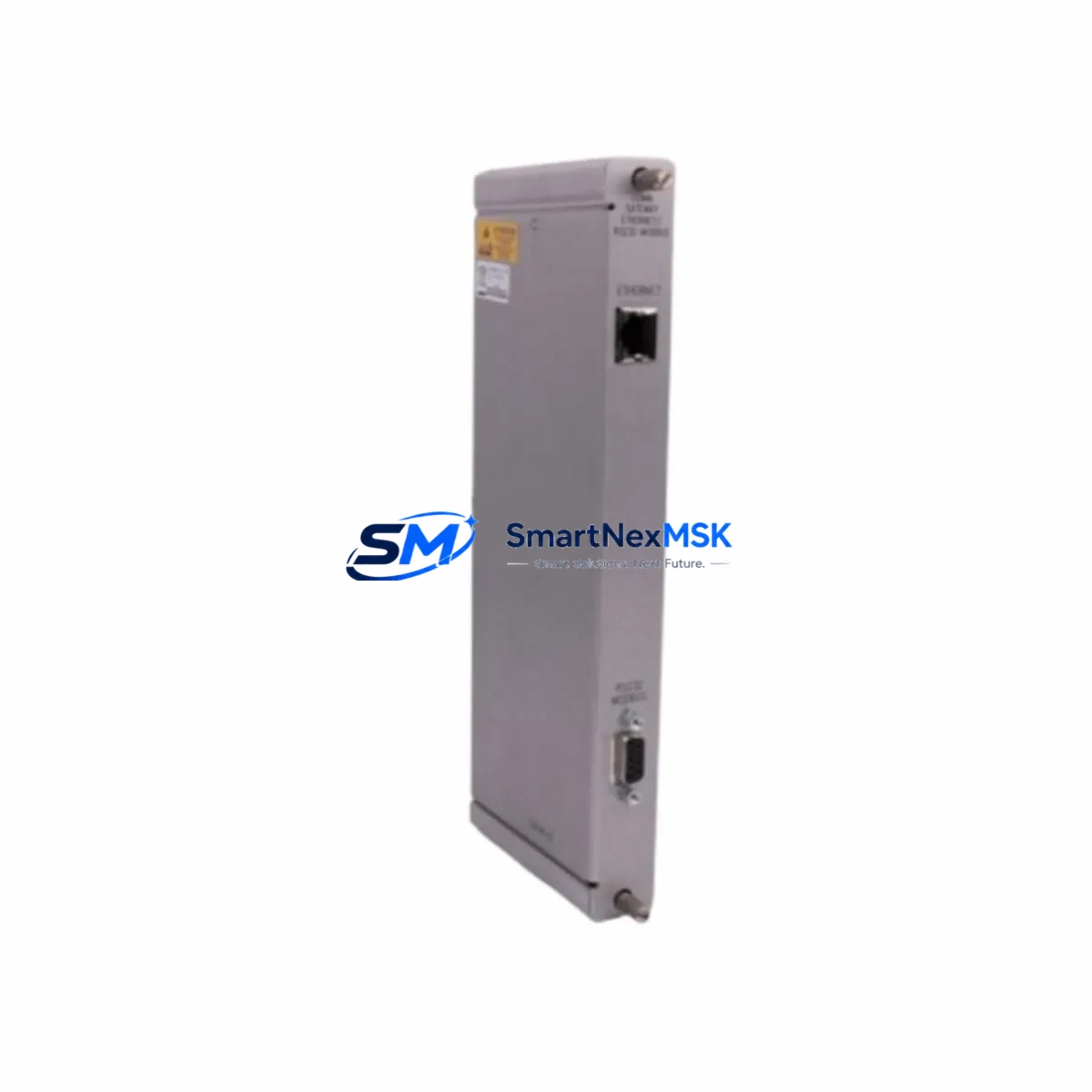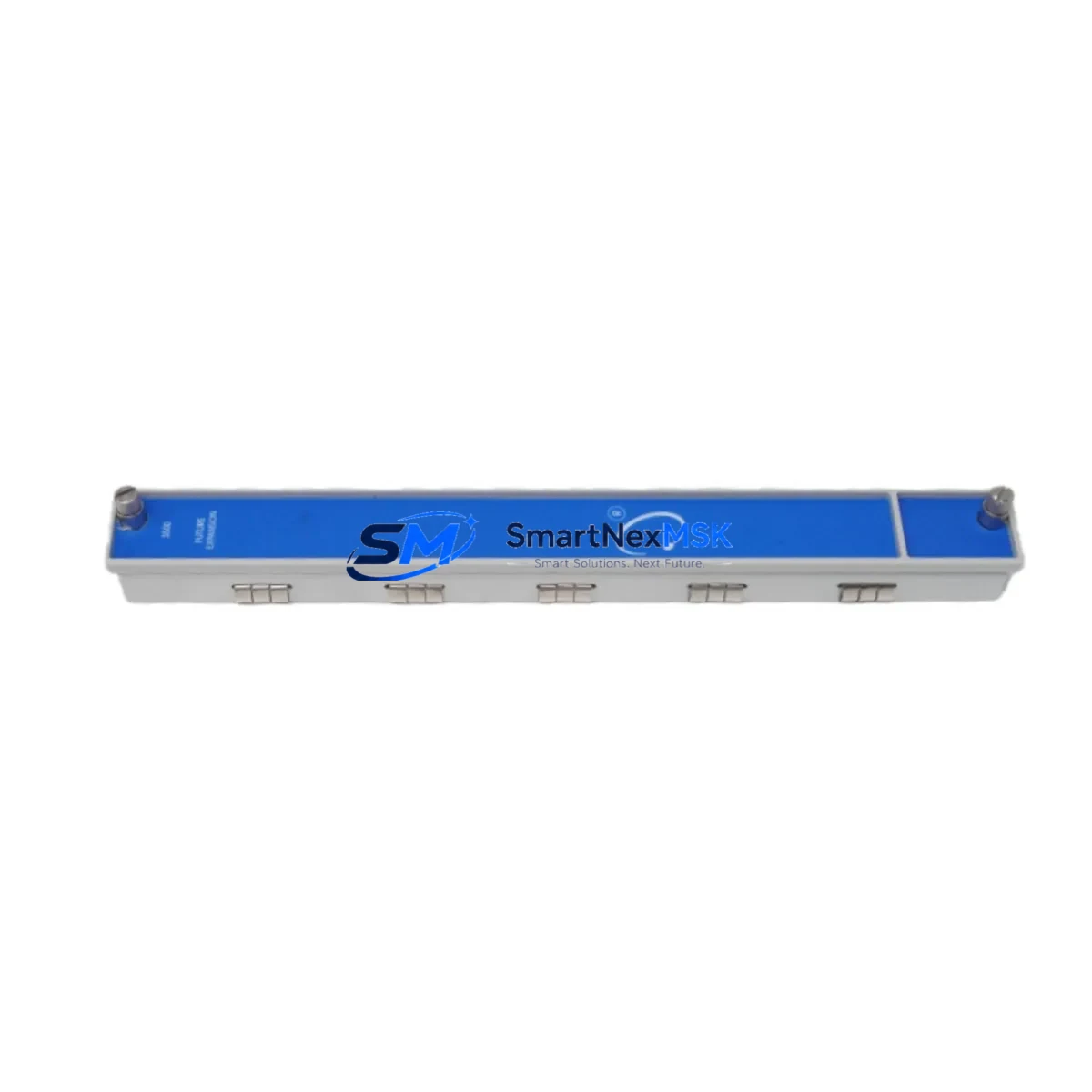
Bently Nevada 3500/04 136719-01 Retrofit-Ready Earthing I/O Module for 3500 Series Control Systems
The Bently Nevada 3500/04 136719-01 Earthing I/O Module (also referenced as 128275-01F) is a critical grounding and signal-reference component within the Bently Nevada 3500 Series machinery protection system. As legacy 3500 Series installations age and OEM support windows close, plant engineers and reliability teams increasingly require verified drop-in replacements that preserve rack integrity, signal accuracy, and system certification without forcing a full platform migration. This module is stocked, tested, and shipped with a 12-month warranty to support exactly that requirement.
Whether you are managing a planned turnaround, responding to an unplanned trip, or executing a phased control-system modernization, the 3500/04 136719-01 is engineered to slot directly into an existing 3500 Series rack without modification to the backplane, wiring harness, or monitoring software. Procurement teams sourcing obsolete Bently Nevada spares will find this module available for immediate dispatch, reducing mean-time-to-repair and protecting production continuity.
Upgrade Compatibility Table
| Parameter | Details |
|---|---|
| SKU / Part Number | 3500/04 136719-01 (Alt: 128275-01F) |
| Compatible Rack | Bently Nevada 3500 Series (19-slot and 4-slot chassis) |
| Module Slot Position | Slot 1 (dedicated Earthing I/O position) |
| Backplane Interface | Standard 3500 Series backplane connector — no adapter required |
| Terminal Wiring | Screw-terminal I/O block; existing field wiring reusable |
| Communication Compatibility | Compatible with 3500/92 Ethernet Interface and 3500/93 Data Manager |
| Replacement Recommendation | Direct drop-in for 136719-01; verify chassis revision level before installation |
| Commissioning Note | Rack power-down required; re-address module via Rack Configuration Software (RCS) |
| Warranty | 12 months from date of shipment |
| Condition | New / Refurbished-to-OEM-spec (specify at order) |
Retrofit Planning for Existing Automation Systems
A successful retrofit of the 3500/04 136719-01 begins well before the module arrives on site. Maintenance engineers should first audit the existing 3500 Series rack configuration, confirming the chassis revision, the firmware version loaded on the 3500/20 Rack Interface Module, and the current I/O mapping stored in the Rack Configuration Software. In multi-rack installations — common in large turbine or compressor trains — the earthing module’s grounding path must be verified against the plant earthing grid to prevent ground-loop interference that can corrupt vibration and position signals from adjacent 3500/40M Proximitor/Seismic Monitor modules or 3500/42M Proximitor/Seismic Monitor modules monitoring radial vibration channels.
Terminal block wiring should be photographed and documented before removal. The 3500/04 uses a dedicated I/O terminal block; if the existing block shows corrosion or damaged screw terminals, a replacement terminal block should be ordered alongside the module to avoid a second outage. Field cables connecting to keyphasor inputs, barrier strips, and the plant DCS or safety system — often a Triconex or Emerson DeltaV platform — should be continuity-tested after reconnection.
For sites running the 3500 Series alongside a broader Emerson machinery management infrastructure, the 3500/92 Ethernet Interface Module and the System 1 Condition Monitoring software must be checked to confirm that the new module’s rack address and channel assignments match the historian tags already configured. Mismatched addresses are the most common cause of “module not found” alarms after a swap. If the plant is simultaneously upgrading from System 1 Evolution to System 1 v8.x, this retrofit window is an ideal time to re-validate all rack configurations and update firmware on the 3500/20 Rack Interface Module and any 3500/22M TMR Rack Interface Modules in the installation.
Sites that also operate Bently Nevada 3300 Series or 7200 Series proximity systems should note that the 3500/04 is not cross-compatible with those platforms; separate earthing and I/O modules specific to those series must be sourced independently. However, the retrofit methodology — power isolation, terminal documentation, module swap, address verification, and functional test — is consistent across all Bently Nevada rack-based systems and can be templated for use across the plant.
Where the control cabinet also houses a Rockwell Automation ControlLogix or CompactLogix controller communicating with the 3500 rack via a 3500/92 Ethernet module, the PLC program should be placed in Remote Program mode before rack power is removed, and the EtherNet/IP connection timeout parameters should be reviewed to prevent nuisance faults during the swap window. Programming cables and a laptop loaded with RSLogix 5000 or Studio 5000 should be on hand for post-swap verification.
Downtime Control During System Migration
Minimizing unplanned downtime is the primary concern for any earthing module replacement on a live machinery protection system. The recommended approach is to schedule the swap during a planned maintenance window aligned with the equipment’s inspection interval, typically coordinated with lube-oil filter changes or coupling inspections on rotating machinery.
Before rack power is removed, the control room operator should acknowledge and suppress relevant alarms in the DCS or safety system to prevent spurious trips. The 3500 Series rack should be placed in bypass mode via the Rack Configuration Software, and the bypass status should be logged in the plant’s permit-to-work system. Original program logic — including setpoints, time delays, and relay output assignments stored in the 3500/20 Rack Interface Module — is retained in non-volatile memory and is not lost during a module swap, provided the rack power is restored cleanly without a full rack reset.
After the 3500/04 136719-01 is seated and the terminal block reconnected, power should be restored and the rack allowed to complete its self-test sequence. The System 1 or Rack Configuration Software should then be used to confirm that all channels report valid signals before bypass mode is lifted. A functional trip test on at least one channel per monitor module is recommended before returning the machine to service. Total swap time for an experienced technician is typically 30 to 90 minutes, depending on terminal complexity and the number of channels requiring re-verification.
For critical applications where zero-downtime is required, a hot-standby rack configuration using a 3500/22M TMR Rack Interface Module can be considered as a longer-term architecture upgrade, allowing future module replacements to be performed without process interruption.
Retrofit Support FAQ
Q1: Is the 3500/04 136719-01 a direct replacement for the 128275-01F?
Yes. The 128275-01F is an alternate part number for the same module. Both references are interchangeable within the 3500 Series rack. Confirm the chassis slot assignment and terminal block revision before installation.
Q2: Will my existing field wiring and terminal block work with the replacement module?
In most cases, yes. The 3500/04 uses a standard screw-terminal I/O block that is compatible across 3500 Series rack revisions. If the existing terminal block shows physical damage or corrosion, we recommend replacing it simultaneously to avoid a repeat outage.
Q3: Does the module ship pre-tested, and what does the 12-month warranty cover?
All modules are functionally tested prior to shipment using Bently Nevada-compatible test equipment. The 12-month warranty covers manufacturing defects and functional failures under normal operating conditions. Warranty claims are supported by our technical team with RMA processing within 5 business days.
Q4: What commissioning steps are required after installation?
After seating the module and reconnecting the terminal block, restore rack power and allow the self-test to complete. Use Rack Configuration Software to verify module address, confirm channel signal validity, and clear any bypass or inhibit flags set during the swap. Perform a functional trip test on at least one channel before returning the machine to service. Our technical team can provide remote commissioning support if required.
© 2026 SMARTNEXMSK. All rights reserved.
Original Source: https://smartnexmsk.com
Contact: [email protected] | +86 18259474341