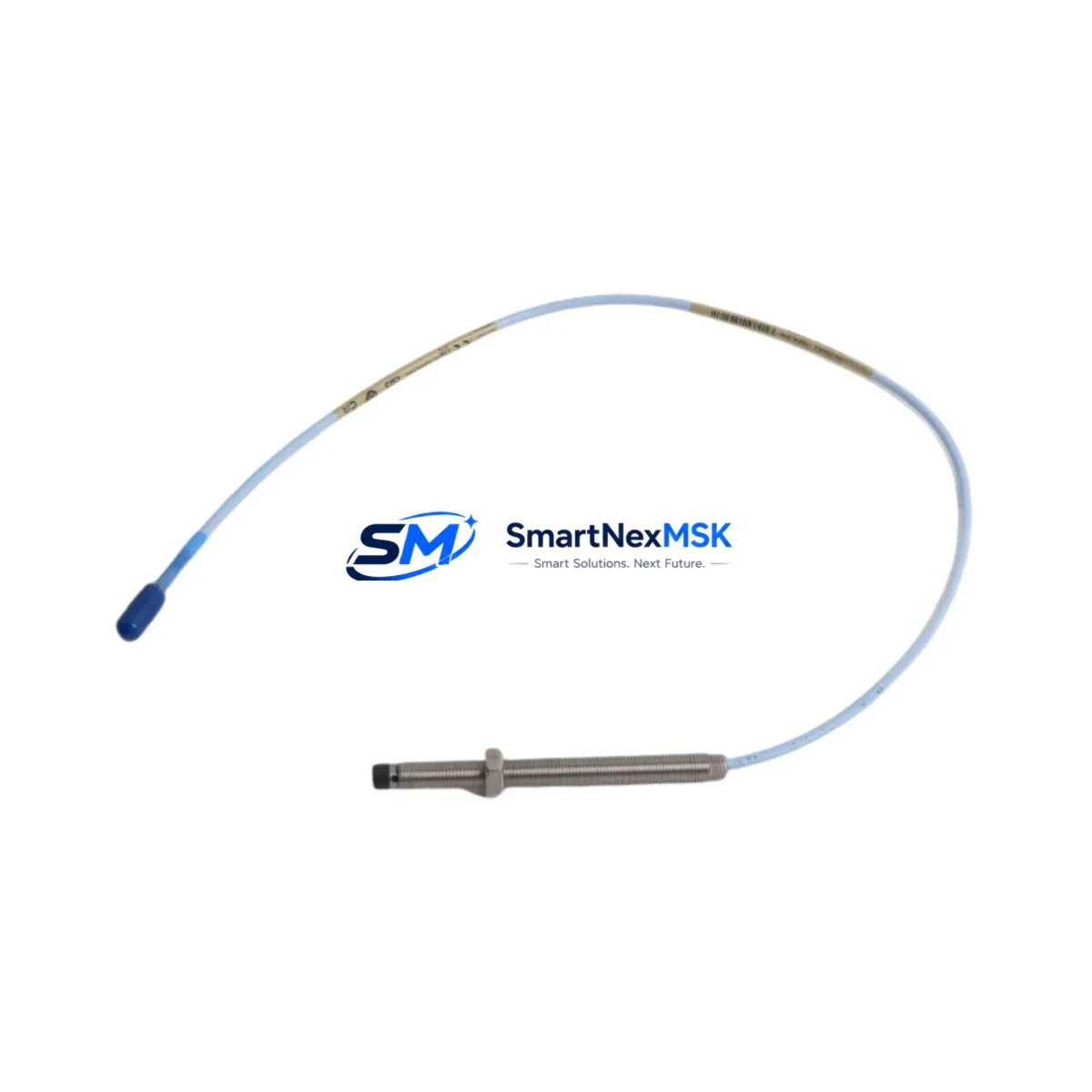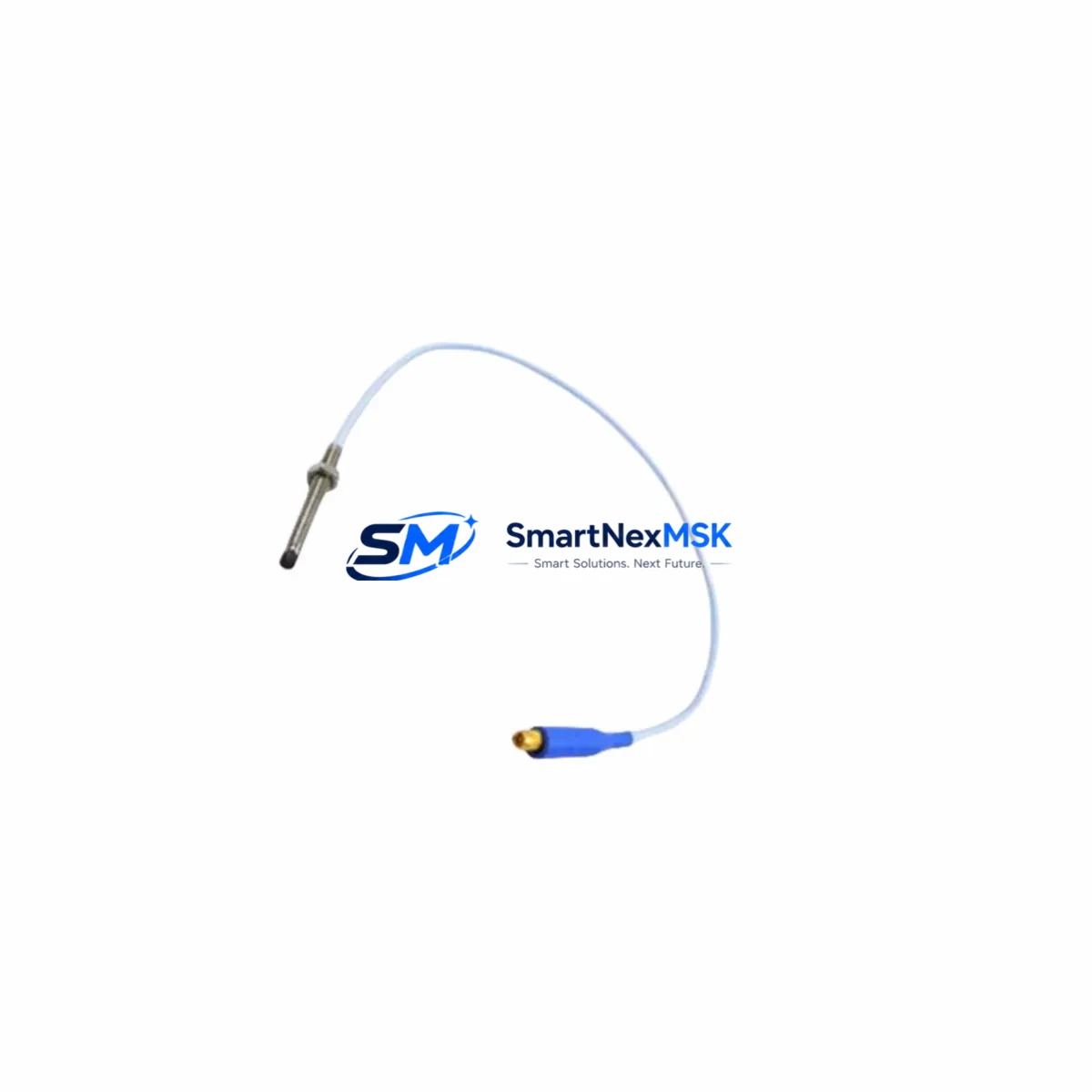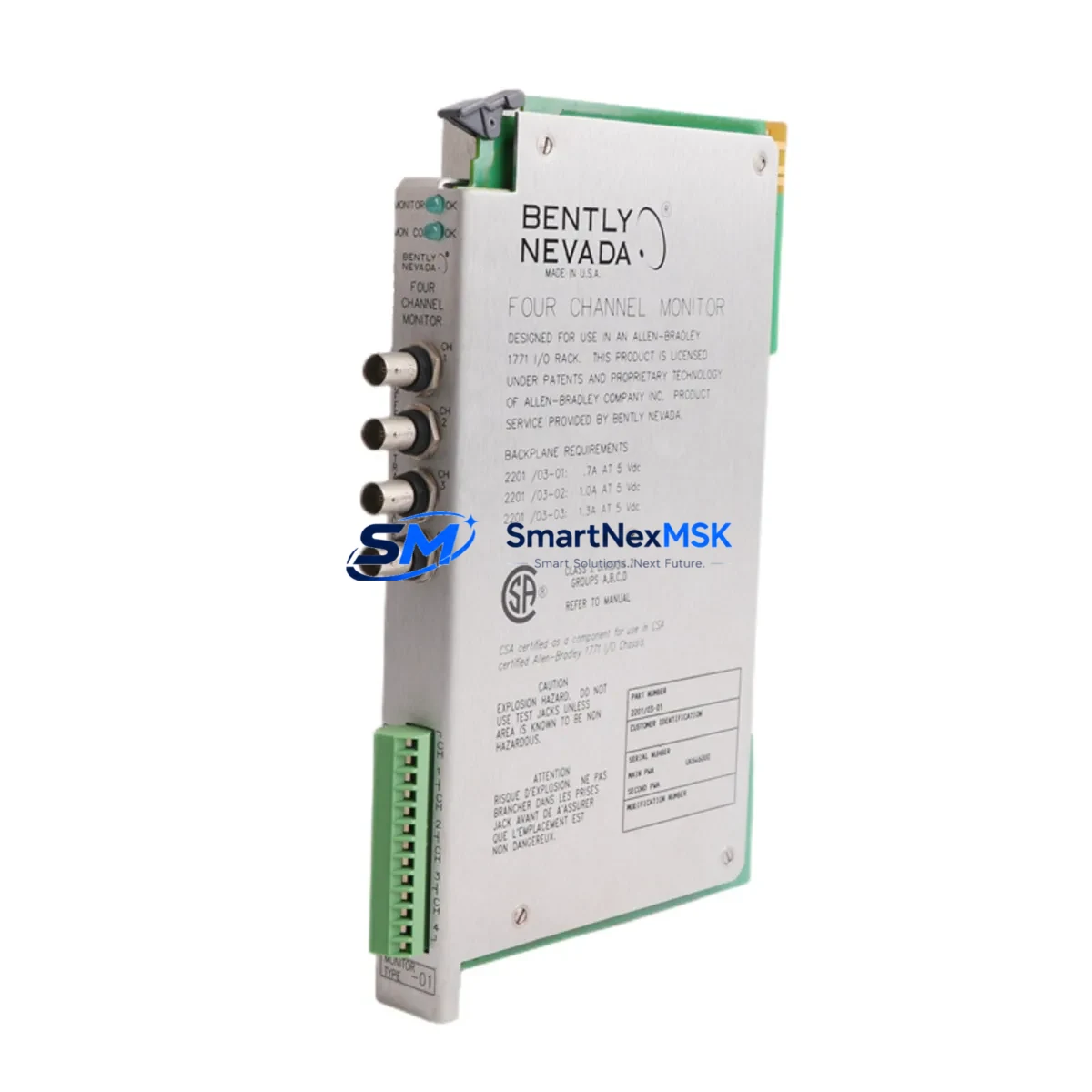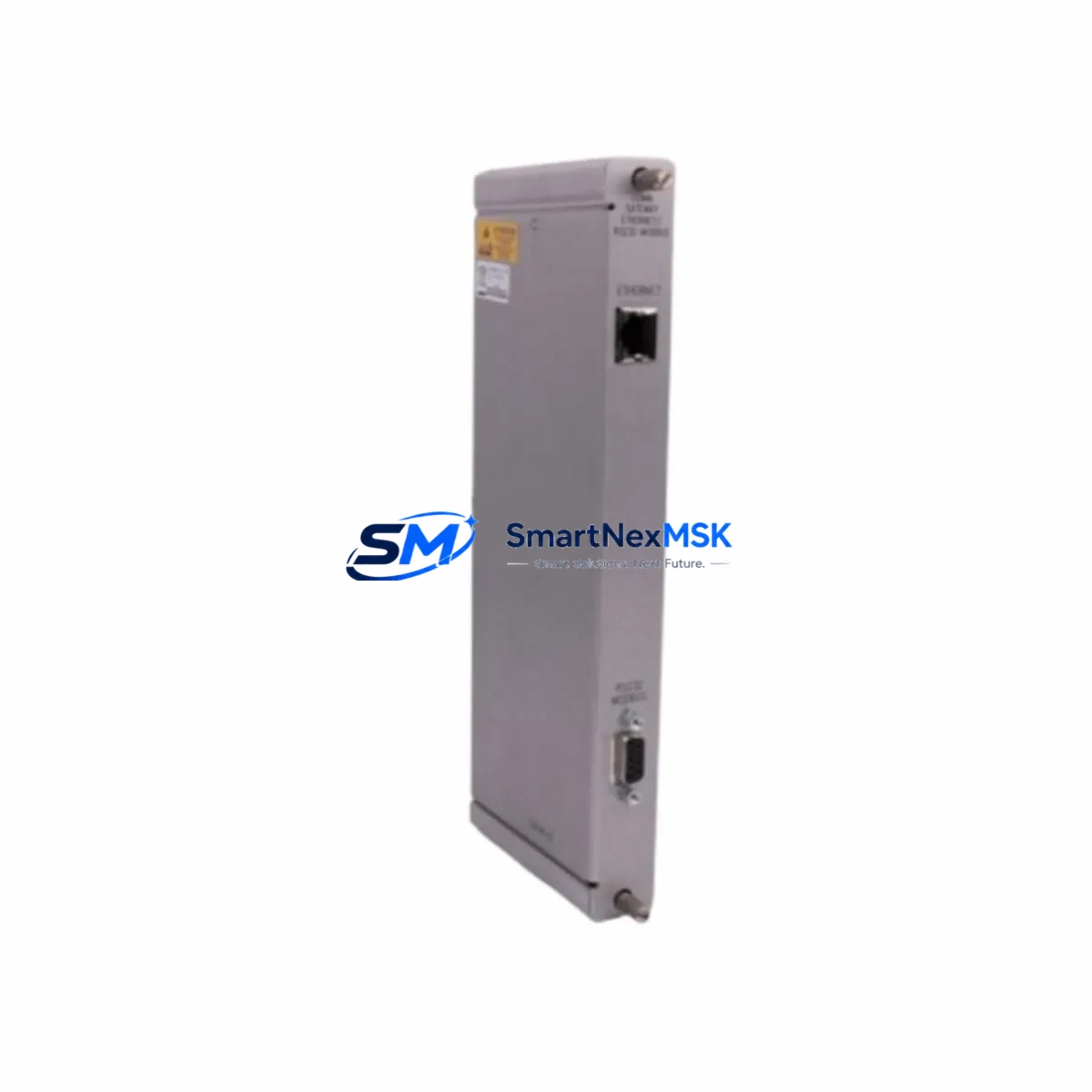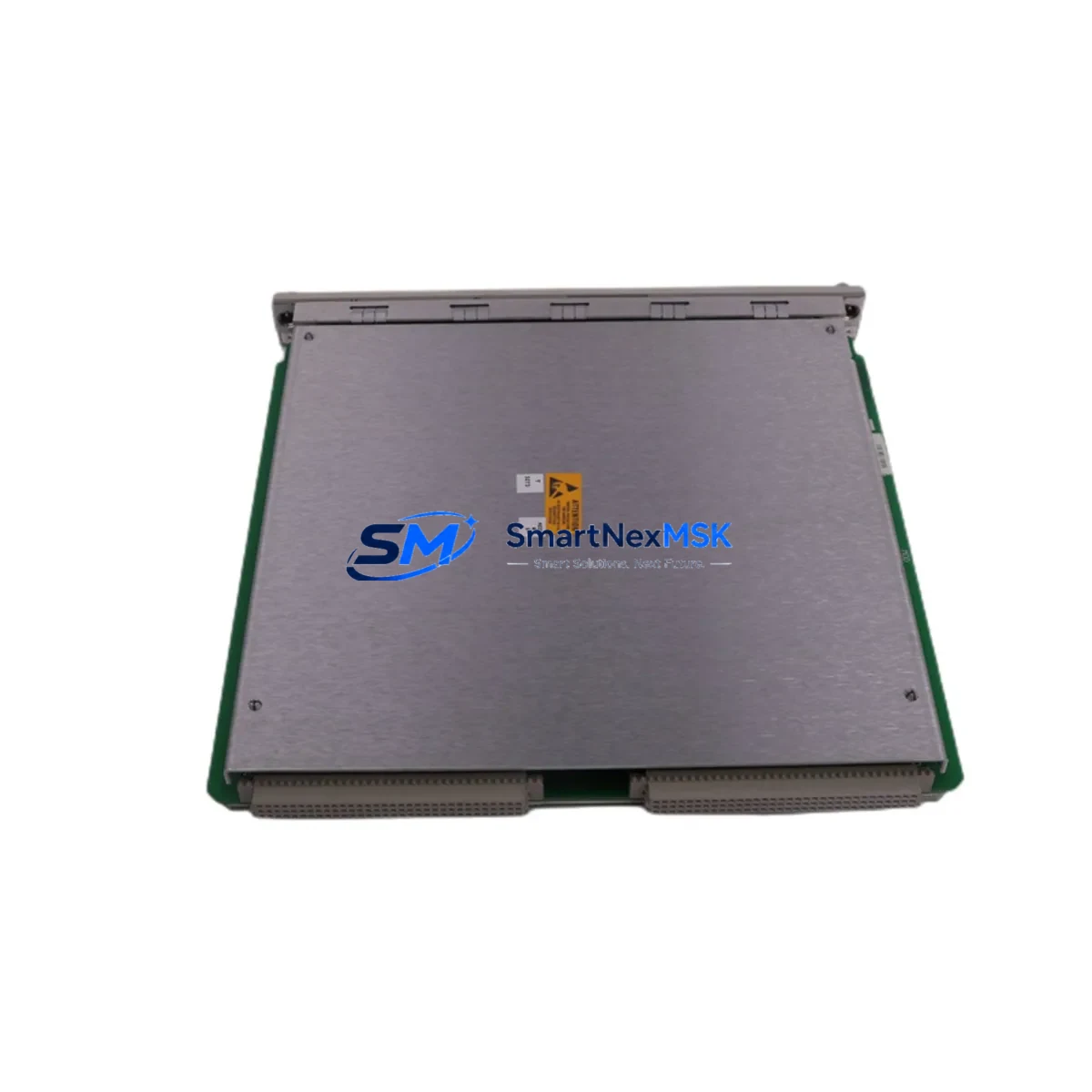
Bently Nevada 3500/90 Retrofit-Ready Communication Gateway for 3500 Series Control Systems
The Bently Nevada 3500/90 is a high-reliability communication gateway module engineered for seamless integration into the Bently Nevada 3500 Series machinery protection rack system. As legacy DCS and vibration monitoring platforms reach end-of-life, the 3500/90 serves as a critical retrofit component — enabling plant engineers to modernize communication infrastructure without replacing the entire rack assembly or disrupting existing I/O wiring.
This module supports Modbus TCP/IP and other standard industrial protocols, bridging the 3500 Series rack to modern SCADA systems, DCS platforms, and historian servers. Whether you are migrating from a legacy Rockwell Automation or Emerson DeltaV control environment, or upgrading communication links within an existing Bently Nevada rack, the 3500/90 provides a validated, drop-in upgrade path that preserves your existing program logic and field wiring.
Upgrade Compatibility Table
| Parameter | Details |
|---|---|
| Compatible Rack | Bently Nevada 3500 Series (19-slot and 3-slot chassis) |
| Replaces / Upgrades | 3500/92, 3500/93, legacy serial gateway modules |
| Communication Protocol | Modbus TCP/IP, Modbus RTU, System 1 Ethernet |
| Backplane Interface | 3500 Series standard backplane connector |
| Power Requirement | Supplied via 3500/15 Power Supply Module (rack-mounted) |
| Installation Slot | Dedicated gateway slot per rack configuration |
| Module Address | Configurable via Rack Configuration Software (RCS) |
| HMI Compatibility | Compatible with System 1 Evolution and third-party SCADA via OPC |
| Commissioning Tool | Bently Nevada Rack Configuration Software (RCS) |
| Warranty | 12 Months — covers hardware defects and functional verification |
Retrofit Planning for Existing Automation Systems
Successful retrofit of the 3500/90 begins with a thorough audit of the existing rack configuration. Engineers should document the current slot assignments across the 3500 Series chassis, including the 3500/15 Power Supply Module, 3500/20 Rack Interface Module, and all installed monitor cards such as the 3500/40M Proximitor/Seismic Monitor and 3500/42M Proximitor/Seismic Monitor. Verifying available power headroom from the 3500/15 is essential before adding or swapping gateway modules, as cumulative module load must remain within the rack’s rated capacity.
Terminal wiring for the 3500/90 follows the standard 3500 Series I/O convention. Existing field cables connected to adjacent I/O modules — including 3500/50 Tachometer Monitor inputs and 3500/60 Temperature Monitor terminal blocks — should be labeled and photographed before any module removal. This documentation accelerates re-commissioning and reduces the risk of wiring errors during the swap.
For sites migrating from serial Modbus RTU to Ethernet-based Modbus TCP/IP, the 3500/90 eliminates the need for external protocol converters. The module’s onboard Ethernet port connects directly to the plant network switch, enabling the DCS or historian — such as an OSIsoft PI Server or Emerson DeltaV node — to poll vibration and process data in real time. If the existing HMI screens were built around the legacy System 1 v5.x platform, a parallel validation run is recommended: keep the old gateway active on a secondary rack slot while the 3500/90 is configured and tested, then cut over during a planned maintenance window.
Sites operating mixed-vendor control cabinets — for example, combining Bently Nevada vibration monitoring with a Rockwell Automation ControlLogix or Siemens S7-300 PLC for process control — will benefit from the 3500/90’s open Modbus TCP/IP interface, which allows seamless data exchange without proprietary driver licensing. The module address is assigned through the Rack Configuration Software and must be consistent with the SCADA tag database to avoid data mapping conflicts after cutover.
Downtime Control During System Migration
Minimizing unplanned downtime is the primary concern during any gateway module replacement. The recommended approach is a staged migration: first, configure and bench-test the 3500/90 offline using the Rack Configuration Software with a spare 3500 Series rack or a rack simulator. Validate all Modbus register maps against the existing SCADA or DCS tag list before the module is installed in the live rack.
During the physical swap, the 3500 Series rack does not require a full system shutdown if the replacement is performed in a hot-standby configuration — however, for single-rack installations, a controlled shutdown of the machinery protection system is required. The original program configuration file (RCP file) should be backed up from the existing gateway before removal. After installing the 3500/90, restore the configuration file, verify module status LEDs, and confirm live data polling from the SCADA system before returning the machinery to service. Total planned downtime for a single-rack gateway swap typically ranges from 2 to 4 hours when pre-commissioning steps are completed in advance.
All units supplied by SMARTNEXMSK undergo pre-shipment functional testing, including power-on verification, communication link establishment, and configuration upload/download cycle testing. Each 3500/90 ships with a 12-month warranty covering hardware defects and verified functional performance.
Retrofit Support FAQ
Q1: Is the 3500/90 a direct drop-in replacement for the 3500/92 or 3500/93 gateway modules?
The 3500/90 occupies the same gateway slot in the 3500 Series rack and uses the same backplane interface. However, protocol configuration differs between models. Before replacement, export the existing gateway’s configuration using the Rack Configuration Software and verify that all Modbus register assignments and network parameters are re-applied to the 3500/90 after installation.
Q2: What commissioning steps are required after installing the 3500/90?
After physical installation, connect the module to the plant network and launch the Rack Configuration Software. Upload the saved RCP configuration file, assign the correct IP address and subnet, and verify that the module status LED shows a healthy communication link. Confirm live data polling from the SCADA or DCS system before signing off on the retrofit.
Q3: Can the 3500/90 communicate with third-party SCADA systems not running Bently Nevada System 1?
Yes. The 3500/90 supports standard Modbus TCP/IP, which is natively supported by most industrial SCADA platforms including Wonderware, Ignition, and iFIX. OPC server middleware can also be used to bridge the module’s data to OPC-DA or OPC-UA clients without requiring System 1 software.
Q4: What does the 12-month warranty cover?
The 12-month warranty covers hardware defects, component failures, and verified functional performance under normal operating conditions. Each unit is pre-tested prior to shipment. Warranty claims are processed through SMARTNEXMSK’s technical support team, with replacement or repair turnaround typically within 5–10 business days.
© 2026 SMARTNEXMSK. All rights reserved.
Original Source: https://smartnexmsk.com
Contact: [email protected] | +86 18259474341