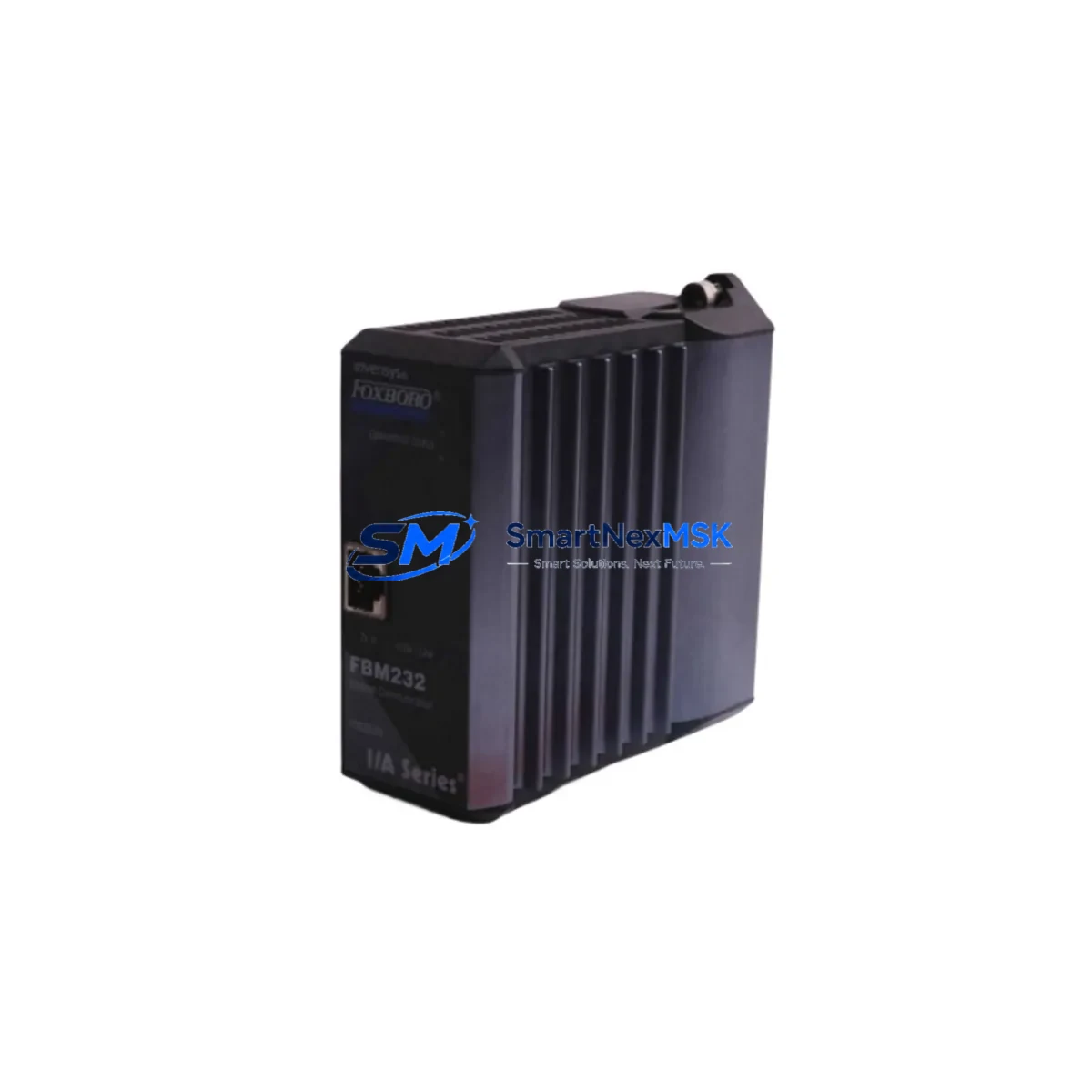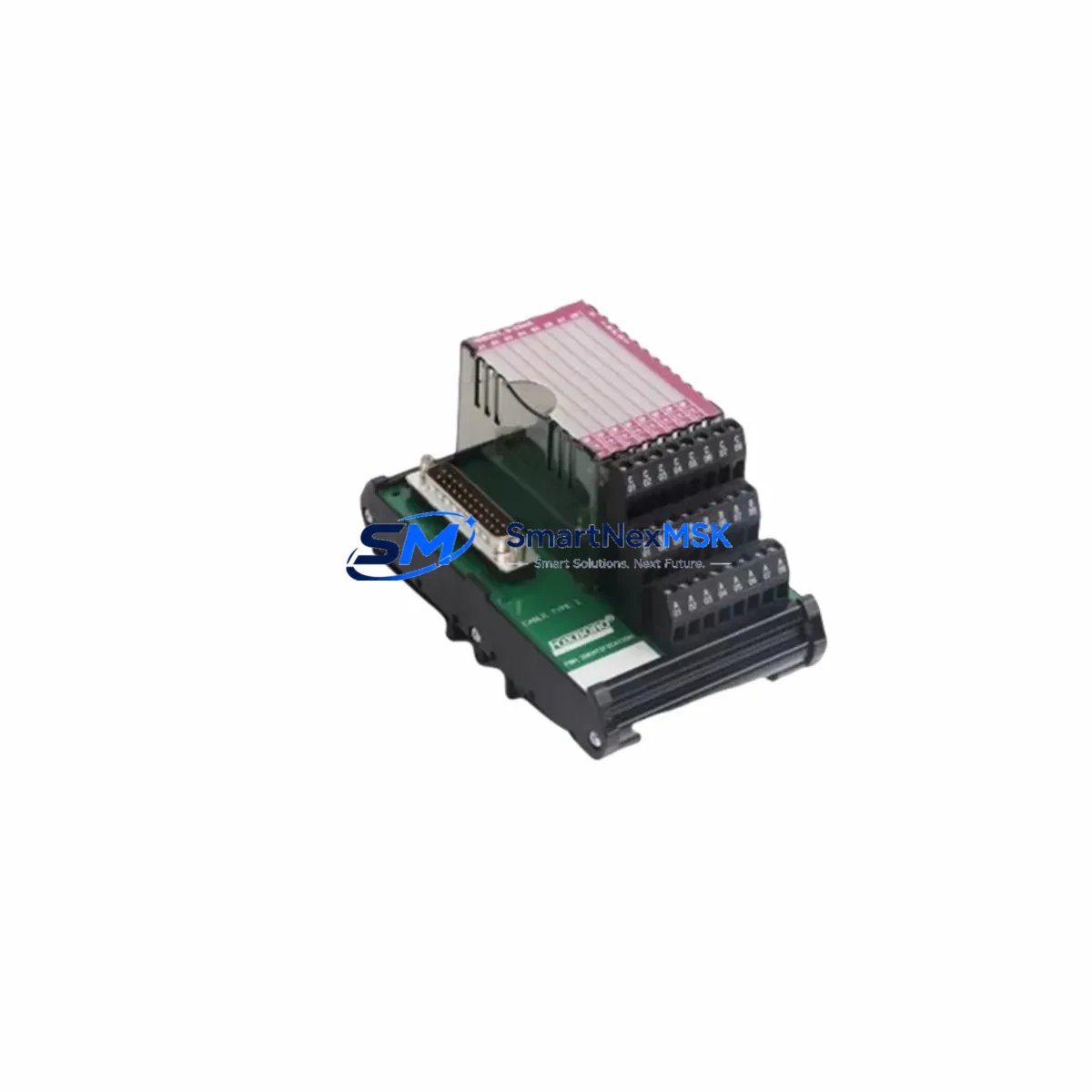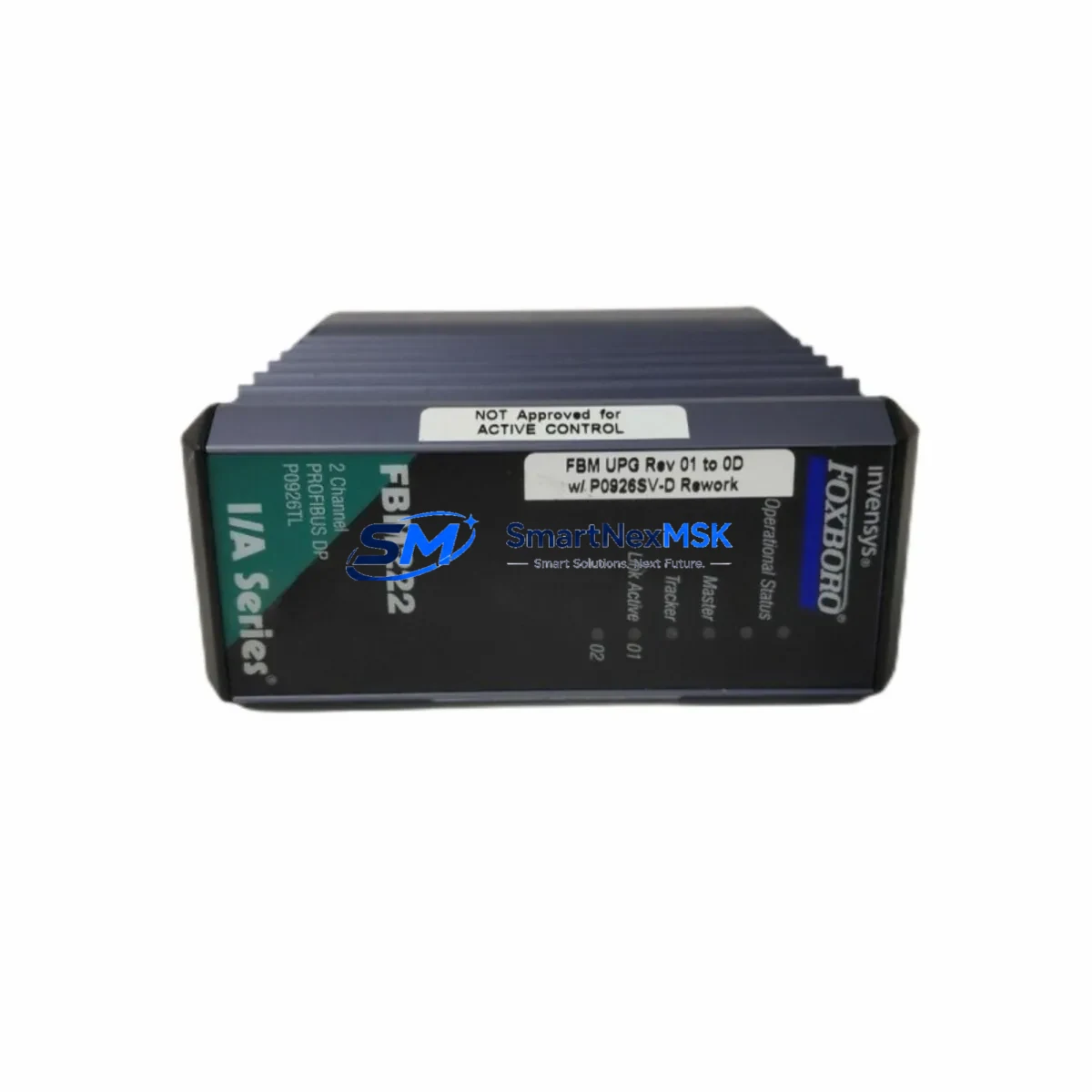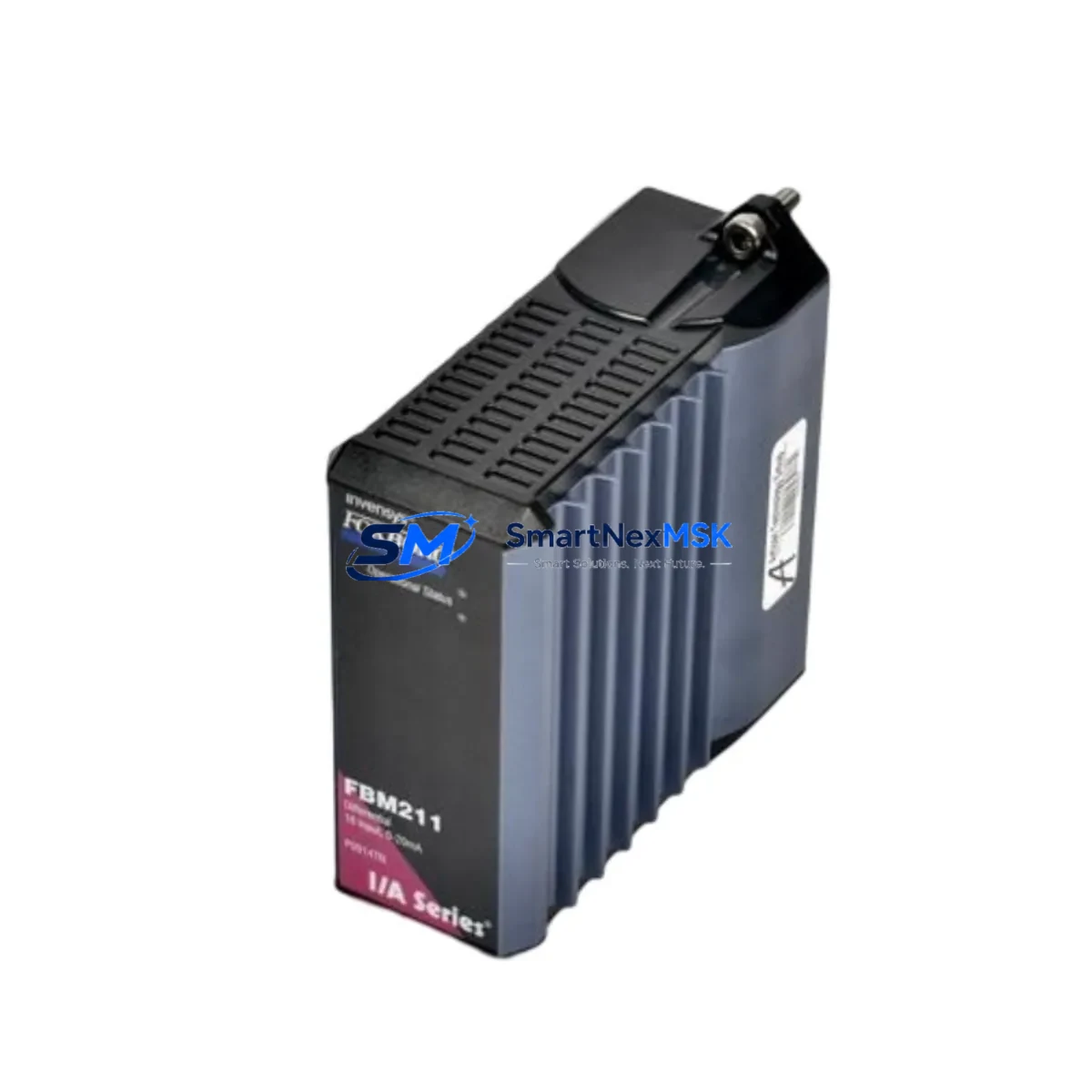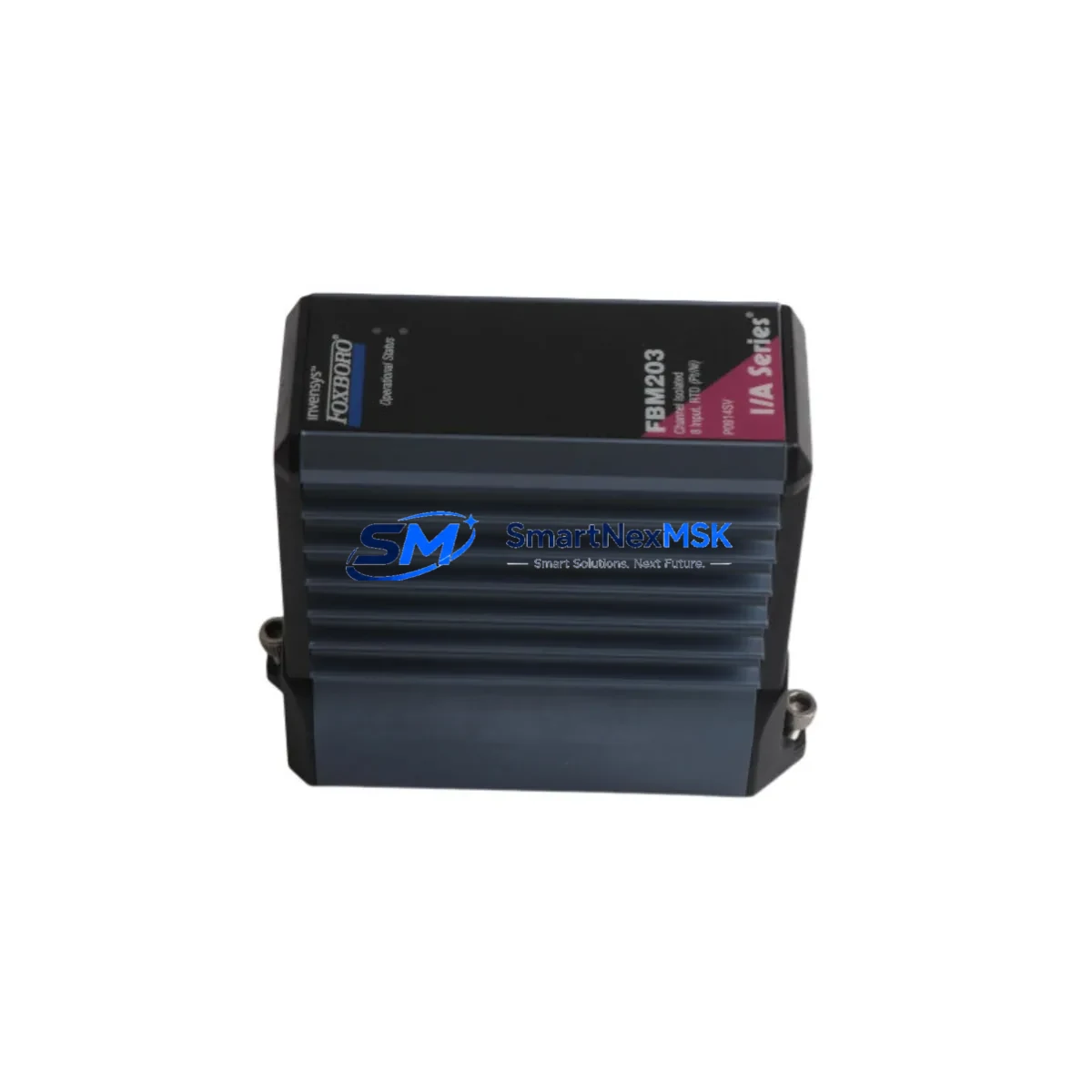
Foxboro FBM203 P0914SV Retrofit-Ready RTD Input for I/A Series Control Systems
The Foxboro FBM203 (Part No. P0914SV) is an 8-channel RTD (Resistance Temperature Detector) Input Module engineered for seamless integration into Foxboro I/A Series Distributed Control Systems (DCS). Designed as a direct retrofit replacement for aging or discontinued RTD input modules in legacy control architectures, the FBM203 P0914SV delivers full signal compatibility, identical terminal wiring layouts, and native Nodebus communication — making it the preferred choice for plant engineers managing brownfield upgrades, control cabinet modernization, and unplanned spare part replacements.
Whether your facility is replacing a failed module on an emergency basis or executing a planned migration from an older I/A Series configuration, the FBM203 P0914SV eliminates the need for rewiring, reconfiguration of field junction boxes, or modification of existing control strategies. The module slots directly into standard I/A Series FBM baseplate assemblies and communicates over the existing Nodebus fieldbus infrastructure without requiring changes to the CP60, CP270, or CP40B control processors already installed in your system.
Upgrade Compatibility Table
| Parameter | Details |
|---|---|
| SKU / Part Number | FBM203 / P0914SV |
| Brand / Manufacturer | Foxboro (Schneider Electric) |
| Series | I/A Series DCS |
| Module Type | 8-Channel RTD Input Module |
| Backplane / Rack Interface | Standard I/A Series FBM Baseplate (P0916AA / P0916AB compatible) |
| Communication Protocol | Nodebus (I/A Series native fieldbus) |
| Terminal Wiring | Drop-in compatible — no rewiring required for standard RTD field wiring |
| Replaces / Upgrades | FBM02, FBM203 earlier revisions, legacy RTD input modules in I/A Series |
| Control Processor Compatibility | CP60, CP270, CP40B, CP30 (with appropriate software revision) |
| Commissioning Requirement | Module address assignment via I/A Series configuration tools (FoxCAE / ICC) |
| Warranty | 12 Months from date of shipment |
| Availability | In stock — ships from verified industrial inventory |
Retrofit Planning for Existing Automation Systems
Successful retrofit of the FBM203 P0914SV into an operating plant environment requires careful pre-installation planning across several interdependent system layers. Before removing the failed or obsolete module, engineers should document the existing module address assignment as configured in the I/A Series Integrated Control Configurator (ICC) or FoxCAE engineering workstation. Incorrect address reassignment is one of the most common causes of post-replacement communication faults on the Nodebus segment.
Power budget verification is a critical first step. The I/A Series FBM baseplate — typically a P0916AA or P0916AB assembly — distributes 24 VDC to all installed FBMs. When adding or replacing modules, confirm that the total current draw across the baseplate does not exceed the rated capacity of the associated FPS0200 or FPS0400 fieldbus power supply. Overloaded power supplies are a frequent but overlooked cause of intermittent module faults during and after retrofit operations.
Terminal block wiring should be verified against the original loop drawings before powering the replacement module. The FBM203 P0914SV uses the same 2-wire, 3-wire, and 4-wire RTD input configurations as its predecessors, but field technicians should confirm that shield grounding practices comply with current I/A Series installation standards to avoid noise-induced measurement errors — particularly in environments where variable frequency drives or high-current motor starters are installed in adjacent control cabinets.
For facilities running mixed-generation I/A Series hardware, the FBM203 P0914SV coexists on the same Nodebus segment with other FBM types including FBM201 (Thermocouple Input), FBM204 (Analog Input), FBM207 (Analog Output), and FBM214 (Digital Input/Output) modules. This mixed-module compatibility is essential for phased upgrade projects where not all modules are replaced simultaneously. The Nodebus segment can support up to 32 FBM nodes, and the replacement FBM203 must be assigned a unique node address that does not conflict with existing modules on the same segment.
HMI display verification is another step that is frequently underestimated. After the FBM203 P0914SV is installed and the control strategy is downloaded, operators should confirm that all associated temperature displays, trend historians, and alarm setpoints in the FoxView or SCADA operator interface reflect accurate engineering unit values. Residual configuration artifacts from the previous module revision can occasionally cause display scaling errors that are not immediately apparent during initial loop checks.
For projects involving communication protocol migration — for example, transitioning from legacy serial Nodebus to Ethernet-based Foxboro Mesh Control Network (MCN) — the FBM203 P0914SV can be retained as the field I/O module while the control processor is upgraded to a CP270 or CP60 with MCN capability. This approach preserves existing field wiring investments while modernizing the control network backbone, significantly reducing total project cost and installation risk.
Programming cable and laptop configuration tools should be prepared in advance. The Foxboro ICC software running on a validated engineering workstation is required for module address assignment, control strategy download, and post-replacement loop verification. Ensure that the ICC software version is compatible with the installed CP firmware revision before beginning the replacement procedure.
Downtime Control During System Migration
Minimizing process downtime during FBM203 P0914SV replacement requires a structured hot-swap or controlled-shutdown procedure depending on the criticality of the process loops served by the module. For non-critical temperature monitoring loops, the I/A Series control system can often be configured to place affected control blocks in manual mode, allowing the physical module swap to proceed without a full process shutdown.
Before initiating the swap, export and archive the current control strategy from the ICC engineering workstation. This backup ensures that the original program logic — including PID tuning parameters, alarm limits, and cascade configurations — can be restored immediately if the replacement module requires re-commissioning. Do not rely solely on the control processor’s resident strategy copy; always maintain an offline backup on the engineering workstation.
During the physical swap, the FBM baseplate remains energized in most I/A Series configurations, as FBMs are designed for online insertion and removal. However, field wiring should be de-energized at the field junction box before disconnecting the terminal block from the module to protect both the technician and the sensitive RTD input circuitry. After seating the FBM203 P0914SV in the baseplate slot, the module will perform a self-diagnostic sequence and establish communication with the control processor within approximately 30–60 seconds under normal Nodebus conditions.
Post-installation loop verification should include a simulated RTD resistance input at each channel to confirm correct engineering unit conversion, alarm response, and historian data logging. This step is particularly important when the replacement module is a different hardware revision than the original, as minor differences in input filter characteristics can affect loop response time in fast-temperature-change applications.
With proper pre-planning, the total controlled downtime for an FBM203 P0914SV replacement in a non-critical loop can typically be held to under 30 minutes. For critical process loops requiring continuous temperature monitoring, coordinate with process operations to schedule the replacement during a planned maintenance window or low-production period to maintain control continuity.
Retrofit Support FAQ
Q1: Is the FBM203 P0914SV a direct drop-in replacement for older FBM203 revisions and the FBM02 module?
A: Yes. The FBM203 P0914SV is backward-compatible with earlier FBM203 hardware revisions and functionally replaces the discontinued FBM02 RTD input module in standard I/A Series baseplate configurations. Terminal wiring, Nodebus addressing, and control strategy block types are compatible without modification in the vast majority of installations. Minor software revision differences may require a control strategy re-download via ICC, which is a standard commissioning step.
Q2: What wiring changes are required when installing the FBM203 P0914SV?
A: In most retrofit scenarios, no wiring changes are required. The FBM203 P0914SV uses the same terminal block pinout as its predecessors for 2-wire, 3-wire, and 4-wire RTD configurations. Technicians should verify loop drawings against the installed wiring before powering the module and confirm that shield grounding is correctly implemented per I/A Series installation guidelines.
Q3: How is the module address configured, and can it conflict with other modules on the Nodebus segment?
A: Module address assignment is performed through the Foxboro ICC engineering software. Each FBM on a Nodebus segment must have a unique node address (1–32). Before installing the FBM203 P0914SV, confirm the address of the module being replaced and assign the same address to the replacement unit to avoid reconfiguring the associated control strategy blocks. Address conflicts will prevent the module from communicating on the Nodebus and will generate fault alarms at the control processor.
Q4: What does the 12-month warranty cover, and is pre-shipment testing performed?
A: Every FBM203 P0914SV unit is functionally tested prior to shipment to verify channel integrity, communication response, and self-diagnostic operation. The 12-month warranty covers manufacturing defects and functional failures under normal operating conditions from the date of shipment. Units are shipped with appropriate ESD protective packaging to prevent damage during transit. For warranty claims or technical support, contact [email protected].
© 2026 SMARTNEXMSK. All rights reserved.
Original Source: https://smartnexmsk.com
Contact: [email protected] | +86 18259474341