
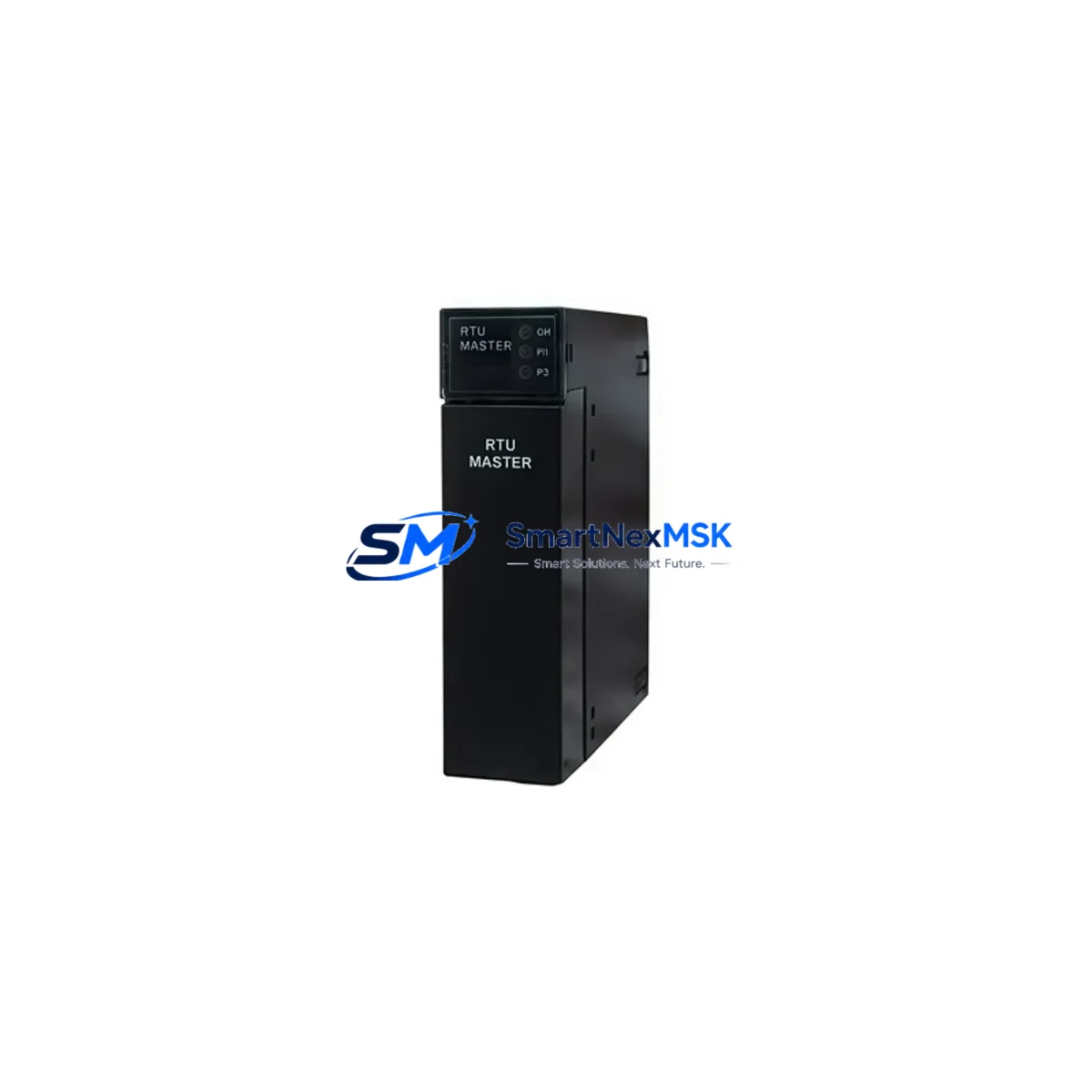
GE HE693RTM705 Retrofit-Ready Remote Terminal Module for Series 90-30 Control Systems
The GE HE693RTM705 is a Remote Terminal Module (RTM) designed for the GE Series 90-30 programmable logic controller platform — one of the most widely deployed mid-range PLC families in industrial automation. As original equipment reaches end-of-life and spare parts become increasingly scarce, the HE693RTM705 serves as a critical retrofit component for facilities seeking to extend the operational life of their existing Series 90-30 control architecture without committing to a full system overhaul.
This module is engineered to integrate directly into the Series 90-30 backplane, maintaining full compatibility with the existing rack infrastructure, I/O wiring, and ladder logic programs developed in Logicmaster 90 or Proficy Machine Edition. For maintenance engineers and system integrators managing aging control cabinets, the HE693RTM705 provides a reliable, tested replacement path that minimizes engineering rework and reduces unplanned downtime.
Upgrade Compatibility Table
| Parameter | Details |
|---|---|
| Compatible Platform | GE Series 90-30 PLC (IC693 family) |
| Module Type | Remote Terminal Module (RTM) |
| Backplane Interface | Series 90-30 standard backplane slot |
| Communication Compatibility | SNP, SNP-X, Genius Bus (via compatible CMM module) |
| Installation Requirement | Standard IC693CHS391 or IC693CHS397 rack; no hardware modification required |
| Replacement Recommendation | Direct drop-in for HE693RTM705 in existing Series 90-30 installations |
| Commissioning Notes | Verify module address configuration, I/O map, and program reference table before power-up |
| Warranty | 12-Month Warranty — covers manufacturing defects and functional failure under normal operating conditions |
Retrofit Planning for Existing Automation Systems
Successful integration of the HE693RTM705 into a legacy Series 90-30 system requires a structured pre-installation review. Before removing the failed or obsolete module, engineers should document the existing terminal wiring layout and confirm that the field wiring harness is compatible with the replacement RTM’s terminal block pitch and signal assignments.
Power budget verification is a mandatory first step. The Series 90-30 CPU rack — typically housing an IC693CPU364 or IC693CPU374 central processing unit — has a defined backplane power capacity. Adding or replacing modules, including the HE693RTM705, requires confirming that the IC693PWR321 or IC693PWR330 power supply module can sustain the updated load without triggering an undervoltage fault.
For systems using distributed I/O over a Genius Bus network, the HE693RTM705 retrofit must account for the existing Genius Bus Controller (IC693BEM331) configuration. Block addresses assigned to remote I/O drops must be preserved in the replacement module’s configuration to avoid address conflicts that would cause the CPU to fault on startup. Similarly, if the control system communicates with an upstream SCADA or DCS via an IC693CMM321 communications module, the SNP or SNP-X protocol settings must be verified and re-entered if the module configuration is not battery-backed.
In control cabinets where the Series 90-30 rack is paired with a QuickPanel or CIMPLICITY HMI workstation, the HMI tag database must be cross-referenced against the I/O reference table to confirm that all analog and discrete references remain valid after the module swap. Any changes to the I/O map — even minor slot reassignments — can cause HMI display anomalies or alarm suppression that may not be immediately visible during initial commissioning.
For facilities migrating from older IC693MDL series discrete I/O modules or IC693ALG analog input/output modules to a consolidated RTM-based architecture, the HE693RTM705 simplifies field wiring by consolidating terminal connections. This is particularly valuable in retrofit projects where cabinet space is constrained and the original wiring was routed for individual module terminal blocks rather than a centralized RTM layout.
Programming cable access is also a consideration during retrofit. If the site uses an IC690ACC901 Hand-Held Monitor or a serial programming cable connected to the CPU’s SNP port, ensure that the programming interface remains accessible after the RTM is installed and that the Proficy Machine Edition project file is backed up before any hardware changes are made.
Downtime Control During System Migration
Minimizing production downtime during a Series 90-30 retrofit requires a disciplined pre-outage preparation protocol. Before the scheduled maintenance window, the complete PLC program — including ladder logic, data blocks, and configuration parameters — should be uploaded from the CPU and archived. This ensures that if the replacement HE693RTM705 requires a cold-start configuration, the original program logic can be restored without relying on the CPU’s battery-backed RAM, which may have degraded in older installations.
Where possible, a parallel bench test of the HE693RTM705 using a spare IC693CHS391 rack and a test CPU is strongly recommended. This allows the module’s I/O response, terminal continuity, and communication handshake to be verified before the unit is installed in the live control cabinet. Bench testing reduces the risk of discovering wiring or configuration issues during the production outage window, which is particularly critical in continuous-process environments where restart sequences are time-consuming.
During the physical swap, field wiring should be transferred terminal by terminal using the documented wiring schedule, with each connection verified against the original I/O reference table. After installation, the CPU should be powered up in STOP mode to allow the I/O configuration to be validated before the program is placed in RUN. Monitoring the CPU’s fault table during the first RUN cycle will identify any unresolved address conflicts or module communication errors that require correction before returning the system to full production control.
For sites with redundant control architectures, the switchover to the backup controller should be executed before beginning the retrofit, ensuring that field control continuity is maintained throughout the module replacement process. Once the primary rack is restored and verified, the backup system can be updated to match the new configuration.
Retrofit Support FAQ
Q1: Is the HE693RTM705 a direct replacement for the original GE Series 90-30 RTM installed in my system?
Yes. The HE693RTM705 is designed as a form-fit-function replacement for the original Series 90-30 Remote Terminal Module. It installs into the same backplane slot, uses the same terminal wiring layout, and is compatible with the existing PLC program without requiring logic modifications, provided the module address and I/O reference assignments are preserved during installation.
Q2: What commissioning steps are required after installing the HE693RTM705?
After physical installation, verify the module address configuration matches the original assignment, confirm that all field wiring connections are correct and secure, and power up the CPU in STOP mode to validate the I/O configuration. Review the CPU fault table for any module communication errors before placing the system in RUN. If the system uses a Genius Bus network, confirm that the block address assignments are intact and that the Bus Controller recognizes the RTM without faults.
Q3: How do I confirm wiring compatibility between the HE693RTM705 and my existing field cables?
Compare the terminal block layout of the HE693RTM705 against the original wiring schedule documented during the initial system installation. Pay particular attention to signal polarity for analog channels and the assignment of common (COM) terminals for discrete I/O groups. If the original wiring documentation is unavailable, the terminal assignments can be verified against the GE Series 90-30 RTM installation manual before disconnecting any field wiring.
Q4: What does the 12-month warranty cover, and what is the process for a warranty claim?
The 12-month warranty covers manufacturing defects and functional failures under normal operating conditions, including backplane communication faults, terminal block defects, and module initialization failures that are not attributable to incorrect installation, overvoltage, or physical damage. To initiate a warranty claim, contact our sales team with the module serial number, a description of the fault symptom, and the installation date. Replacement or repair will be processed within the agreed lead time, and return shipping instructions will be provided upon claim approval.
© 2026 SMARTNEXMSK. All rights reserved.
Original Source: https://smartnexmsk.com
Contact: [email protected] | +86 18259474341



