
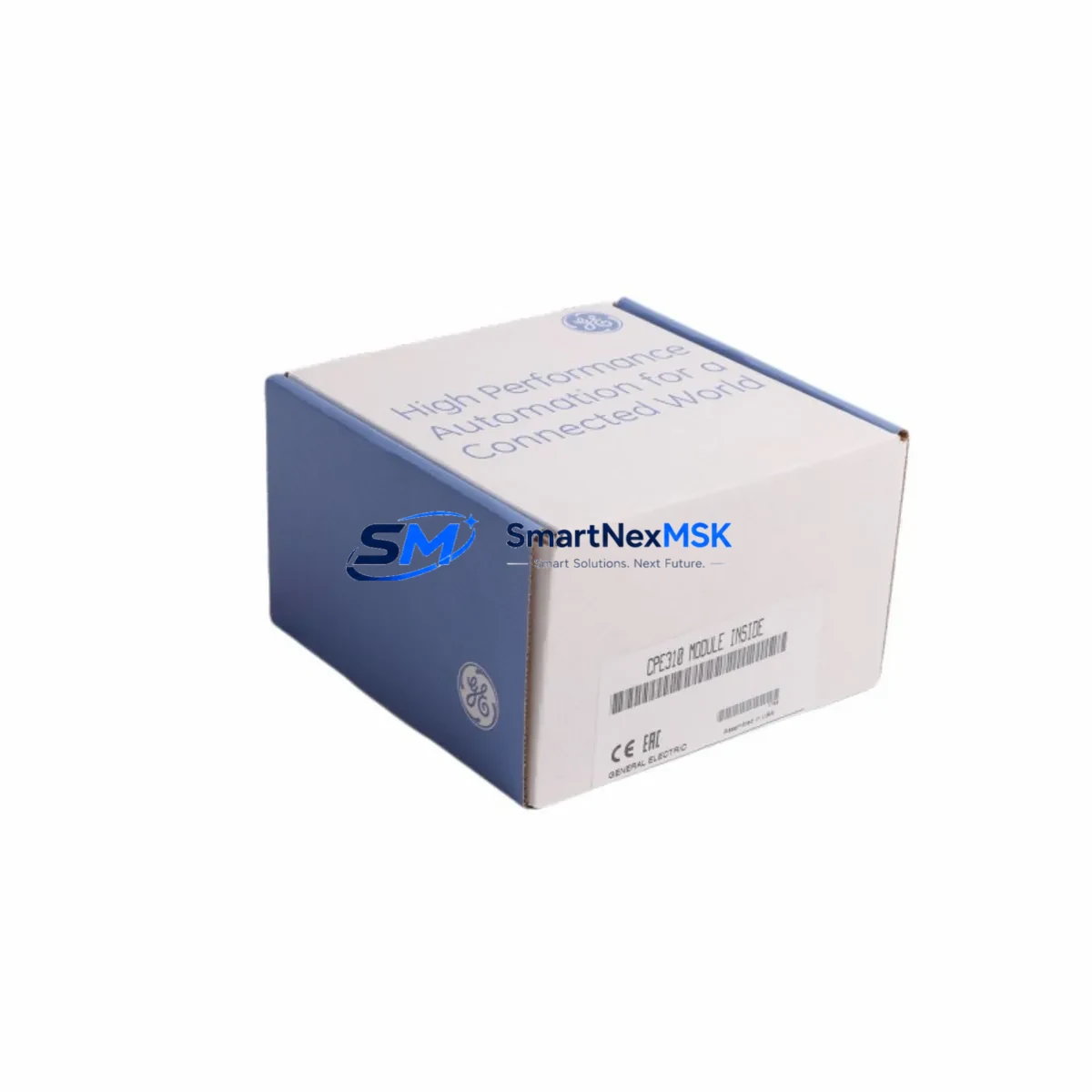
GE IC695CPE310 Maintenance-Ready Spare for RX3i Automation
The GE IC695CPE310 is a high-performance CPU module for the PACSystems RX3i platform, engineered for continuous industrial operation in demanding process control, discrete manufacturing, and critical infrastructure environments. As a maintenance-ready spare, the IC695CPE310 supports rapid field replacement, minimizing unplanned downtime and protecting production continuity. With a 1.1 GHz processor, 64 MB user memory, and dual 10/100 Ethernet ports, this module delivers the processing headroom and connectivity required for modern automation architectures. Every unit shipped by SMARTNEXMSK undergoes pre-shipment functional verification and is backed by a 12-month warranty, ensuring your maintenance team receives a tested, deployment-ready component.
For maintenance engineers managing aging PACSystems RX3i control cabinets, holding a verified IC695CPE310 spare on the shelf is a foundational risk-reduction strategy. CPU module failures in RX3i systems can cascade into full line shutdowns within minutes. A pre-configured, compatible replacement eliminates the lead time risk associated with OEM procurement channels and allows same-shift restoration of normal operations. Procurement engineers sourcing long-term spare parts inventory will find the IC695CPE310 a stable, well-documented component with broad compatibility across the RX3i backplane ecosystem.
Spare Maintenance Table
| Parameter | Specification |
|---|---|
| Part Number / SKU | IC695CPE310 |
| Brand / OEM | GE / Emerson Automation Solutions |
| Series | PACSystems RX3i |
| Module Type | CPU Module (Central Processing Unit) |
| Processor Speed | 1.1 GHz |
| User Memory | 64 MB |
| Communication Ports | 2 × 10/100 Mbps Ethernet (RJ-45) |
| Backplane Compatibility | IC695CHS007, IC695CHS012, IC695CHS016 (RX3i Universal Backplane) |
| Operating Voltage | 3.3 V / 5 V (supplied via backplane) |
| Operating Temperature | 0°C to 60°C |
| Relative Humidity | 5% to 95% non-condensing |
| Mounting | RX3i Universal Backplane slot (any slot) |
| Origin | USA (OEM) |
| Application Environment | Process control, discrete manufacturing, utilities, oil & gas, water treatment |
| Maintenance Recommendation | Inspect backplane connectors and Ethernet ports quarterly; verify firmware revision before hot-swap replacement |
| Warranty | 12 Months — covers manufacturing defects; includes pre-shipment functional test |
Maintenance Planning for Continuous Operation
Effective maintenance planning for a PACSystems RX3i system extends well beyond the CPU module itself. When scheduling a planned replacement of the IC695CPE310, maintenance engineers should treat the intervention as an opportunity for a comprehensive control cabinet inspection. Begin by verifying the condition of the IC695PSD040 or IC695PSA040 power supply module, which provides regulated DC power to the backplane — a degraded power supply is a leading cause of intermittent CPU faults and should be replaced proactively if it shows signs of capacitor aging or output ripple.
Next, inspect all IC695ETM001 Ethernet communication modules in the rack. These modules handle SRTP and Modbus TCP traffic independently of the CPU’s onboard Ethernet ports, and their firmware should be synchronized with the new CPU revision to prevent protocol handshake failures after replacement. Similarly, review the status of any IC695RMX128 or IC695RMX228 redundancy memory exchange modules if the system is configured for hot-standby redundancy — a CPU swap in a redundant system requires careful switchover sequencing to avoid a dual-CPU fault condition.
I/O integrity is equally critical. Audit all IC694MDL654 discrete output modules and IC694ALG220 analog input modules for channel drift, blown fuses, or terminal block corrosion. Faulty I/O modules can mask themselves as CPU communication errors, leading to misdiagnosis. While the cabinet is open, inspect IC694ACC300 terminal block assemblies for loose wiring and verify that all IC695CMM002 serial communication modules are seated correctly and their RS-232/RS-485 port parameters match the connected field devices.
For systems interfacing with operator stations, confirm that the QuickPanel+ HMI (IC755CSS10CDB or equivalent) retains its project configuration and that the Ethernet IP address assignments remain consistent after the CPU replacement. Signal isolation should also be reviewed: any DIN-rail mounted signal isolators on 4–20 mA analog loops connected to the RX3i I/O should be tested for output accuracy, as ground loops introduced during maintenance can corrupt analog readings post-restart. Finally, verify that all 24 VDC field power fuses and miniature circuit breakers in the cabinet are within rated capacity before energizing the system with the new CPU module.
Site Replacement Workflow
Replacing the IC695CPE310 in a live PACSystems RX3i system follows a structured sequence designed to minimize downtime and eliminate configuration loss risk. Before beginning, export the current CPU program and configuration using Proficy Machine Edition (PME) and store the backup on a secure engineering workstation. Document the current firmware version displayed in the PME hardware configuration tree — the replacement IC695CPE310 must be loaded with a matching or compatible firmware revision to ensure seamless program restore.
Power down the RX3i rack using the designated backplane power supply switch rather than removing the CPU under power, unless the system is specifically configured for hot-swap operation. Remove the IC695CPE310 by releasing the module locking tabs and sliding it from the backplane slot. Inspect the backplane connector pins for debris or corrosion before inserting the replacement unit. After seating the new module, restore power and allow the CPU to complete its self-diagnostic boot sequence — the RUN/STOP LED pattern will confirm successful initialization.
Download the backed-up program from PME, verify I/O forcing is cleared, and perform a controlled transition from STOP to RUN mode while monitoring the first scan for any fault table entries. This workflow is compatible with both simplex and redundant RX3i configurations and supports direct replacement of earlier IC695CPE302 and IC695CPE305 CPU variants, allowing legacy system upgrades without backplane or I/O module changes. The result is a faster return to production, reduced technician exposure time, and a fully documented maintenance record.
Spare Parts Support FAQ
Q1: Is the IC695CPE310 a direct replacement for IC695CPE302 and IC695CPE305?
Yes. The IC695CPE310 is backward compatible with earlier RX3i CPU variants including the IC695CPE302 and IC695CPE305. It installs into the same backplane slot and supports the same program memory structure, allowing direct substitution without hardware reconfiguration. Firmware should be updated to match the existing system revision before program download.
Q2: What pre-shipment testing does SMARTNEXMSK perform on the IC695CPE310?
Every IC695CPE310 unit undergoes a functional power-on test, Ethernet port continuity check, and visual inspection for connector integrity and cosmetic condition before shipment. Units are packed in anti-static ESD-safe packaging with foam cushioning to prevent transit damage. A test report is available upon request for quality-critical procurement requirements.
Q3: How should I manage IC695CPE310 spare inventory for a multi-site operation?
For operations running three or more RX3i-based control systems, maintaining one IC695CPE310 spare per site is the recommended baseline. For critical continuous-process applications (chemical, power generation, water treatment), a centralized regional spare with a documented rapid-dispatch protocol is an effective cost-balanced strategy. SMARTNEXMSK supports blanket order arrangements and long-term supply agreements to support multi-site inventory programs.
Q4: What does the 12-month warranty cover, and what is the RMA process?
The 12-month warranty covers manufacturing defects, functional failures under normal operating conditions, and any defects identified within the warranty period from the date of shipment. It does not cover damage resulting from incorrect installation, overvoltage events, or physical mishandling. To initiate an RMA, contact SMARTNEXMSK at [email protected] with the order number and a description of the observed fault. Replacement units are dispatched upon receipt and inspection of the returned module.
© 2026 SMARTNEXMSK. All rights reserved.
Original Source: https://smartnexmsk.com
Contact: [email protected] | +86 18259474341