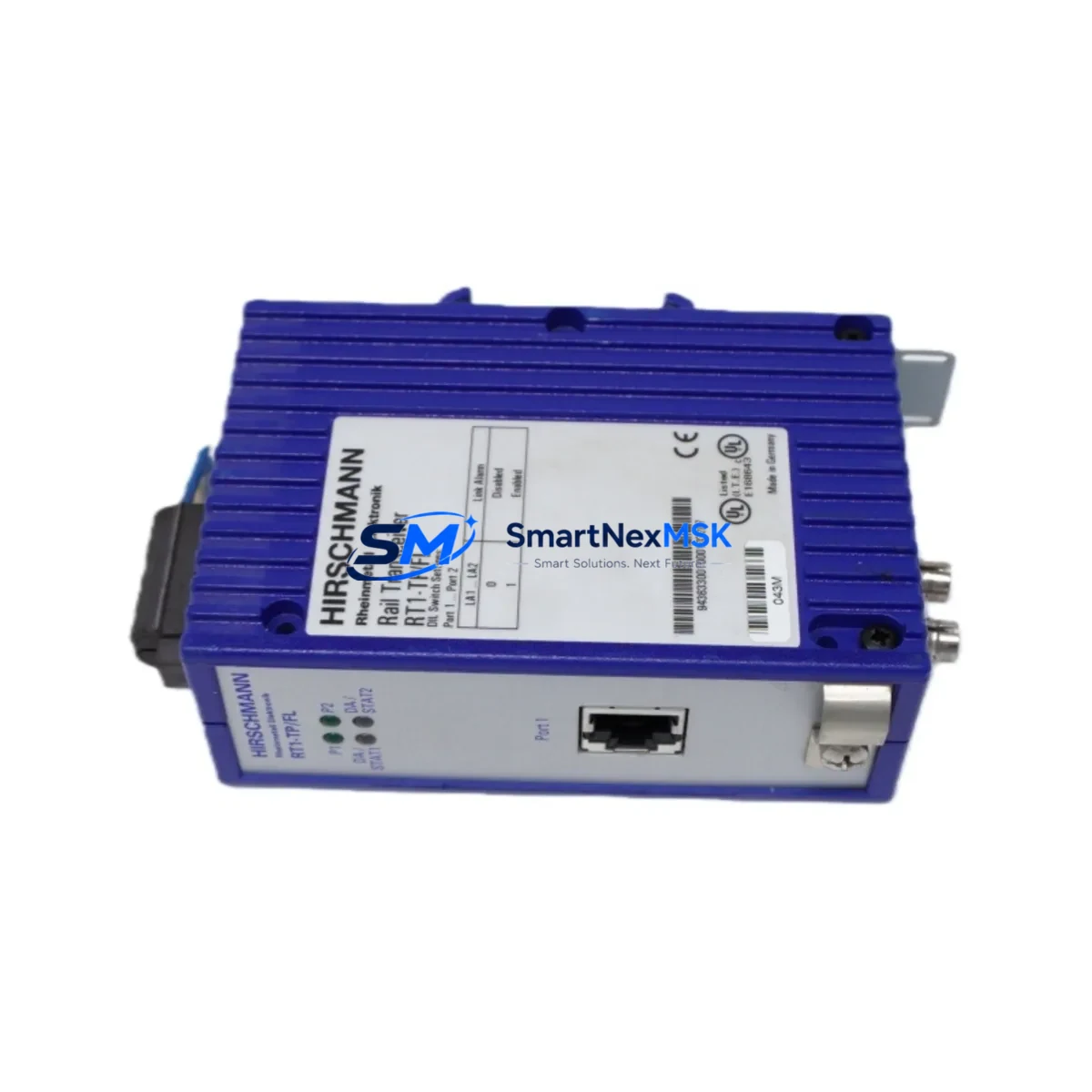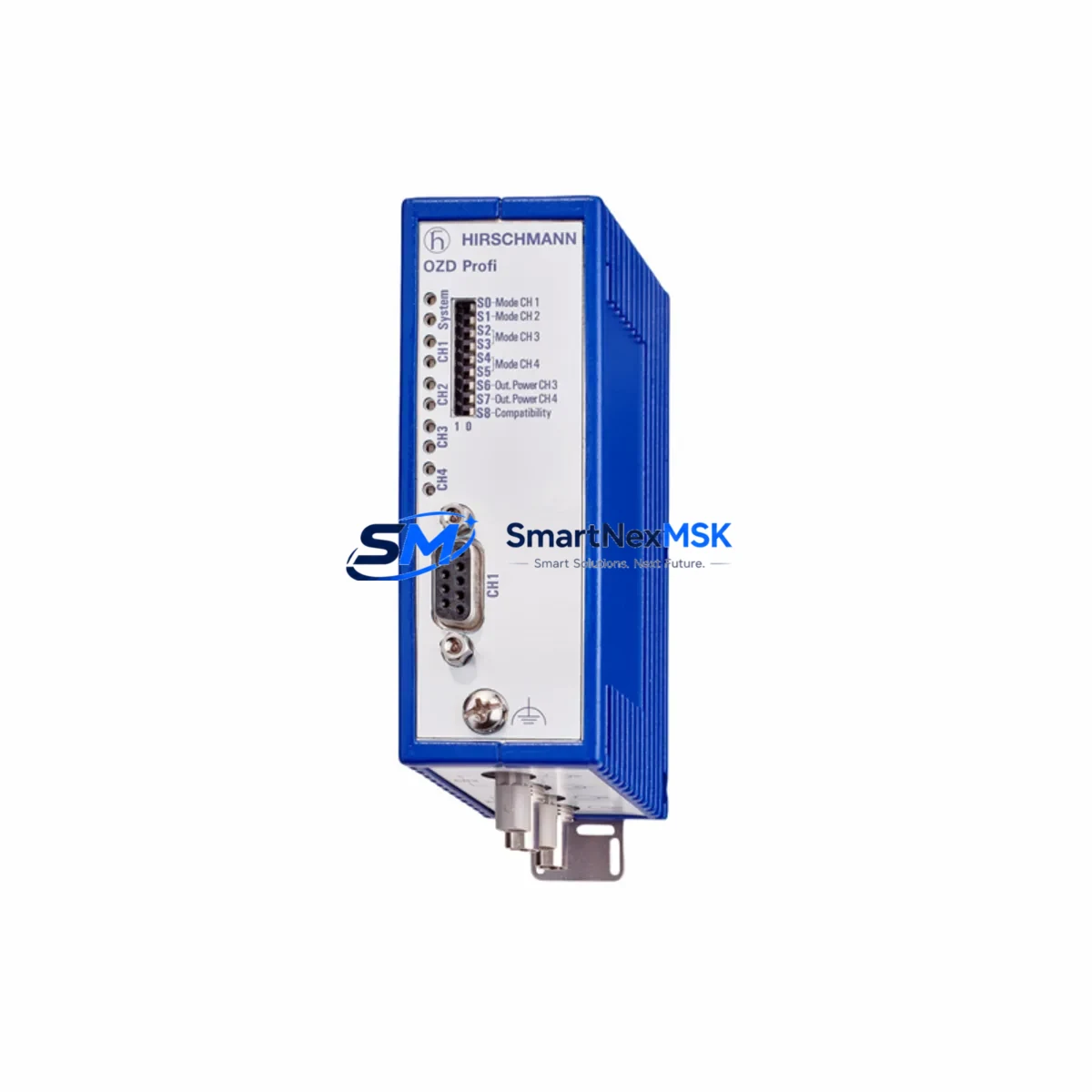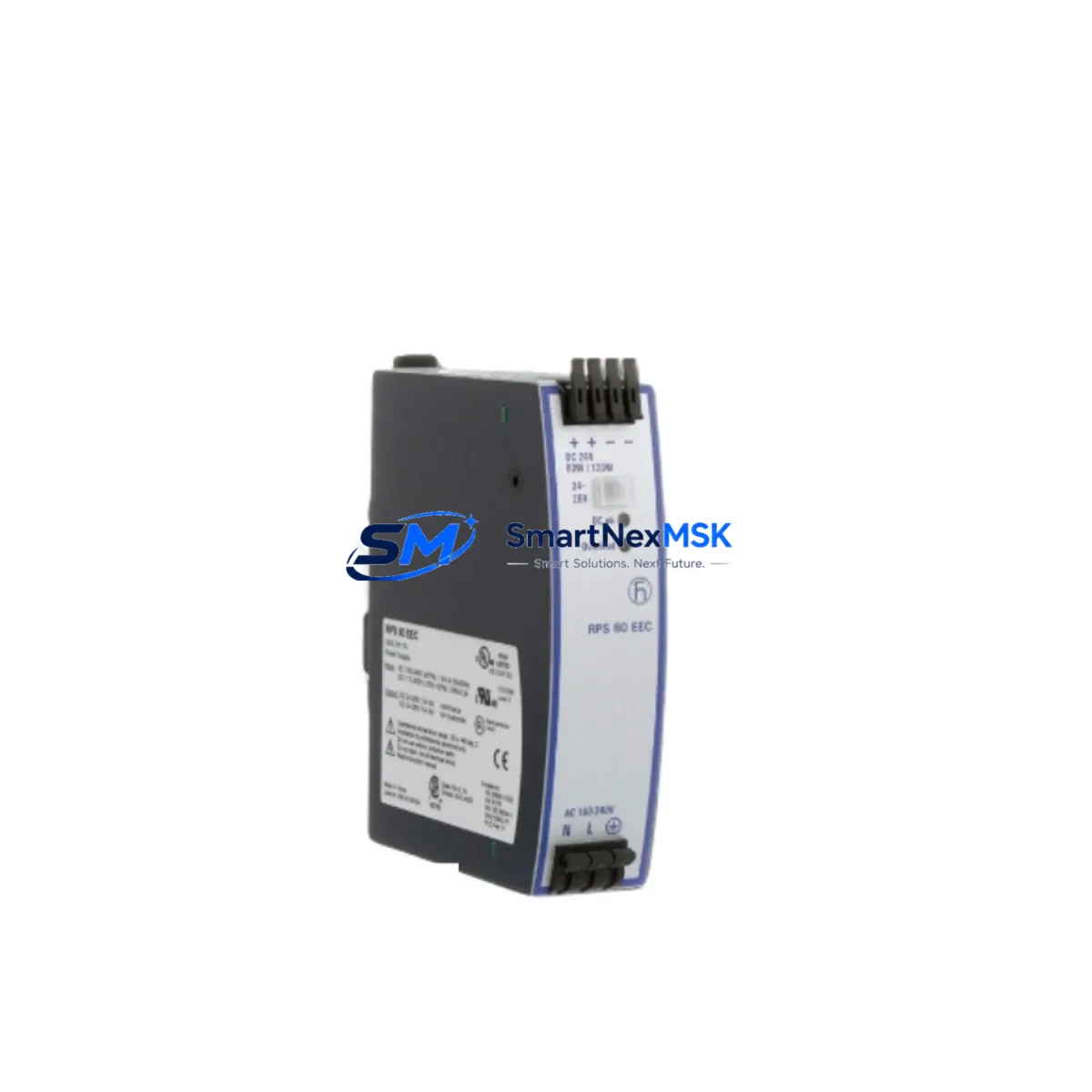
HIRSCHMANN RPS80EEC Retrofit-Ready Redundant Power Supply for MICE Series Control Systems
The HIRSCHMANN RPS80EEC is a redundant power supply module engineered for seamless integration into MICE Series managed industrial Ethernet switches. Designed with retrofit and legacy-system modernization in mind, the RPS80EEC delivers a drop-in power redundancy solution for aging control cabinets where the original PSU has reached end-of-life or where a second power feed is required to meet uptime SLAs in critical automation environments.
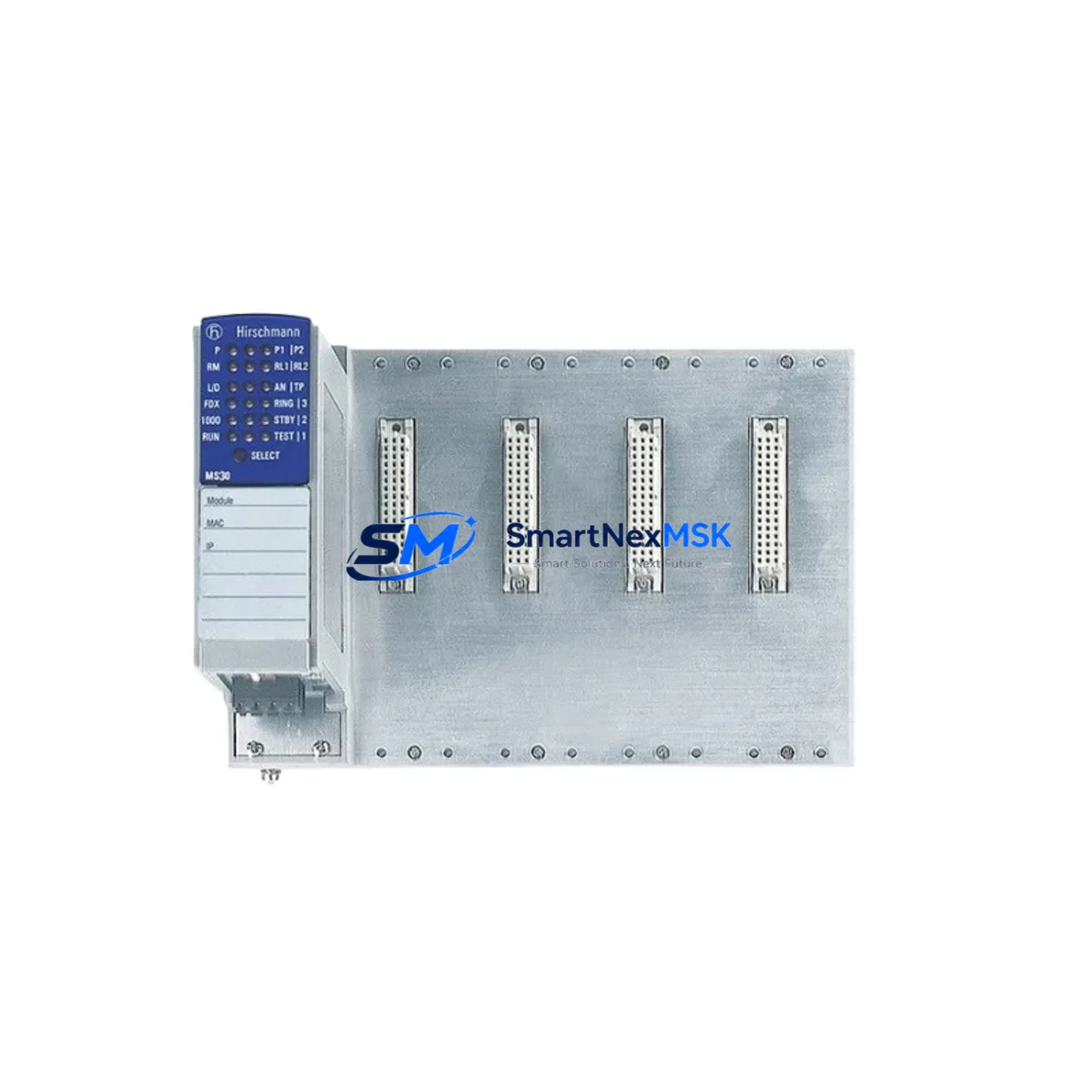
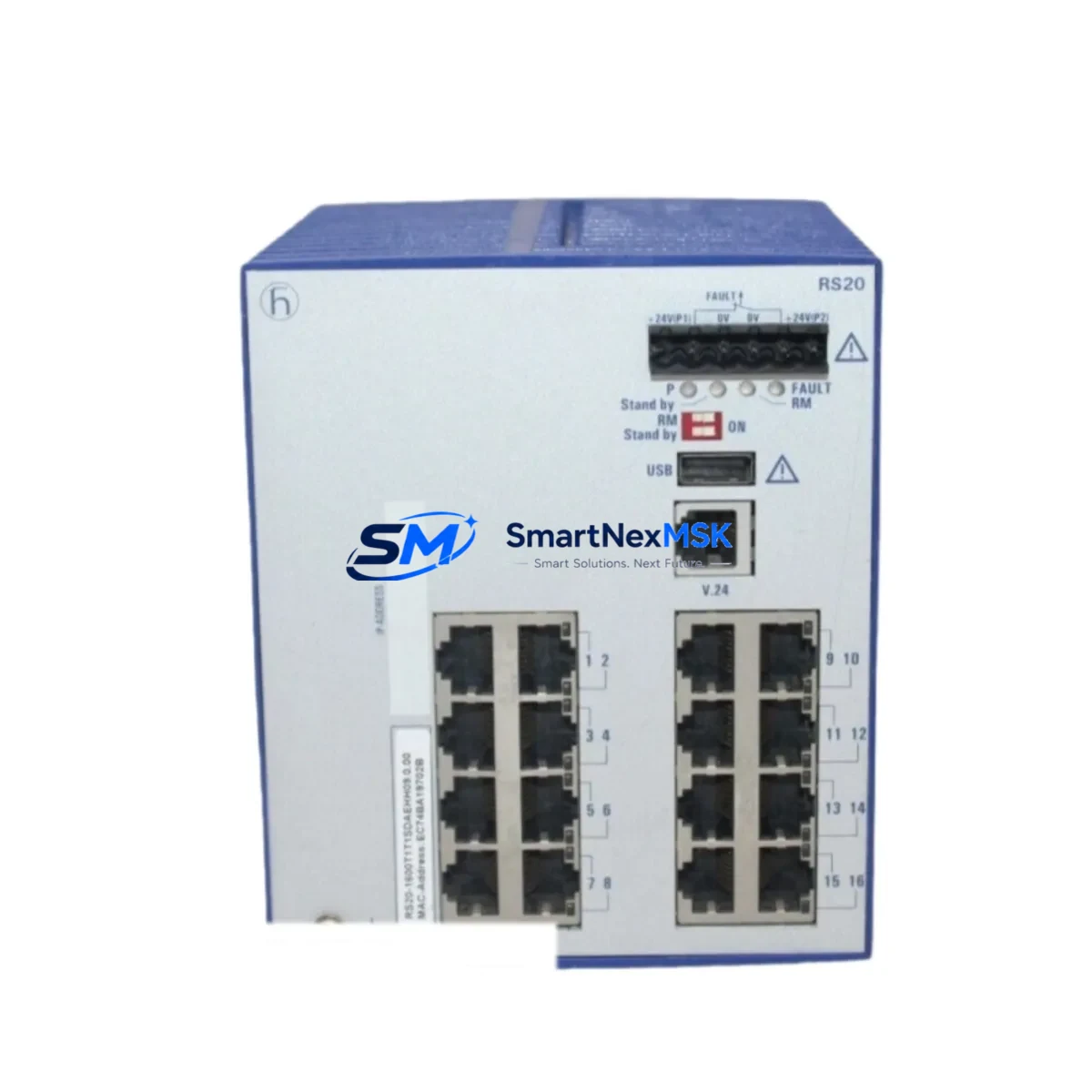
Industrial facilities running HIRSCHMANN MICE MS20, MS30, or RS20 series switches frequently encounter situations where the primary power supply module has been discontinued or is no longer available through standard distribution channels. The RPS80EEC addresses this gap directly — it is electrically and mechanically compatible with the MICE chassis backplane, requires no firmware modification, and can be hot-swapped in most configurations without interrupting switch operation or the Ethernet segments it supports.
When planning a retrofit around the RPS80EEC, engineers should verify the input voltage range (24–48 VDC or 85–264 VAC depending on variant), confirm that the existing DIN-rail mounting bracket and terminal block wiring are compatible, and check that the power budget of the MICE chassis is not exceeded when the redundant supply is added alongside the primary module. In multi-switch control cabinets, it is common to find the HIRSCHMANN MICE MS20-1600SAAE or MS30-0802SAAE already installed; the RPS80EEC slots directly into the dedicated PSU bay on these platforms without requiring a new backplane or chassis replacement.
Upgrade Compatibility Table
| Parameter | Detail |
|---|---|
| Compatible Platform | HIRSCHMANN MICE Series (MS20, MS30, RS20, RS30) |
| Module Type | Redundant Power Supply (RPS) |
| Mounting | DIN-rail, direct chassis insertion — no adapter required |
| Backplane Interface | MICE proprietary PSU bay connector — plug-and-play |
| Communication Compatibility | No protocol dependency; transparent to PROFINET, Modbus TCP, EtherNet/IP, and RSTP ring topologies |
| Hot-Swap Support | Yes — switch operation uninterrupted during PSU insertion |
| Replacement Scope | Direct replacement for discontinued HIRSCHMANN MICE OEM PSU modules |
| Commissioning Requirement | No software configuration required; LED status indicators confirm active redundancy |
| Warranty | 12 Months — covers manufacturing defects and functional failure under normal operating conditions |
| Shipping | In-stock; global dispatch within 2 business days |
Retrofit Planning for Existing Automation Systems
A successful RPS80EEC retrofit begins well before the module arrives on-site. The first step is a power audit of the existing control cabinet: measure the actual load on the primary PSU, confirm that the secondary feed circuit breaker rating matches the RPS80EEC input requirements, and verify that the terminal block wiring gauge is appropriate for the rated current. In cabinets where the HIRSCHMANN MICE RS20-0800M2M2SDAUHH or similar fiber-uplink variants are installed, the optical SFP transceivers and copper ports draw additional power that must be factored into the redundancy budget.
Beyond the power supply itself, a thorough retrofit plan should account for the surrounding ecosystem. The HIRSCHMANN MICE MS20 switch typically operates alongside a HIRSCHMANN EAGLE One industrial security router or a HIRSCHMANN BAT54-Rail wireless access point in larger automation cells. These devices share the same 24 VDC bus in many installations, so adding the RPS80EEC as a redundant feed also benefits the broader network segment. Engineers should document the existing IP address assignments, VLAN configurations, and RSTP ring priorities stored in the switch before any physical work begins — this data is critical for restoring the network to its pre-retrofit state if a configuration reset occurs during the swap.
For sites running PROFINET IO controllers such as a Siemens S7-300 or S7-400 PLC with CP 343-1 or CP 443-1 communication processors, the MICE switch acts as a managed Ethernet backbone. The RPS80EEC installation should be coordinated with the PLC program cycle to avoid unexpected I/O timeouts. In practice, a hot-swap takes under 60 seconds, but the maintenance window should be scheduled during a planned production pause if the PROFINET watchdog timeout is set below 100 ms. Similarly, if the switch is part of a HIRSCHMANN HiVision network management system topology, the NMS should be notified of the planned maintenance to suppress false alarms during the swap.
Wiring adaptation is straightforward: the RPS80EEC uses the same two-pin DC input connector as the original MICE PSU. If the cabinet was previously wired for a single PSU, a new feed from the secondary power rail must be run to the RPS80EEC input terminals. Use appropriately rated cable — typically 1.5 mm² for 24 VDC installations — and ensure the secondary feed is protected by an independent circuit breaker to maintain true redundancy. After installation, confirm that both the green PWR LED on the primary module and the corresponding indicator on the RPS80EEC are illuminated before closing the cabinet.
Downtime Control During System Migration
Minimizing downtime during a PSU retrofit is achievable with disciplined pre-staging. Before the maintenance window opens, pre-configure a spare HIRSCHMANN MICE MS20 or MS30 switch with an identical firmware version and configuration backup exported via HiVision or the switch’s web interface. This staged spare acts as a cold standby: if the primary switch experiences any issue during the RPS80EEC installation, the spare can be swapped in within minutes, restoring Ethernet connectivity to the PLC, HMI panels, and field I/O without requiring a full reconfiguration cycle.
For facilities where continuous operation is mandatory — such as water treatment, power generation, or continuous-process manufacturing — the RPS80EEC’s hot-swap capability is the primary downtime mitigation tool. The module can be inserted into the MICE chassis while the switch is live and under load. The redundancy logic activates automatically: the RPS80EEC begins sharing the load with the primary PSU within milliseconds of insertion, and the switch’s management interface will reflect the new redundant status without any CLI or web-GUI intervention.
Program logic protection is equally important. Before any physical work, export the PLC program from the connected controller — whether a Siemens S7, Allen-Bradley ControlLogix, or Schneider Electric Modicon M340 — and store it on an offline engineering workstation. Verify that the HMI screens connected to the network (typically via Ethernet to a Siemens TP700 Comfort or similar panel) are displaying live data correctly before and after the RPS80EEC installation. Any deviation in HMI data refresh rates after the swap should be investigated at the switch port level before the maintenance window is closed.
Retrofit Support FAQ
Q1: Is the RPS80EEC a direct drop-in replacement for the original HIRSCHMANN MICE power supply module?
Yes. The RPS80EEC is mechanically and electrically compatible with the MICE Series PSU bay. No chassis modification, adapter bracket, or firmware update is required. Insert the module, connect the DC input terminals, and the switch will recognize the redundant supply automatically.
Q2: What wiring changes are needed when adding the RPS80EEC to an existing single-PSU MICE installation?
A second DC power feed must be routed from an independent power source to the RPS80EEC input terminals. Use the same voltage rating as the primary PSU (24 VDC or 48 VDC depending on your installation), protect the feed with a dedicated circuit breaker, and verify polarity before energizing. No changes to the switch configuration or port wiring are required.
Q3: How do I verify that the RPS80EEC is functioning correctly after installation?
The RPS80EEC has a dedicated status LED on its front panel. A steady green light confirms that the module is receiving power and actively providing redundancy. The switch’s web management interface and HiVision NMS will also display the PSU redundancy status under the device health section. Pre-shipment functional testing is performed on every unit before dispatch.
Q4: What does the 12-month warranty cover, and what is the return process?
The 12-month warranty covers manufacturing defects and functional failures under normal operating conditions. If the RPS80EEC fails within the warranty period, contact our sales team with the order reference and a description of the fault. We will arrange a replacement dispatch or repair at no additional cost. Warranty claims are processed within 5 business days of fault confirmation.
© 2026 SMARTNEXMSK. All rights reserved.
Original Source: https://smartnexmsk.com
Contact: [email protected] | +86 18259474341