
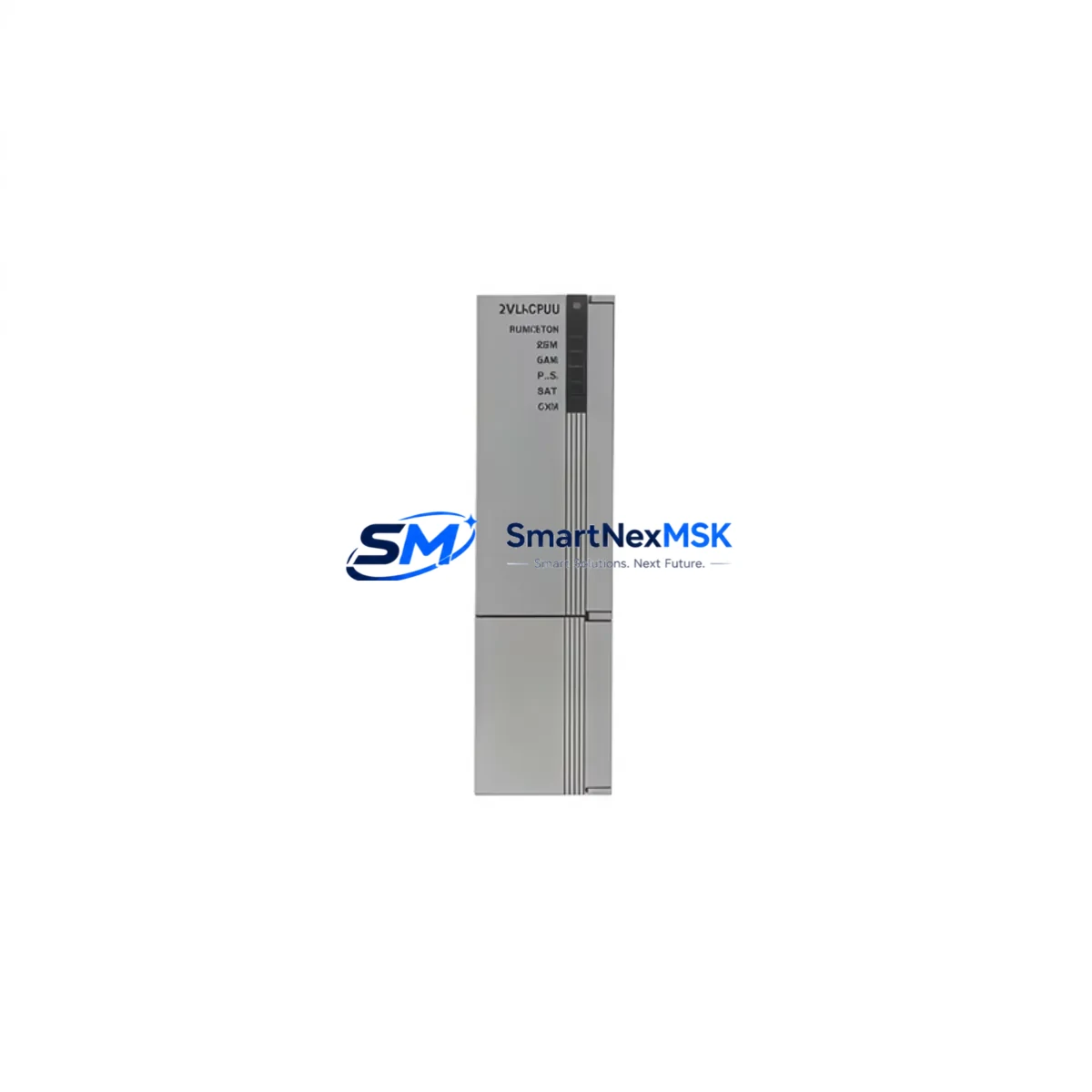
Honeywell 2MLI-CPUZ5 Retrofit-Ready CPU for MLC Series Control Systems
The Honeywell 2MLI-CPUZ5 is a retrofit-ready CPU module engineered for seamless integration into existing MLC Series distributed control and PLC architectures. As legacy Honeywell MLC platforms approach end-of-life, plant engineers and system integrators increasingly rely on verified replacement units like the 2MLI-CPUZ5 to extend operational continuity without committing to a full platform migration. This module supports direct substitution in applications where the original CPU has failed, been discontinued, or is no longer available through standard supply channels.
The 2MLI-CPUZ5 is designed to maintain backward compatibility with the MLC Series backplane and rack infrastructure. When planning a retrofit, engineers must verify the backplane slot assignment, confirm that the existing power supply module — such as the Honeywell MLC Power Supply Unit — can sustain the additional current draw of the replacement CPU, and validate that terminal wiring assignments match the original I/O mapping. In most MLC installations, the CPU communicates with field devices via Modbus RTU or HART protocol over RS-485, and the 2MLI-CPUZ5 preserves these communication links without requiring protocol conversion hardware.
Before installation, it is critical to export and archive the existing control program from the original CPU using the Honeywell Control Builder or equivalent programming software. Program logic, function block configurations, and PID loop parameters should be validated against the replacement module’s firmware version to ensure full compatibility. In cases where the original program was developed on an older firmware baseline, a controlled re-compilation and simulation run is recommended prior to live commissioning.
Upgrade Compatibility Table
| Parameter | Details |
|---|---|
| Compatible Series | Honeywell MLC Series |
| Module Type | CPU / Controller Module |
| Communication Protocols | Modbus RTU, HART, RS-485 |
| Backplane Interface | MLC Series standard backplane slot |
| Installation Type | Direct drop-in replacement |
| Power Supply Compatibility | MLC Series PSU (verify current rating) |
| Programming Environment | Honeywell Control Builder / compatible IEC 61131-3 tools |
| Firmware Compatibility | Verify against original program baseline |
| Commissioning Requirement | Address configuration, I/O mapping, comms link test |
| Warranty | 12 Months |
Retrofit Planning for Existing Automation Systems
A successful retrofit of the 2MLI-CPUZ5 into an operational MLC control cabinet requires a structured pre-installation checklist. Begin by auditing the existing rack configuration: confirm the number of occupied slots, identify any Honeywell MLC I/O expansion modules (analog input, analog output, digital input, and digital output cards), and document the current module address assignments. If the control cabinet includes a Honeywell MLC Communication Module for Modbus TCP/IP or PROFIBUS DP bridging, verify that the new CPU’s communication parameters — baud rate, parity, station address — are pre-configured to match the existing network topology before powering up.
Terminal wiring is a frequent source of commissioning delays. Cross-reference the original wiring diagram against the 2MLI-CPUZ5 terminal block layout. Pay particular attention to 24VDC power input terminals, shield grounding points, and any analog signal shielding practices required by the site’s EMC standards. If the existing installation uses a Honeywell MLC Analog Input Module for 4–20 mA field transmitters, confirm that the loop power configuration (active vs. passive) is preserved in the replacement setup.
For systems that include an HMI — such as a Honeywell Station or a third-party SCADA panel communicating via OPC-DA or Modbus TCP — update the HMI tag database to reflect any address changes introduced during the CPU swap. In many MLC retrofit projects, the HMI screen layouts and alarm setpoints remain unchanged, but the underlying communication driver configuration may require a station address or IP address update to re-establish the data link with the new CPU.
Where the control system interfaces with a Honeywell MLC Programming Cable or USB-to-RS-485 adapter for on-site program uploads, ensure the cable driver is compatible with the host laptop’s operating system before the maintenance window begins. Having a pre-tested programming connection ready significantly reduces unplanned downtime during the CPU changeover.
Downtime Control During System Migration
Minimizing production downtime during a CPU replacement requires advance preparation and a disciplined changeover sequence. Prior to the maintenance window, complete a full program backup, document all current setpoint values and PID parameters, and prepare a rollback plan in case the replacement unit requires additional configuration. Where possible, perform a bench test of the 2MLI-CPUZ5 with a representative I/O configuration to validate program execution before the module is installed in the live control cabinet.
During the changeover, follow a structured power-down sequence: isolate field power to I/O circuits before removing the CPU, replace the module, restore field power, and perform a controlled program download. After the CPU is online, verify communication links to all connected Honeywell MLC I/O modules, confirm that analog signal readings are within expected ranges, and check that all Modbus or HART device responses are nominal. A structured loop check — covering at minimum the critical control loops — should be completed before returning the system to automatic mode.
For facilities with strict uptime requirements, consider staging the replacement during a planned shutdown or low-production period. Maintaining a spare 2MLI-CPUZ5 in inventory — pre-configured with the current program and communication parameters — allows for rapid hot-swap recovery in the event of an unplanned CPU failure, reducing mean time to repair to under one hour in most MLC installations.
Retrofit Support FAQ
Q: Is the 2MLI-CPUZ5 a direct drop-in replacement for the original Honeywell MLC CPU?
A: Yes, the 2MLI-CPUZ5 is designed as a compatible replacement for the MLC Series CPU slot. Physical dimensions, backplane connector pinout, and communication protocol support are consistent with the original module. Minor firmware differences may require a program re-validation step before live commissioning.
Q: What wiring checks are required before installing the replacement CPU?
A: Verify 24VDC supply polarity, confirm RS-485 termination resistor settings, and check that all shield grounds are connected per the original wiring diagram. If the system uses HART-enabled field devices, confirm that the HART modem or multiplexer is configured to communicate with the new CPU’s HART interface.
Q: How do I confirm communication compatibility with my existing HMI and SCADA system?
A: After installing the 2MLI-CPUZ5, perform a full Modbus register map verification against your HMI tag list. Confirm that the CPU’s Modbus station address and baud rate match the SCADA driver configuration. For HART networks, use a HART communicator to verify device descriptor and variable mapping.
Q: What does the 12-month warranty cover?
A: All units supplied by SMARTNEXMSK carry a 12-month warranty covering manufacturing defects and functional failures under normal operating conditions. Each module undergoes pre-shipment functional testing. Warranty claims are supported by our technical team — contact [email protected] for RMA procedures and technical assistance.
© 2026 SMARTNEXMSK. All rights reserved.
Original Source: https://smartnexmsk.com
Contact: [email protected] | +86 18259474341



