
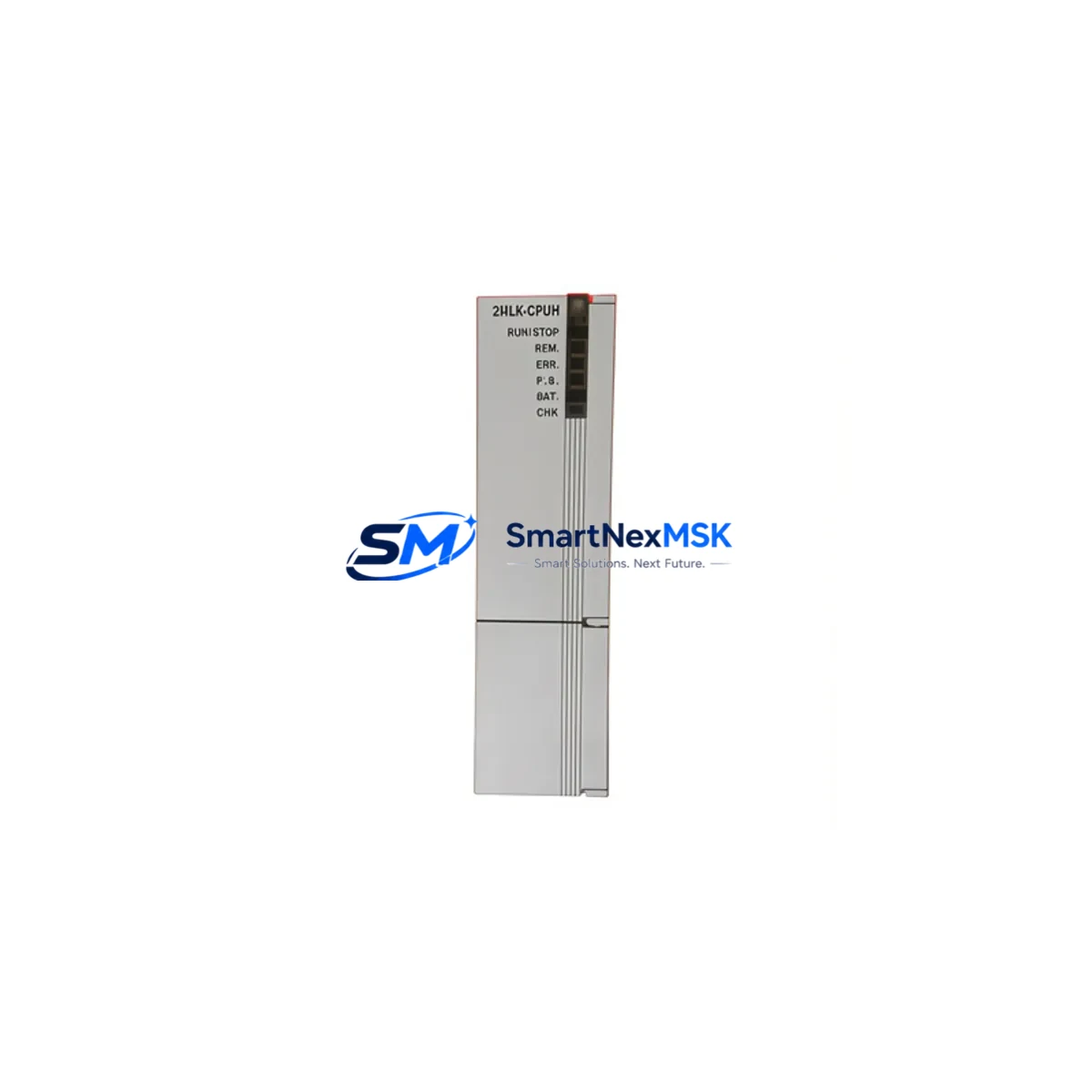
Honeywell 2MLK-CPUH-CC Retrofit-Ready CPU for 2MLK Control Systems
The Honeywell 2MLK-CPUH-CC is a high-performance CPU module engineered for the 2MLK Modular Controller Series, widely deployed across process automation, building management, and industrial control applications. As legacy 2MLK-series installations age and original spare parts become increasingly scarce, the 2MLK-CPUH-CC has become a critical component in retrofit projects, discontinued-part replacements, and control cabinet upgrades. SMARTNEXMSK maintains verified stock of the 2MLK-CPUH-CC with full functional testing, 12-month warranty coverage, and rapid global dispatch to minimize your plant downtime.
Whether you are replacing a failed CPU in an existing 2MLK rack, migrating from an older controller platform, or upgrading a legacy control system to extend its operational life, the 2MLK-CPUH-CC provides a direct-fit solution that preserves your existing backplane wiring, I/O addressing, and program logic. Engineers undertaking a retrofit must verify power supply capacity on the existing rack — the 2MLK-CPUH-CC draws from the shared backplane bus, and the installed 2MLK-PS24 or equivalent power supply module must have sufficient headroom to support the CPU alongside active I/O modules. Terminal wiring on the backplane connectors is fully compatible with standard 2MLK rack configurations, eliminating the need for rewiring during a like-for-like CPU swap.
Upgrade Compatibility Table
| Parameter | Details |
|---|---|
| Module SKU | 2MLK-CPUH-CC |
| Brand / Series | Honeywell / 2MLK Modular Controller Series |
| Module Type | CPU Module (High-Performance) |
| Backplane Interface | 2MLK standard backplane bus — direct slot replacement |
| Installation Requirement | DIN-rail or panel-mount 2MLK rack; no mechanical modification required |
| Communication Compatibility | Compatible with 2MLK communication modules including Modbus RTU, BACnet MS/TP, and LON-based comm cards |
| Replacement Recommendation | Direct replacement for failed or end-of-life 2MLK-CPUH-CC units; verify firmware revision before swap |
| Commissioning Focus | Module address configuration, program upload/download via programming cable, HMI tag re-mapping |
| Power Supply Check | Confirm 2MLK-PS24 or equivalent supply has ≥20% spare capacity before installation |
| Warranty | 12-Month Warranty — covers manufacturing defects and functional failure under normal operating conditions |
Retrofit Planning for Existing Automation Systems
A successful 2MLK-CPUH-CC retrofit begins well before the module arrives on site. Start by auditing the existing rack configuration: document all installed modules by slot position, including any 2MLK-AI16 analog input modules, 2MLK-DO16 digital output modules, and 2MLK-AO8 analog output modules currently active in the system. Each of these I/O modules communicates with the CPU over the backplane bus, and their channel assignments and scaling parameters must be preserved in the replacement program image.
Communication architecture is equally critical. Many 2MLK installations rely on a dedicated 2MLK-COMM-BACnet or 2MLK-COMM-Modbus communication module seated in the rack to interface with supervisory SCADA systems or building management platforms. Before removing the original CPU, capture a full program backup using the Honeywell programming software and the appropriate 2MLK programming cable (typically a USB-to-serial or RS-232 adapter matched to the CPU’s programming port). Confirm that the backup file includes all PID loop parameters, setpoint tables, alarm thresholds, and communication node addresses — these are not stored on the communication module itself and will be lost if the CPU is replaced without a prior backup.
For sites running HMI panels — such as a Honeywell XL-Web II or a third-party touchscreen connected via BACnet IP — verify that all object identifiers and tag names referenced in the HMI project match the program variables in the CPU backup. A mismatch between HMI object IDs and the restored program will result in blank or faulted display screens after the CPU swap, requiring additional on-site engineering time to reconcile. Where possible, perform a dry-run simulation of the new CPU configuration in the programming environment before committing to a live cutover.
If the retrofit involves migrating from a significantly older controller platform to the 2MLK-CPUH-CC, assess whether existing field wiring terminations are compatible with the 2MLK terminal block standard. In many legacy panel upgrades, the 2MLK-TB32 terminal base or equivalent marshalling components can be reused, reducing rewiring scope. Confirm that the rack backplane — whether a 4-slot, 8-slot, or 12-slot 2MLK chassis — is in serviceable condition, as a damaged backplane connector will cause intermittent faults even with a new CPU installed.
Downtime Control During System Migration
Minimizing unplanned downtime is the primary concern in any live-system CPU replacement. For the 2MLK-CPUH-CC swap, the recommended approach is a planned maintenance window during which the controlled process is brought to a safe hold state before power is removed from the rack. This protects field devices — including actuators, valves, and variable-frequency drives connected through the 2MLK I/O modules — from receiving undefined output states during the CPU changeover.
Before powering down, set all analog outputs to their defined safe-state values through the HMI or SCADA system, and confirm that any interlock logic dependent on the CPU’s watchdog output is in a safe condition. Once the rack is de-energized, the 2MLK-CPUH-CC can be removed and replaced in under five minutes — the module seats directly into the CPU slot on the backplane without tools beyond a standard flat-blade screwdriver for the retaining latch.
After seating the new 2MLK-CPUH-CC, power up the rack and allow the module to complete its self-diagnostic cycle — typically 15 to 30 seconds — before attempting a program download. Connect the programming cable to the CPU’s front-panel programming port and use the Honeywell configuration tool to download the previously captured program backup. Verify that all I/O module status indicators return to normal (green) before releasing the system to automatic control. For critical loops, perform a manual bump test on each PID output to confirm correct field response before handing control back to the CPU. Total planned downtime for a straightforward like-for-like CPU replacement is typically 30 to 90 minutes, depending on program complexity and the number of loops requiring verification.
SMARTNEXMSK ships all 2MLK-CPUH-CC units with a pre-shipment functional test report. Each module is powered, initialized, and verified against its specification before dispatch, reducing the risk of receiving a non-functional unit and eliminating one variable from your on-site commissioning process.
Retrofit Support FAQ
Q1: Is the 2MLK-CPUH-CC a direct drop-in replacement for the original Honeywell 2MLK-CPUH-CC?
Yes. The 2MLK-CPUH-CC supplied by SMARTNEXMSK is form-fit-function compatible with the original Honeywell part. It installs into the same CPU slot on the 2MLK backplane without mechanical modification. Firmware version compatibility should be confirmed against your existing program file — contact our technical team with your current firmware revision if you are unsure.
Q2: What commissioning steps are required after installing the replacement CPU?
After seating the module and powering the rack, connect your programming cable to the CPU’s programming port and download your previously saved program backup. Verify all I/O module statuses, confirm communication link establishment with any connected 2MLK-COMM modules, and perform a loop check on critical outputs before returning the system to automatic control. Our team can provide a commissioning checklist on request.
Q3: Can the 2MLK-CPUH-CC be used in a mixed-revision 2MLK rack alongside older I/O modules?
In most cases, yes. The 2MLK backplane protocol is designed for backward compatibility across module generations. However, if your rack contains very early-revision I/O modules, we recommend confirming compatibility with the module revision matrix. SMARTNEXMSK’s technical team can assist with compatibility verification based on your rack’s existing module serial numbers.
Q4: What does the 12-month warranty cover, and how is a warranty claim processed?
The 12-month warranty covers manufacturing defects and functional failure under normal operating conditions, including backplane communication faults, CPU initialization failures, and program memory errors attributable to the module itself. Physical damage caused by incorrect installation, overvoltage, or environmental contamination is excluded. To initiate a warranty claim, contact [email protected] with your order number and a description of the fault. SMARTNEXMSK will arrange return shipping and dispatch a replacement unit upon fault confirmation.
© 2026 SMARTNEXMSK. All rights reserved.
Original Source: https://smartnexmsk.com
Contact: [email protected] | +86 18259474341



