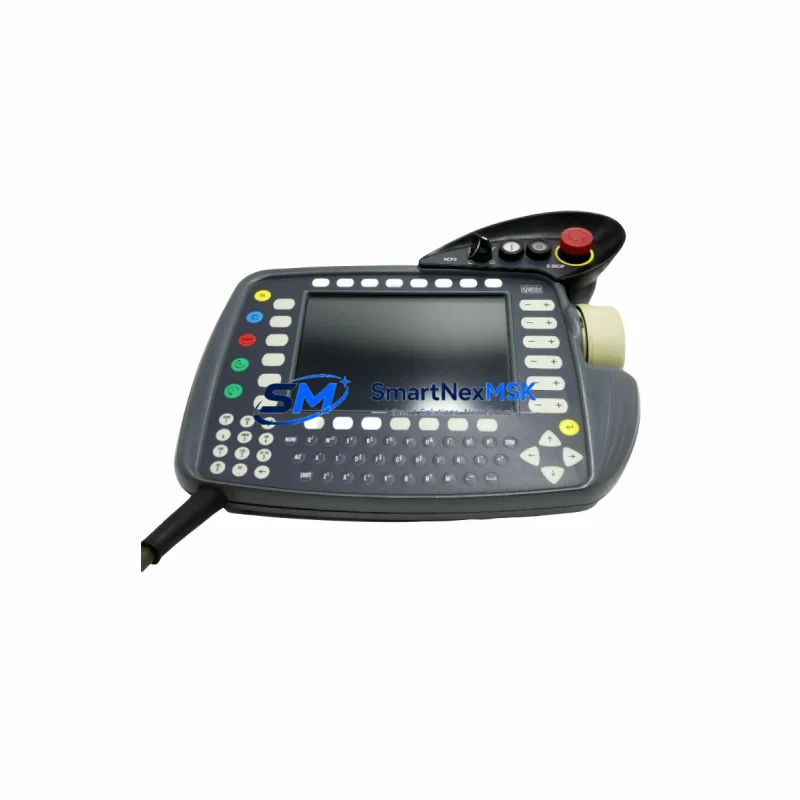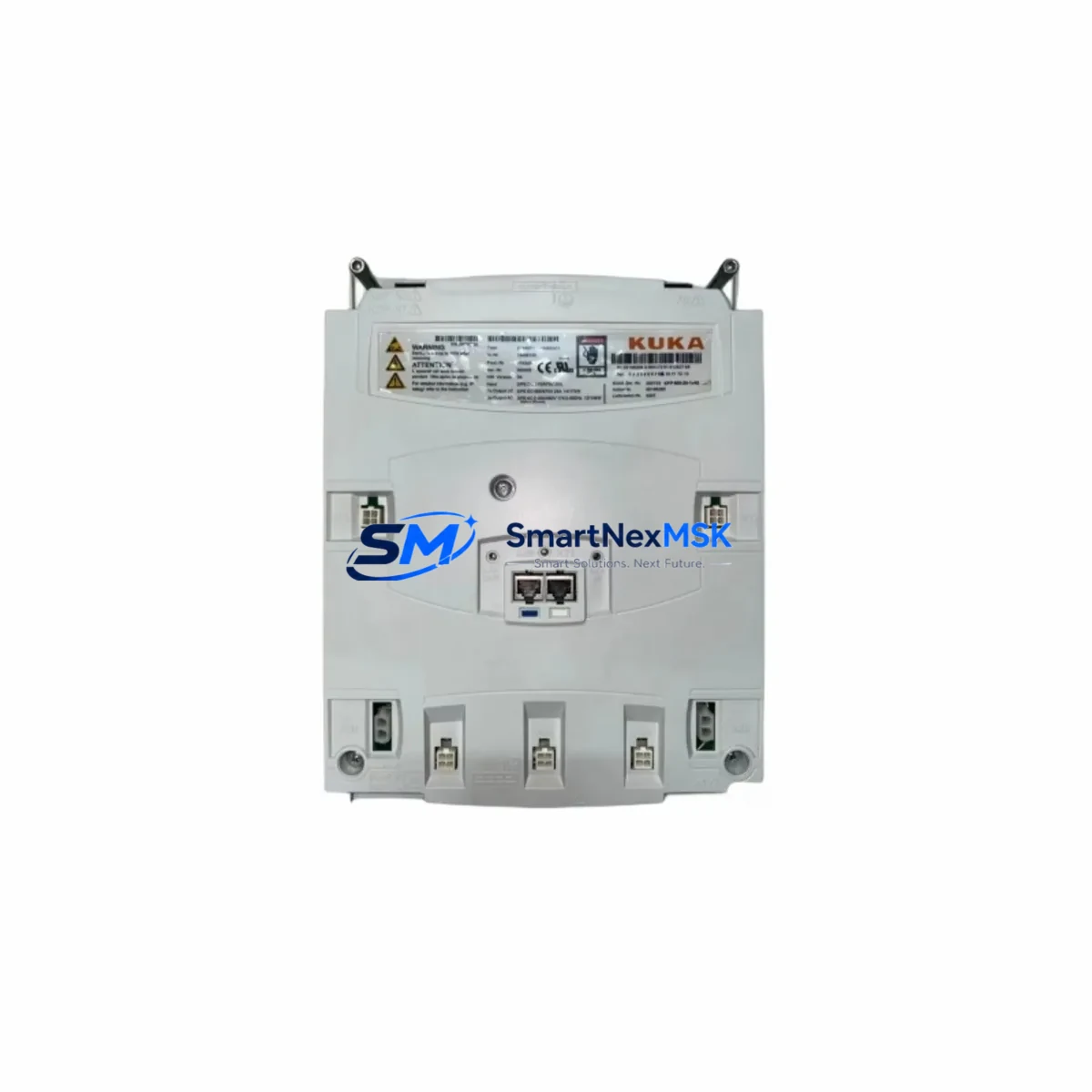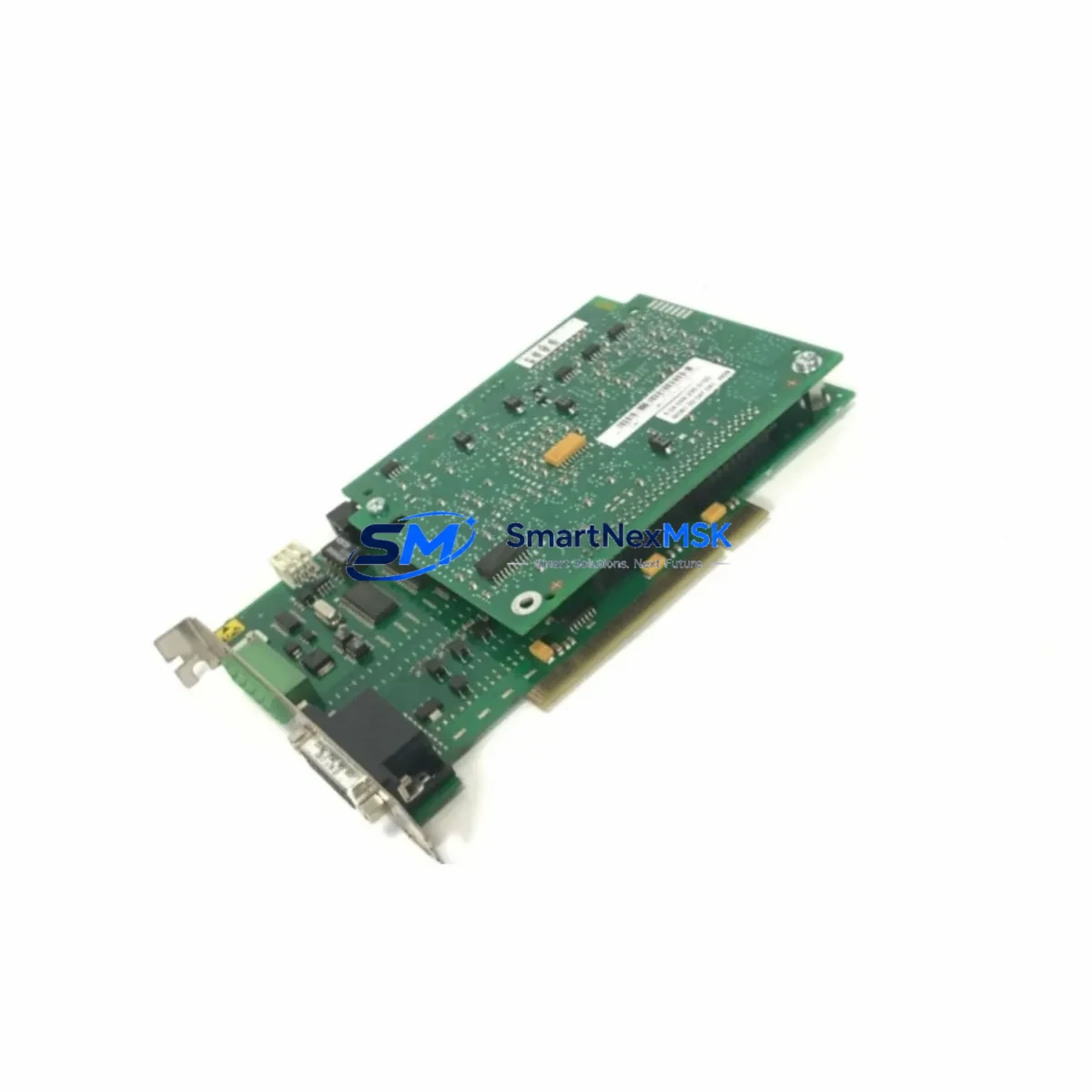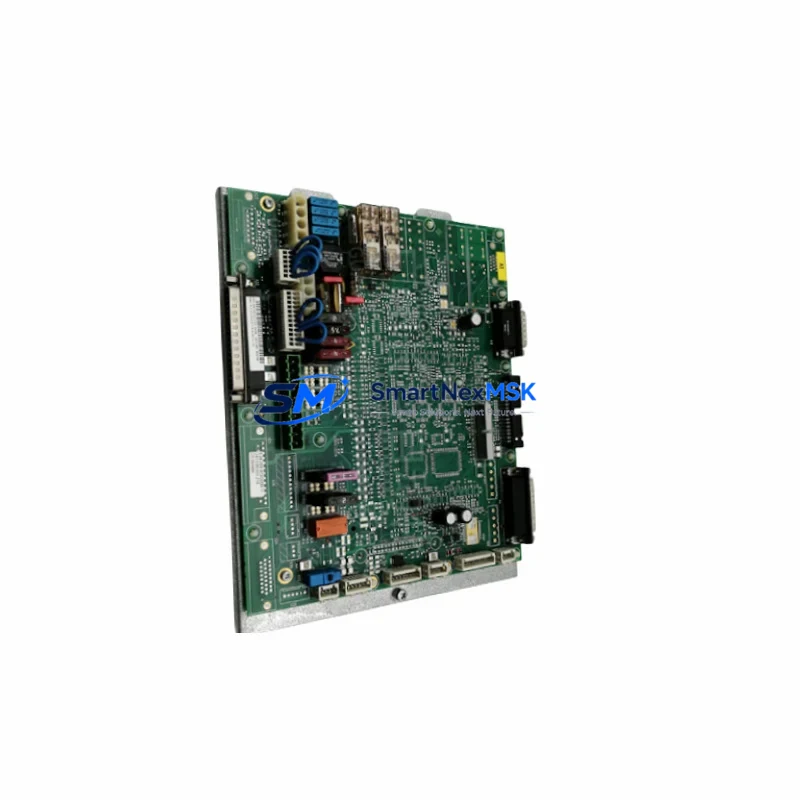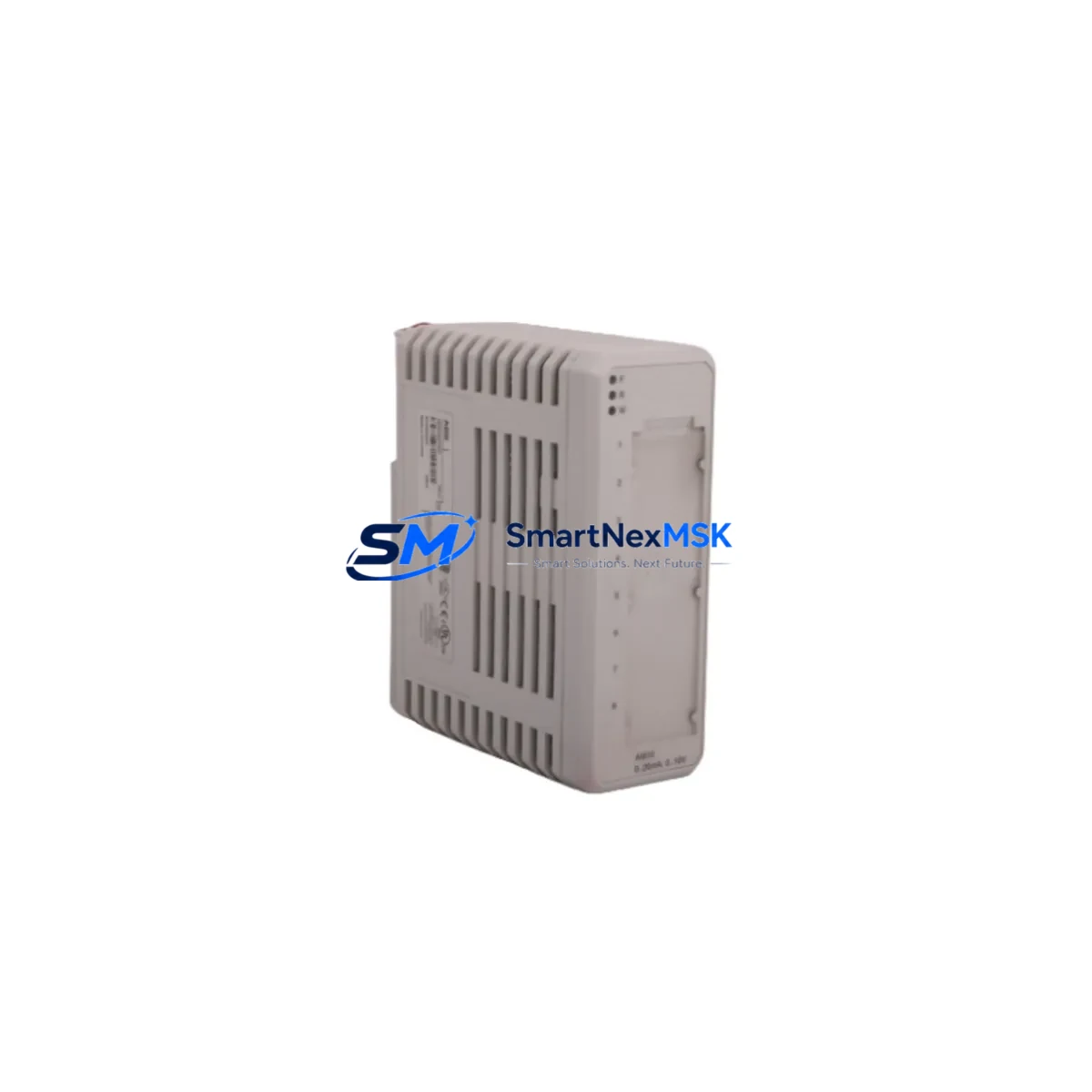
KUKA KPC4 00-284-170: Retrofit-Ready CPU Module for KRC4 Control Systems
The KUKA KPC4 00-284-170 is a high-performance CPU module engineered for seamless integration into KUKA KRC4 and KRC4 compact robot controller cabinets. As a direct retrofit replacement for discontinued part numbers including 00-198-269 and 00-198-260, this module enables industrial facilities to restore full controller functionality without replacing the entire KRC4 cabinet or rewriting existing robot programs. Whether you are managing a single-arm welding cell or a multi-robot production line, the KPC4 00-284-170 delivers the processing reliability and backplane compatibility that legacy KUKA installations demand.
Sourced from verified supply channels and subjected to pre-shipment functional testing, each unit ships with a 12-month warranty covering hardware defects and operational failures under normal industrial use conditions. SMARTNEXMSK maintains ready stock to support urgent retrofit timelines, minimizing unplanned downtime across automotive, metal fabrication, electronics assembly, and general manufacturing environments.
Upgrade Compatibility Table
| Parameter | Details |
|---|---|
| Part Number | 00-284-170 (KPC4) |
| Cross-Reference SKUs | 00-198-269 / 00-198-260 / KPC4 |
| Compatible Controller | KUKA KRC4, KRC4 compact, KRC4 smallsize |
| Backplane Interface | KRC4 internal backplane bus (direct slot-in replacement) |
| Communication Compatibility | EtherCAT, PROFINET, DeviceNet (via KRC4 fieldbus modules) |
| Installation Requirement | Standard KRC4 cabinet mounting; no mechanical modification required |
| Software Compatibility | KUKA System Software (KSS) 8.2 and above |
| Retrofit Recommendation | Direct swap; retain existing KRL programs and safety configuration |
| Commissioning Focus | Verify IP address assignment, KSS version match, and safety controller handshake |
| Warranty | 12 months from shipment date — hardware defects and operational failures |
| Origin | Germany |
| Pre-Shipment Test | Power-on functional verification performed on every unit |
Retrofit Planning for Existing Automation Systems
A successful KPC4 00-284-170 retrofit begins well before the cabinet is opened. Engineers should first audit the existing KRC4 power supply unit (PSU) to confirm it delivers stable 24 VDC to the CPU slot — an aging PSU that cannot sustain load during boot is a common cause of post-swap instability. Next, document all terminal wiring on the KRC4 X11 safety interface connector and the KRC4 X13 customer interface panel, as these connections must be restored exactly after the CPU swap.
The KUKA KPC4 backplane slot is a direct mechanical and electrical match for the 00-284-170, so no adapter bracket or riser card is required. However, engineers should inspect the backplane connector pins for oxidation or mechanical damage before seating the new module. If the existing installation uses a KUKA KCB (KUKA Connection Box) for multi-cabinet communication, verify that the KCB firmware version is compatible with the KSS release running on the replacement CPU.
For systems that include a KUKA KPP (KUKA Power Pack) servo drive module sharing the same cabinet, confirm that the drive enable signals and STO (Safe Torque Off) wiring remain intact throughout the swap procedure. Similarly, if the robot cell uses a KUKA smartPAD teach pendant, the pendant communication link to the CPU is re-established automatically on first boot — no manual re-pairing is required under standard KSS 8.x configurations.
Sites running PROFINET IO between the KRC4 controller and a Siemens S7 PLC or similar upstream controller should note the MAC address change introduced by the new CPU module. Update the PROFINET device name assignment in the PLC project accordingly before restarting the production cycle. Installations using EtherCAT for peripheral I/O — such as KUKA EK1100 coupler terminals or third-party EtherCAT I/O slices — will retain their topology configuration stored in the KSS project file, requiring only a network scan confirmation during commissioning.
If the cell includes a KUKA WorkVisual project for offline programming and safety configuration, export the current project from the live controller before the swap and re-deploy it to the replacement CPU after initial boot. This preserves axis mastering data, tool and base frame definitions, and all safety zone configurations without manual re-entry. For older installations still using KUKA.OfficeLite simulation environments, ensure the virtual controller version matches the KSS build on the physical replacement unit to avoid program compatibility warnings.
Downtime Control During System Migration
Minimizing production interruption during a KPC4 CPU swap requires a structured pre-outage preparation protocol. Before the planned maintenance window, perform a full KSS project archive directly from the smartPAD — this captures robot programs, safety parameters, I/O configurations, and network settings in a single compressed backup file. Store this archive on both the controller’s internal storage and an external USB drive kept off the cabinet.
During the swap, label all external cable connections to the CPU module before disconnection, particularly the Ethernet ports used for PROFINET, remote service, or WorkVisual communication. The physical swap of the KPC4 00-284-170 module itself typically takes under 15 minutes for a trained technician. The majority of the maintenance window is consumed by boot verification, KSS project restore, safety controller re-acknowledgment, and axis mastering confirmation.
To protect original program logic, never perform a factory reset on the replacement CPU before restoring the archived KSS project. Boot the unit to the KSS desktop first, confirm the software version, then restore the archive. This sequence ensures that all KRL motion programs, interrupt routines, and fieldbus I/O mappings are recovered intact before any axis movement is attempted. Following restore, run the robot through a slow-speed (T1 mode) dry cycle of the production program to verify path accuracy and I/O response before returning to automatic mode. Total controlled migration time for a single-robot cell is typically achievable within a 4–6 hour planned maintenance window.
Retrofit Support FAQ
Q1: Is the KUKA KPC4 00-284-170 a direct replacement for 00-198-269 and 00-198-260?
Yes. The 00-284-170 is the current production successor to both 00-198-269 and 00-198-260. It is mechanically and electrically compatible with the same KRC4 backplane slot and requires no hardware modification to the cabinet. Existing KSS software projects are fully portable to the replacement unit.
Q2: What commissioning steps are required after installing the replacement CPU?
After physical installation, restore the KSS project archive via the smartPAD, confirm the PROFINET device name if applicable, re-acknowledge the safety controller, and perform a T1-mode dry run of the production program. For EtherCAT-connected I/O, run a network scan within WorkVisual to confirm all slave devices are recognized. Total commissioning time is typically 1–3 hours depending on system complexity.
Q3: Will my existing KRL robot programs work without modification on the 00-284-170?
In the vast majority of cases, yes. KRL programs are stored in the KSS project archive and are CPU-independent within the KRC4 platform. The only scenario requiring program review is if the original CPU was running a KSS version older than 8.2 — in that case, a KSS upgrade may be required alongside the CPU swap, and any deprecated KRL syntax should be reviewed before deployment.
Q4: What does the 12-month warranty cover, and how is it claimed?
The 12-month warranty covers hardware defects and operational failures under normal industrial operating conditions from the date of shipment. It does not cover damage resulting from incorrect installation, overvoltage events, or physical impact. To initiate a warranty claim, contact SMARTNEXMSK with the order reference number and a description of the fault. Replacement or repair is arranged within the warranty period at no additional cost to the buyer.
© 2026 SMARTNEXMSK. All rights reserved.
Original Source: https://smartnexmsk.com
Contact: [email protected] | +86 18259474341