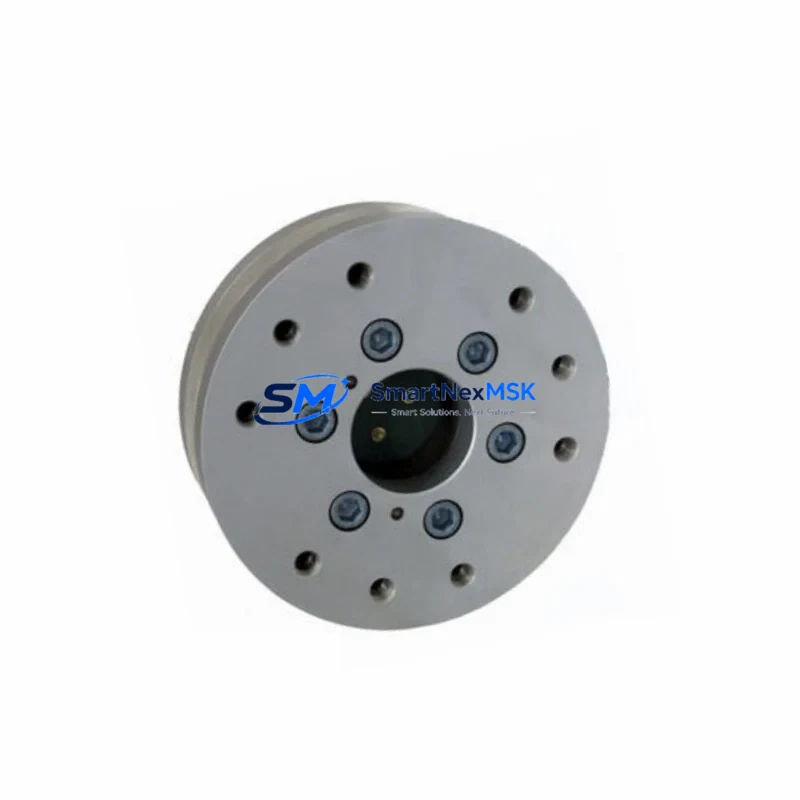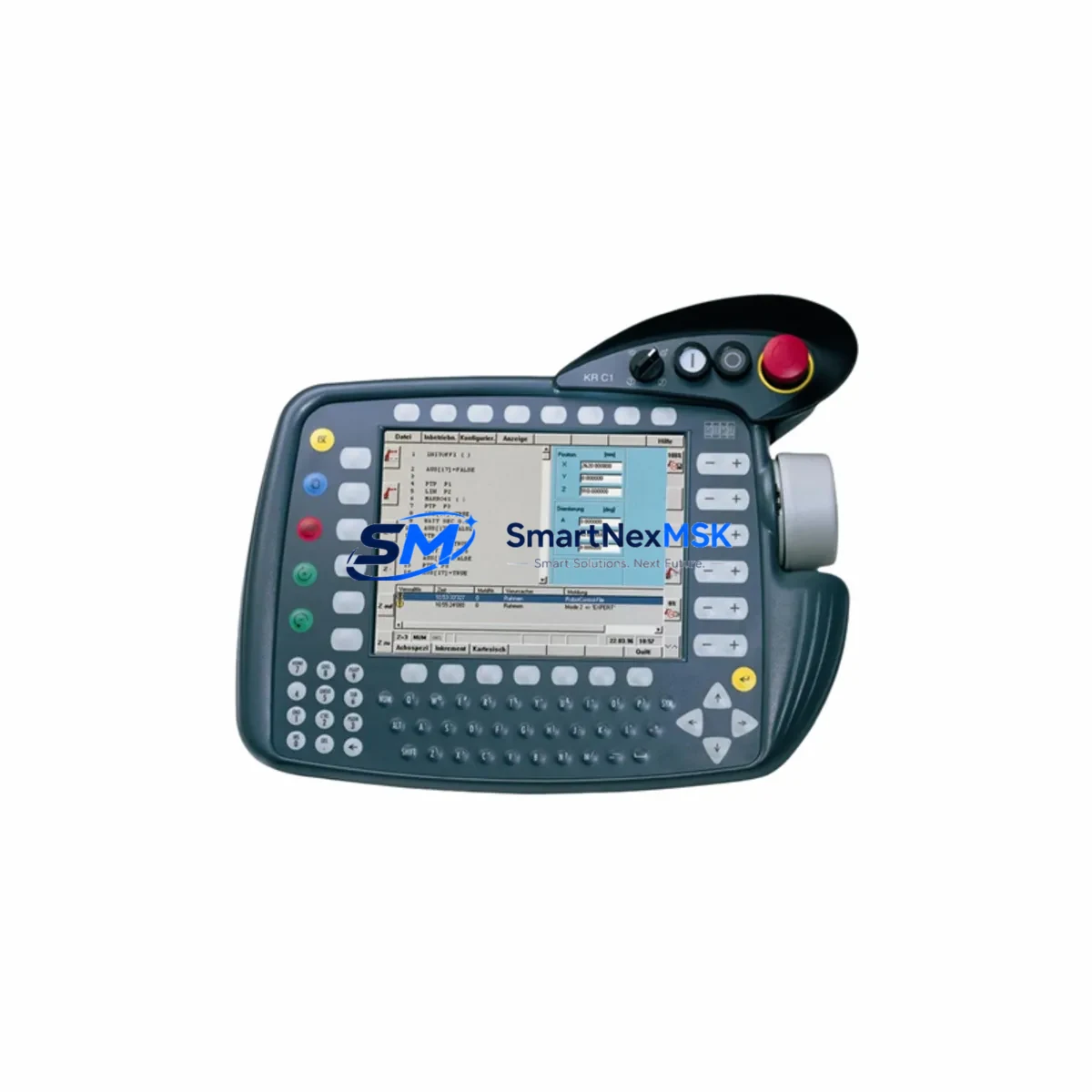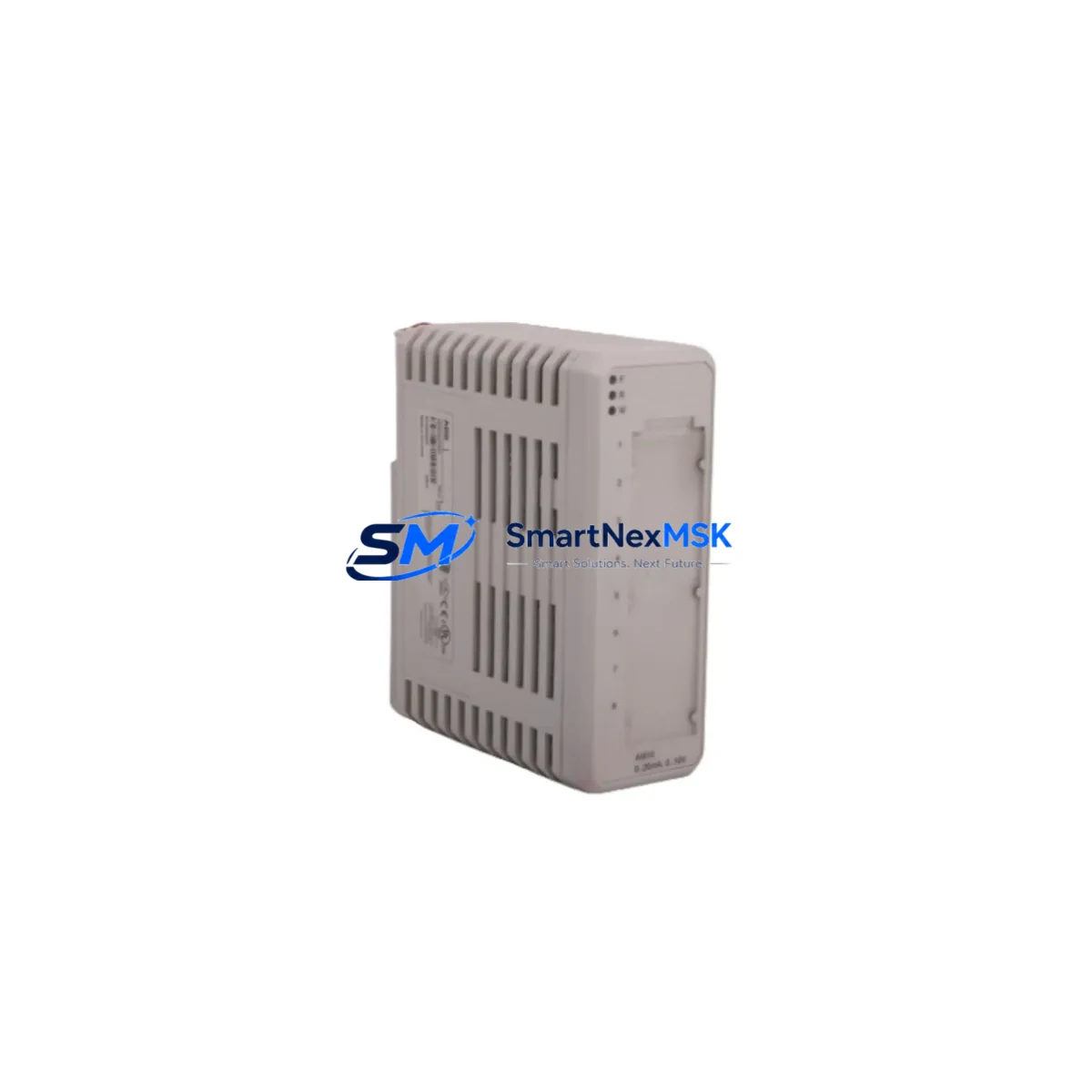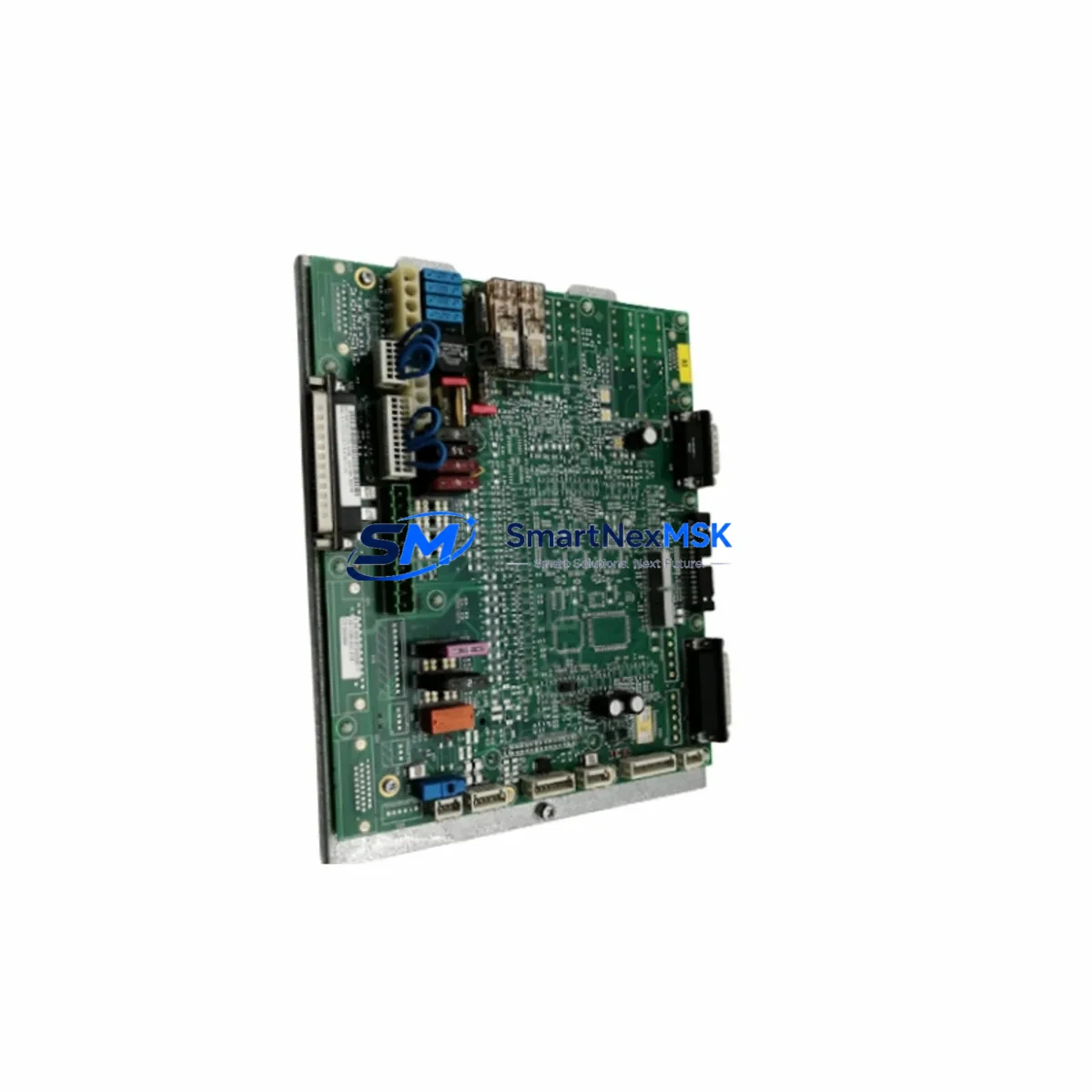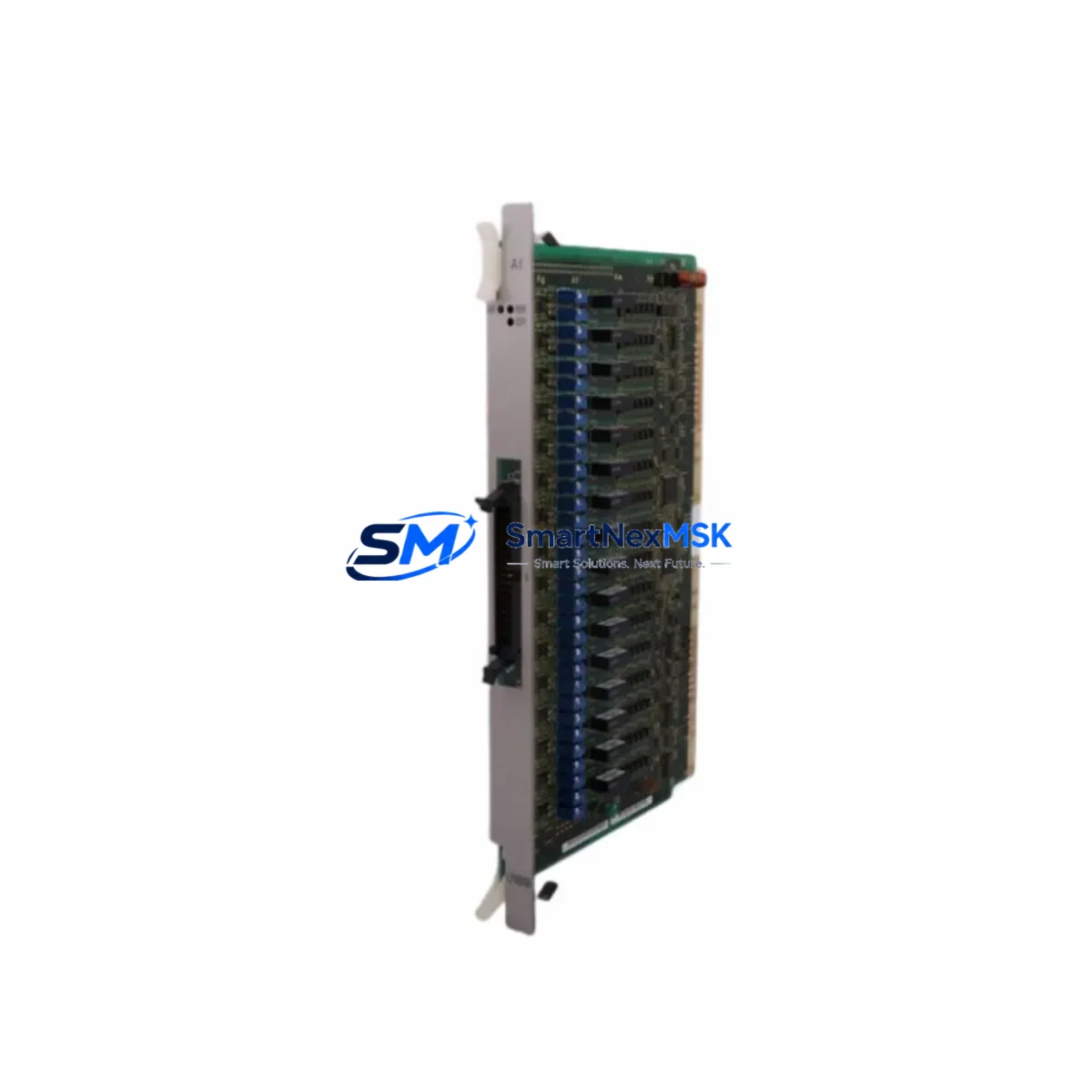
KUKA MFC2-IC3 00-125-236: Retrofit-Ready Motion Control Board for KR C2 Control Systems
The KUKA MFC2-IC3 (Part No. 00-125-236 / cross-reference 00-108-766) is a high-performance motion control board engineered for the KUKA KR C2 robot controller platform. As KUKA progressively phases out legacy KR C2 hardware, industrial facilities operating KUKA KR 6, KR 16, KR 30, KR 60, and KR 100 series robots face increasing pressure to source reliable replacement boards that maintain full compatibility with existing cabinet wiring, drive configurations, and KRL program logic. This MFC2-IC3 board addresses that challenge directly — offering a verified drop-in retrofit solution that eliminates the need for full controller replacement and dramatically reduces system downtime.
At SMARTNEXMSK, every MFC2-IC3 00-125-236 unit undergoes pre-shipment functional testing, including power-on verification, bus communication checks, and interface integrity inspection. All units are backed by a 12-month warranty and ship from our Xiamen warehouse with full export documentation.
Upgrade Compatibility Table
| Parameter | Details |
|---|---|
| Part Number | 00-125-236 (cross-ref: 00-108-766) |
| Board Designation | MFC2-IC3 |
| Compatible Controller | KUKA KR C2 (all sub-variants) |
| Compatible Robot Series | KR 6, KR 16, KR 30, KR 60, KR 100, KR 150, KR 200 |
| Installation Type | Direct backplane slot replacement — no bracket modification required |
| Communication Interface | KUKA proprietary KR C2 internal bus; compatible with DSE-IBS and RDC card communication |
| Replacement Compatibility | Drop-in for 00-108-766; verify firmware revision before swapping in KR C2 Ed05 cabinets |
| Commissioning Notes | Reload axis mastering data; verify $ROBROOT and $TOOL parameters post-swap |
| Origin | Germany |
| Warranty | 12 Months — covers manufacturing defects and functional failure under normal operating conditions |
Retrofit Planning for Existing Automation Systems
Replacing the MFC2-IC3 in an active KR C2 cabinet requires systematic pre-work to protect both the robot program and the surrounding control infrastructure. Before removing the board, engineers should export the complete robot program archive via WorkVisual or the KCP teach pendant, capturing all module configurations, I/O mappings, and safety zone definitions. The KR C2 cabinet typically houses the MFC2 board alongside the DSE-IBS communication board, the RDC (Resolver-to-Digital Converter) card, and the KPS 600 power supply unit — all of which must remain undisturbed during the MFC2 swap.
For facilities running multi-robot cells, the KUKA KR C2 system software (V5.x) version installed on the industrial PC must be noted before replacement, as the MFC2-IC3 firmware is tightly coupled to the KSS version. If the cabinet also integrates a KUKA VKR C2 fieldbus interface — such as a PROFIBUS-DP or DeviceNet gateway card — verify that the fieldbus node address and baud rate settings are documented, since these are stored in the MFC2 configuration memory and will need to be re-entered after board replacement.
Wiring adaptation is minimal for a like-for-like MFC2-IC3 swap: the board uses the same backplane connector pinout as the 00-108-766 predecessor. However, if the retrofit is part of a broader upgrade that includes replacing the KUKA KCP2 teach pendant or upgrading the smartPAD interface, additional cable harness changes may be required. Facilities upgrading from an older KR C2 to a KR C2 Ed05 variant should also inspect the CI3 board (Customer Interface 3) for I/O compatibility, as the CI3 interacts directly with the MFC2 for external signal routing.
Power supply verification is critical: the KR C2 cabinet’s KPS 600 or KPS 1500 power supply must deliver stable 24 VDC to the MFC2 slot. Measure rail voltage under load before installing the replacement board. If the cabinet has experienced repeated MFC2 failures, inspect the power supply capacitors and the EMC filter module for degradation — a failing power supply is a common root cause of MFC2 board damage in aging KR C2 installations.
For facilities managing a mixed fleet of KUKA robots, it is advisable to maintain a small buffer stock of MFC2-IC3 boards alongside other high-failure-rate components such as the KUKA KSD 48/10 servo drive and the RDC card (00-110-293), ensuring rapid recovery from unplanned failures without waiting on international lead times.
Downtime Control During System Migration
Minimizing production downtime during a KR C2 MFC2-IC3 replacement depends on preparation quality. The recommended approach is a cold-swap procedure: power down the KR C2 cabinet fully, discharge the KPS capacitor bank (allow 5 minutes after power-off), then remove the MFC2 board from its backplane slot. Label all connectors before disconnection — the MFC2-IC3 interfaces with the DSE-IBS board via a ribbon cable that is easy to misroute on reassembly.
After installing the replacement MFC2-IC3 00-125-236, restore power and allow the KSS to boot fully before attempting any axis movement. The system will typically prompt for axis mastering — this is expected behavior after an MFC2 replacement and does not indicate a fault. Use the stored mastering data (EMT or dial gauge reference) to re-master all axes before returning the robot to automatic mode.
For cells where even a 2–4 hour maintenance window is unacceptable, consider pre-configuring a spare KR C2 controller with the same KSS version and robot program, enabling a full cabinet swap rather than a board-level repair. This approach, while more capital-intensive, reduces in-cell repair time to under 30 minutes and is particularly effective in high-throughput automotive and electronics assembly lines.
Throughout the migration, maintain continuous communication with the PLC or safety controller governing the robot cell — typically a SIEMENS S7-300/S7-400 or Allen-Bradley ControlLogix system — to ensure that the robot’s safe-stop signals and I/O handshakes are correctly re-established before resuming production. Document all steps taken during the swap in the facility’s maintenance log for traceability and warranty claim support.
Retrofit Support FAQ
Q1: Is the MFC2-IC3 00-125-236 a direct replacement for part number 00-108-766?
Yes. The 00-125-236 is the current production revision of the MFC2-IC3 board and is fully backward-compatible with the 00-108-766 in all standard KR C2 cabinet configurations. No hardware modification is required for the swap. Verify that your KSS software version is V5.4 or later for optimal compatibility.
Q2: What commissioning steps are required after installing the replacement board?
After installation, boot the KR C2 system and allow KSS to initialize fully. Re-enter axis mastering data using your stored reference values. Verify all I/O signals via the KCP2 or smartPAD I/O monitor. If a fieldbus interface (PROFIBUS, DeviceNet) is present, confirm node address and communication status before releasing the robot to automatic mode.
Q3: How do I verify the board is functioning correctly before returning to production?
Run the KUKA system diagnostics from the KCP teach pendant (Menu → Diagnosis → System Info) to confirm all axes are recognized and no hardware faults are logged. Perform a slow-speed test run of the robot program in T1 mode, monitoring for any axis deviation or communication errors. Only switch to automatic mode after a clean T1 test cycle.
Q4: What does the 12-month warranty cover, and how is a claim processed?
The 12-month warranty covers manufacturing defects and functional failure under normal operating conditions. It does not cover damage caused by incorrect installation, power surges, or physical impact. To initiate a warranty claim, contact SMARTNEXMSK with your order number, a description of the fault, and photos of the board. Replacement or repair will be arranged within 5 business days of claim confirmation.
© 2026 SMARTNEXMSK. All rights reserved.
Original Source: https://smartnexmsk.com
Contact: [email protected] | +86 18259474341