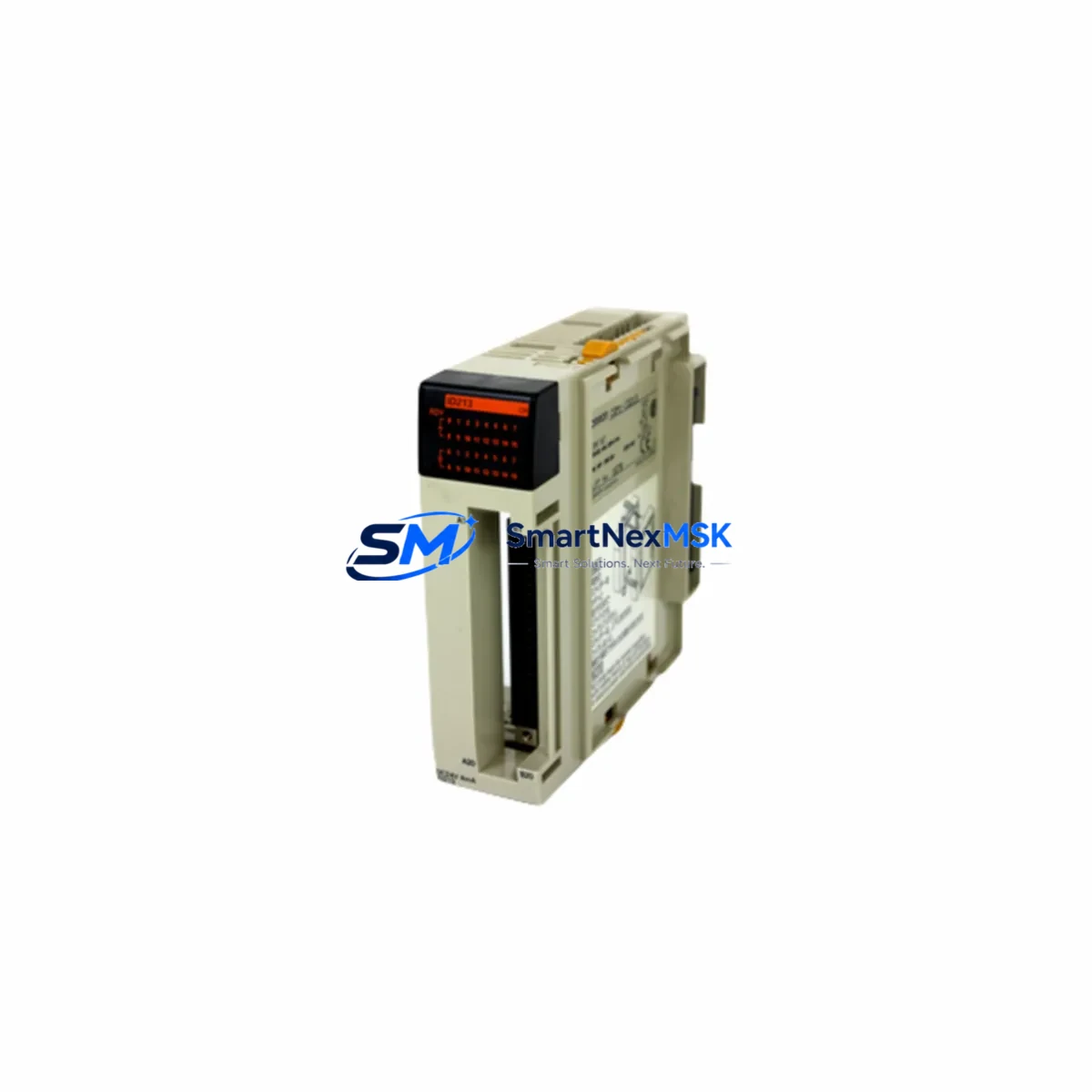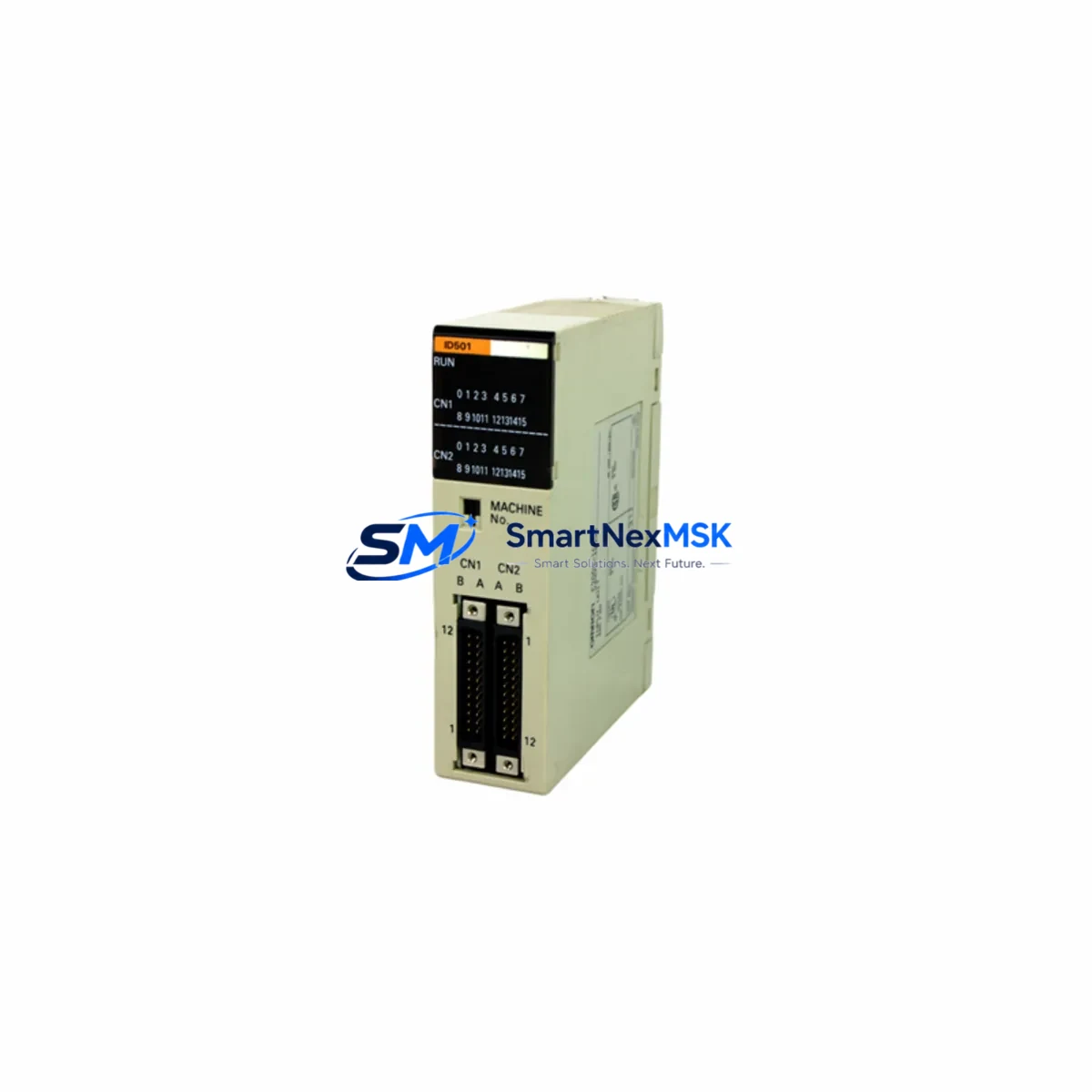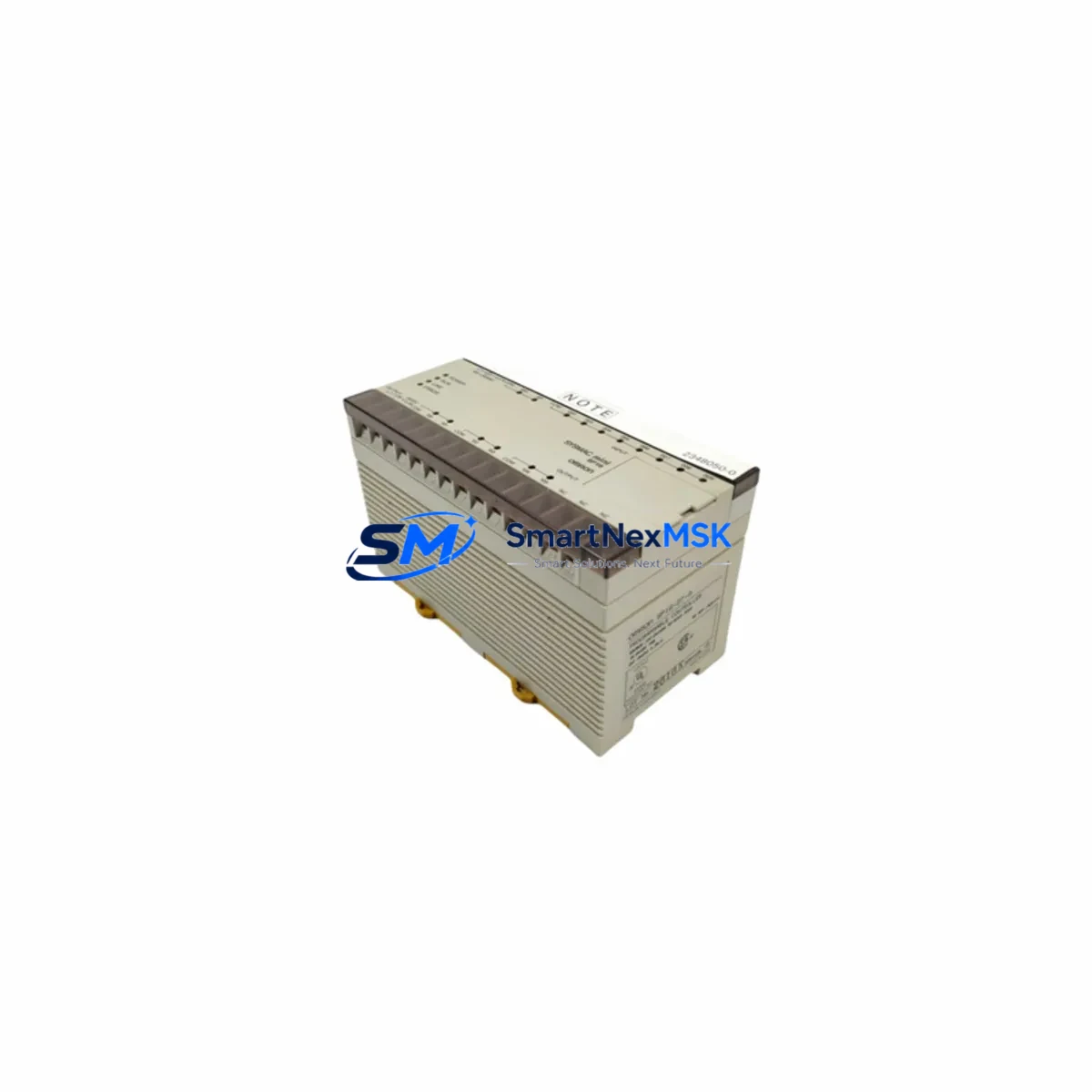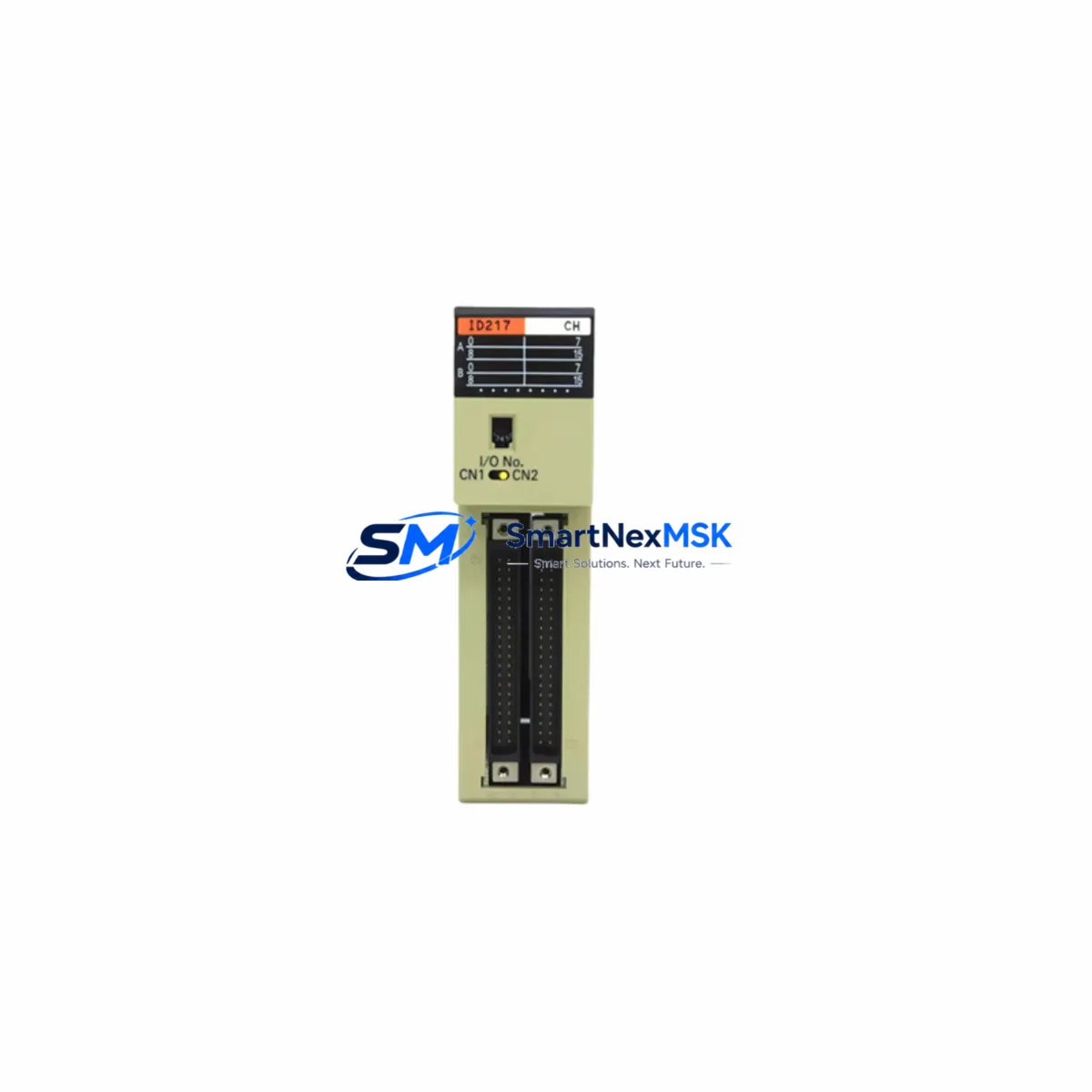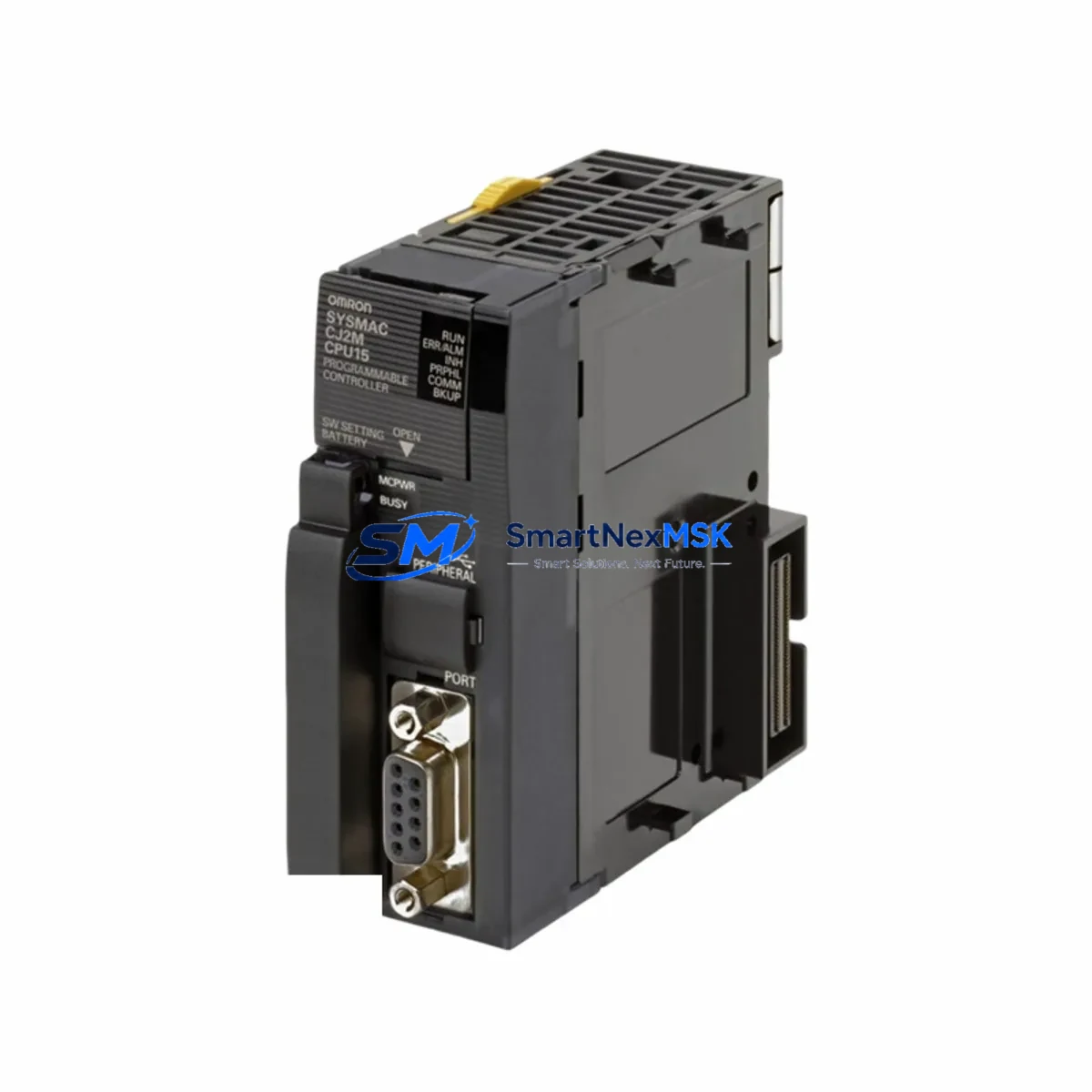
OMRON CJ1M-CPU13 Retrofit-Ready CPU for CJ Series Control Systems
The OMRON CJ1M-CPU13 is a compact, high-performance CPU module engineered for seamless integration into existing CJ Series control architectures. As legacy CJ1M platforms approach end-of-life and spare parts become increasingly scarce, the CJ1M-CPU13 serves as the definitive retrofit-ready replacement — enabling engineers to restore, upgrade, and future-proof aging automation systems without redesigning the entire control cabinet.
Whether you are recovering a production line from an unexpected CPU failure, executing a planned modernization of a legacy OMRON system, or migrating from an older C200H or CPM2A platform to the CJ Series architecture, the CJ1M-CPU13 delivers the processing capacity, I/O scalability, and communication flexibility required for demanding industrial environments. Its compatibility with the CJ-series backplane and power supply modules means that in most retrofit scenarios, the existing rack infrastructure can be retained, dramatically reducing both downtime and engineering cost.
Upgrade Compatibility Table
| Parameter | Details |
|---|---|
| Compatible Series | OMRON CJ1, CJ1M, CJ2M (with adapter consideration) |
| Backplane / Rack Interface | CJ-series backplane; compatible with CJ1W-PA202, CJ1W-PA205R power supply modules |
| Communication Protocols | Host Link (SYSWAY), Peripheral USB, RS-232C; optional EtherNet/IP via CJ1W-EIP21 |
| I/O Expansion | Up to 640 I/O points; expandable via CJ1W-ID211, CJ1W-OD211 digital I/O modules |
| Program Memory | 20K steps |
| Installation Requirement | DIN rail mount; standard CJ-series slot position 0 |
| Replacement Recommendation | Direct replacement for CJ1M-CPU11, CJ1M-CPU12; upgrade path from C200HE/HG/HX CPU |
| Commissioning Notes | Re-upload ladder program via CX-Programmer; verify I/O table and unit addresses |
| Warranty | 12 months from date of shipment |
Retrofit Planning for Existing Automation Systems
A successful CJ1M-CPU13 retrofit begins well before the module arrives on-site. Engineers should start by auditing the existing control cabinet to confirm the installed CJ1W-PA205R or CJ1W-PA202 power supply module can support the current draw of the new CPU alongside all mounted I/O and special function modules. In many aging systems, the power supply is the first component to show degradation, and a retrofit is an ideal opportunity to replace it proactively.
Next, document the existing backplane slot assignments. The CJ1M-CPU13 occupies CPU slot 0, and all downstream modules — including CJ1W-ID211 digital input modules, CJ1W-OD211 transistor output modules, and any installed CJ1W-SCU21-V1 serial communication units — must retain their original slot positions to preserve the I/O memory mapping established in the existing ladder program. Any deviation in slot order will cause I/O address mismatches that require program edits in CX-Programmer before the system can resume normal operation.
For systems that rely on EtherNet/IP communication to upstream SCADA or MES platforms, verify that the installed CJ1W-EIP21 EtherNet/IP unit retains its node address and tag data link configuration. In most cases, the network configuration is stored in the special function module itself and survives a CPU swap without modification, but this should be confirmed by reading the unit’s configuration via CX-Integrator prior to shutdown.
HMI panels connected via Host Link or peripheral port — including legacy NS5, NS8, or NS12 series touch panels — will reconnect automatically once the CPU is powered and the program is uploaded, provided the communication port settings (baud rate, data bits, parity) match the original configuration stored in the HMI project. Always keep a backup of the HMI project file before beginning any CPU replacement.
Analog I/O modules such as the CJ1W-AD041-V1 analog input unit and CJ1W-DA041 analog output unit should be re-verified for scaling parameters after the CPU swap, as these are stored in the CPU’s DM area and must be confirmed against the original program documentation. Terminal wiring on these modules does not need to be disturbed if the physical slot position is unchanged.
Downtime Control During System Migration
Minimizing production downtime during a CJ1M-CPU13 replacement requires a structured pre-outage preparation protocol. Before initiating the shutdown, use CX-Programmer to perform a full online backup of the running program, including the I/O table, unit parameters, and DM/EM data memory areas. Store this backup in at least two separate locations — a local engineering laptop and a network share — to eliminate single points of failure during the recovery process.
During the physical swap, label all terminal wiring on the power supply and any modules that must be temporarily removed to access the CPU slot. The CJ-series backplane design allows the CPU to be replaced without disturbing most I/O module wiring, but power supply terminal connections should be photographed before disconnection. The entire physical replacement — removing the old CPU, seating the CJ1M-CPU13, and restoring power — can typically be completed in under 15 minutes by an experienced technician.
After power-up, the CPU will enter PROGRAM mode and await a program download. Use CX-Programmer to transfer the backed-up project, verify the I/O table matches the physical configuration, and perform a controlled test run in MONITOR mode before switching to RUN mode. For systems with safety interlocks or process-critical outputs, confirm all output modules are in a safe de-energized state before initiating the first RUN mode cycle. With proper preparation, total controlled downtime for a CJ1M-CPU13 swap can be held to under two hours, including functional verification.
Retrofit Support FAQ
Q1: Is the CJ1M-CPU13 a direct drop-in replacement for the CJ1M-CPU11 and CJ1M-CPU12?
Yes. The CJ1M-CPU13 is physically and electrically compatible with the same CJ-series backplane slot used by the CJ1M-CPU11 and CJ1M-CPU12. The primary difference is program memory capacity (20K steps vs. 10K/15K steps). No wiring changes are required. The existing ladder program can be uploaded directly after the swap, provided it does not exceed the CJ1M-CPU13’s memory capacity.
Q2: What commissioning steps are required after installing the CJ1M-CPU13?
After physical installation, connect CX-Programmer via USB peripheral port or RS-232C, download the backed-up program, and verify the I/O table against the physical rack configuration. Check unit addresses for all special function modules (communication units, analog modules), confirm DM area data is correctly restored, and perform a MONITOR mode test cycle before switching to RUN. For EtherNet/IP-connected systems, verify tag data link status via CX-Integrator.
Q3: Can the CJ1M-CPU13 communicate with legacy C-series HMI panels and SCADA systems?
Yes, via the RS-232C peripheral port using Host Link (SYSWAY) protocol, which is supported by most legacy OMRON NS-series HMI panels and many third-party SCADA drivers. For modern EtherNet/IP-based SCADA integration, the optional CJ1W-EIP21 module provides full tag-based communication without requiring changes to the CPU’s ladder program structure.
Q4: What does the 12-month warranty cover, and how is the unit tested before shipment?
Every CJ1M-CPU13 unit supplied by SMARTNEXMSK undergoes functional verification prior to shipment, including power-on self-test, memory integrity check, and communication port validation. The 12-month warranty covers manufacturing defects and functional failures under normal operating conditions. Units are shipped in anti-static packaging with full documentation. For warranty claims, contact [email protected] with the order reference and a description of the observed fault.
© 2026 SMARTNEXMSK. All rights reserved.
Original Source: https://smartnexmsk.com
Contact: [email protected] | +86 18259474341