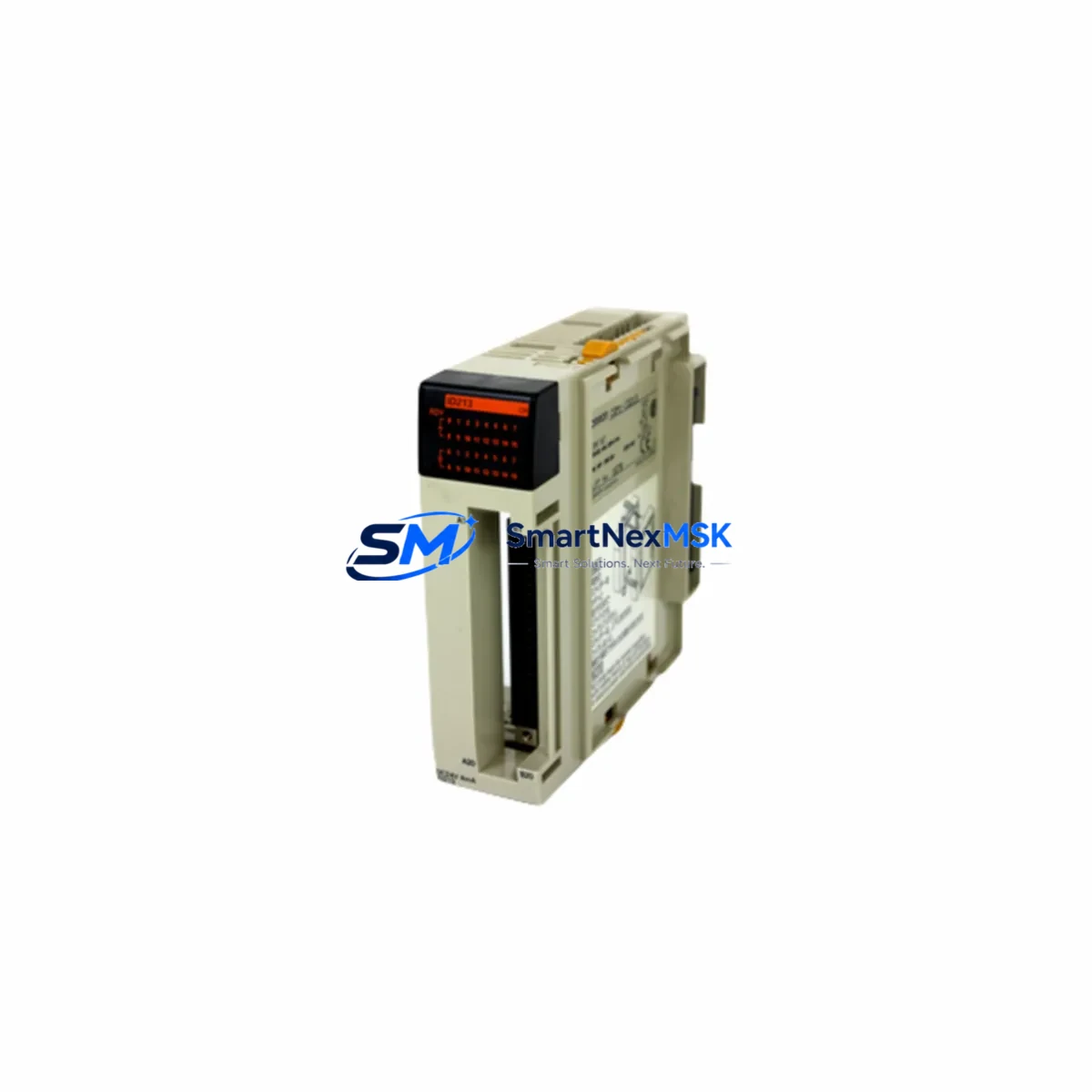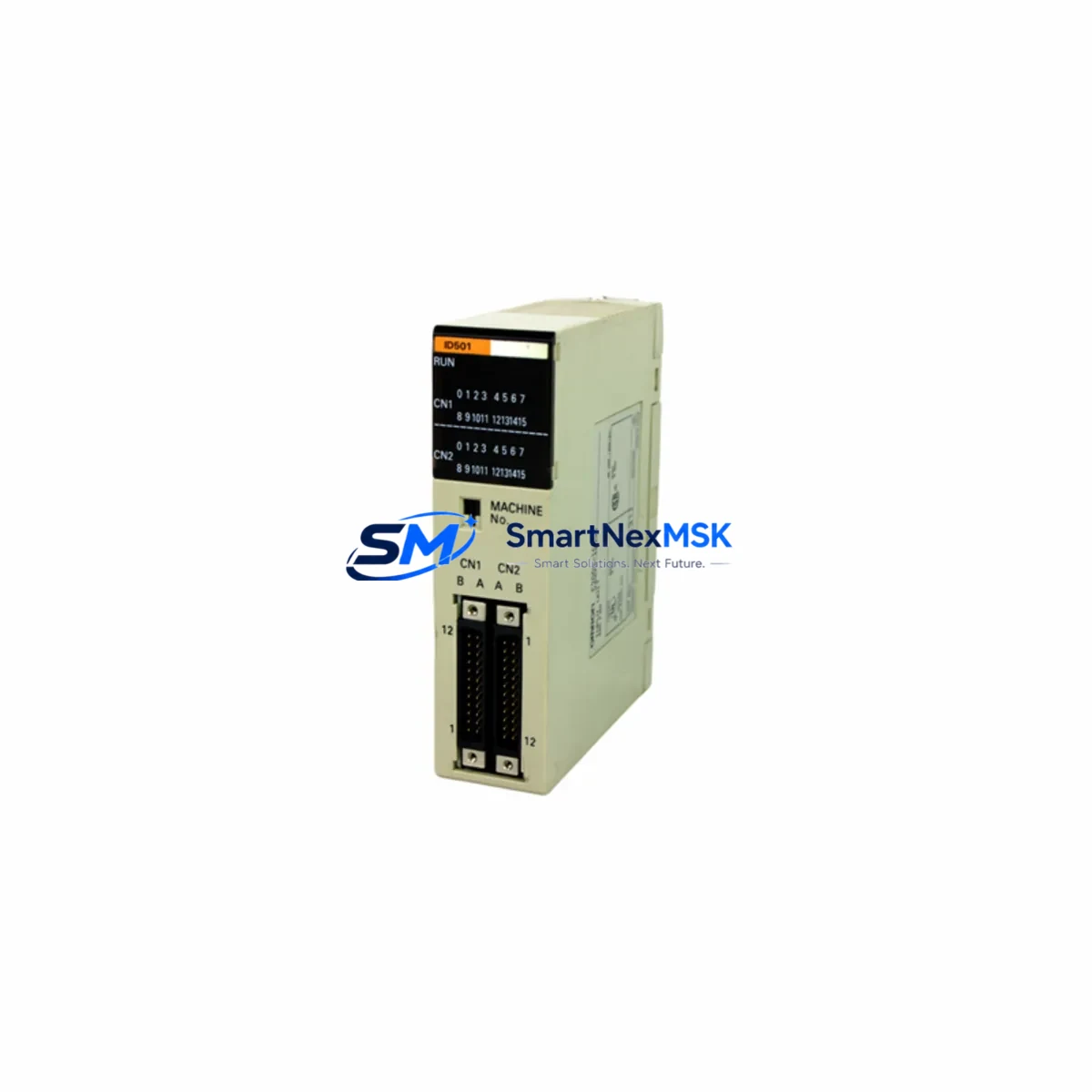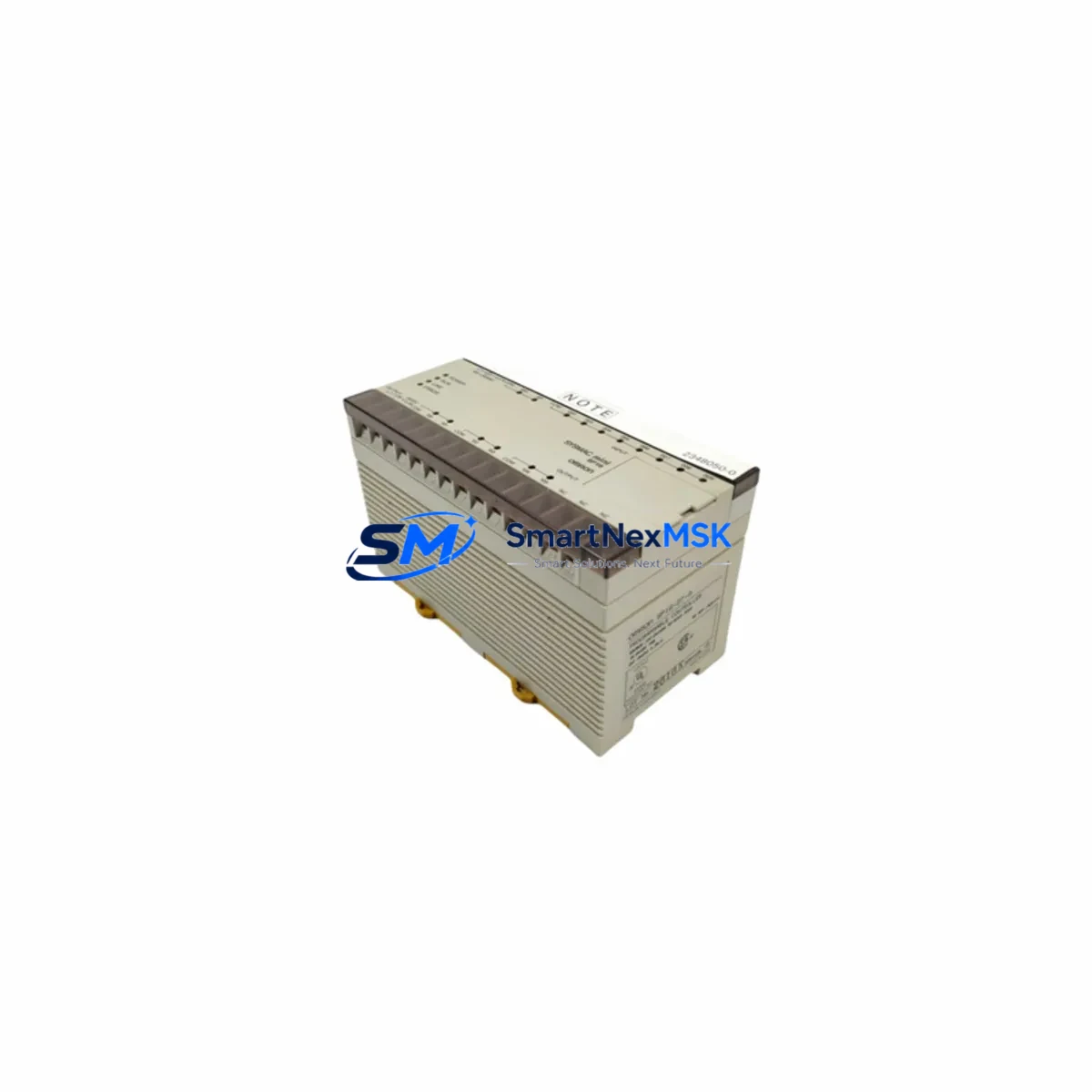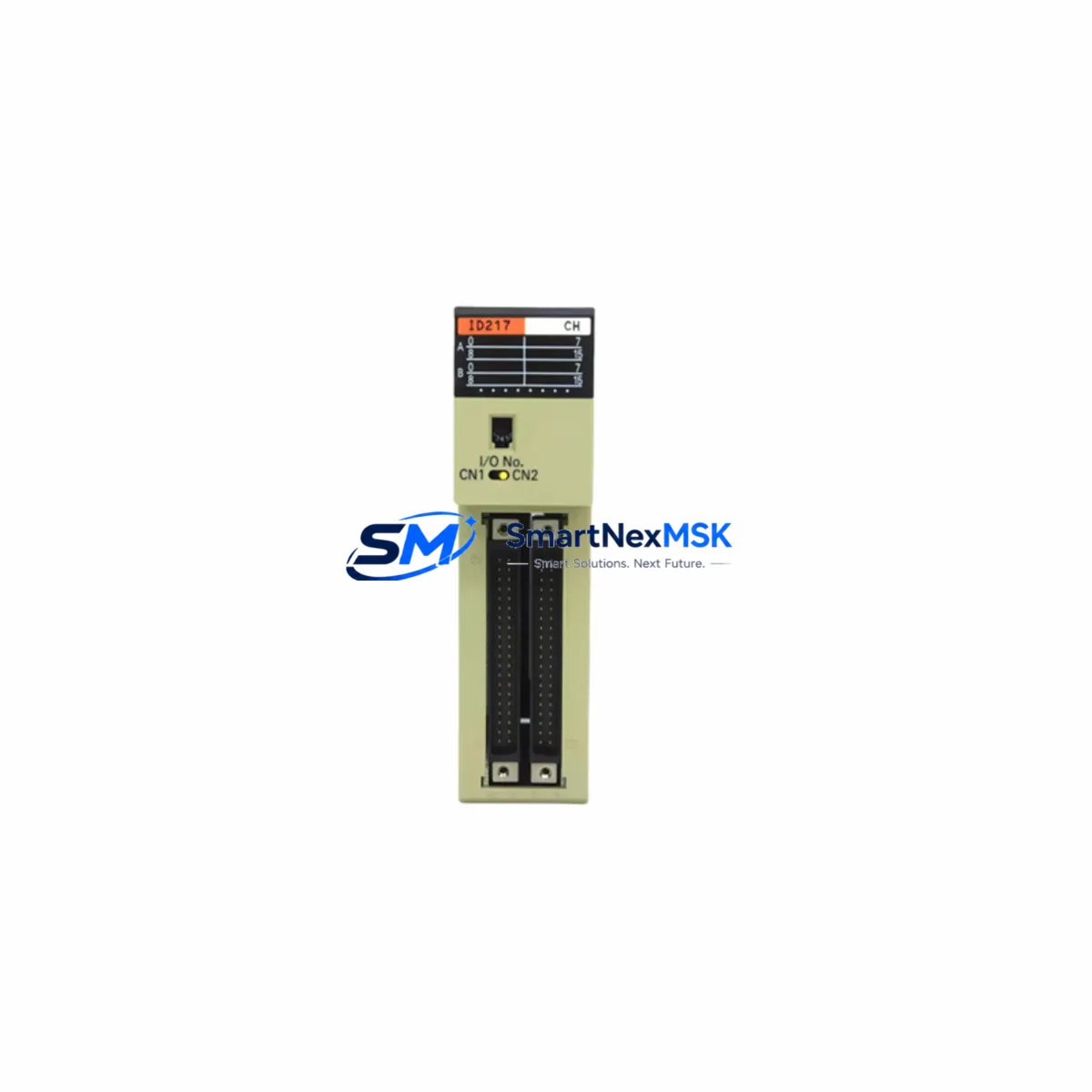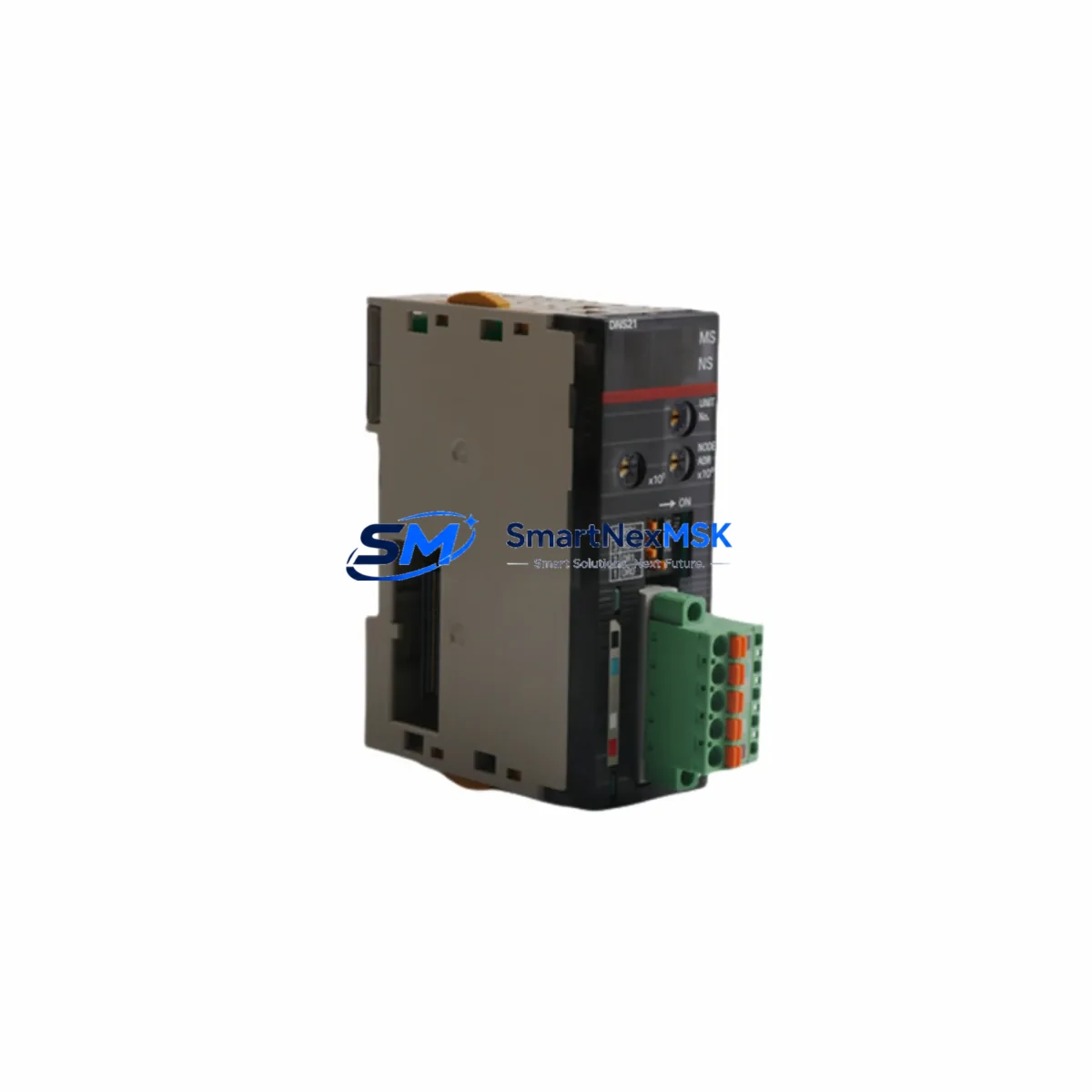
OMRON NE2A-DNS21 Retrofit-Ready Safety Network Controller for NE2A Series Control Systems
The OMRON NE2A-DNS21 is a DeviceNet Safety Network Controller designed for safety-critical automation environments. As legacy NE2A Series installations approach end-of-life or require capacity expansion, the NE2A-DNS21 serves as the primary retrofit and drop-in replacement module — enabling smooth migration without redesigning the entire safety architecture. Whether you are upgrading a discontinued safety relay panel, expanding an existing DeviceNet safety network, or restoring a failed controller in a running production line, the NE2A-DNS21 delivers verified compatibility, reduced commissioning time, and a 12-month warranty backed by pre-shipment functional testing.
For engineers managing legacy OMRON CS1 or CJ2 PLC platforms, the NE2A-DNS21 integrates directly into existing DeviceNet topologies. It supports up to 32 safety slaves per network segment and communicates with OMRON CJ2M, CS1D, and NJ-series controllers via the DeviceNet Safety protocol — eliminating the need for gateway modules or protocol converters in most retrofit scenarios. When replacing an older NE1A-SCPU01 or NE1A-SCPU02 safety controller, engineers should verify the safety program version in CX-One and confirm that the slave device table is compatible before hot-swapping the module.
Upgrade Compatibility Table
| Parameter | NE2A-DNS21 (This Unit) | Typical Legacy Unit (NE1A-SCPU01/02) |
|---|---|---|
| Network Protocol | DeviceNet Safety (IEC 61784-3) | DeviceNet Safety |
| Max Safety Slaves | 32 nodes | 16–32 nodes (model dependent) |
| Power Supply | 24 VDC (11–25 V range) | 24 VDC |
| Backplane / Rack | Standalone (DIN rail mount) | Standalone (DIN rail mount) |
| Communication Interface | DeviceNet 5-pin open connector | DeviceNet 5-pin open connector |
| Programming Tool | CX-One / Network Configurator | CX-One / Network Configurator |
| Safety Category | IEC 61508 SIL2 / EN 954-1 Cat.4 | IEC 61508 SIL2 / EN 954-1 Cat.4 |
| Module Address Setting | Rotary switch (0–63) | Rotary switch (0–63) |
| Retrofit Recommendation | Direct replacement; verify slave table | — |
| Commissioning Focus | Safety program download, slave scan, I/O mapping verification | — |
| Warranty | 12 Months (pre-shipment tested) | — |
Retrofit Planning for Existing Automation Systems
A successful NE2A-DNS21 retrofit begins with a thorough audit of the existing control cabinet. Before removing the legacy safety controller, document the current DeviceNet node addresses using OMRON Network Configurator software. Photograph or export the existing slave device table, including all connected safety I/O modules such as the DST1-ID12SL-1 safety input terminal and DST1-MD16SL-1 mixed I/O terminal. These slave modules will remain in place during the controller swap, so their wiring, terminal assignments, and safety function allocations must be preserved exactly.
Power supply capacity is a critical checkpoint. The NE2A-DNS21 draws power from the DeviceNet bus (11–25 VDC) and requires a stable 24 VDC rail. If the existing cabinet uses an aging OMRON S8VK-series or S82K-series power supply, verify that the output current rating supports the combined load of the NE2A-DNS21 plus all connected safety slaves and standard DeviceNet I/O nodes. Undersized power supplies are a leading cause of intermittent safety faults after retrofit.
For systems that also include a standard (non-safety) DeviceNet network segment — for example, one managed by a CJ1W-DRM21 DeviceNet master unit installed in a CJ2M or CS1 rack — the NE2A-DNS21 operates on a separate safety network segment. Confirm that the DeviceNet trunk cable length and drop line lengths comply with the 500 m (thick cable) or 100 m (thin cable) limits. If the existing installation uses a DRT2-series DeviceNet remote I/O terminal alongside the safety network, ensure that node address conflicts are resolved before powering up the new controller.
When the control system also includes an OMRON NS-series or NB-series HMI, review the HMI screen logic for any safety status indicators or interlock displays that read data from the safety controller. After replacing the NE2A-DNS21, re-validate all HMI alarm pages and status bits to confirm that the safety network status is correctly reflected on the operator panel. In systems where a CX-Supervisor SCADA layer monitors safety outputs, update the tag database to match the new controller’s memory map if any address offsets have changed.
For I/O expansion during the retrofit, the NE2A-DNS21 supports additional DST1-series safety I/O terminals on the same DeviceNet Safety segment. If the upgrade plan includes adding new safety light curtain inputs or emergency stop circuits, pre-configure the new slave addresses in Network Configurator before the scheduled maintenance window to minimize on-site programming time. Safety program modifications must be performed in CX-One’s Safety Network Controller programming environment, validated offline, and then downloaded to the NE2A-DNS21 with a password-protected safety program lock to prevent unauthorized changes.
Downtime Control During System Migration
Minimizing production downtime during a safety controller replacement requires a structured pre-outage preparation process. Before the maintenance window opens, complete the following steps offline: export the full safety program from the existing controller using CX-One, verify the program checksum, and store a backup on a dedicated engineering laptop. Prepare the NE2A-DNS21 replacement unit with the correct node address set on the rotary switch — matching the address of the unit being removed — and pre-load the verified safety program so that the new controller is ready for immediate download upon installation.
During the physical swap, de-energize the DeviceNet bus segment before disconnecting the 5-pin DeviceNet connector from the legacy controller. Label all terminal wiring on the 24 VDC power input and any local I/O connections before removal. Install the NE2A-DNS21 on the DIN rail, reconnect the DeviceNet bus connector and power terminals, and restore bus power. Use Network Configurator to perform a network scan and confirm that all previously registered safety slaves are detected at their expected node addresses. Download the pre-validated safety program, perform a safety function test on each connected safety device (e-stop, light curtain, safety gate), and confirm that all safety outputs respond correctly before releasing the line for production.
For systems where a complete bus power-down is not feasible, consult the OMRON DeviceNet Safety System Configuration Manual for hot-swap procedures applicable to your specific network topology. In multi-segment networks managed by a CS1D duplex CPU, coordinate the controller replacement with the PLC’s online edit mode to preserve program continuity on the non-safety segments during the maintenance window.
Retrofit Support FAQ
Q1: Is the NE2A-DNS21 a direct drop-in replacement for the NE1A-SCPU01 or NE1A-SCPU02?
In most installations, yes. The NE2A-DNS21 uses the same DeviceNet Safety protocol, the same DIN rail form factor, and the same 5-pin DeviceNet connector. However, you must verify that your existing safety program is compatible with the NE2A-DNS21 firmware version using CX-One before downloading. Safety slave device tables created for the NE1A series are generally importable into the NE2A-DNS21 project file with minor adjustments.
Q2: What wiring changes are required during the retrofit?
The DeviceNet bus connector pinout (V+, CAN_H, Shield, CAN_L, V−) is identical between the NE1A and NE2A series. The 24 VDC power input terminals are also compatible. If your legacy unit had local safety I/O wired directly to the controller body, verify the terminal block layout against the NE2A-DNS21 wiring diagram, as terminal positions may differ slightly between hardware revisions.
Q3: How is commissioning and functional testing performed after installation?
After installing the NE2A-DNS21 and downloading the safety program, use Network Configurator to perform a full network scan and confirm all slave nodes are online. Then execute a point-by-point safety function test: actuate each emergency stop, safety gate, and light curtain connected to the network and verify that the corresponding safety outputs de-energize within the expected response time. Log all test results before returning the system to production. Each NE2A-DNS21 unit shipped by SMARTNEXMSK has undergone pre-shipment power-on and communication testing.
Q4: What does the 12-month warranty cover?
The 12-month warranty covers manufacturing defects and functional failures under normal operating conditions (24 VDC supply, rated ambient temperature, correct DeviceNet bus loading). It does not cover damage caused by incorrect wiring, overvoltage, physical impact, or unauthorized modification. Warranty claims are processed through [email protected] with proof of purchase and a fault description. Replacement or repair is completed within the agreed lead time, and return shipping for confirmed warranty cases is covered by SMARTNEXMSK.
© 2026 SMARTNEXMSK. All rights reserved.
Original Source: https://smartnexmsk.com
Contact: [email protected] | +86 18259474341