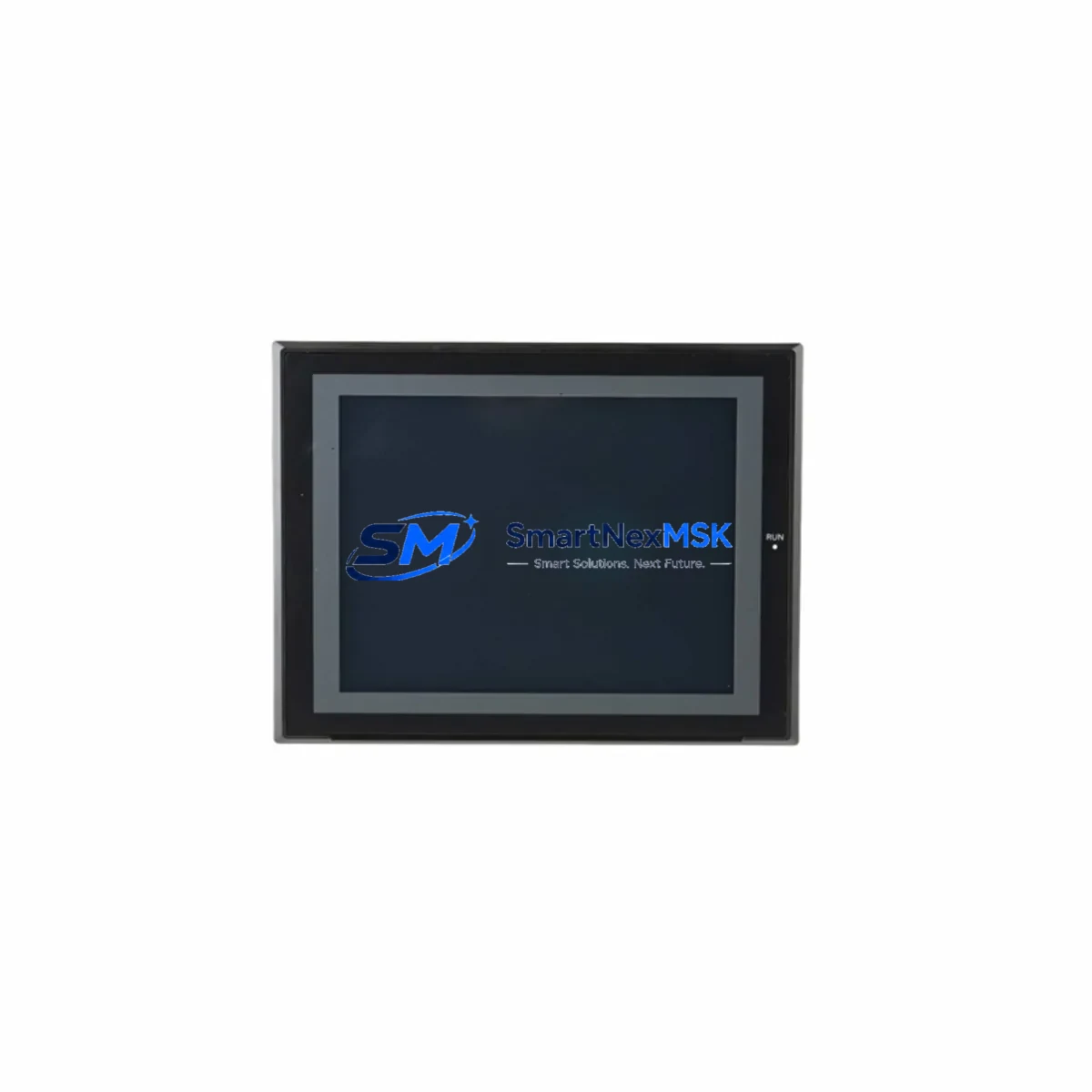
Omron NS10-TV00B-ECV2 Maintenance-Ready Spare NS Series HMI: Spare Replacement & Industrial Downtime Risk Control
The Omron NS10-TV00B-ECV2 is a 10.4-inch color TFT touch panel operator interface from Omron’s NS Series, widely deployed in discrete manufacturing, process control, and machine automation environments across Asia, Europe, and the Americas. As a maintenance-ready spare, the NS10-TV00B-ECV2 is sourced as an original Omron unit, fully tested prior to shipment, and backed by a 12-month warranty — making it a reliable choice for both planned maintenance programs and emergency downtime recovery.
For maintenance engineers managing aging NS Series installations, securing a verified spare of the NS10-TV00B-ECV2 is a critical step in any control cabinet inspection or lifecycle extension plan. The NS Series HMI communicates with Omron CJ-series and CS-series PLCs via Ethernet/IP or RS-232C serial links, and its replacement must be coordinated with the broader control system to avoid configuration loss or communication faults. Procurement engineers sourcing this unit should confirm firmware revision compatibility with the connected PLC program before installation.
Spare Maintenance Table
| Parameter | Specification |
|---|---|
| Model | NS10-TV00B-ECV2 |
| Brand | Omron |
| Series | NS Series |
| Display Size | 10.4 inch TFT Color LCD |
| Resolution | 640 × 480 (VGA) |
| Touch Panel Type | Analog Resistive |
| Communication Ports | Ethernet (100BASE-TX), RS-232C × 2, USB Host/Device |
| Compatible PLC Series | Omron CJ1/CJ2, CS1, NJ/NX Series (via Ethernet/IP or serial) |
| Power Supply | 24 VDC ±10% |
| Power Consumption | Approx. 25 W |
| Operating Temperature | 0 to 50°C |
| Storage Temperature | −20 to 60°C |
| Protection Rating | IP65 (front panel) |
| Origin | Japan |
| Condition | Original, New / Tested Surplus |
| Warranty | 12 Months |
| Pre-shipment Testing | Power-on functional test performed |
| Typical Application | Machine HMI, SCADA visualization, process operator station |
| Mounting | Panel cutout, rear-mount with clamps |
Maintenance Planning for Continuous Operation
When replacing the NS10-TV00B-ECV2 in a live production environment, a thorough inspection of the surrounding control cabinet components is strongly recommended to prevent repeat failures and ensure system stability. Maintenance engineers should treat this HMI replacement as an opportunity to audit the full operator station and PLC communication chain.
Power supply integrity is the first checkpoint. The NS10-TV00B-ECV2 operates on 24 VDC, and a degraded Omron S8VS or S8VK series DIN-rail power supply delivering unstable voltage is a common root cause of HMI screen flickering, unexpected reboots, and communication timeouts. Verify output voltage under load before powering the new unit.
Communication wiring and connectors should be inspected next. RS-232C serial cables connecting the HMI to the host PLC — typically a CJ2M-CPU31 or CS1G-CPU42H — are subject to connector fatigue and insulation degradation in high-vibration environments. Replace any cables showing wear, and confirm baud rate and protocol settings match the replacement unit’s configuration.
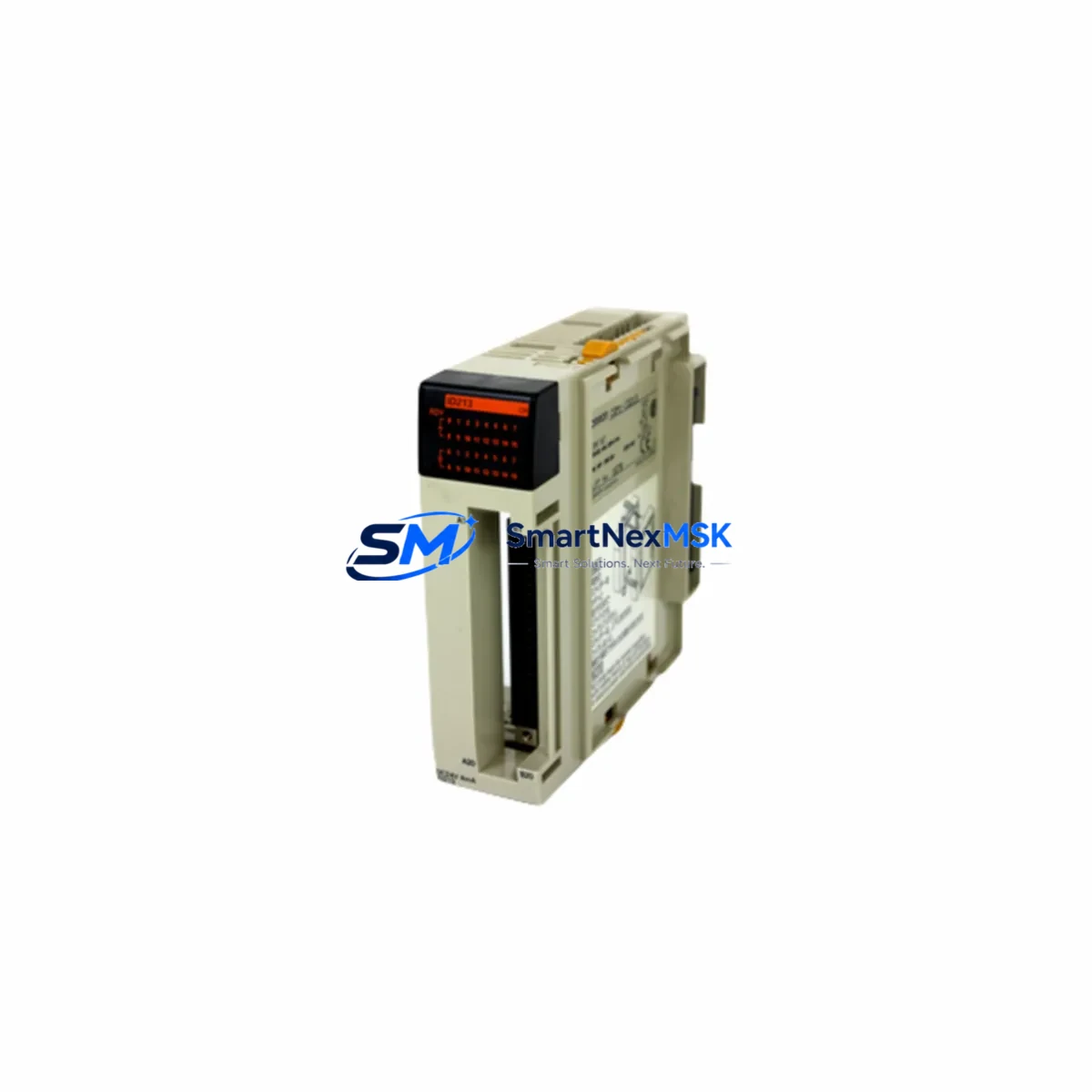
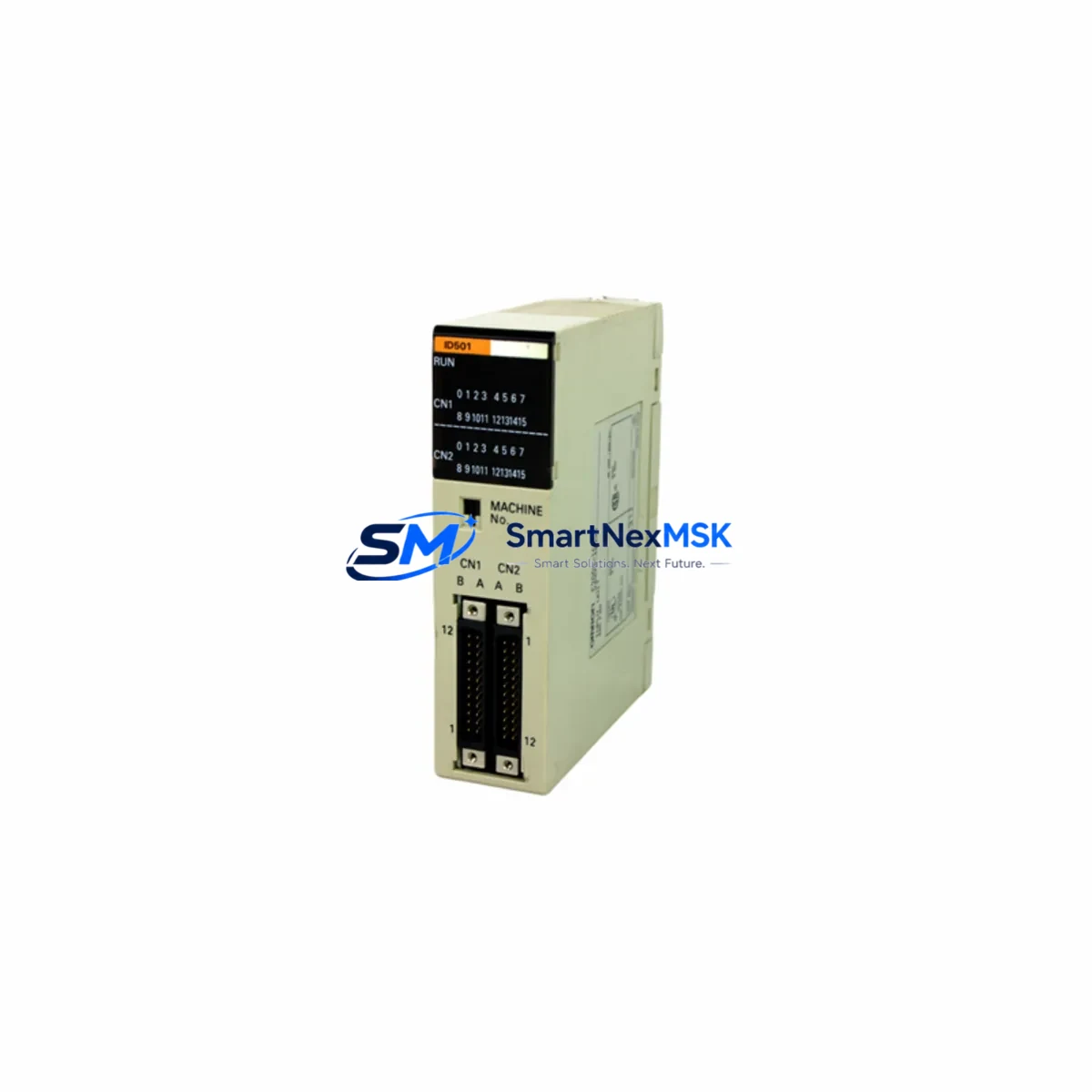
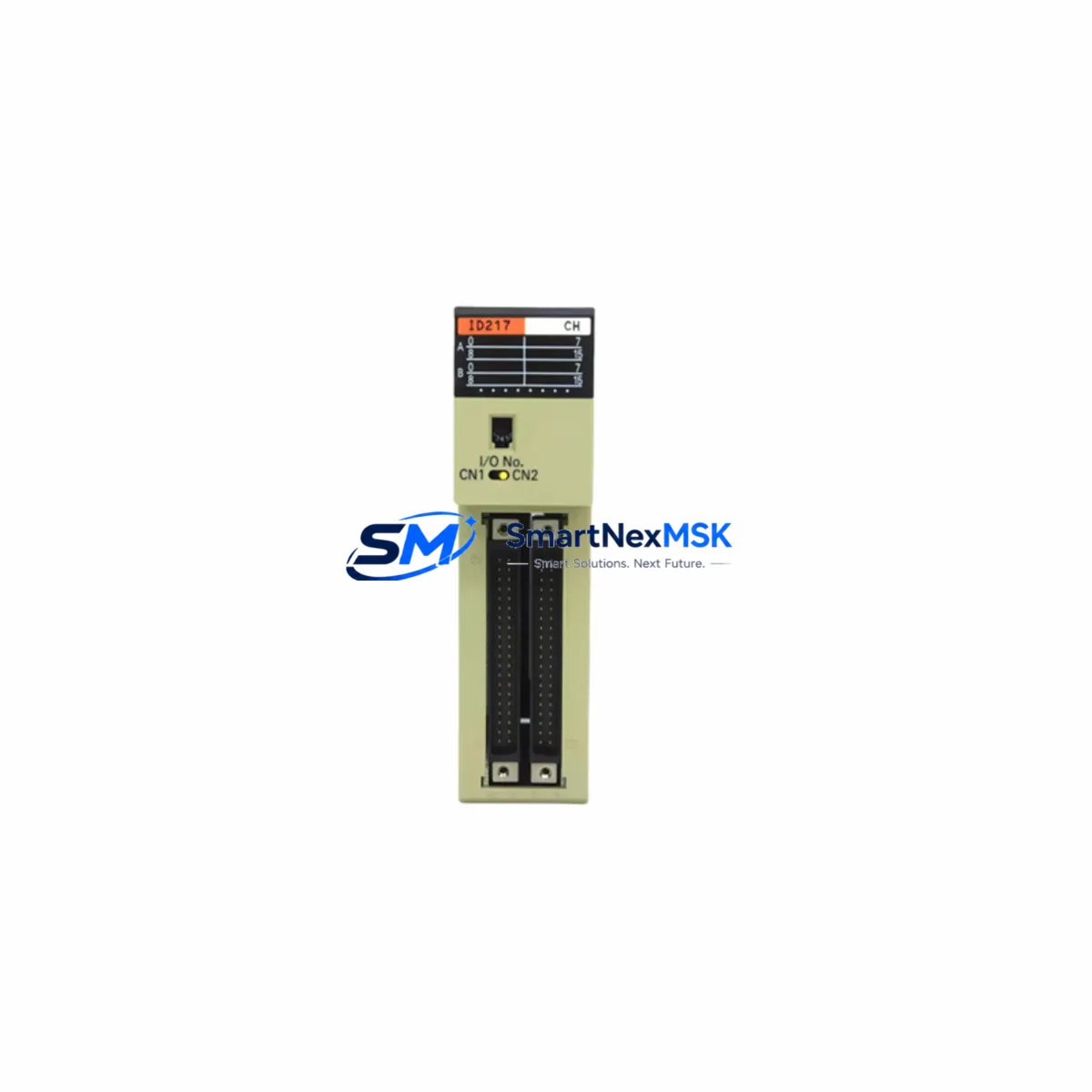
PLC I/O modules in the same rack should be checked for alarm states. A faulty CJ1W-ID211 digital input module or a degraded CJ1W-OD211 transistor output module may have contributed to the HMI fault through erroneous signal states. Clear all PLC error logs after HMI replacement and monitor for recurring faults.
If the control cabinet includes relay output modules or intermediate relay banks — such as Omron G2R or MY series relays — inspect contact condition and coil voltage. Relay chatter or contact welding can generate electrical noise that disrupts HMI serial communication.
For installations using DeviceNet or PROFIBUS communication modules alongside the NS Series HMI, verify that network termination resistors are intact and that node addresses have not shifted after any prior maintenance activity. A CJ1W-DRM21 DeviceNet master unit misconfiguration can cause the HMI to display communication error screens immediately after startup.
Terminal blocks and Omron XW2B or XW2Z series I/O relay terminals connecting field sensors to the PLC should be torque-checked and inspected for oxidation, particularly in humid or coastal industrial environments. Loose terminals are a leading cause of intermittent I/O faults that are often misdiagnosed as HMI failures.
Finally, if the installation includes a signal isolator or loop-powered transmitter on analog input channels, verify 4–20 mA loop integrity before returning the system to service. Analog signal drift can cause process value display errors on the new HMI that are unrelated to the panel itself.
Site Replacement Workflow
Step 1 — Pre-replacement backup: Using Omron’s CX-Designer software, export the full screen data and project file from the existing NS10-TV00B-ECV2 via USB before powering down. If the existing unit is non-functional, retrieve the project from the engineering workstation or backup media.
Step 2 — Power isolation: Isolate 24 VDC supply to the HMI at the cabinet breaker or fuse. Confirm zero voltage at the HMI power terminals with a calibrated multimeter before disconnecting any cables.
Step 3 — Cable labeling and disconnection: Label all RS-232C, Ethernet, USB, and power cables before removal. Photograph the rear connector layout for reference during reinstallation.
Step 4 — Panel removal and replacement unit installation: Release the rear mounting clamps, remove the faulty unit, and install the replacement NS10-TV00B-ECV2 into the same panel cutout. Torque mounting clamps evenly to maintain IP65 front-panel sealing.
Step 5 — Project transfer and configuration: Connect via USB and use CX-Designer to transfer the backed-up project file to the replacement unit. Verify system settings including PLC node address, communication port parameters, and screen startup sequence.
Step 6 — Functional verification: Restore power and confirm HMI communication with the host PLC. Navigate through all operator screens, verify alarm display, and confirm I/O status indicators match field conditions before returning the machine to production.
This structured replacement workflow minimizes downtime to under two hours for experienced maintenance teams and eliminates the risk of configuration errors that can extend outages unnecessarily.
Spare Parts Support FAQ
Q1: Is the NS10-TV00B-ECV2 supplied as a genuine original Omron unit?
Yes. All units are sourced as original Omron NS Series HMI panels. Each unit undergoes a power-on functional test prior to shipment to verify display, touch response, and communication port operation. A 12-month warranty is provided from the date of delivery.
Q2: How do I confirm compatibility with my existing NS Series installation?
The NS10-TV00B-ECV2 is compatible with all NS Series projects developed in CX-Designer. Confirm that your project file was created for a 10.4-inch NS Series target. If your installation uses a specific firmware version, request firmware confirmation at the time of order. Communication compatibility with Omron CJ, CS, and NJ/NX series PLCs is standard.
Q3: What is the recommended spare parts stocking strategy for NS Series HMI panels?
For production lines with more than three NS Series operator stations, maintaining at least one NS10-TV00B-ECV2 as a cold standby spare is recommended. Given that Omron has transitioned newer installations to the NA Series platform, NS Series panels are increasingly difficult to source on short notice. Stocking a spare eliminates lead-time risk during unplanned outages.
Q4: What pre-shipment checks are performed before delivery?
Each NS10-TV00B-ECV2 is powered on and tested for display uniformity, touch panel calibration, USB port recognition, and Ethernet link establishment. Units that fail any functional check are quarantined and not shipped. Packaging includes anti-static protection and foam cushioning to prevent transit damage. Shipment tracking is provided for all orders.
© 2026 SMARTNEXMSK. All rights reserved.
Original Source: https://smartnexmsk.com
Contact: [email protected] | +86 18259474341