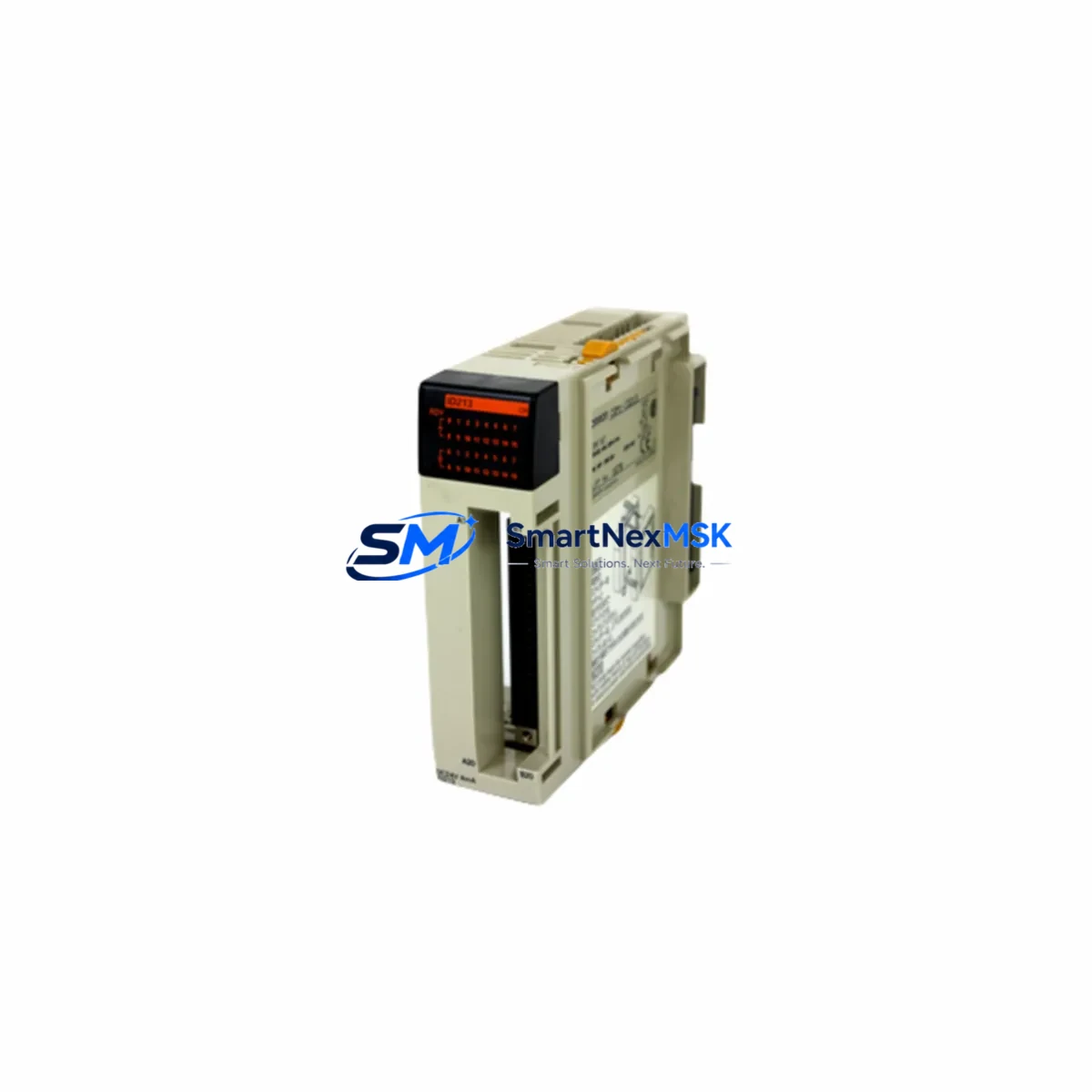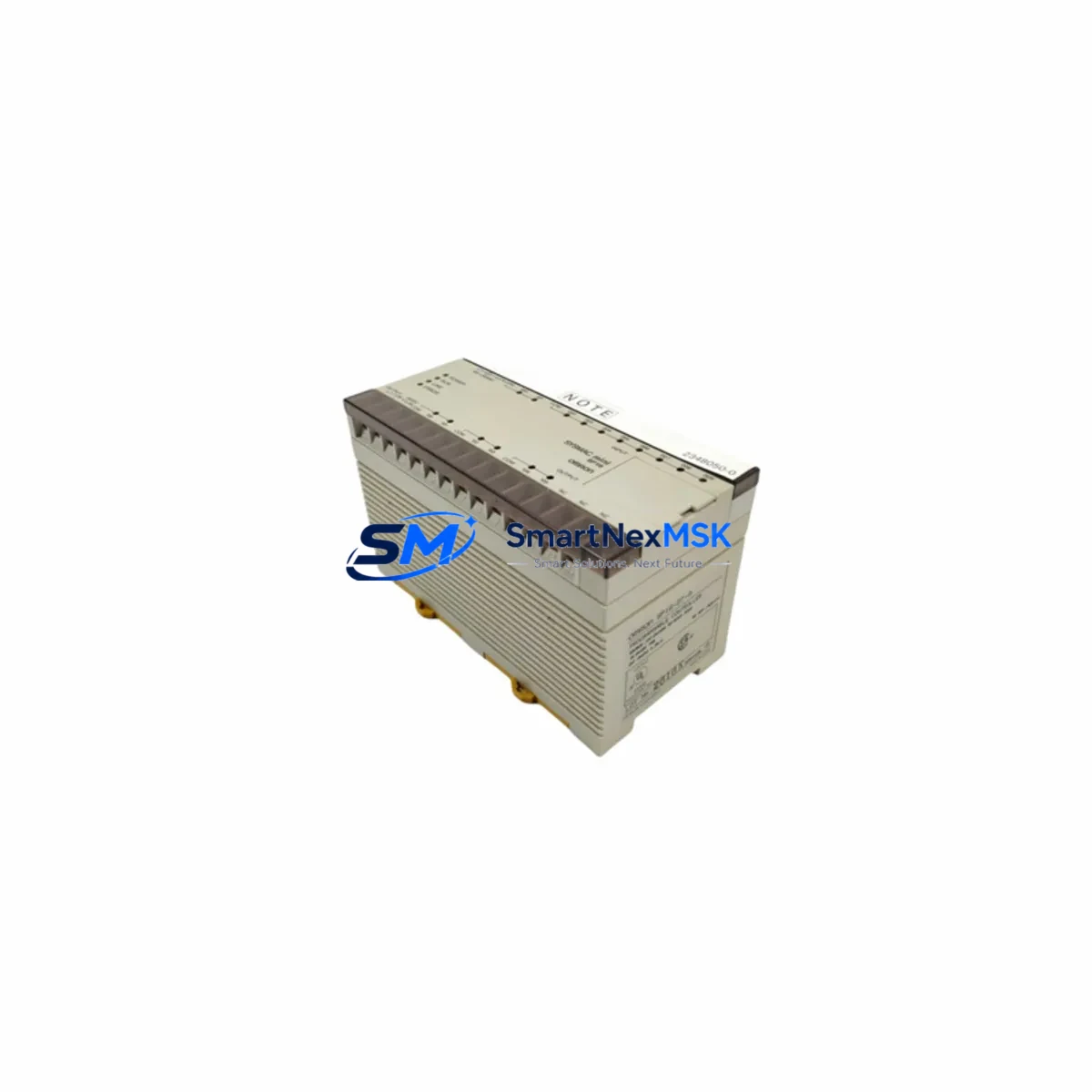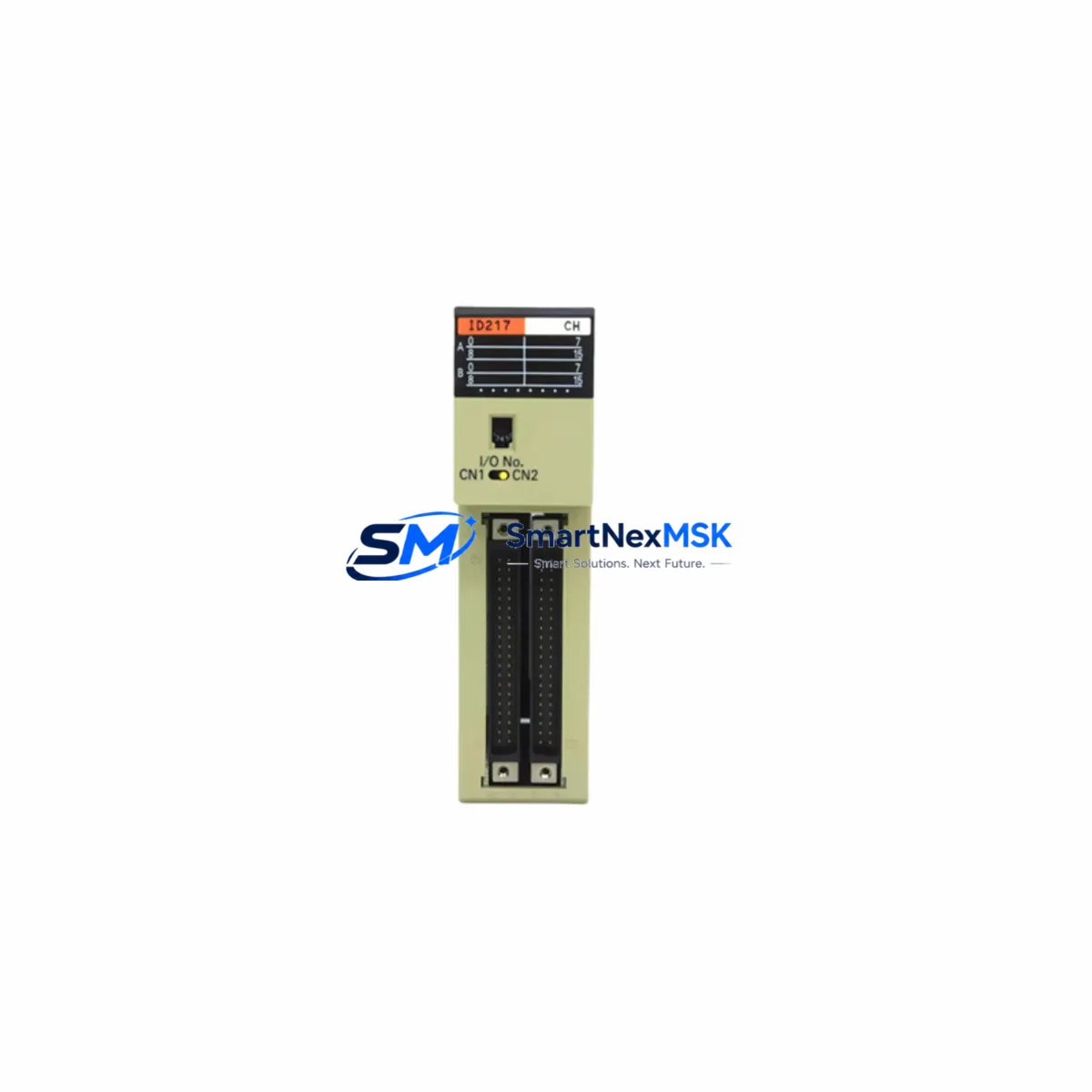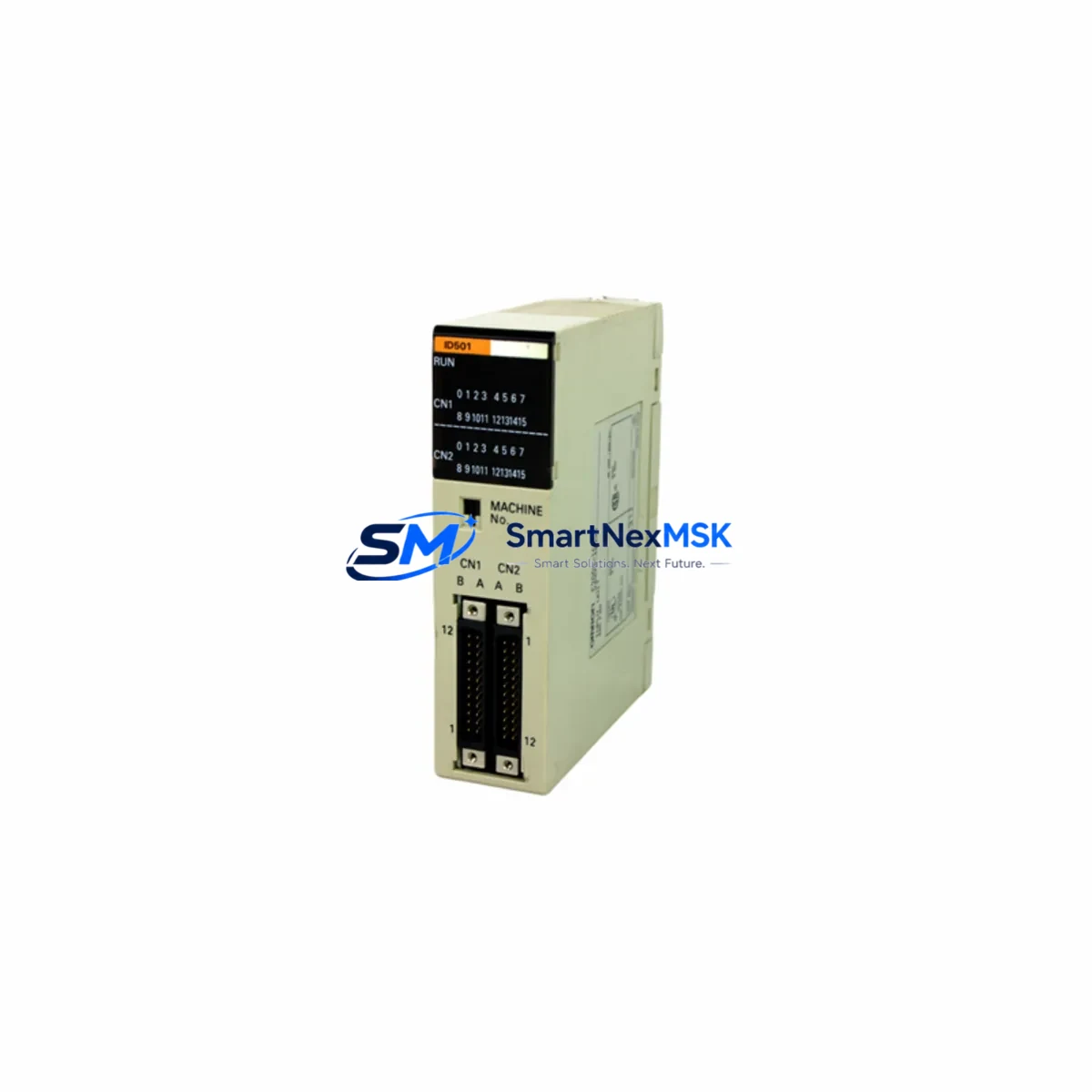
OMRON C200H-ID501 Retrofit-Ready DC Input Module for SYSMAC C200H Control Systems
The OMRON C200H-ID501 is a 32-point DC input module engineered for the SYSMAC C200H programmable logic controller platform. As legacy C200H systems approach end-of-life and original spare parts become increasingly scarce, the C200H-ID501 remains one of the most sought-after retrofit components for engineers tasked with sustaining aging production lines, upgrading control cabinets, and migrating I/O infrastructure without full system replacement. This module provides a direct, drop-in solution for facilities that need to extend the operational life of their SYSMAC C200H installations while maintaining full compatibility with existing field wiring, backplane slots, and ladder logic programs.
Sourced from verified supply channels and subject to pre-shipment functional testing, each C200H-ID501 unit shipped by SMARTNEXMSK is backed by a 12-month warranty covering manufacturing defects and operational failures under normal industrial conditions. Fast global dispatch and documented traceability make this module a reliable choice for MRO procurement teams, system integrators, and plant maintenance engineers worldwide.
Upgrade Compatibility Table
| Parameter | C200H-ID501 Specification | Retrofit Notes |
|---|---|---|
| Input Points | 32 points (DC) | Direct replacement for existing 32-pt DC input slots |
| Input Voltage | 24 VDC | Verify field wiring voltage before installation |
| Backplane Interface | C200H-series backplane connector | Compatible with C200H-BC051, C200H-BC081, C200H-BC101 racks |
| Installation | Slide-in module, no tools required | Confirm slot address assignment in CPU configuration |
| Communication | Internal C200H backplane bus | No protocol migration required for same-series replacement |
| Replacement Path | Direct drop-in for C200H-ID501 | Also compatible as upgrade from C200H-ID211 (16-pt) with wiring expansion |
| Commissioning | Address setting via rotary switch | Match original module address; verify in CX-Programmer or SYSMAC Support Software |
| Warranty | 12 Months | Covers manufacturing defects under normal operating conditions |
Retrofit Planning for Existing Automation Systems
Successful integration of the C200H-ID501 into a legacy control system begins well before the module arrives on-site. Engineers should start by auditing the existing C200H rack configuration, identifying the backplane model — typically a C200H-BC051, C200H-BC081, or C200H-BC101 — and confirming available slot positions. The C200H CPU unit, whether a C200H-CPU01-E, C200H-CPU03-E, or C200H-CPU11-E variant, must be cross-referenced against the I/O table to ensure the replacement module’s address does not conflict with other installed units such as the C200H-OD501 output module or C200H-AD001 analog input module.
Terminal wiring is a critical checkpoint. The C200H-ID501 uses a 40-pin connector block, and field cables should be labeled and photographed before disconnection. Where original terminal blocks have aged or corroded, replacement with compatible C200H-series terminal units is advisable. Engineers should also verify that the 24 VDC supply feeding the input commons is within specification — a C200H-PRO27-E or equivalent power supply unit should be load-tested before the new module is energized.
For facilities running SYSMAC Support Software or CX-Programmer, the I/O table must be updated to reflect the new module’s slot assignment. If the replacement is a like-for-like swap, no program changes are required; however, if the C200H-ID501 is replacing a 16-point module such as the C200H-ID211, the ladder logic must be revised to accommodate the expanded input address range. HMI screens connected via a C200H-series link adapter or a dedicated OMRON NT-series HMI panel should be reviewed to confirm that input bit addresses displayed on operator screens remain consistent after the swap.
Where the retrofit involves communication link upgrades — for example, migrating from a C200H-LK201 Host Link unit to a C200H-ETN21 Ethernet unit — the I/O module replacement should be sequenced after the communication layer is stabilized to avoid compounding commissioning variables. Similarly, if the control cabinet includes a C200H-RM201 remote I/O master unit managing distributed I/O nodes, the node address map should be verified before powering up the retrofitted rack.
Downtime Control During System Migration
Minimizing unplanned downtime is the primary operational concern when replacing I/O modules in a live production environment. The recommended approach is to pre-stage the C200H-ID501 replacement unit in a bench test environment, using a spare C200H rack and power supply to verify module functionality and input response before the scheduled maintenance window. This pre-commissioning step eliminates the risk of receiving a non-functional unit and discovering the fault only after the production line has been taken offline.
During the maintenance window, the original ladder program should be backed up from the C200H CPU using CX-Programmer or SYSMAC Support Software before any hardware is disturbed. The backup should be stored on a local engineering workstation and a secondary removable medium. Once the C200H-ID501 is installed and the terminal wiring reconnected, a forced I/O test should be performed point-by-point to confirm that all 32 input channels respond correctly before the CPU is switched to RUN mode.
Where continuous process control is required and a cold swap is not acceptable, a parallel wiring strategy — temporarily routing critical input signals to a secondary I/O module or a portable I/O tester — can maintain field signal monitoring during the hardware exchange. After the new module is confirmed operational, the parallel wiring is removed and the system is returned to normal operation. This approach is particularly effective in applications where the C200H-ID501 monitors safety-critical inputs such as emergency stop circuits, limit switches, or pressure sensor signals that must not be interrupted during the swap.
Retrofit Support FAQ
Q1: Is the C200H-ID501 a direct replacement for the original OMRON module?
Yes. The C200H-ID501 supplied by SMARTNEXMSK is functionally equivalent to the original OMRON production unit. It uses the same backplane connector, the same 40-pin field wiring interface, and the same 24 VDC input circuit design. No program modifications are required for a like-for-like replacement in an existing C200H rack.
Q2: What commissioning steps are required after installation?
After seating the module in the rack and reconnecting field wiring, set the module address using the rotary switch to match the original unit’s address. Power up the rack and use CX-Programmer or SYSMAC Support Software to verify that the I/O table reflects the module correctly. Perform a forced I/O test on all 32 input channels before returning the CPU to RUN mode. Confirm HMI bit address displays are consistent with pre-retrofit states.
Q3: Can the C200H-ID501 be used to replace a 16-point input module such as the C200H-ID211?
Yes, but this requires ladder program revision to accommodate the expanded 32-point input address range. Field wiring must also be extended to utilize the additional 16 input channels. The backplane slot footprint is identical, so no mechanical modification is required. SMARTNEXMSK recommends completing program and wiring changes in a test environment before deploying to the production rack.
Q4: What does the 12-month warranty cover, and how is it claimed?
The 12-month warranty covers manufacturing defects and operational failures under normal industrial operating conditions. It does not cover damage resulting from incorrect installation, overvoltage, or physical impact. To initiate a warranty claim, contact SMARTNEXMSK with the order reference number and a description of the fault. Replacement or repair will be arranged within the warranty period at no additional cost to the buyer.
© 2026 SMARTNEXMSK. All rights reserved.
Original Source: https://smartnexmsk.com
Contact: [email protected] | +86 18259474341