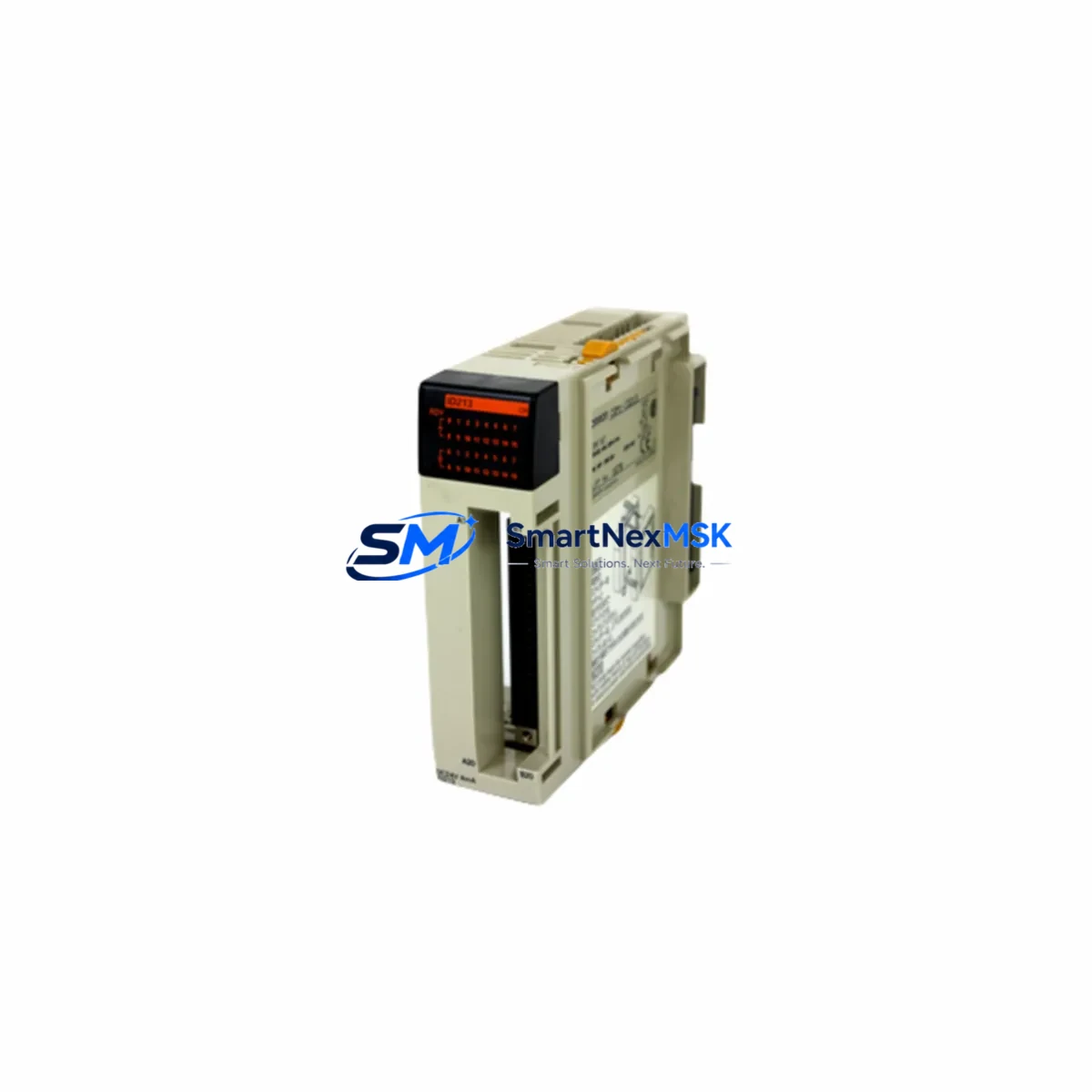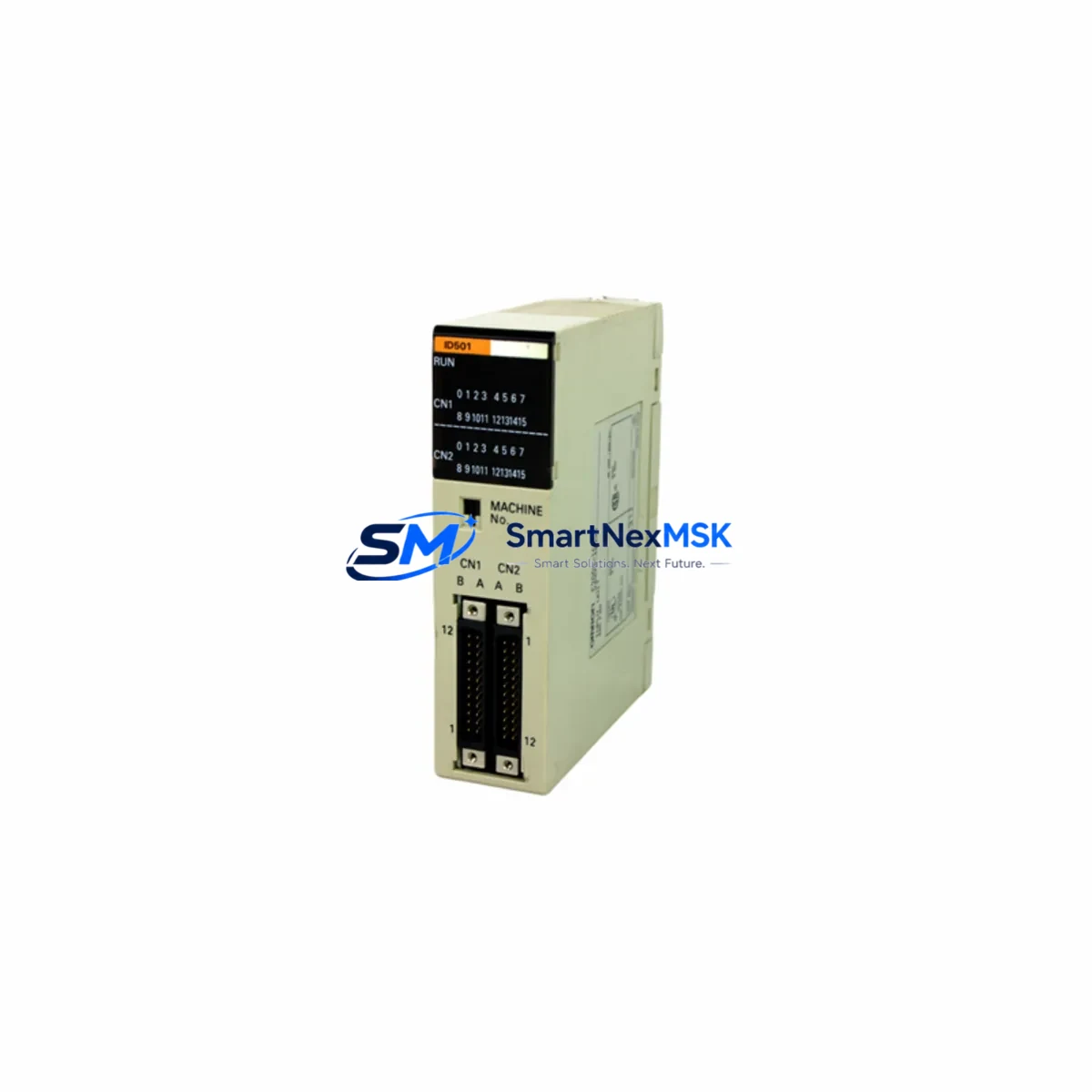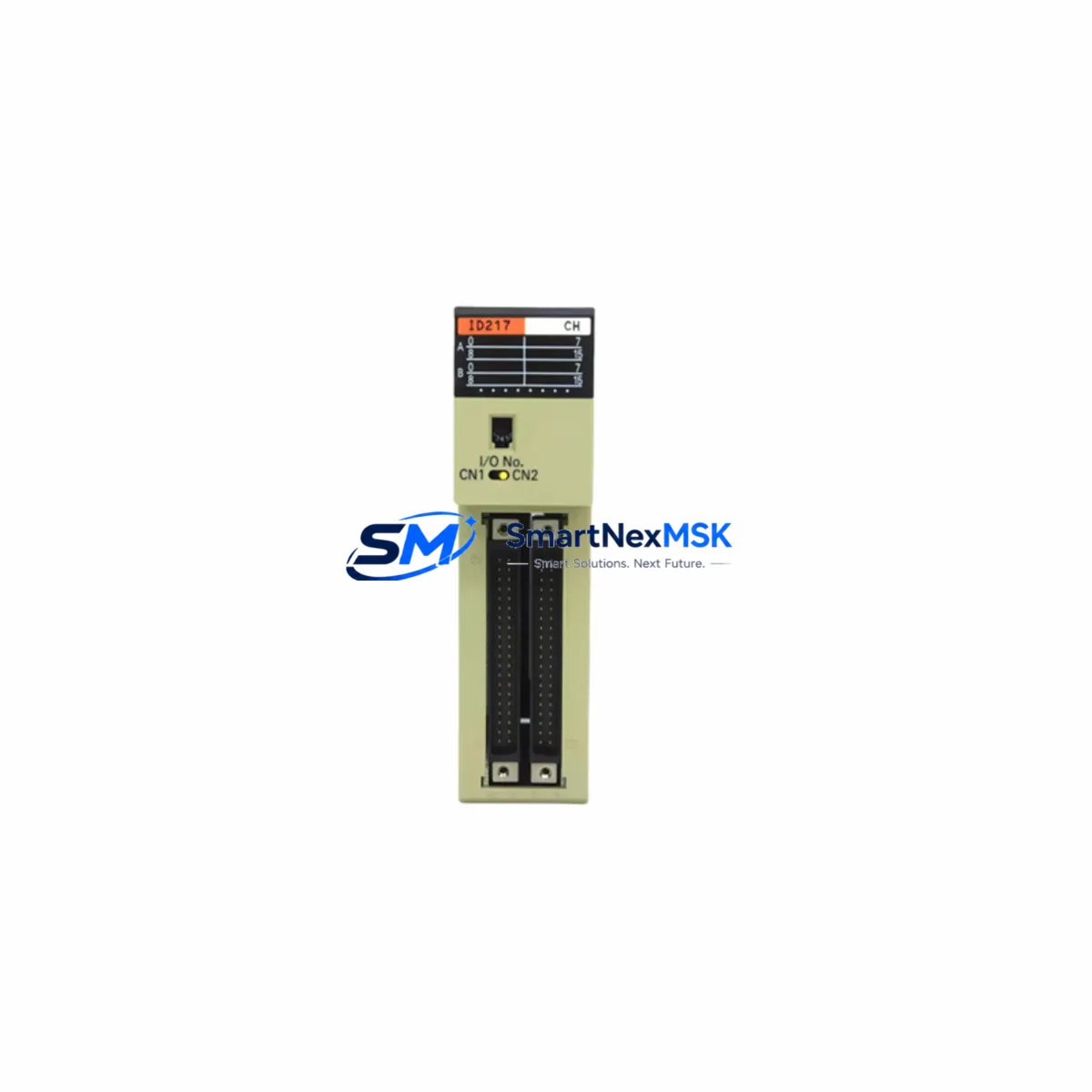
OMRON C200H-ID217 Retrofit-Ready DC Input Module: Compatible Upgrade for C200H Series Control Systems
The OMRON C200H-ID217 is a 32-point DC digital input module designed for the OMRON C200H Series programmable logic controller platform. As legacy C200H systems approach end-of-life and original spare parts become increasingly scarce, the C200H-ID217 remains one of the most sought-after retrofit components for engineers tasked with sustaining aging production lines, upgrading control cabinets, or executing a phased migration to modern automation architectures. Every unit we supply is sourced from verified channels, functionally tested prior to dispatch, and covered by a 12-month warranty.
Upgrade Compatibility Table
| Parameter | C200H-ID217 Specification | Retrofit Notes |
|---|---|---|
| Input Points | 32 points (DC) | Verify backplane slot width; occupies one standard C200H slot |
| Input Voltage | 24 VDC | Confirm field wiring voltage matches; no rewiring required for like-for-like swap |
| Connector Type | 40-pin MIL connector | Compatible with existing C200H terminal blocks and wiring harnesses |
| Backplane Interface | C200H CPU/Expansion Backplane | Fits C200H-BC051, C200H-BC081, C200H-BC101 racks |
| Module Address | Set via backplane slot position | No DIP switch change required for direct slot replacement |
| Communication Compatibility | C200H CPU bus | Compatible with C200H-CPU01, CPU03, CPU11, CPU21, CPU23, CPU31, CPU43 |
| Program Compatibility | Ladder logic I/O addresses preserved | No program modification needed for direct replacement |
| HMI Screen Impact | None for direct replacement | I/O tag addresses unchanged; NS-series and NT-series HMI screens unaffected |
| Pre-shipment Test | Full functional test performed | Each module tested under load before dispatch |
| Warranty | 12 Months | Covers manufacturing defects and functional failure under normal operating conditions |
Retrofit Planning for Existing Automation Systems
Replacing the C200H-ID217 in an operational facility requires careful coordination across multiple system layers. Before removing the existing module, engineers should document the current I/O allocation table from the C200H-CPU and cross-reference it against the field wiring schedule. The 40-pin connector and associated terminal block assembly should be inspected for corrosion or mechanical wear — particularly in environments with high humidity or chemical exposure — before reuse with the replacement module.
Power budget verification is a critical pre-installation step. The C200H-PA204 or C200H-PA209 power supply units feeding the backplane must have sufficient residual capacity to support the C200H-ID217’s current draw alongside other installed modules such as the C200H-OD218 output module, C200H-AD003 analog input module, or any C200H-LK201 host link communication module occupying adjacent slots. Overloading the power supply is a common cause of intermittent faults during retrofit projects.
For systems incorporating the C200H-SLK21 SYSMAC LINK module or C200H-CLK21 Controller Link module for peer-to-peer network communication, the retrofit plan must confirm that the node address and data link table configuration remain intact after the module swap. In distributed I/O configurations using C200H-RM201 remote I/O master modules, the slave unit addressing must also be verified to prevent address conflicts after the replacement.
Where the control system interfaces with an NS5, NS8, or NS10 series HMI via the C200H CPU’s peripheral port or RS-232C port, screen tag bindings should be audited before and after the swap to confirm that input status displays continue to reflect accurate field conditions. In systems using a C200H-PRO27 programming console or CX-Programmer software for online monitoring, the replacement module’s I/O status can be verified in real time during commissioning without interrupting the CPU scan cycle.
For facilities planning a longer-term migration from the C200H platform to the CJ2M or CP1H series, the C200H-ID217 serves as a cost-effective bridge component — maintaining production continuity while the migration roadmap is finalized, budgeted, and staged across planned maintenance windows.
Downtime Control During System Migration
Minimizing unplanned downtime during a C200H-ID217 replacement begins with pre-staging the replacement module and all associated tools before the maintenance window opens. A full backup of the CPU program — including I/O comments, symbol tables, and data memory — should be saved to a CF card or PC via CX-Programmer before any hardware is disturbed. This ensures that if an unexpected fault occurs during the swap, the original program logic can be restored within minutes rather than hours.
The recommended procedure is a hot-standby approach where feasible: with the CPU in MONITOR mode, the field wiring connector is transferred to the new C200H-ID217 while the CPU continues scanning. Input status should be verified channel by channel using the I/O monitor function in CX-Programmer or the C200H-PRO27 console before returning the system to RUN mode. This approach eliminates the need for a full system restart and preserves control continuity for outputs driven by the affected input channels.
For multi-rack systems using C200H expansion backplanes connected via C200H-CE001 or C200H-CE012 expansion cables, the replacement sequence should start from the expansion rack furthest from the CPU rack to minimize the risk of cascading I/O errors during the transition. Each rack should be verified independently before proceeding to the next stage of the retrofit.
Retrofit Support FAQ
Q: Is the C200H-ID217 a direct drop-in replacement for all C200H Series input modules?
A: The C200H-ID217 is a 32-point 24VDC input module and is a direct replacement for units of the same specification. It is not interchangeable with AC input variants such as the C200H-ID212 or with modules of different point counts. Always verify the original module’s part number and input voltage rating before ordering.
Q: Do I need to modify my ladder program after installing the C200H-ID217?
A: No program modification is required for a like-for-like slot replacement. The module’s I/O addresses are determined by its backplane slot position, which remains unchanged. If the module is installed in a different slot, I/O addresses will shift and the program must be updated accordingly.
Q: What pre-shipment testing is performed on each unit?
A: Every C200H-ID217 we supply undergoes a full functional test under operating voltage prior to dispatch. Test records are available upon request. All units are covered by a 12-month warranty against manufacturing defects and functional failure under normal operating conditions.
Q: Can this module be used in a C200HS or C200HX/HG/HE system?
A: The C200H-ID217 is designed for the standard C200H backplane architecture. Compatibility with C200HS, C200HX, C200HG, and C200HE systems depends on the specific CPU and backplane configuration. Please contact our technical team with your full system configuration for a compatibility assessment before ordering.
© 2026 SMARTNEXMSK. All rights reserved.
Original Source: https://smartnexmsk.com
Contact: [email protected] | +86 18259474341