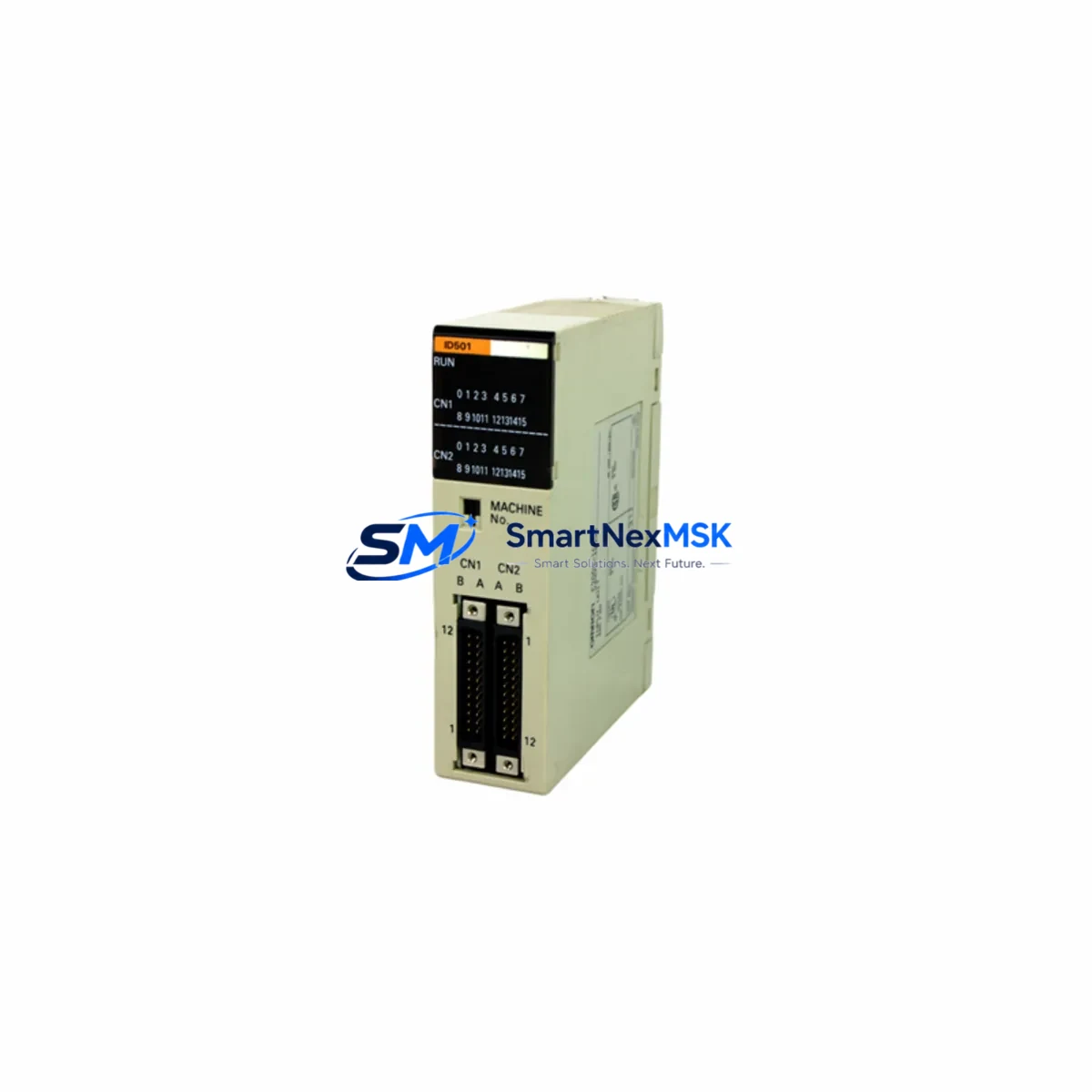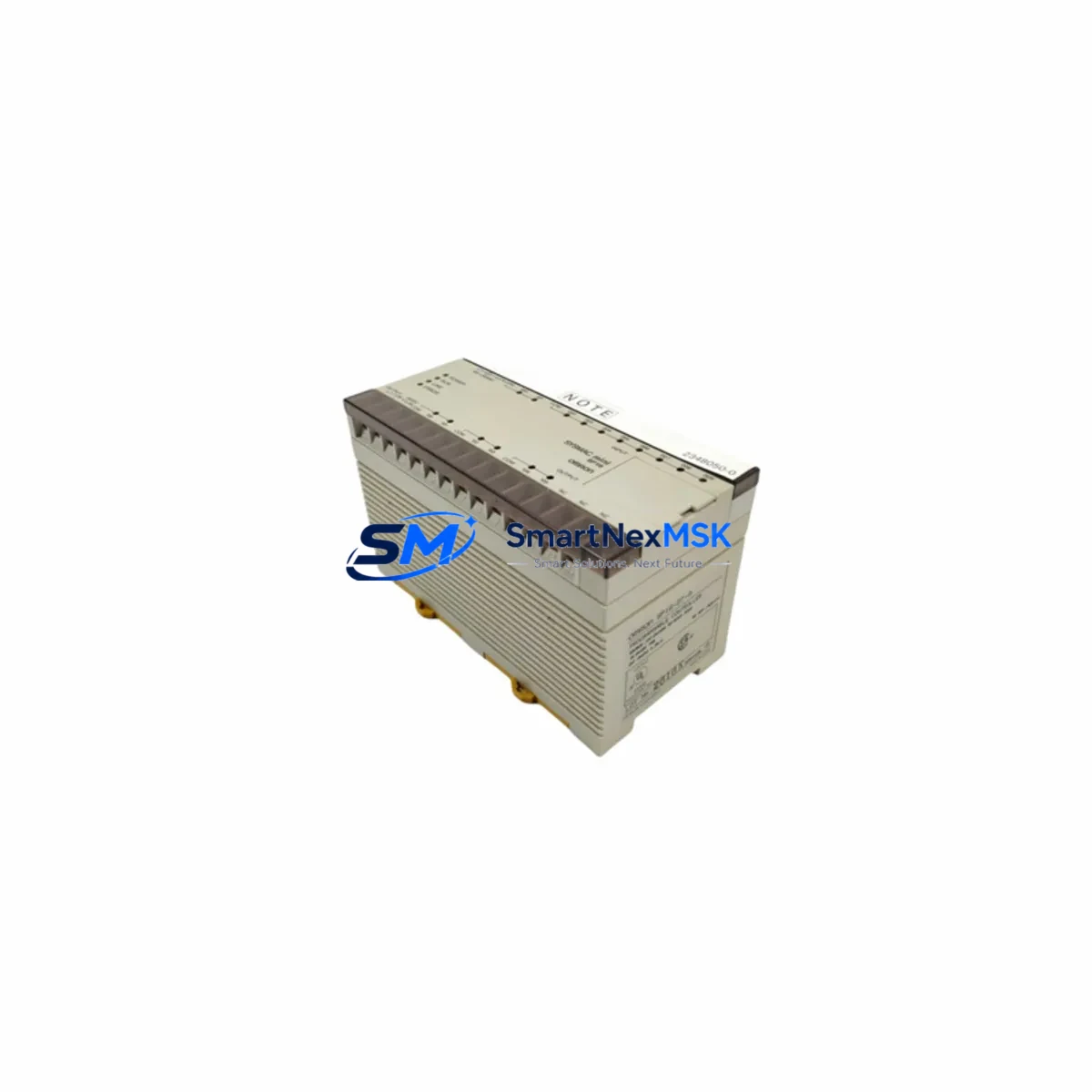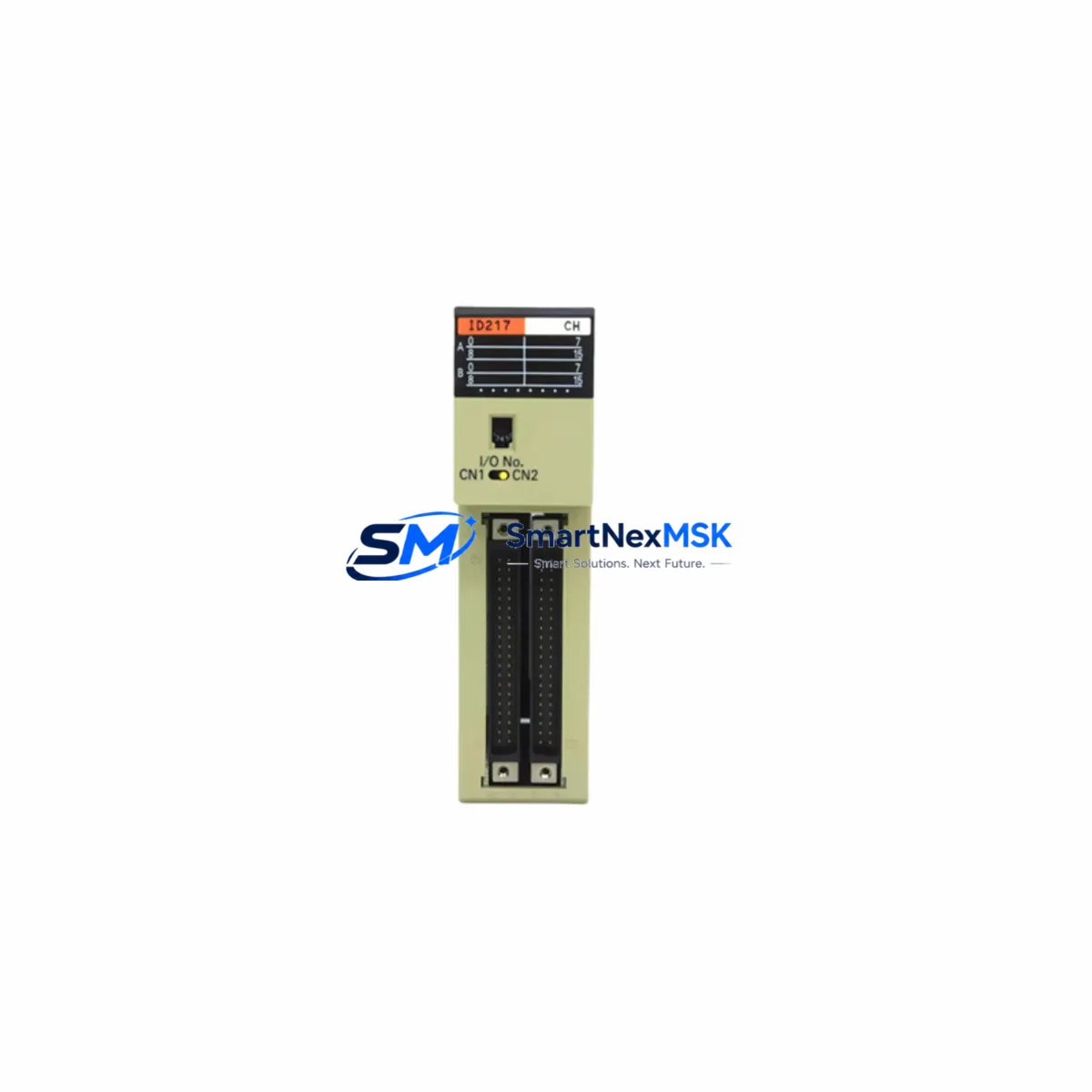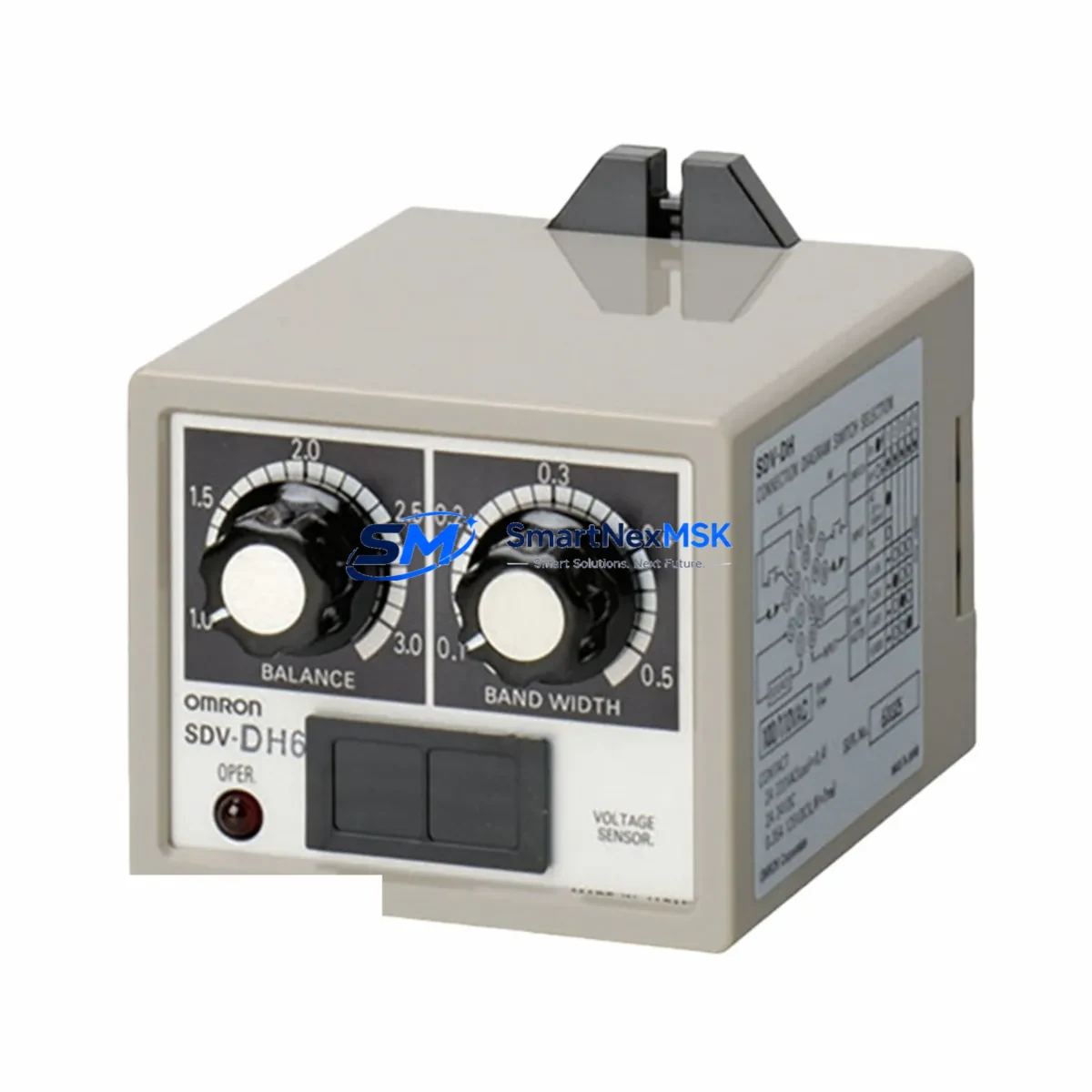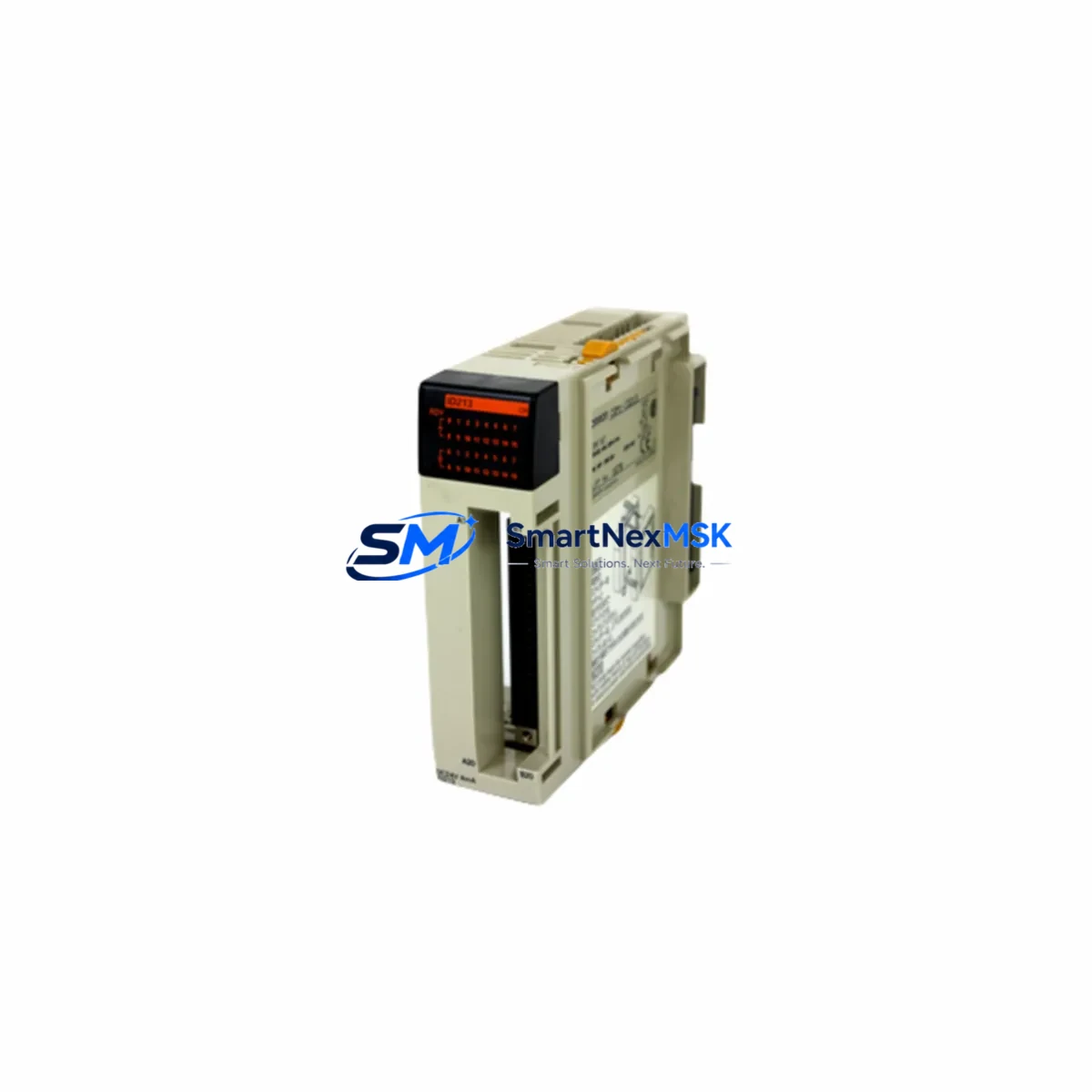
OMRON CQM1-ID213 Maintenance-Ready Spare for CQM1 Automation
The OMRON CQM1-ID213 is a 16-point 24VDC DC input module designed for the OMRON CQM1 programmable logic controller series. As a critical I/O component in discrete control architectures, this module handles field-level digital signal acquisition from sensors, limit switches, push buttons, and proximity detectors. When this module fails or degrades, the entire control loop it serves goes blind — making a verified, ready-to-ship spare unit an essential element of any industrial maintenance strategy.
For maintenance engineers managing aging CQM1-based control systems, the CQM1-ID213 represents one of the highest-priority spare parts to stock. Its 16-point input capacity means a single module failure can simultaneously disable an entire zone of field sensing, triggering unplanned downtime across conveyor lines, packaging machines, assembly stations, or process control panels. Sourcing a tested, original-specification replacement unit — rather than waiting on standard procurement lead times — is the difference between a two-hour recovery and a two-day shutdown.
Procurement engineers evaluating spare parts budgets should note that the CQM1-ID213 is a long-lifecycle module with broad installed-base penetration across Asian and European manufacturing facilities. Stocking one or two units per control cabinet cluster is a widely adopted practice in facilities running OMRON CQM1 systems beyond their original design life. The module’s straightforward backplane-slot installation and DIP-switch-free configuration make field replacement achievable by a single technician without specialist tooling.
Spare Maintenance Table
| Parameter | Specification |
|---|---|
| Part Number / SKU | CQM1-ID213 |
| Brand | OMRON |
| Series | CQM1 |
| Module Type | DC Input Module |
| Number of Input Points | 16 Points |
| Input Voltage | 24 VDC |
| Input Current (per point) | Approx. 7 mA at 24 VDC |
| ON Voltage Threshold | 14.4 VDC min. |
| OFF Voltage Threshold | 5.0 VDC max. |
| Isolation Method | Photocoupler (optical isolation) |
| Response Time | 1 ms (ON/OFF) |
| Connector Type | Screw terminal block (field wiring) |
| Backplane Compatibility | CQM1 CPU rack / expansion rack |
| Operating Temperature | 0°C to 55°C |
| Storage Temperature | -20°C to 75°C |
| Humidity | 10% to 90% RH (non-condensing) |
| Country of Origin | Japan |
| Warranty | 12 Months |
| Condition | Original, New or Tested Surplus |
| Shipping | Inspected and tested before dispatch |
Maintenance Planning for Continuous Operation
When replacing the CQM1-ID213 during a scheduled or emergency maintenance event, experienced maintenance engineers treat the module swap as an opportunity to audit the surrounding electrical environment. A failed or degraded input module rarely exists in isolation — the root cause is often upstream in the field wiring, power distribution, or signal conditioning chain.
Begin by verifying the 24VDC supply rail feeding the input module. The CQM1-PA206 or CQM1-PA216 power supply units are the standard sources in CQM1 racks; check output voltage under load and inspect for ripple or voltage sag that may have stressed the input module over time. If the power supply is original-vintage hardware, consider stocking a replacement unit alongside the CQM1-ID213.
Inspect the CQM1 CPU module (such as the CQM1-CPU43-EV1 or CQM1-CPU44-EV1) for error flags, memory battery status, and communication health before assuming the input module alone is at fault. A corrupted I/O table or watchdog fault in the CPU can mimic input module failure symptoms.
Review the field wiring at the terminal block. Loose screw terminals, corroded conductors, or undersized wire gauge are common causes of intermittent input faults that eventually damage the module’s photocoupler circuits. Torque all terminals to specification and apply dielectric grease where moisture ingress is a risk.
If the CQM1 system uses expansion racks connected via CQM1-IC101 or CQM1-IC201 I/O connecting cables, inspect these cables for physical damage, connector seating, and continuity. A degraded I/O cable can cause sporadic input errors across multiple modules simultaneously.
For systems with mixed I/O, also check adjacent CQM1-OD213 or CQM1-OD212 output modules in the same rack. Output modules driving inductive loads without adequate surge suppression can inject noise back into the 24VDC common, affecting input module signal integrity. Install RC snubbers or flyback diodes at inductive field devices if not already present.
Where the CQM1 system interfaces with operator panels, verify the CQM1-SRM21-V1 CompoBus/S master or any NT-series HMI communication link remains stable after the module replacement. A module swap that disturbs the rack configuration may require a PLC restart and I/O table re-verification before the HMI displays correct field status.
For facilities using signal isolators between field sensors and PLC inputs — particularly in environments with long cable runs or high electrical noise — inspect the isolator output voltage and response time to confirm compatibility with the CQM1-ID213’s input thresholds. Mismatched isolator output levels are a frequent source of unreliable input readings after module replacement.
Finally, update the maintenance log with the replacement date, module serial number, and any field wiring corrections made during the intervention. This record supports future predictive maintenance scheduling and helps justify spare parts inventory levels to plant management.
Site Replacement Workflow
Step 1 — Isolate and de-energize. Switch the CQM1 CPU to PROGRAM mode via the front-panel key switch or programming console. Confirm all controlled outputs are in a safe state before proceeding. De-energize the 24VDC field supply to the input module’s terminal block.
Step 2 — Document current wiring. Photograph or sketch the terminal block wiring before disconnection. Label each wire with its input point number. This step is critical in older installations where as-built drawings may not reflect field modifications.
Step 3 — Remove the faulty module. Loosen the terminal block screws and disconnect field wiring. Release the module’s backplane locking lever and slide the CQM1-ID213 out of its slot. Note the slot position for reinstallation of the replacement unit.
Step 4 — Inspect the backplane connector. Check the backplane connector pins for corrosion, bent contacts, or debris. Clean with isopropyl alcohol if necessary before inserting the replacement module.
Step 5 — Install the replacement CQM1-ID213. Seat the new module firmly into the same backplane slot. Reconnect field wiring per the documented layout, torquing terminal screws to the specified value (typically 0.5–0.6 N·m for CQM1 terminal blocks).
Step 6 — Power-up and verify. Restore 24VDC field supply. Switch the CPU to RUN mode. Verify each input point illuminates correctly against known field device states. Use the programming console or CX-Programmer to force-test individual inputs if field devices cannot be manually actuated.
Step 7 — Clear error history and resume production. Clear any I/O error flags in the CPU error log. Confirm the HMI displays correct system status. Document the completed replacement in the maintenance management system before returning the line to production.
This workflow is applicable whether replacing a failed module on an emergency basis or performing a proactive swap during planned downtime. The CQM1-ID213’s plug-in backplane design supports hot-swap-free replacement in under 30 minutes for a prepared technician, minimizing production impact.
Spare Parts Support FAQ
Q1: Is the CQM1-ID213 still available as a new original part, and what is the expected supply continuity?
The CQM1 series has reached end-of-active-production status from OMRON, but original new and tested surplus units remain available through specialist industrial automation spare parts suppliers. We maintain stock specifically to support facilities extending the operational life of CQM1-based systems. Each unit is inspected and function-tested before shipment, and covered by a 12-month warranty against defects in materials and workmanship.
Q2: How do I verify compatibility before installing the replacement module?
The CQM1-ID213 is compatible with all CQM1 CPU racks and expansion racks that accept standard CQM1 I/O modules. Confirm your rack model (CQM1-BC051, CQM1-BC081, CQM1-BC101, or CQM1-BC031) supports the slot count required. No firmware or software configuration changes are needed — the CPU automatically recognizes the module type at power-up. If your system uses a CQM1H CPU, verify I/O module cross-compatibility with your specific CPU variant before ordering.
Q3: What pre-shipment testing is performed on each CQM1-ID213 unit?
Every CQM1-ID213 unit we ship undergoes point-by-point input channel verification using a calibrated 24VDC test fixture, visual inspection of the PCB and terminal block, and backplane connector integrity check. Units that do not pass all test criteria are not shipped. A test report is available upon request for quality-critical applications.
Q4: What is the recommended spare parts stocking strategy for CQM1 systems?
For facilities operating three or more CQM1 racks, we recommend maintaining a minimum of two CQM1-ID213 units on-site alongside one CQM1-OD213 output module and one power supply unit. For single-rack installations, one input module spare is typically sufficient. Spare parts should be stored in anti-static packaging in a temperature-controlled environment and rotated into service within five years of procurement to ensure optimal reliability.
—
© 2026 SMARTNEXMSK. All rights reserved.
Original Source: https://smartnexmsk.com
Contact: [email protected] | +86 18259474341