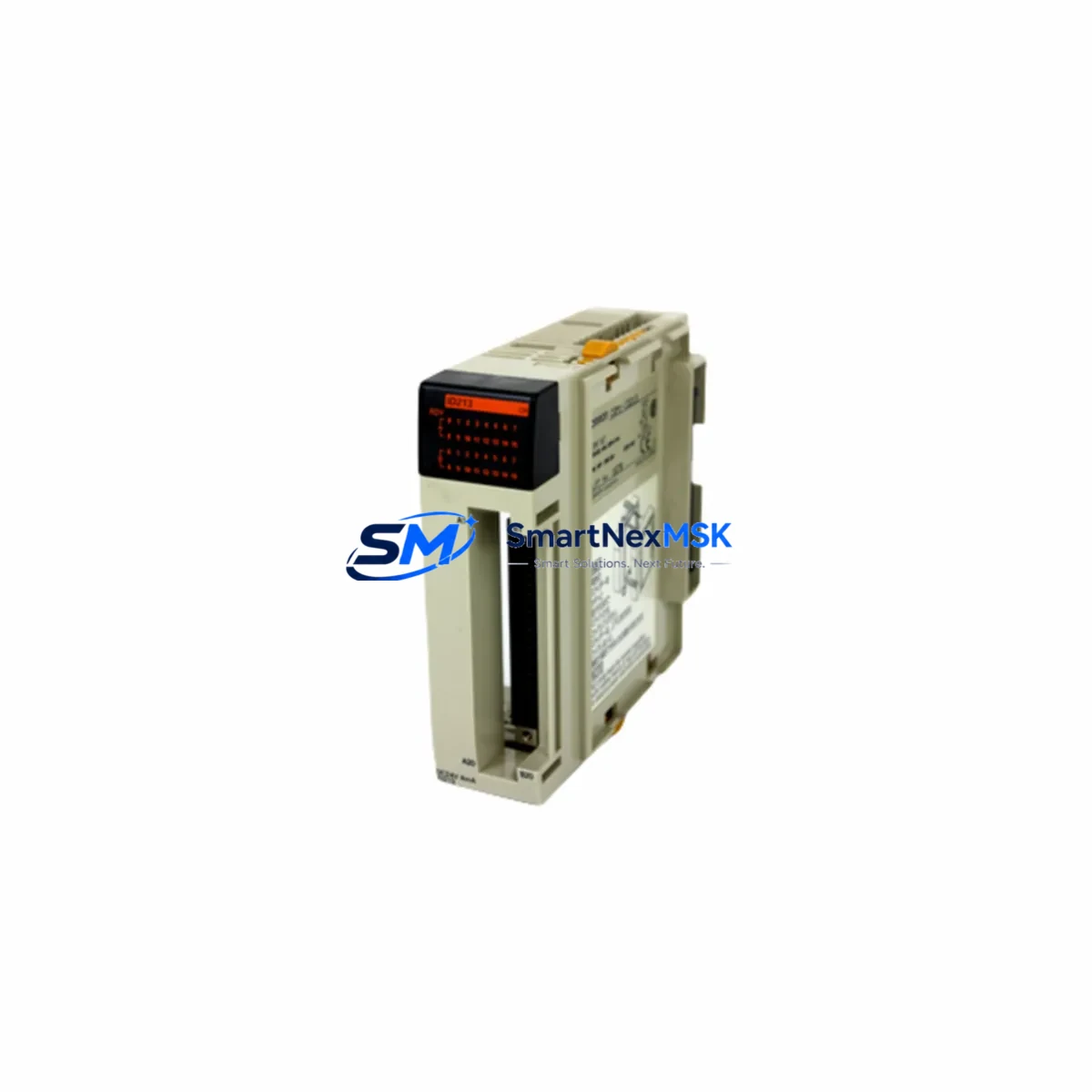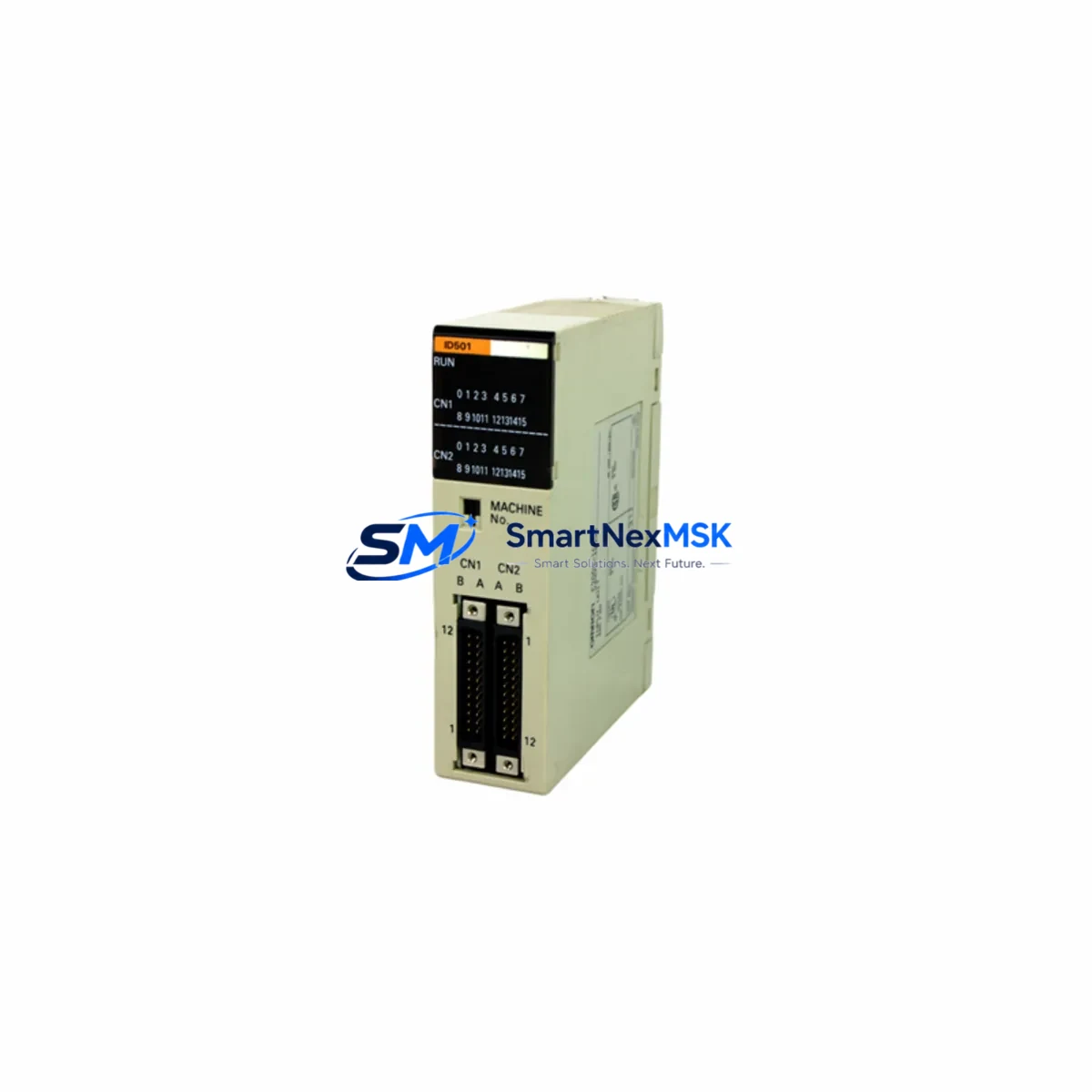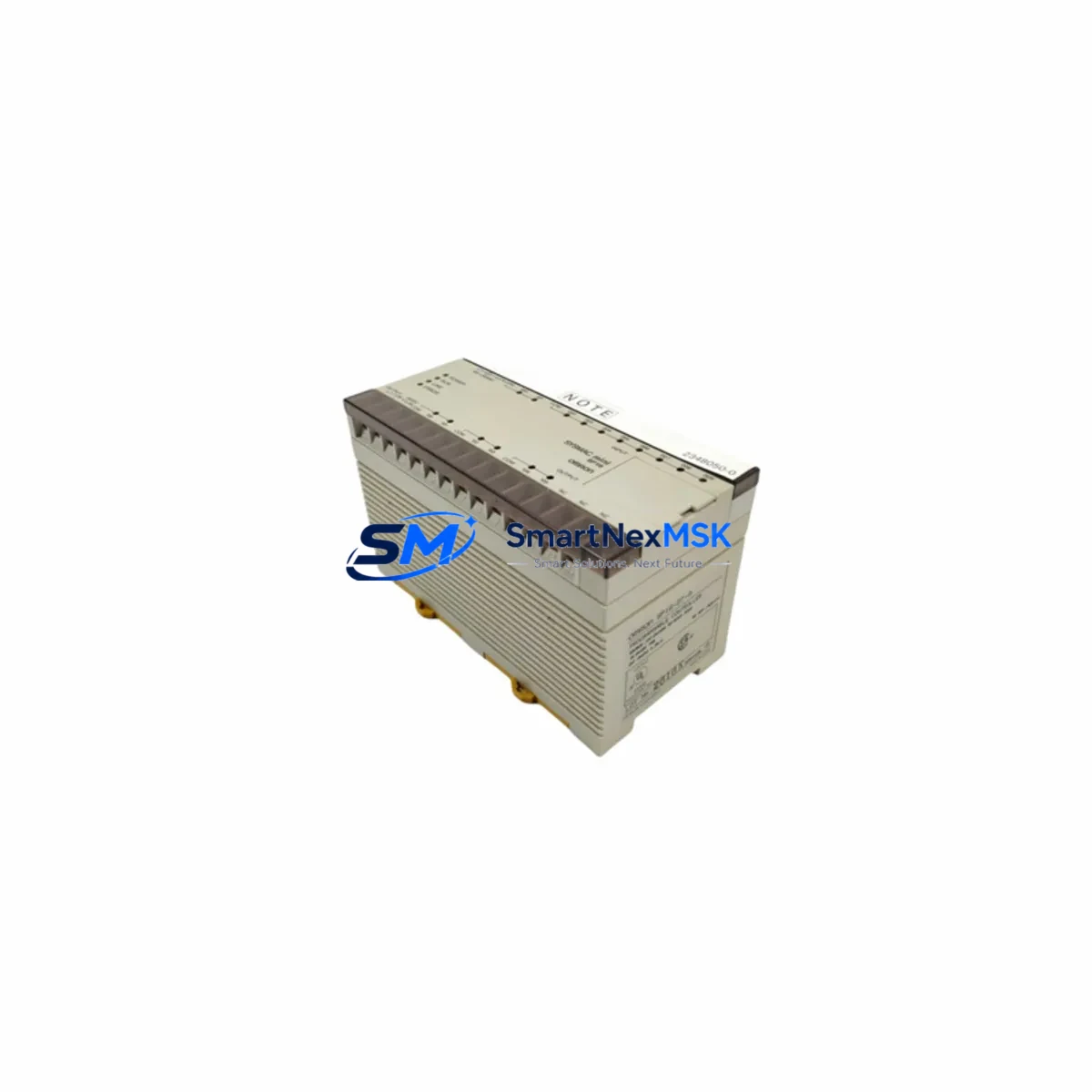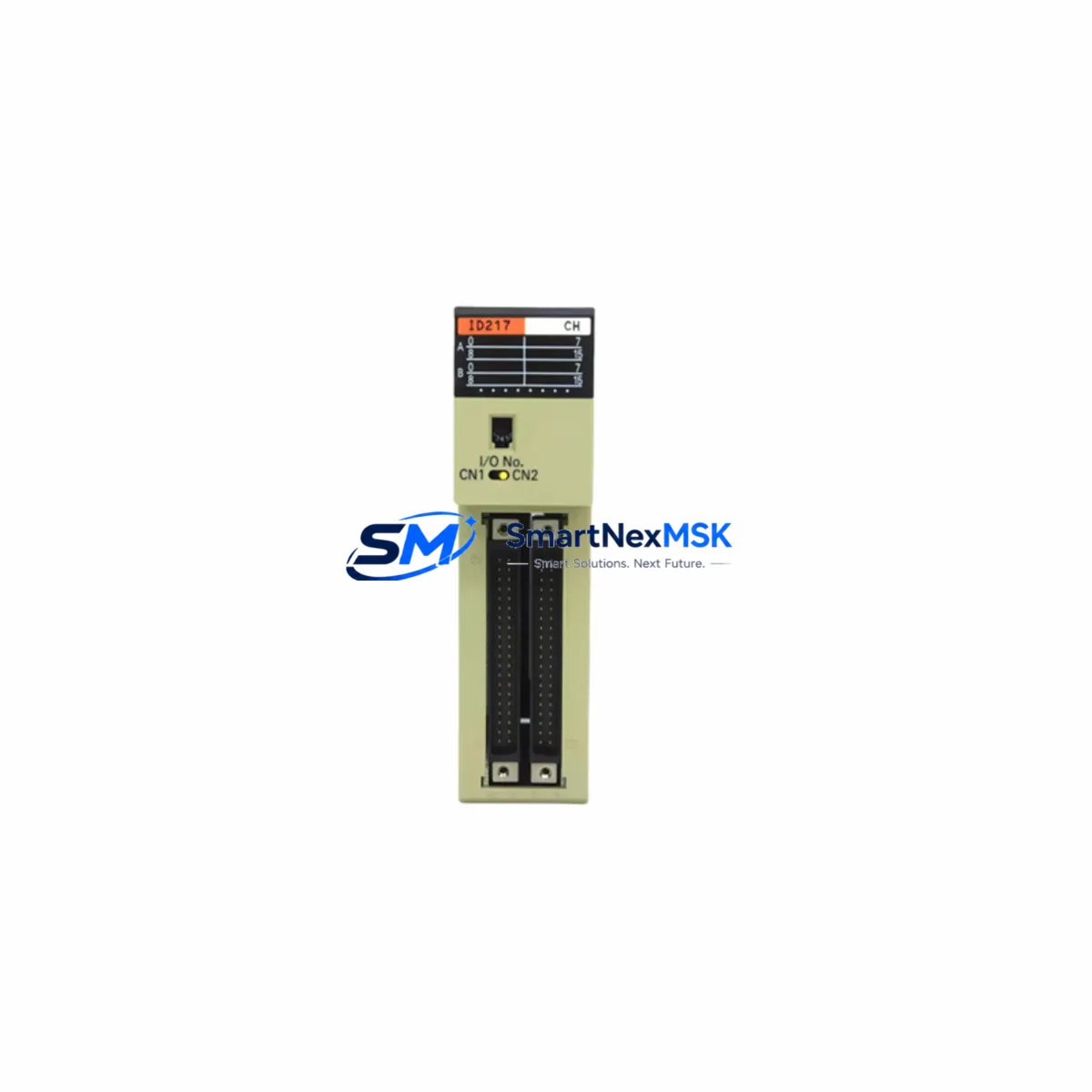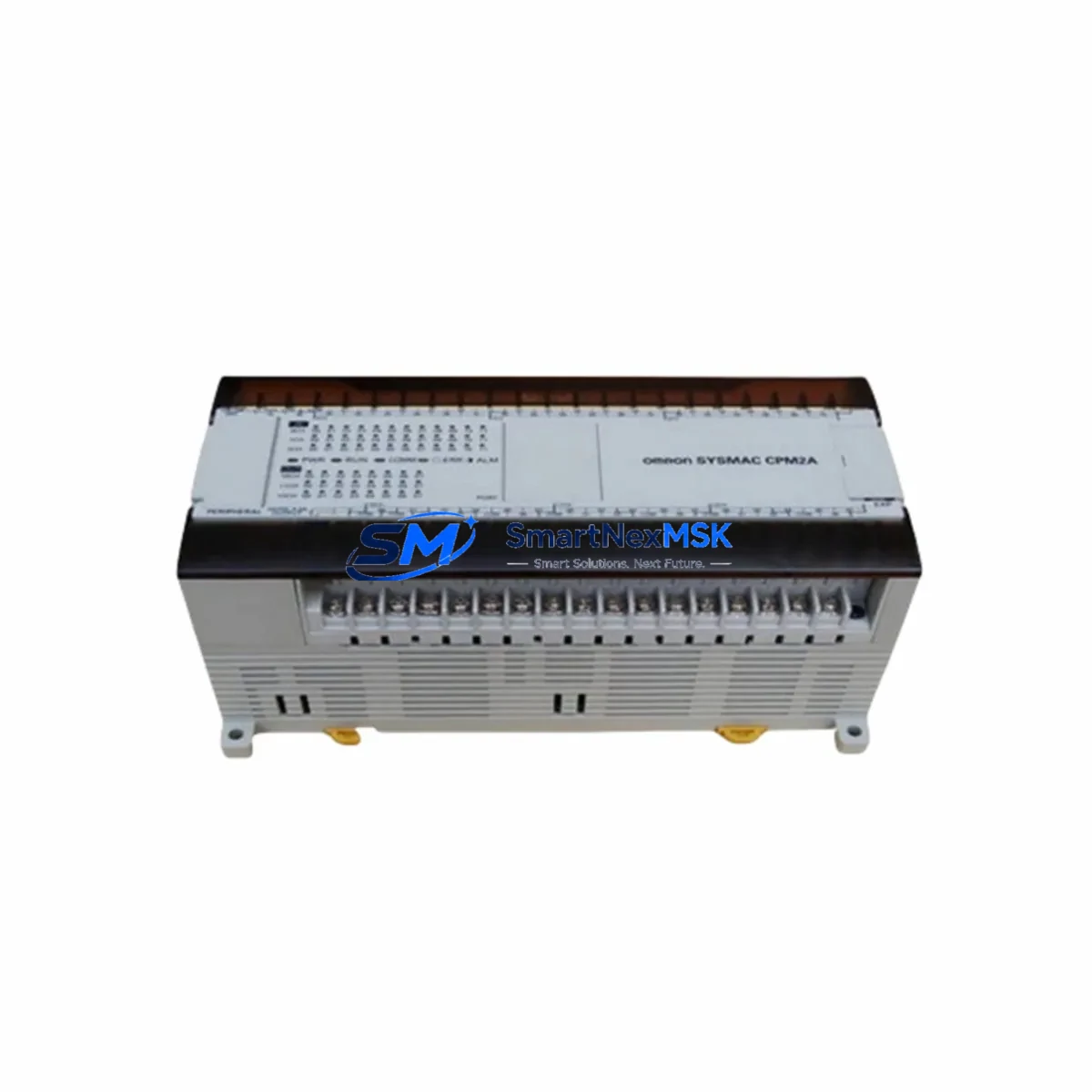
OMRON CPM2AE-60CDR-A Retrofit-Ready PLC for CPM2A Control Systems
The OMRON CPM2AE-60CDR-A is a compact, high-reliability programmable logic controller engineered for seamless integration into existing CPM2A-series control architectures. With 60 I/O points, relay output configuration, and AC power supply, this unit is purpose-built for industrial environments where legacy system continuity, minimal downtime, and verified compatibility are non-negotiable. Whether you are replacing a discontinued CPM2A unit, upgrading an aging control cabinet, or restoring a production line after an unplanned failure, the CPM2AE-60CDR-A delivers a proven, drop-in retrofit path backed by a 12-month warranty.
Upgrade Compatibility Table
| Parameter | CPM2AE-60CDR-A (This Unit) | Retrofit Notes |
|---|---|---|
| I/O Points | 60 (36 IN / 24 OUT) | Direct replacement for CPM2A-60CDR-A; verify field wiring terminal mapping |
| Output Type | Relay | Compatible with existing relay-output wiring; no driver circuit changes required |
| Power Supply | AC 100–240 V | Confirm panel supply voltage before installation; check CPM2A-MAD11 expansion power budget |
| Communication | RS-232C (peripheral port) | Compatible with CX-Programmer via CS1W-CN226 or CS1W-CN626 cable; verify COM port settings |
| Program Memory | 4K steps | Upload existing CPM2A ladder program via CX-Programmer; confirm no instruction set conflicts |
| Expansion Units | Up to 3 expansion I/O units | Compatible with CPM1A-series expansion modules; verify backplane slot addressing |
| Installation | DIN rail / panel mount | Same footprint as CPM2A-60CDR-A; no panel cutout modification required |
| Warranty | 12-Month Warranty — covers manufacturing defects; includes pre-shipment functional test | |
Retrofit Planning for Existing Automation Systems
Successful integration of the CPM2AE-60CDR-A into a legacy production environment requires a structured pre-installation audit. Begin by documenting the existing CPM2A-60CDR-A terminal wiring layout — input commons, output relay groups, and 24 VDC sensor supply lines — before any hardware is removed. If the control cabinet includes a CPM2A-MAD11 analog I/O expansion unit or a CPM1A-TS001 temperature sensor unit, confirm that the new CPU’s expansion bus addressing matches the original configuration to avoid I/O map conflicts after program upload.
For systems using a CPM2A-SRT21 CompoBus/S master unit or a CPM2A-CIF21 RS-422/485 communication adapter, verify that the communication protocol parameters — baud rate, node address, and data format — are preserved in the replacement unit’s DM area settings. These values are typically stored in the original program’s data memory and must be re-entered or transferred via CX-Programmer’s memory transfer function.
If the panel also houses an OMRON NS5 or NS8 HMI terminal communicating over Host Link (SYSMAC WAY) protocol, confirm that the PLC station number and baud rate settings on the HMI match those configured in the CPM2AE-60CDR-A’s peripheral port. Mismatched settings are the most common cause of HMI communication failure after a CPU swap. Similarly, if a CJ1W-SCU21-V1 serial communications unit or external SCADA gateway is connected, re-validate the RS-232C link parameters before restarting the line.
Power budget verification is critical when the retrofit involves multiple expansion units. The CPM2AE-60CDR-A’s internal 5 VDC bus supplies power to attached expansion modules including CPM1A-20EDT1 transistor expansion units and analog modules. Exceeding the rated expansion current draw will cause erratic I/O behavior. Always calculate the total expansion current consumption against the CPU’s rated output before finalizing the hardware configuration.
For facilities managing a mixed fleet of OMRON PLCs — including CJ2M-CPU31 or CP1E-N60DR-A units on adjacent lines — standardize the programming cable and software version across all platforms to reduce technician training overhead and spare-parts complexity during the retrofit campaign.
Downtime Control During System Migration
Minimizing production interruption during a CPM2A CPU replacement begins with a complete program backup. Use CX-Programmer to upload and verify the existing ladder program, including all DM data, timer presets, and counter values, before powering down the panel. Save the project file with a version-stamped filename and store a copy offline.
During the physical swap, label all terminal wiring with numbered tags before disconnection. The CPM2AE-60CDR-A shares the same terminal block layout as the original CPM2A-60CDR-A, so reconnection follows the original wiring diagram without modification. After hardware installation, download the verified program to the new CPU, set the operating mode to MONITOR, and perform a dry-run I/O check with the machine in a safe, de-energized state before resuming automatic operation.
For lines where even brief interruptions are costly, consider staging the CPM2AE-60CDR-A as a pre-programmed hot-spare — loaded with the current program and configured with the correct DM settings — so that the physical swap and restart sequence can be completed in under 30 minutes. This approach is particularly effective in food processing, packaging, and discrete manufacturing environments where shift-change windows are the only available maintenance slots.
All units supplied by SMARTNEXMSK undergo a pre-shipment functional test covering I/O point verification, program download/upload cycle, and communication port integrity check, ensuring the replacement unit is field-ready upon arrival.
Retrofit Support FAQ
Q1: Is the CPM2AE-60CDR-A a direct drop-in replacement for the CPM2A-60CDR-A?
Yes. The CPM2AE-60CDR-A is the enhanced successor to the CPM2A-60CDR-A, sharing the same I/O count, relay output type, AC power supply, and DIN rail mounting footprint. Existing terminal wiring, expansion units, and ladder programs are compatible without hardware or software modification in the vast majority of installations. Verify DM area settings and communication parameters before final commissioning.
Q2: Can I reuse my existing CX-Programmer project file?
Yes. Programs written for the CPM2A series are fully compatible with the CPM2AE-60CDR-A. Connect via the peripheral port using a CS1W-CN226 USB-to-peripheral cable, open the existing project in CX-Programmer, and download directly to the new CPU. Confirm the PLC model selection in CX-Programmer matches CPM2AE before downloading to avoid instruction set warnings.
Q3: What should I check regarding wiring and terminal compatibility?
The terminal block layout is identical to the original CPM2A-60CDR-A. However, always verify input common groupings and output relay contact ratings against your field device specifications. If the original installation used a CPM2A-CIF01 RS-232C adapter for external communication, confirm the adapter is compatible with the CPM2AE-60CDR-A’s peripheral port pinout before reuse.
Q4: What does the 12-month warranty cover, and is pre-shipment testing included?
The 12-month warranty covers manufacturing defects and functional failures under normal operating conditions. Every unit shipped by SMARTNEXMSK is tested prior to dispatch — including I/O point verification, program memory read/write cycle, and communication port check — to ensure the unit arrives in fully operational condition. Warranty claims are processed directly through SMARTNEXMSK’s technical support team at [email protected].
© 2026 SMARTNEXMSK. All rights reserved.
Original Source: https://smartnexmsk.com
Contact: [email protected] | +86 18259474341