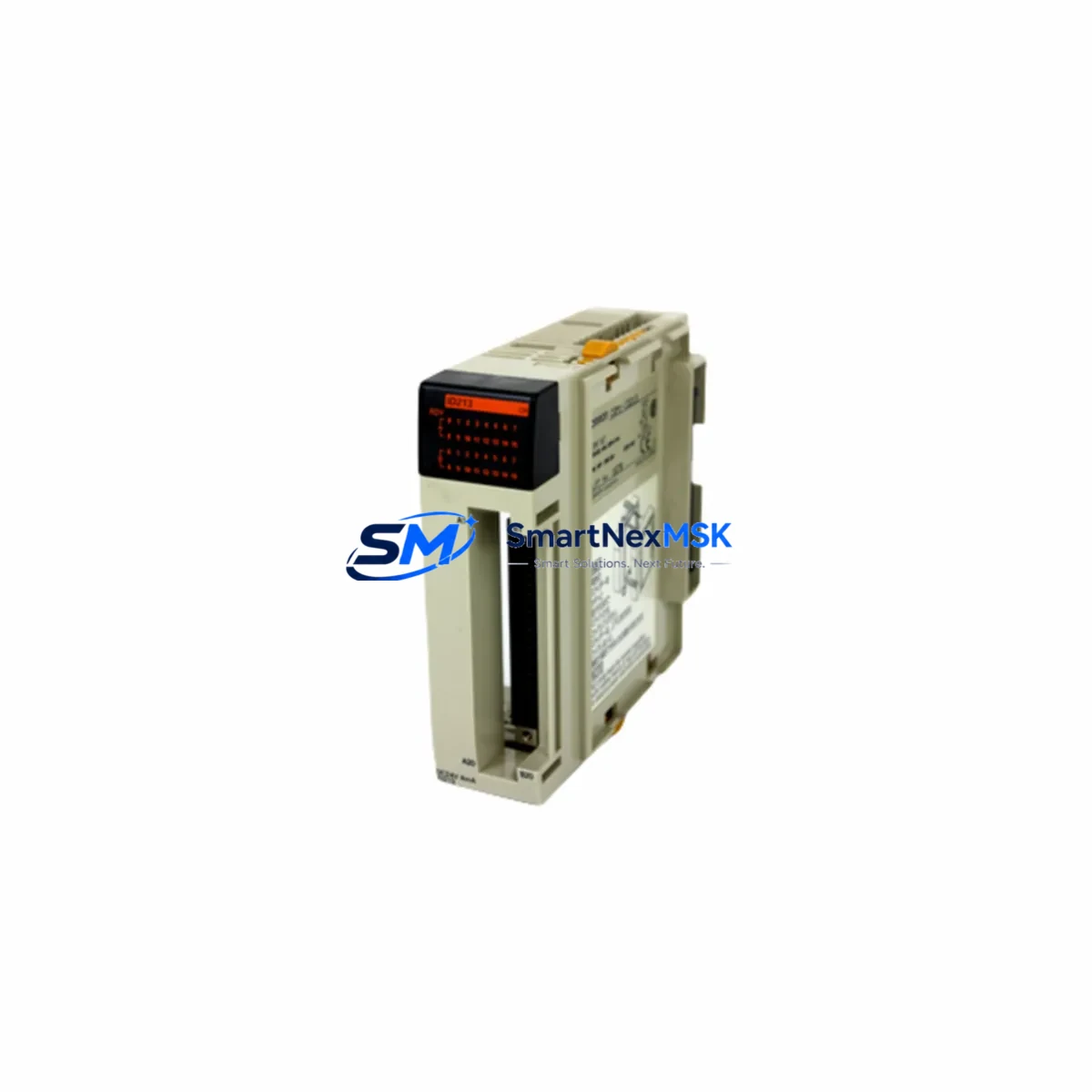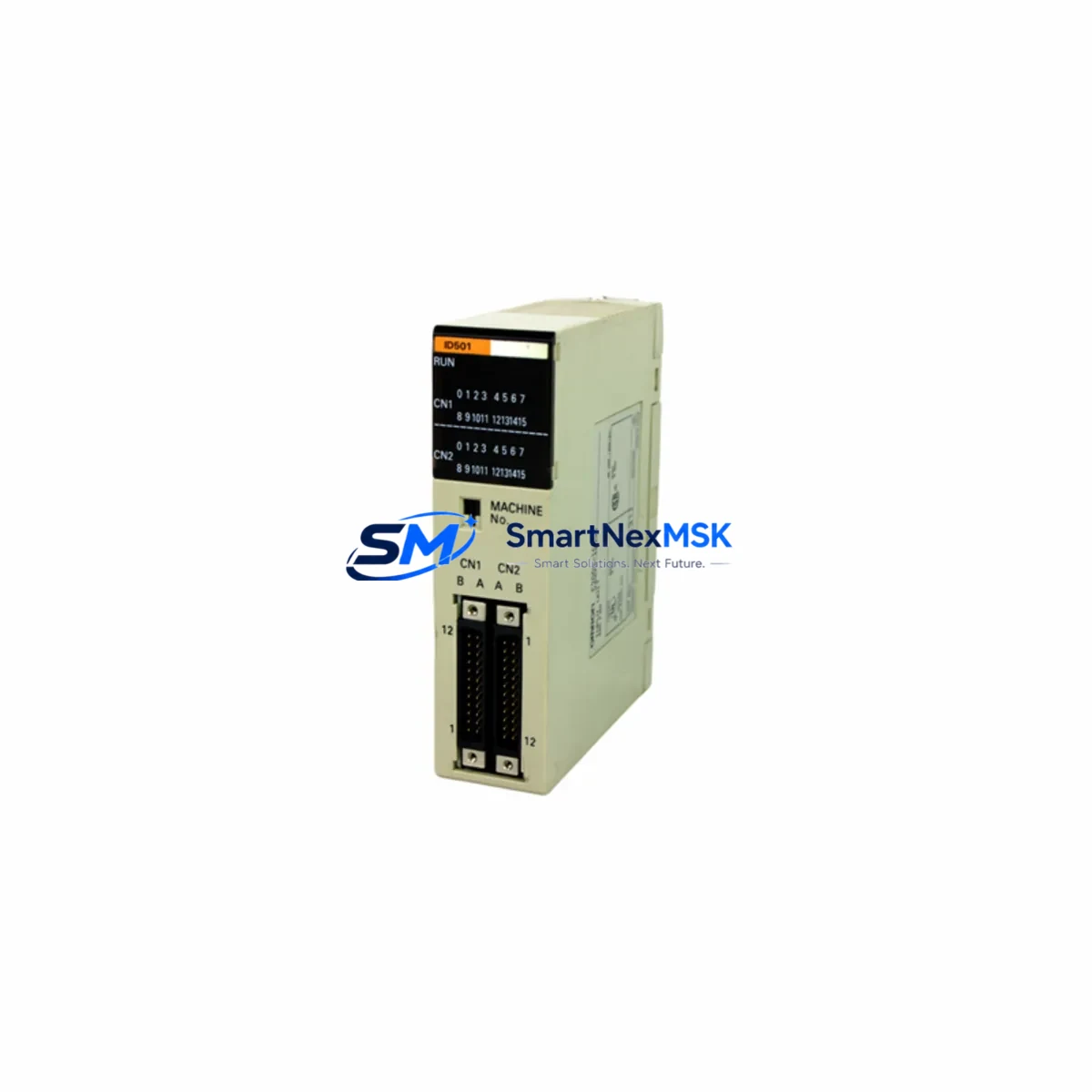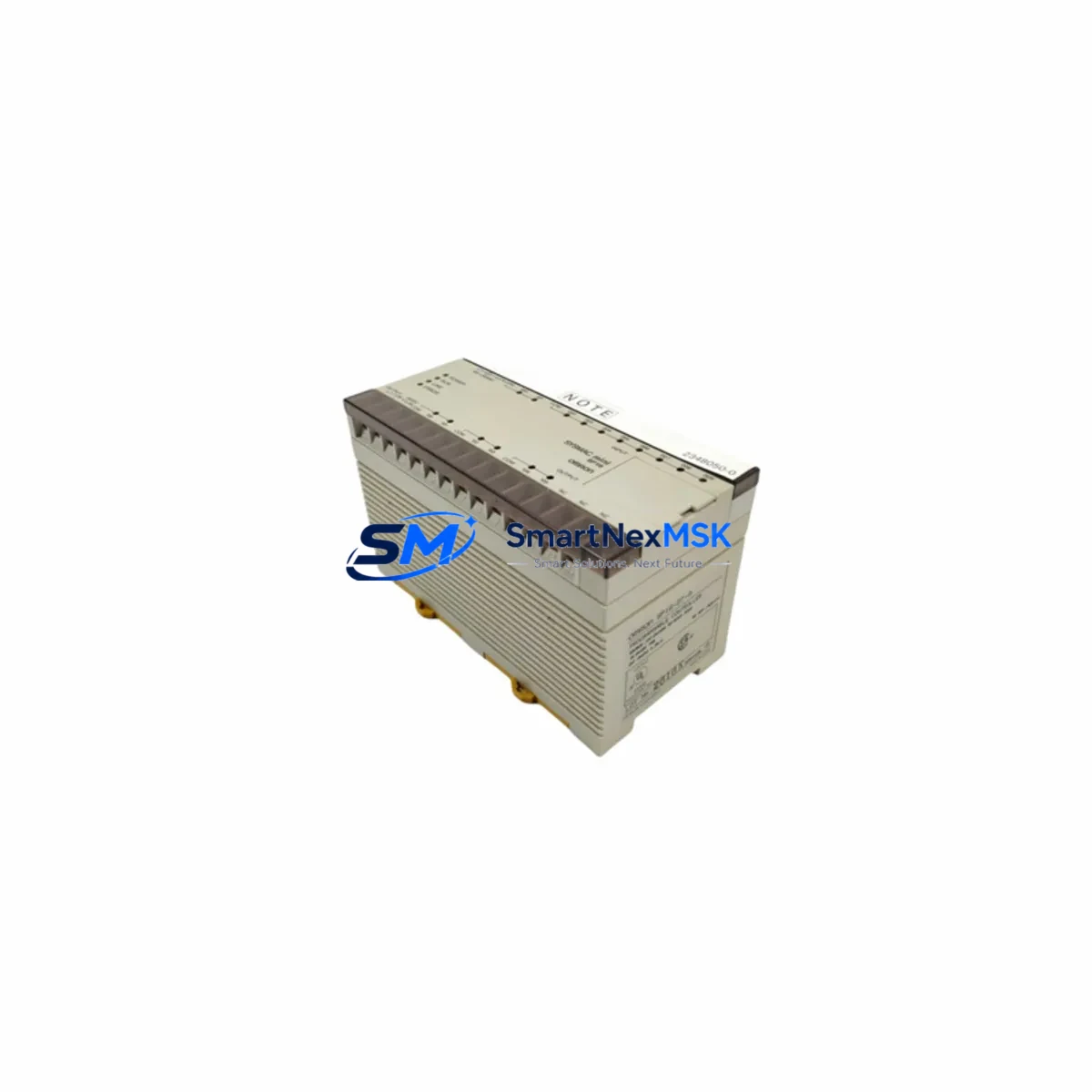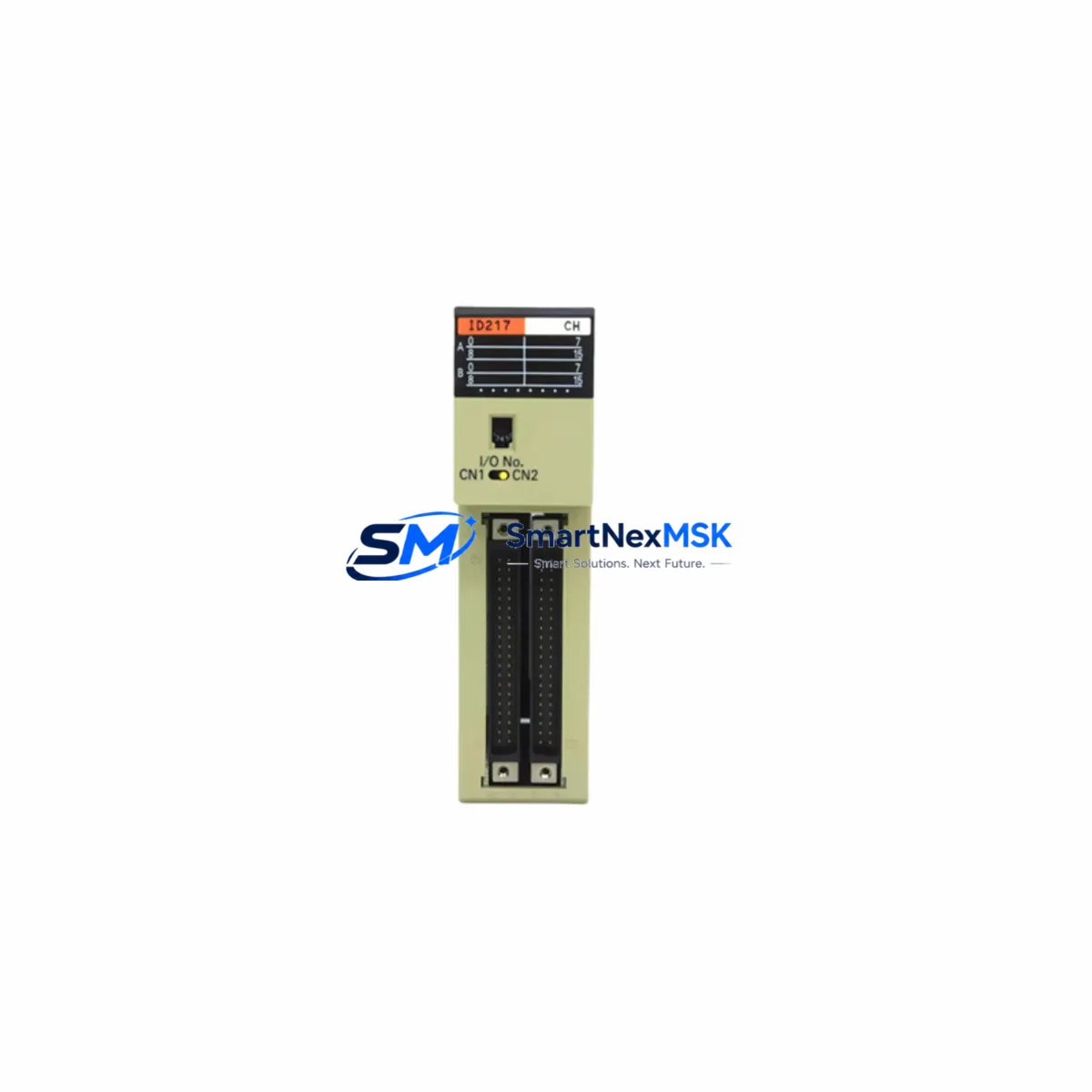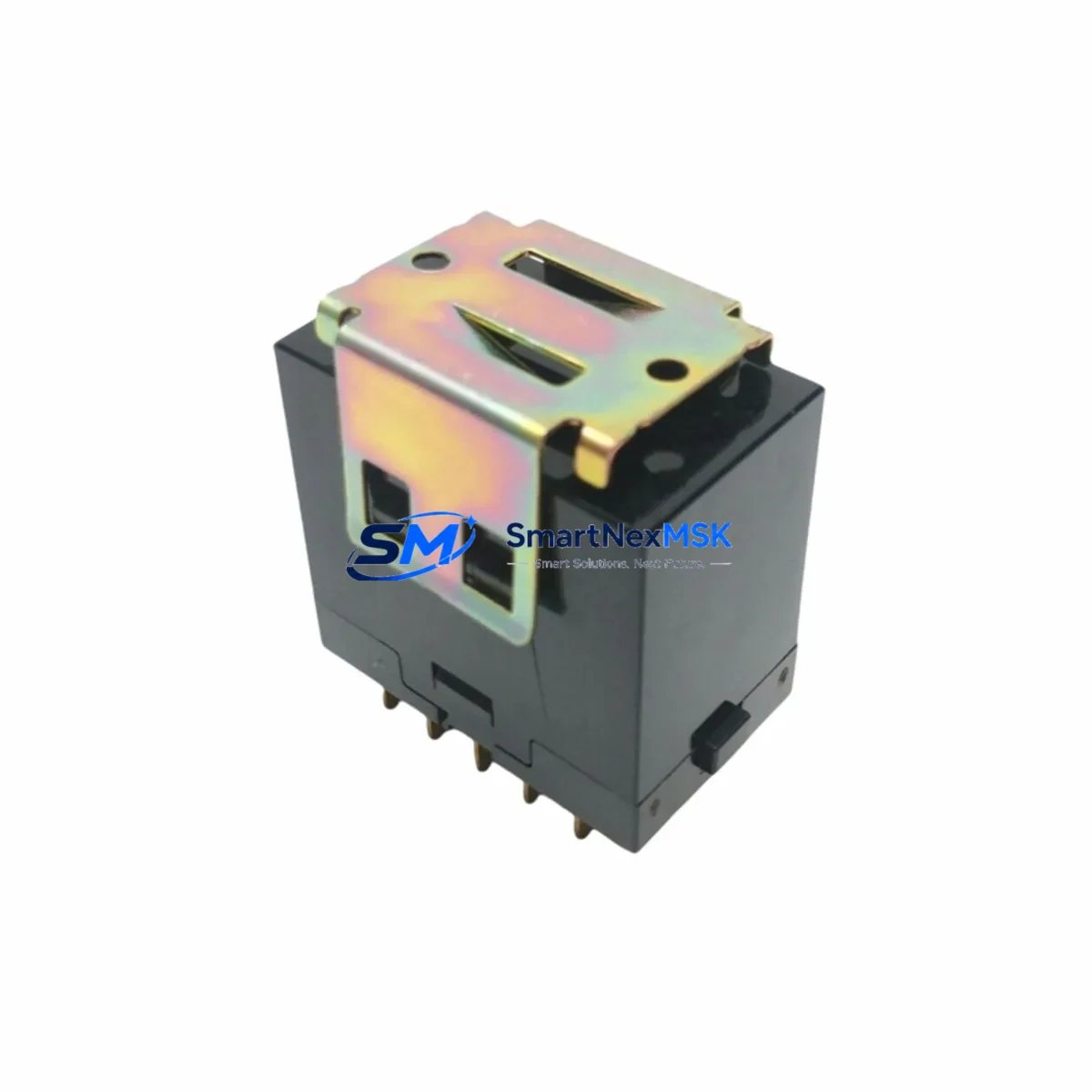
OMRON G4J-2242T Retrofit-Ready Solid State Relay for G4J Series Control Systems
The OMRON G4J-2242T is a 3-phase solid state relay (SSR) rated at 42A output current with a load voltage range of 200–480VAC, designed for demanding industrial control environments. As legacy G4J Series installations reach end-of-life or require capacity upgrades, the G4J-2242T serves as the primary retrofit-ready replacement for discontinued or aging SSR modules within the same G4J platform. Whether you are modernizing a motor control center, upgrading a temperature regulation loop, or restoring a failed contactor in a legacy panel, the G4J-2242T delivers drop-in compatibility with minimal re-engineering effort.
This module is sourced from verified supply channels, individually tested prior to shipment, and backed by a 12-month warranty. Stock is maintained for immediate dispatch to support urgent production line recovery and planned maintenance windows alike.
Upgrade Compatibility Table
| Parameter | G4J-2242T Specification | Retrofit Notes |
|---|---|---|
| Output Current | 42A (3-Phase) | Verify upstream breaker and cable rating ≥ 42A before installation |
| Load Voltage | 200–480VAC | Compatible with standard 3-phase industrial supply; confirm bus voltage at terminal block |
| Control Input | 5–24VDC | Confirm PLC output card voltage; compatible with most OMRON CJ2M, CS1D, and NX series DO modules |
| Mounting | DIN rail / panel mount | Footprint matches legacy G4J Series; no panel cutout modification required |
| Cooling | Heatsink required (not included) | Reuse existing heatsink if rated for ≥ 42A; inspect thermal compound before reuse |
| Communication | N/A (discrete output) | Controlled via PLC digital output; no fieldbus configuration required |
| Replacement Targets | G4J-2222T, G4J-2232T, G4J-2242T (same series) | Cross-reference terminal labeling before wiring; polarity and phase sequence must match |
| Commissioning | Force output test via PLC; verify load current with clamp meter | Do not energize load until wiring inspection is complete |
| Warranty | 12 months from date of shipment — covers manufacturing defects under normal operating conditions | |
Retrofit Planning for Existing Automation Systems
Replacing an SSR within a live automation system requires careful coordination across multiple subsystems. When integrating the G4J-2242T into an existing control cabinet, engineers should begin by auditing the OMRON CJ2M-CPU33 or equivalent controller’s I/O allocation to confirm the digital output channel driving the relay is still active and correctly mapped in the ladder program. If the original SSR was wired to a CJ1W-OD212 transistor output module, verify that the output sink/source configuration matches the G4J-2242T’s control input polarity.
Power supply capacity is a critical checkpoint. The control cabinet’s S8VK-G series or equivalent 24VDC power supply must have sufficient residual capacity to drive the SSR control circuit alongside other active loads. A power budget review is recommended before commissioning, particularly in panels where multiple relays, solenoids, and communication modules share the same 24VDC rail.
Terminal block wiring should be documented and photographed before the old module is removed. The G4J-2242T uses the same terminal layout as other G4J Series SSRs, but phase sequence (L1/L2/L3 and T1/T2/T3) must be verified against the original wiring diagram. If the original diagram is unavailable, use a phase rotation meter to confirm sequence before energizing the load.
For systems using OMRON NS-series HMI panels (such as the NS12-TS01B-V2), no screen modifications are typically required since the G4J-2242T is a transparent hardware replacement — the PLC program logic and HMI tag bindings remain unchanged. However, if the HMI displays SSR status via a dedicated alarm bit, confirm that the bit address still reflects the correct output channel after any I/O remapping.
In applications involving temperature control loops — common in plastic injection molding, heat treatment, and food processing lines — the G4J-2242T is frequently paired with OMRON E5CC or E5CN temperature controllers. These controllers output a time-proportional SSR drive signal; ensure the cycle time setting is compatible with the G4J-2242T’s minimum on-time specification to avoid premature wear.
Where the control system includes a DeviceNet or EtherNet/IP communication module (such as the CJ1W-DRM21 or CJ1W-EIP21), the SSR replacement has no impact on the network configuration. However, if the retrofit is part of a broader migration from a legacy SYSMAC C200H or CQM1H platform to a current CJ2 or NX series controller, additional steps are required: I/O table rebuilding, program conversion using CX-Programmer or Sysmac Studio, and full functional testing of all output channels before returning the line to production.
Backplane and rack integrity should also be assessed during any retrofit. If the G4J-2242T is installed in a panel that also houses a CJ-series CPU rack with expansion I/O via CJ1W-II101 inter-unit connectors, confirm that the rack bus is free of corrosion or mechanical damage that could cause intermittent faults after the new module is installed.
Downtime Control During System Migration
Minimizing production downtime during an SSR replacement requires a structured pre-outage preparation protocol. Before the scheduled maintenance window, download and archive the current PLC program from the CJ2M or NX102 controller using CX-Programmer or Sysmac Studio. Store a verified backup on both the engineering laptop and a USB memory module inserted in the CPU unit. This ensures that if any unexpected program corruption occurs during the power cycle, recovery time is measured in minutes rather than hours.
During the outage, follow a strict lockout/tagout (LOTO) procedure before opening the control cabinet. After isolating the main breaker, use a multimeter to confirm that all terminals on the G4J-2242T are de-energized before disconnecting wiring. Label each conductor with its terminal designation before removal to eliminate re-wiring errors.
Once the G4J-2242T is installed and wiring is reconnected, perform a cold-start sequence: energize the control power first, confirm PLC CPU status LEDs, then force the output channel in program monitor mode to verify the SSR switches correctly before enabling the main load circuit. Use a clamp meter on the load conductors to confirm current flow matches the expected load profile. Only after this verification should the system be returned to automatic mode.
For continuous-process applications where even brief interruptions are costly, consider pre-staging the replacement G4J-2242T with all wiring pre-terminated on a sub-panel, allowing the physical swap to be completed within a single shift break. This approach, combined with a pre-tested PLC program backup, consistently reduces total outage time to under 30 minutes for experienced maintenance teams.
Retrofit Support FAQ
Q1: Is the G4J-2242T a direct drop-in replacement for the G4J-2232T?
The G4J-2242T (42A) and G4J-2232T (32A) share the same G4J Series form factor and terminal layout, making physical installation identical. However, the higher current rating of the G4J-2242T means it can handle heavier loads — confirm that the upstream protection device (fuse or breaker) is rated appropriately for the new module’s capacity. No PLC program changes are required for a like-for-like channel replacement.
Q2: What pre-shipment testing is performed on the G4J-2242T?
Each unit undergoes functional switching tests at rated control input voltage and load voltage before dispatch. Insulation resistance and leakage current are verified against OMRON’s published specifications. A test report is available upon request. All units are covered by a 12-month warranty from the date of shipment.
Q3: Can the G4J-2242T be used with a non-OMRON PLC?
Yes. The G4J-2242T accepts a standard 5–24VDC control signal, making it compatible with digital output modules from Siemens S7-300/400, Mitsubishi MELSEC Q/L series, Schneider Modicon M340, and other platforms. Confirm the output module’s drive current capability meets the SSR’s minimum control input current requirement before wiring.
Q4: What should I check if the G4J-2242T does not switch after installation?
First, verify that the control input voltage is present at terminals A1/A2 using a multimeter — confirm the PLC output channel is forced ON in program monitor mode. Next, check that the load voltage (200–480VAC) is present at the input terminals (L1/L2/L3). If both are confirmed and the output (T1/T2/T3) shows no voltage, inspect the heatsink contact and thermal interface — overtemperature protection may have triggered if the heatsink is undersized or improperly mounted. Contact our technical support team if the issue persists; warranty replacement is processed within 5 business days.
© 2026 SMARTNEXMSK. All rights reserved.
Original Source: https://smartnexmsk.com
Contact: [email protected] | +86 18259474341