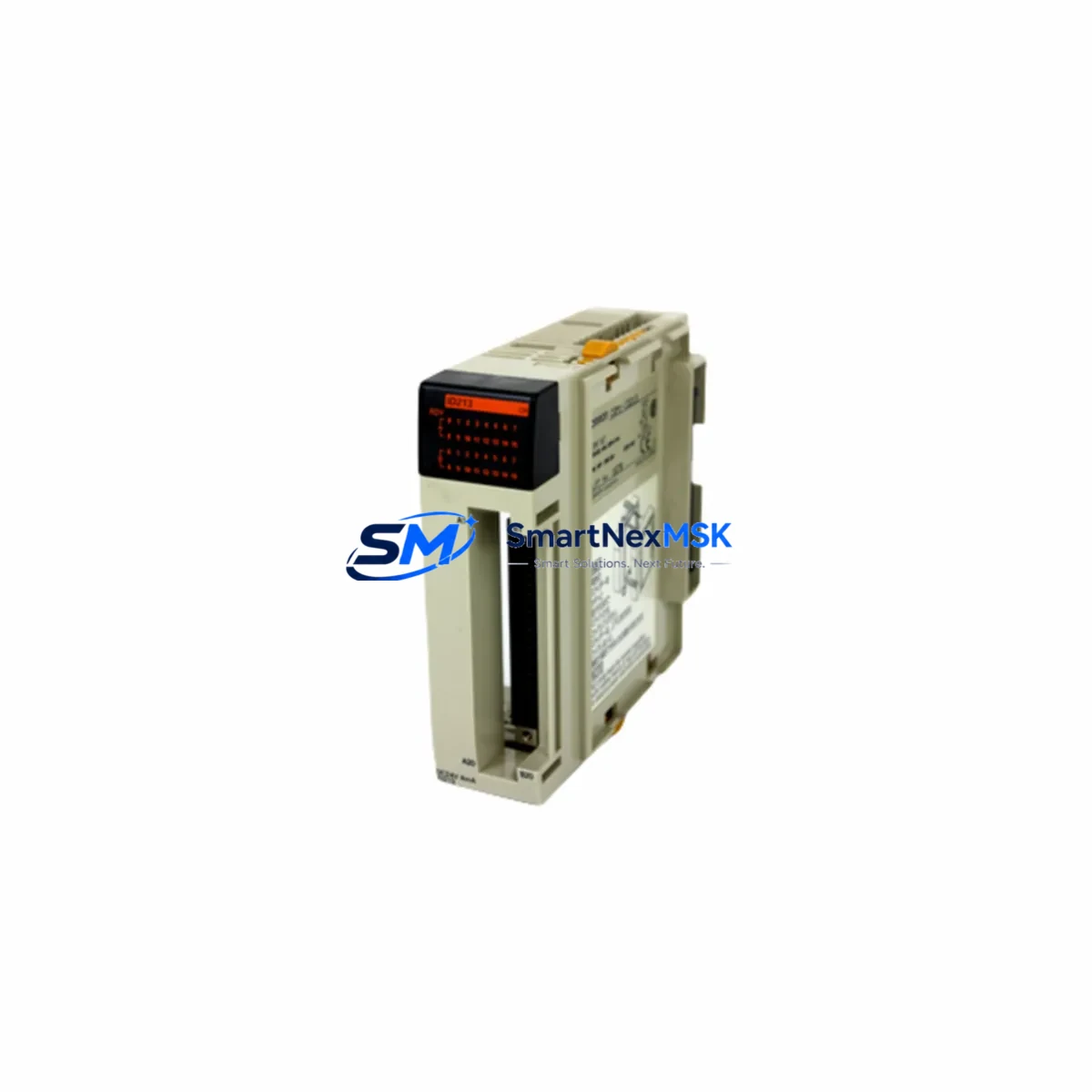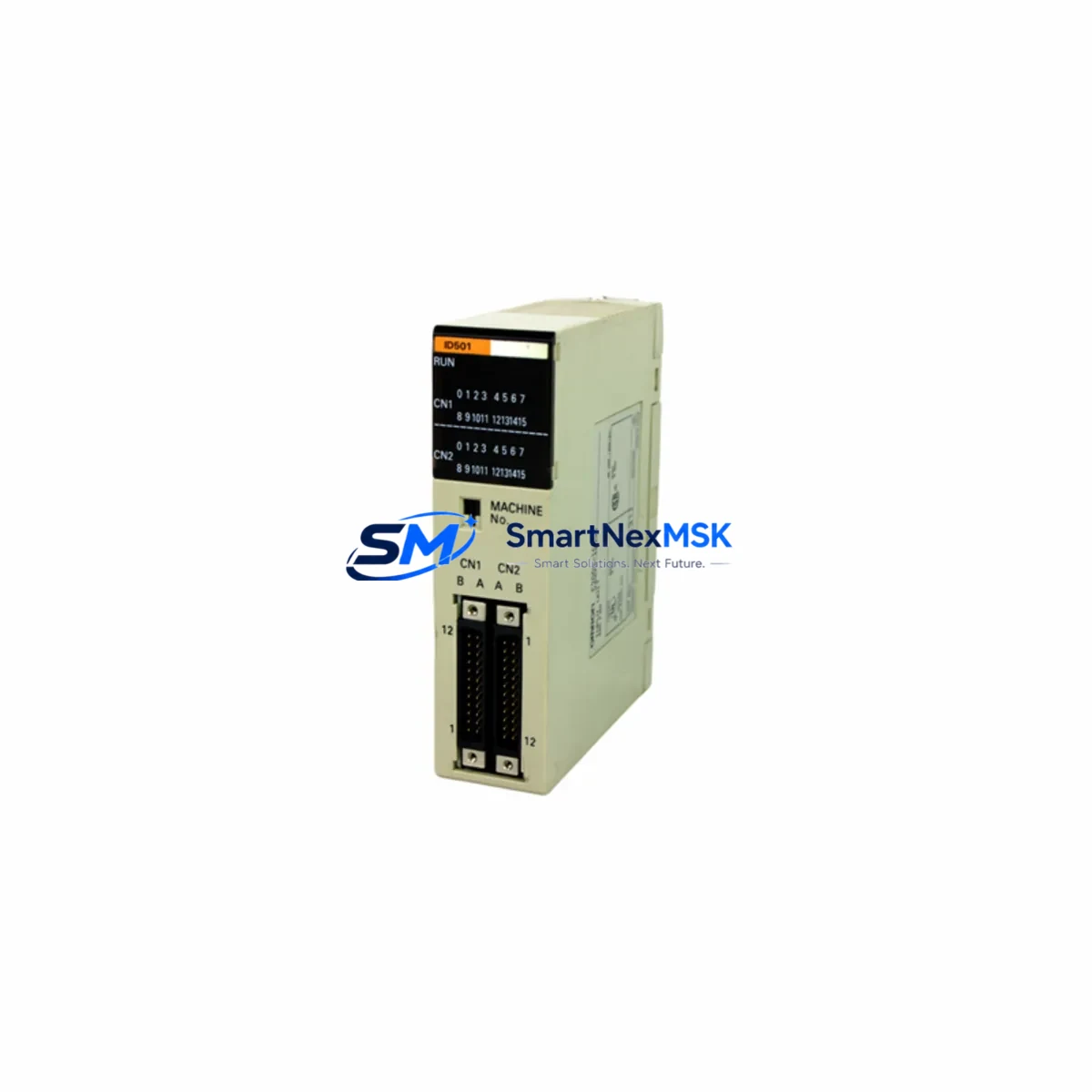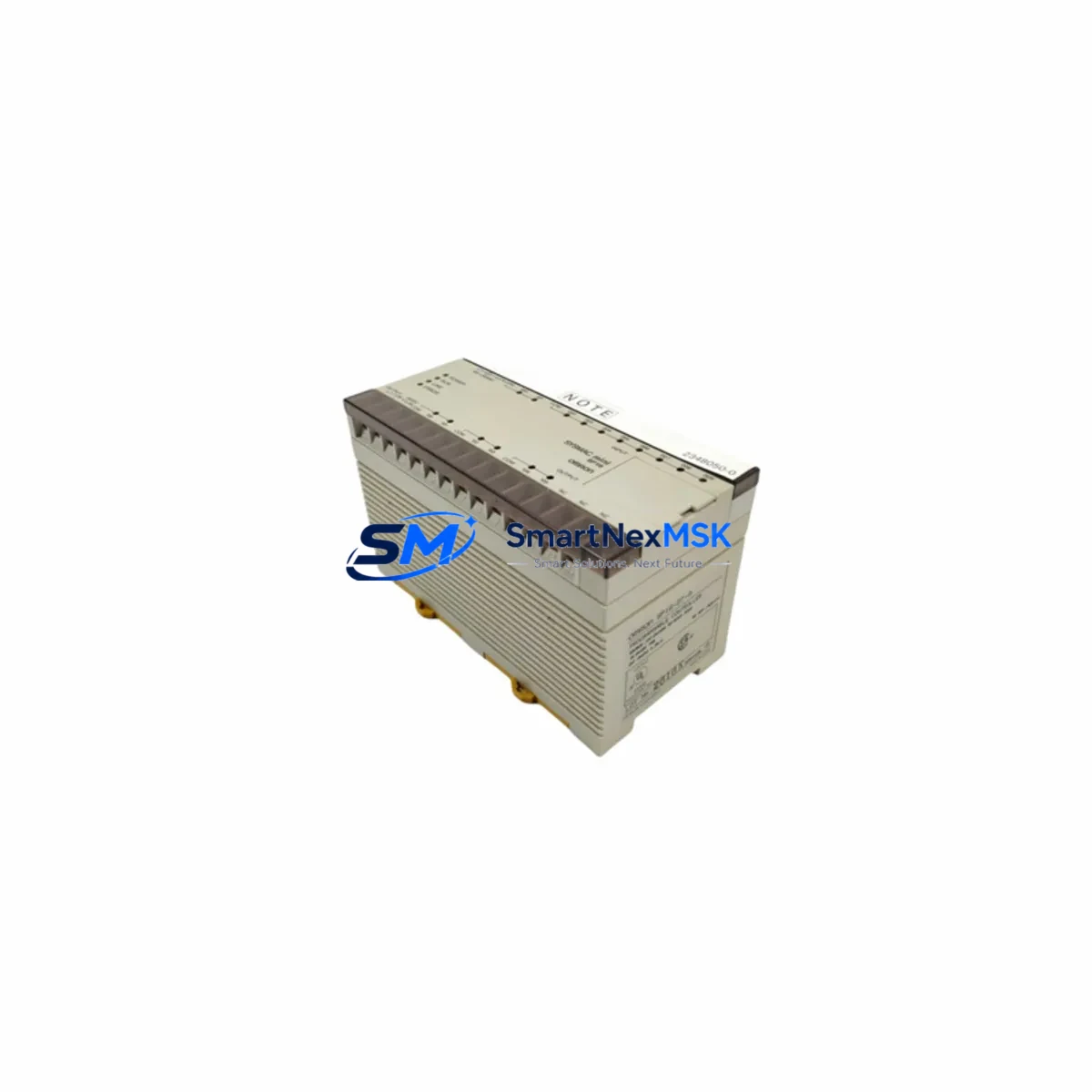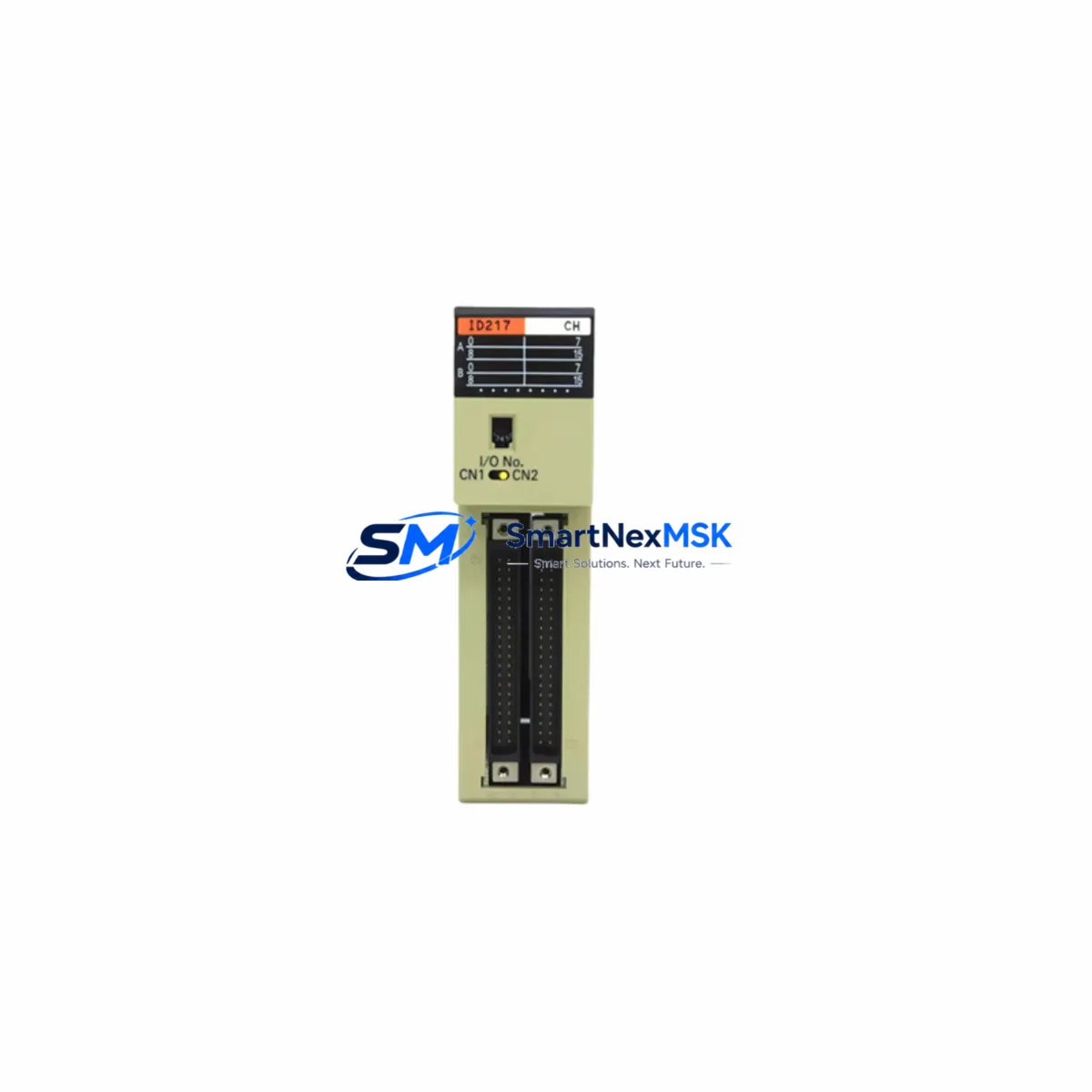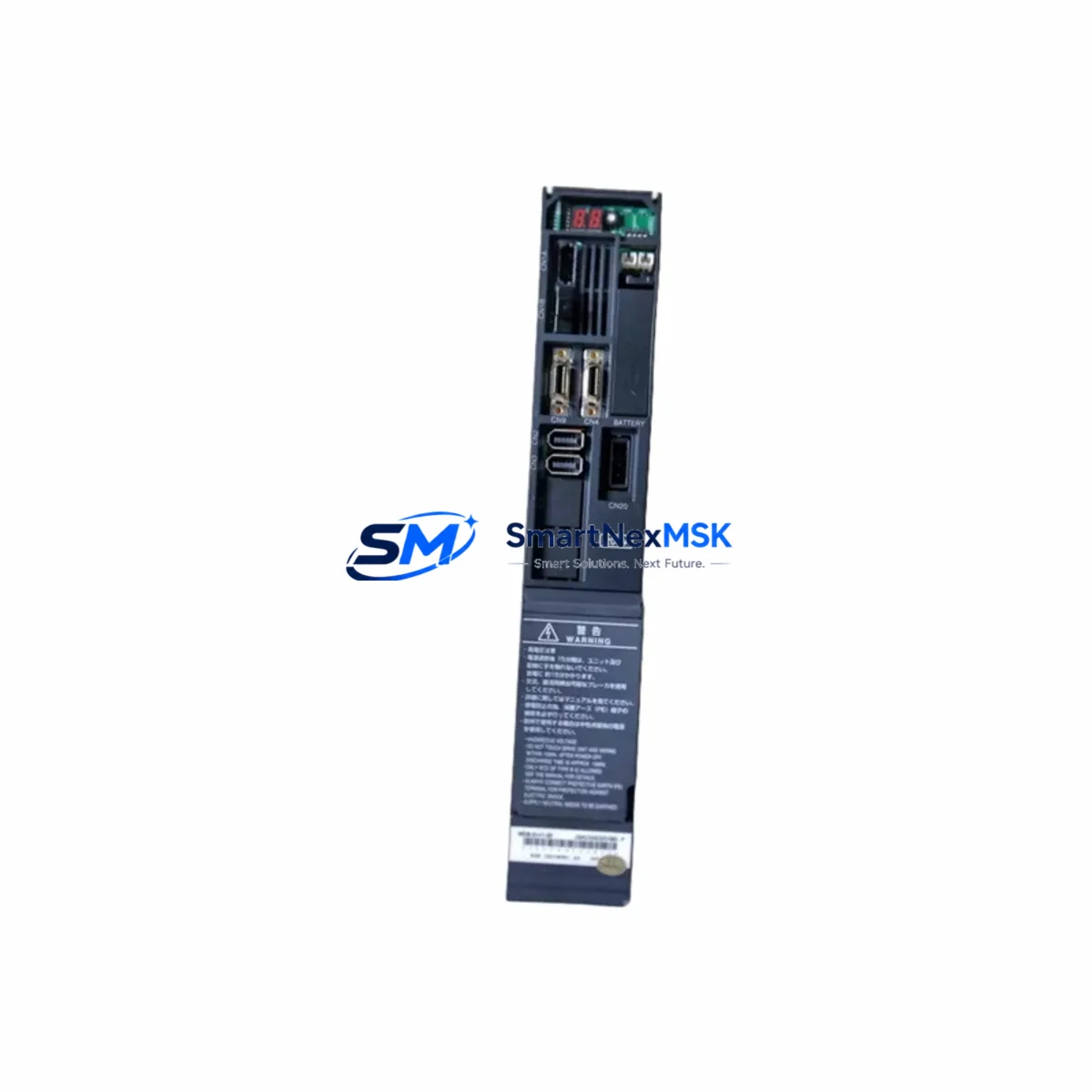
OMRON TPM1A-20CDT-D-V1 Retrofit-Ready CPU for CPM1A Control Systems
The OMRON TPM1A-20CDT-D-V1 is a high-compatibility retrofit CPU module engineered for seamless integration into existing CPM1A-series control architectures. Designed as a direct functional replacement for the discontinued CPM1A-20CDT-D, this unit delivers NPN transistor output, 24VDC operating power, and full Host Link (RS-232C) protocol support — enabling industrial facilities to modernize aging control panels without redesigning ladder logic, rewiring terminal blocks, or replacing peripheral hardware.
For maintenance engineers and system integrators managing legacy OMRON installations, the TPM1A-20CDT-D-V1 represents a proven upgrade path that minimizes capital expenditure while restoring full system reliability. Whether you are replacing a failed unit on an active production line or proactively upgrading a control cabinet before end-of-life, this module ships pre-tested with a 12-month warranty and is available from verified stock for fast global dispatch.
Upgrade Compatibility Table
| Parameter | CPM1A-20CDT-D (Legacy) | TPM1A-20CDT-D-V1 (Retrofit) |
|---|---|---|
| I/O Points | 12 Inputs / 8 Outputs | 12 Inputs / 8 Outputs |
| Output Type | NPN Transistor | NPN Transistor |
| Supply Voltage | 24VDC | 24VDC |
| Communication | Host Link (RS-232C) | Host Link (RS-232C) |
| Backplane Interface | CPM1A Expansion Bus | CPM1A Expansion Bus Compatible |
| Programming Software | CX-Programmer / SYSMAC | CX-Programmer Compatible |
| Mounting | DIN Rail / Panel Mount | DIN Rail / Panel Mount |
| Retrofit Recommendation | — | Direct drop-in replacement |
| Commissioning Note | — | Verify module address and I/O table before power-on |
| Warranty | — | 12 Months |
Retrofit Planning for Existing Automation Systems
Successful integration of the TPM1A-20CDT-D-V1 into a legacy control system requires a structured pre-installation review. Before removing the original CPM1A-20CDT-D, engineers should document the existing I/O allocation table, confirm the 24VDC power supply capacity — typically sourced from a CPM1A-series power supply unit or a dedicated DIN-rail PSU — and photograph all terminal wiring on the input and output blocks.
In multi-module configurations, the CPM1A expansion bus may carry additional I/O units such as CPM1A-8ED (8-point digital input expansion), CPM1A-8ET (8-point transistor output expansion), or analog modules like the CPM1A-MAD01 (analog I/O unit). Each of these expansion modules must remain addressed correctly relative to the new CPU. Verify that the I/O table in CX-Programmer reflects the physical slot order before downloading the program to the TPM1A-20CDT-D-V1.
Communication continuity is equally critical. If the legacy system uses a Host Link cable (CS1W-CN226 or equivalent RS-232C programming cable) connected to an HMI panel — such as an OMRON NB-series or NT-series touch panel — confirm that the baud rate, station number, and communication format settings in the HMI project match those configured in the replacement CPU. Mismatched communication parameters are the most common cause of post-retrofit HMI communication faults.
For systems that include a CPM1A-CIF01 RS-232C adapter or CPM1A-CIF11 RS-422A/485 adapter for network connectivity, these peripheral communication units are fully compatible with the TPM1A-20CDT-D-V1 and require no hardware modification. Similarly, if the control cabinet includes a C200H-series or CQM1-series controller in a parallel supervisory role, the Host Link network topology remains unchanged.
Power budget verification is mandatory before commissioning. Calculate the total current draw of all connected expansion modules, communication adapters, and output loads against the rated output capacity of the installed power supply. If the existing PSU is operating near its rated limit, consider upgrading to a higher-capacity unit before installing the new CPU to prevent nuisance trips during startup.
Downtime Control During System Migration
Minimizing production downtime during a CPU replacement requires advance preparation and a disciplined changeover sequence. Begin by creating a full backup of the existing ladder program using CX-Programmer — save both the program file (.cxp) and the I/O comment file to a secure location before any hardware is disturbed. If the original CPU is still functional, perform a forced-output test to document the current state of all output coils and verify that the backup program matches the live configuration.
During the physical swap, label every terminal wire before disconnection and use the original wiring diagram as a reference. The TPM1A-20CDT-D-V1 uses the same terminal layout as the CPM1A-20CDT-D, so no rewiring is required in a standard drop-in replacement scenario. After seating the new module, restore power incrementally — first verify 24VDC supply stability, then download the saved program, and finally perform a controlled I/O check in MONITOR mode before switching to RUN mode.
For facilities that cannot tolerate unplanned stops, pre-staging the TPM1A-20CDT-D-V1 on a bench test rig with a duplicate I/O configuration allows the program to be loaded and verified offline. This approach reduces live changeover time to under 30 minutes in most CPM1A retrofit scenarios, protecting production continuity and reducing the risk of commissioning errors under time pressure.
Retrofit Support FAQ
Q1: Is the TPM1A-20CDT-D-V1 a direct replacement for the CPM1A-20CDT-D?
Yes. The TPM1A-20CDT-D-V1 is functionally equivalent to the CPM1A-20CDT-D in terms of I/O count, output type, supply voltage, and communication protocol. It is designed as a drop-in retrofit unit and does not require ladder program modification in standard replacement scenarios. Always verify the I/O table and module address settings after installation.
Q2: Can I reuse my existing terminal wiring and expansion modules?
Yes. The terminal block layout and CPM1A expansion bus interface are compatible. Existing expansion units — including digital I/O modules, analog modules, and communication adapters — connect without modification. Confirm that the total I/O count does not exceed the CPU’s supported expansion capacity.
Q3: What commissioning steps are required after installation?
After physical installation, download the backed-up program via CX-Programmer using the Host Link RS-232C connection. Verify the I/O allocation table, check all input and output signals in MONITOR mode, confirm HMI communication parameters, and perform a controlled RUN-mode test before returning the system to production. All units are pre-tested prior to shipment.
Q4: What warranty and support is provided?
Every TPM1A-20CDT-D-V1 unit ships with a 12-month warranty covering manufacturing defects and functional failures under normal operating conditions. Pre-shipment functional testing is performed on all units. For technical support during commissioning or compatibility verification, contact our engineering team directly.
© 2026 SMARTNEXMSK. All rights reserved.
Original Source: https://smartnexmsk.com
Contact: [email protected] | +86 18259474341