
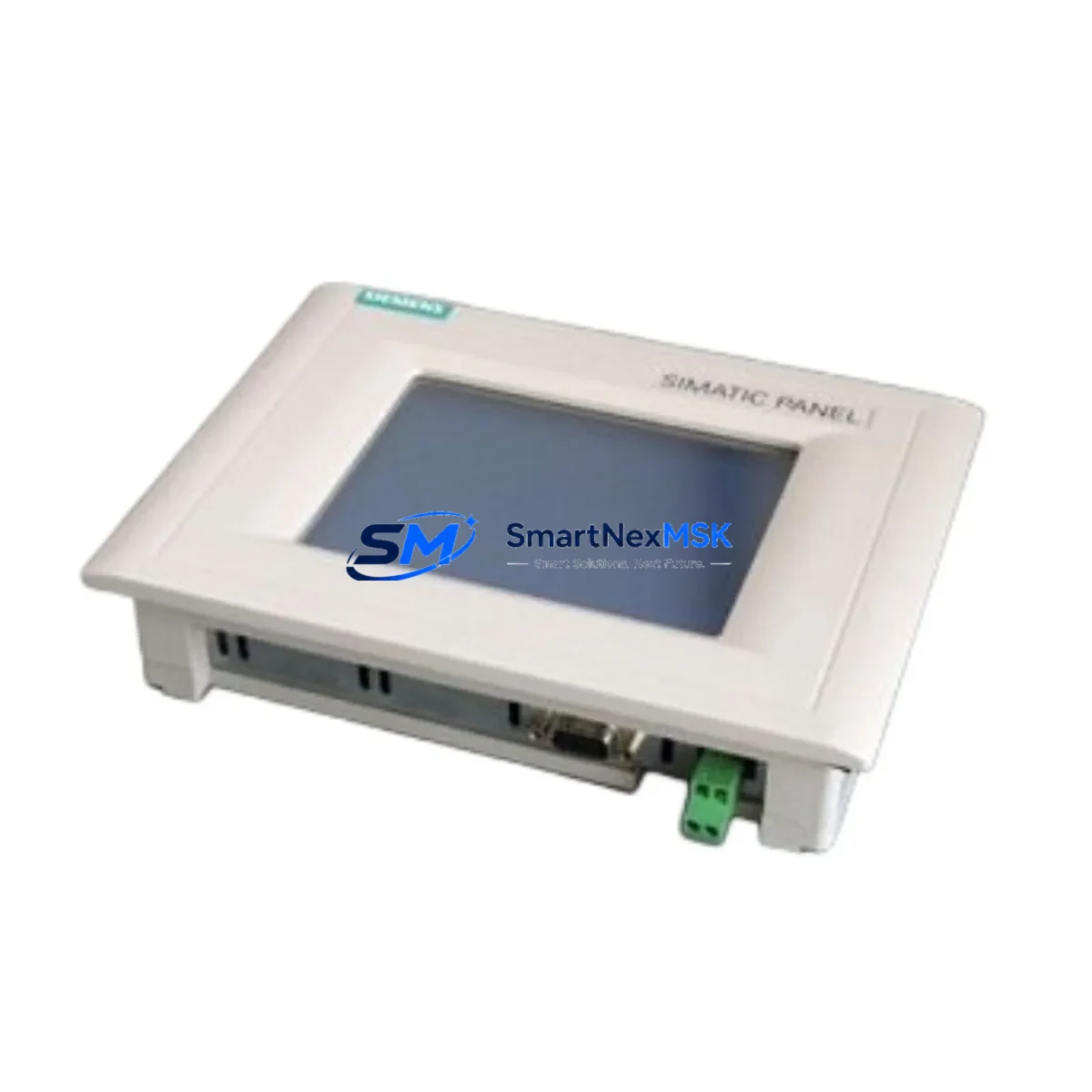
Siemens 6AV6640-0CA01-0AX0 Maintenance-Ready Spare for TP170 Micro Automation
The Siemens 6AV6640-0CA01-0AX0 is an original SIMATIC TP170 Micro HMI Touch Panel designed for operator interface applications in SIMATIC S7-200 and S7-300 automation systems. As a maintenance-ready spare, this unit is sourced, inspected, and dispatched to support rapid downtime recovery in industrial control environments. Whether you are managing a planned shutdown, responding to an unscheduled fault, or building a strategic spare parts inventory for aging control cabinets, the 6AV6640-0CA01-0AX0 delivers verified compatibility and reliable field performance.
Maintenance engineers and procurement teams working with legacy SIMATIC HMI infrastructure understand the operational risk of an unplanned TP170 Micro failure. A failed operator panel can halt an entire production line, disable local fault acknowledgment, and prevent operators from interacting with the PLC program. Stocking a tested replacement unit eliminates this risk and reduces mean time to repair (MTTR) to the time it takes to swap and reconnect — typically under 30 minutes for a trained technician.
Spare Maintenance Table
| Parameter | Specification |
|---|---|
| Part Number / SKU | 6AV6640-0CA01-0AX0 |
| Product Series | SIMATIC TP170 Micro |
| Manufacturer | Siemens AG, Germany |
| Display Type | 5.7″ STN Color Touch Panel |
| Supply Voltage | 24 V DC |
| Communication Interface | RS-422/485 (MPI/PPI compatible) |
| Compatible PLC Systems | SIMATIC S7-200, S7-300 |
| Configuration Software | ProTool / WinCC flexible |
| Operating Temperature | 0 °C to +50 °C |
| Protection Rating | IP65 (front panel) |
| Mounting | Panel cutout, snap-in clips |
| Weight | Approx. 700 g |
| Origin | Germany |
| Condition | Original, tested before dispatch |
| Warranty | 12 Months |
Maintenance Planning for Continuous Operation
When replacing the 6AV6640-0CA01-0AX0 in the field, a thorough inspection of the surrounding control cabinet components is essential to prevent repeat failures and ensure system stability. Maintenance engineers should treat an HMI replacement as an opportunity to audit the full operator station and associated electrical circuit.
Begin with the 24 V DC power supply module feeding the TP170 Micro — verify output voltage under load and check for ripple or thermal stress indicators. A degraded SITOP PSU or equivalent power supply is a common root cause of HMI display faults and premature panel failures. Inspect the MPI/PPI communication cable connecting the HMI to the S7-200 or S7-300 CPU; damaged shielding or loose connectors on the RS-422/485 bus can cause intermittent communication loss that mimics a panel hardware fault.
Check the S7-200 CPU module (such as the CPU 224 or CPU 226) or the S7-300 CPU for active fault codes and memory integrity. If the HMI project file needs to be reloaded, ensure the ProTool or WinCC flexible configuration is backed up and the correct communication parameters (baud rate, station address) are restored after panel swap. Review the terminal block connections on the panel power input — loose or corroded terminals are a frequent cause of intermittent power interruptions to the HMI.
For systems with digital I/O expansion, inspect the SIMATIC EM digital input/output modules connected to the S7-200 for any fault LEDs or wiring anomalies. If the control cabinet includes signal isolators on analog loops, verify their output ranges are within specification, as out-of-range signals can trigger false alarms displayed on the TP170 Micro. Check any miniature circuit breakers (MCBs) or fuses in the 24 V DC distribution circuit — a marginal fuse can cause voltage drops under load that destabilize the HMI. If the system uses a PROFIBUS DP network or AS-Interface module, confirm bus termination resistors are correctly installed and network diagnostics show no segment errors. Finally, inspect the panel mounting gasket and enclosure sealing to maintain the IP65 rating of the operator station after reinstallation.
Site Replacement Workflow
Step 1 — Isolate and document: Before removing the 6AV6640-0CA01-0AX0, photograph the existing wiring, note the MPI station address and baud rate settings, and record any active alarms displayed on the panel. Power down the 24 V DC supply to the HMI circuit using the dedicated MCB.
Step 2 — Physical removal: Release the panel snap-in clips from the rear of the cutout, disconnect the power connector and the RS-422/485 communication cable. Remove the panel from the front of the enclosure.
Step 3 — Inspect and clean: Clean the panel cutout and inspect the gasket. Check the enclosure interior for moisture, dust accumulation, or signs of overheating on adjacent components.
Step 4 — Install replacement unit: Insert the new 6AV6640-0CA01-0AX0 into the cutout, reconnect the communication cable and power connector, and secure the snap-in clips. Restore 24 V DC power.
Step 5 — Commission and verify: Confirm the HMI boots correctly and establishes communication with the PLC. Reload the project file if required using ProTool or WinCC flexible. Verify all screens, alarm pages, and operator controls function as expected before returning the system to production.
This workflow minimizes downtime, preserves system compatibility, and ensures the replacement unit is fully operational before the maintenance window closes. The 6AV6640-0CA01-0AX0 is a direct form-fit-function replacement for the original TP170 Micro, requiring no hardware modification to the control cabinet.
Spare Parts Support FAQ
Q1: Is the 6AV6640-0CA01-0AX0 compatible with both S7-200 and S7-300 PLC systems?
Yes. The TP170 Micro communicates via the MPI/PPI protocol over RS-422/485, making it natively compatible with SIMATIC S7-200 (PPI) and S7-300 (MPI) CPUs. Ensure the correct protocol and station address are configured in the HMI project before commissioning.
Q2: How is the unit tested before dispatch?
Each 6AV6640-0CA01-0AX0 unit undergoes a power-on functional test to verify display operation, touch response, and communication port integrity. Units that do not pass inspection are not dispatched. A 12-month warranty is provided from the date of shipment.
Q3: Can I use this unit to replace an older TP170 Micro with a different firmware version?
The 6AV6640-0CA01-0AX0 is the standard catalog part number for the TP170 Micro. Minor firmware differences between production batches do not affect hardware compatibility. If your existing HMI project was created with ProTool or WinCC flexible, it can be reloaded onto the replacement unit without modification.
Q4: What is the recommended spare parts stocking strategy for TP170 Micro installations?
For facilities operating multiple SIMATIC S7-200 or S7-300 control stations with TP170 Micro panels, we recommend maintaining at least one 6AV6640-0CA01-0AX0 unit in the on-site spare parts store. Given the age of the TP170 Micro product line and the risk of extended lead times for legacy HMI components, proactive stocking significantly reduces exposure to unplanned production downtime. Long-term supply is available through SMARTNEXMSK for ongoing replenishment.
© 2026 SMARTNEXMSK. All rights reserved.
Original Source: https://smartnexmsk.com
Contact: [email protected] | +86 18259474341



