
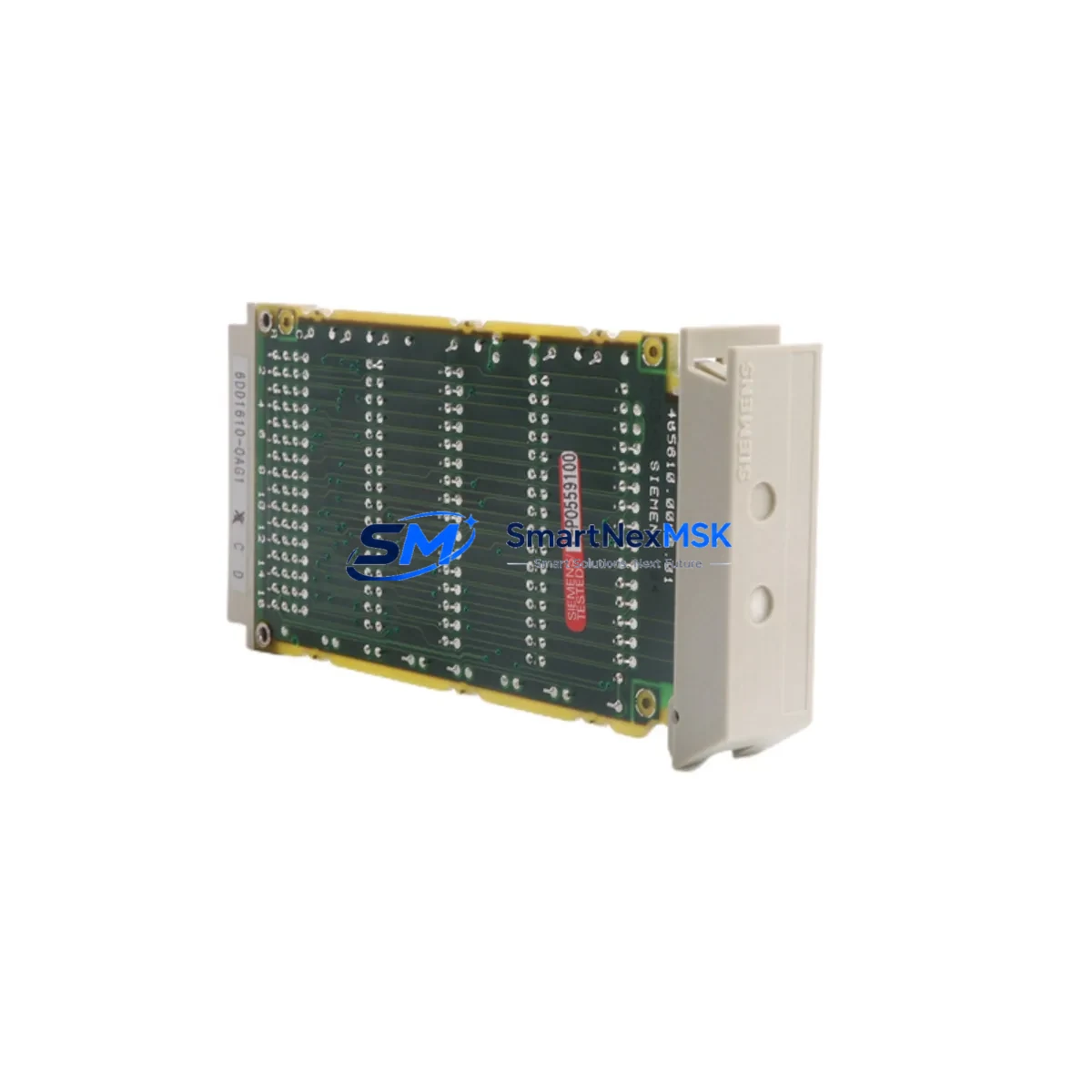
Siemens 6DD1610-0AG1 Retrofit-Ready Memory Module for Simadyn D Control Systems
The Siemens 6DD1610-0AG1 is a memory module designed for the Simadyn D distributed control platform — one of Siemens’ most widely deployed process automation architectures in power generation, steel, paper, and heavy industrial applications. As the Simadyn D product line has reached end-of-life status, sourcing verified replacement modules has become a critical challenge for maintenance engineers managing aging control infrastructure. SMARTNEXMSK maintains ready stock of the 6DD1610-0AG1 to support ongoing retrofit projects, emergency replacements, and planned system upgrades with a 12-month warranty on every unit shipped.
Upgrade Compatibility Table
| Parameter | Details |
|---|---|
| SKU / Part Number | 6DD1610-0AG1 |
| Brand / Manufacturer | Siemens |
| Compatible Series | Simadyn D |
| Module Type | PLC Memory Module |
| Backplane Interface | Simadyn D rack bus (compatible with CS7 and CS12 rack configurations) |
| Installation Requirement | Direct slot insertion; no hardware modification required for same-generation rack |
| Communication Compatibility | Compatible with Simadyn D internal bus; verify firmware version alignment before hot-swap |
| Replacement Recommendation | Verify memory addressing and program block allocation against existing 6DD1610-0AG0 or earlier revision before substitution |
| Commissioning Notes | Re-download application program via STEP 5 or CFC tool after module swap; confirm I/O mapping and DB block integrity |
| Warranty | 12 Months — covers manufacturing defects and functional failure under normal operating conditions |
Retrofit Planning for Existing Automation Systems
Replacing the 6DD1610-0AG1 in a live Simadyn D installation requires a structured approach that accounts for the full control architecture — not just the memory module itself. In most retrofit scenarios, the module sits within a CS7 or CS12 rack alongside processor cards such as the PM5 or PM6, and communicates with I/O subsystems through the Simadyn D internal bus. Before initiating a swap, engineers should confirm that the rack’s power supply module — typically a PS407 or equivalent Simadyn D power unit — can sustain the load after the new module is inserted, particularly if additional I/O expansion cards such as the IM308-C or SM321 digital input modules have been added to the same rack during a prior upgrade cycle.
Wiring compatibility is another key checkpoint. Terminal assignments on the associated SM331 analog input modules or SM332 analog output modules must be verified against the original wiring diagrams, as terminal block pinouts can differ between hardware revisions. If the control cabinet also includes a CP5431 or CP5611 communications processor for PROFIBUS DP connectivity, the network address configuration stored in the memory module must be re-validated after replacement to prevent bus conflicts with downstream field devices.
For systems that include an OP37 or TP270 HMI panel connected to the Simadyn D controller, the HMI screen variables and data block references should be audited before the retrofit. Memory module replacements can shift internal DB addresses if the application program is reloaded from a backup that was compiled under a different hardware configuration. Confirming that the S5D project file matches the installed hardware profile — including any IM360/IM361 interface modules used for multi-rack expansion — prevents post-swap communication faults between the controller and the operator panel.
Programming cable compatibility is also worth confirming early in the planning phase. The PC adapter for Simadyn D programming typically uses an MPI or serial interface, and the 6DD1610-0AG1 must be accessible via the programming port on the CPU or through the rack’s front connector before the application download can proceed. Having a tested programming cable and a verified backup of the S5 or CFC program on hand before the maintenance window opens is essential for keeping downtime within acceptable limits.
Downtime Control During System Migration
Minimizing unplanned downtime during a Simadyn D memory module replacement begins with preparation well before the maintenance window. The most effective strategy is to create a full backup of the existing application program — including all function block diagrams, data blocks, and system parameters — using the CFC engineering tool or STEP 5 software, and to store this backup on at least two independent media before any hardware is touched. This ensures that if the replacement module requires a fresh program download, the original logic can be restored without relying on a potentially corrupted or outdated archive.
During the swap itself, the sequence matters. Power down the rack in a controlled manner using the established shutdown procedure for the process line, rather than cutting power abruptly, to allow the controller to complete any active write cycles and protect the integrity of retain data areas. After inserting the 6DD1610-0AG1, perform a cold restart and monitor the diagnostic buffer for any fault codes related to memory initialization or I/O configuration mismatches before re-enabling process outputs.
For installations where continuous control is critical — such as drive systems managing rolling mills or turbine governors — consider staging the replacement during a scheduled production break and pre-testing the replacement module on a bench rack with a copy of the application program before bringing it to the field. This approach, combined with a verified spare of the 6DD1610-0AG1 held in local inventory, provides the fastest possible recovery path if an unexpected fault occurs during the commissioning phase. SMARTNEXMSK ships pre-tested units with functional verification documentation to support this workflow.
Retrofit Support FAQ
Q: Is the 6DD1610-0AG1 a direct drop-in replacement for earlier Simadyn D memory module revisions?
A: In most cases, yes — the 6DD1610-0AG1 is physically and electrically compatible with the same rack slot positions used by earlier revisions such as the 6DD1610-0AG0. However, firmware version alignment should be confirmed before substitution, as certain application features introduced in later Simadyn D software releases may require a specific minimum hardware revision. Our technical team can assist with revision cross-referencing prior to shipment.
Q: What commissioning steps are required after installing the replacement module?
A: After physical installation, a program download via the CFC or STEP 5 tool is typically required unless the module is pre-loaded with the correct application image. Verify I/O mapping, confirm data block addresses, check PROFIBUS DP node assignments if a CP5431 is present, and perform a controlled test cycle before returning the system to production. Our units ship with a functional test report to confirm baseline hardware integrity.
Q: How do I verify wiring compatibility before the replacement?
A: Cross-reference the terminal block assignments on all connected SM321, SM322, SM331, and SM332 I/O modules against the original cabinet wiring diagrams. Pay particular attention to analog signal ranges and shielding connections, as these can affect signal quality after a module swap. If the original wiring documentation is unavailable, our team can provide guidance based on the known standard configurations for the Simadyn D platform.
Q: What does the 12-month warranty cover?
A: The 12-month warranty covers manufacturing defects and functional failure under normal operating conditions from the date of shipment. Each unit undergoes pre-shipment functional testing. Warranty claims are processed with priority turnaround to minimize impact on production schedules. Contact [email protected] for warranty service or technical support.
© 2026 SMARTNEXMSK. All rights reserved.
Original Source: https://smartnexmsk.com
Contact: [email protected] | +86 18259474341



