
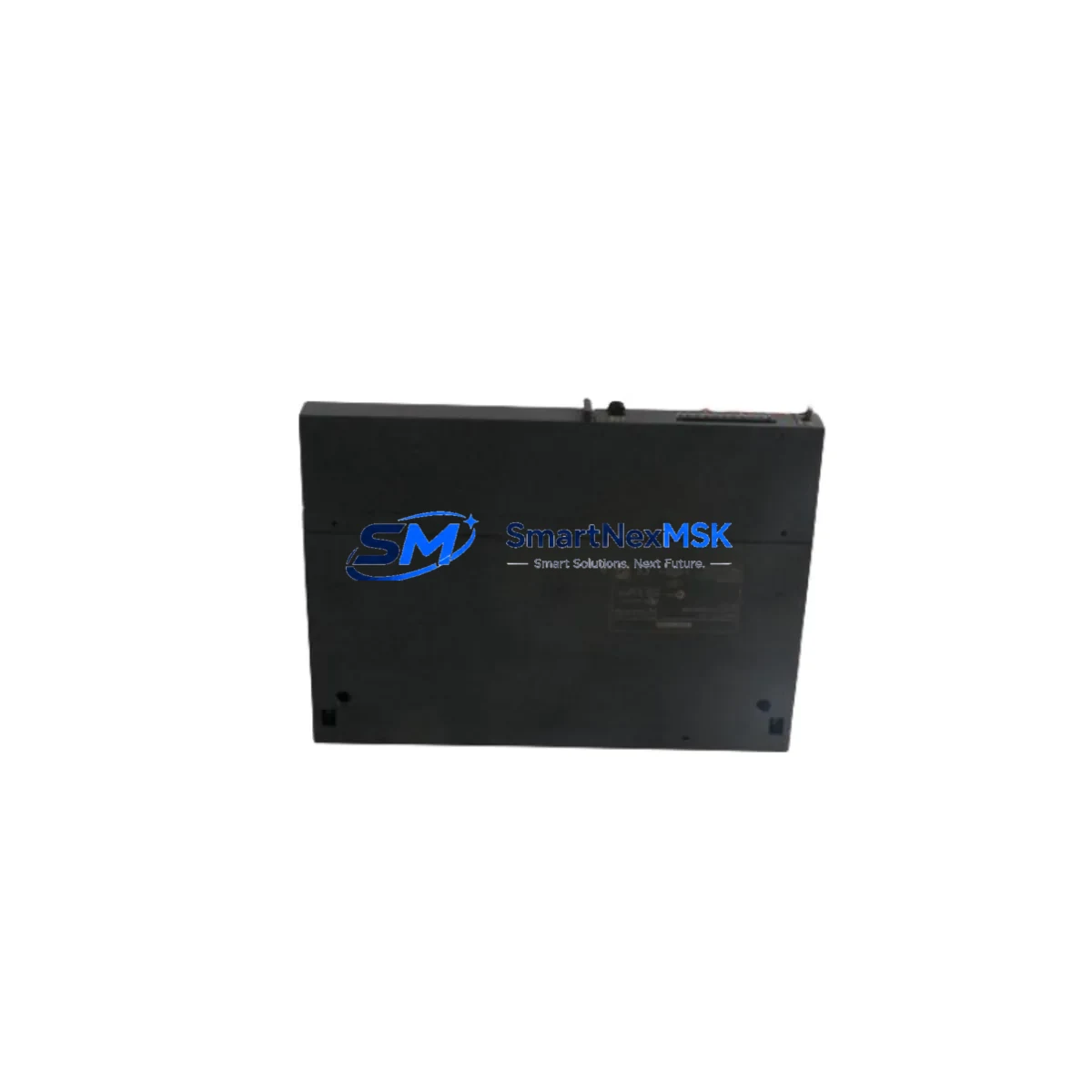
Siemens 6ES7414-2XK05-0AB0 Maintenance-Ready Spare S7-400 Automation
The Siemens 6ES7414-2XK05-0AB0 is a CPU 414-2 central processing unit designed for the SIMATIC S7-400 programmable logic controller platform — one of the most widely deployed process automation architectures in heavy industry, chemical processing, power generation, and manufacturing. For maintenance engineers managing aging S7-400 control systems, securing a verified original spare of this CPU is a critical element of any downtime-reduction strategy. Unplanned CPU failure in a SIMATIC S7-400 rack can halt an entire production line within seconds; having a tested, ready-to-deploy 6ES7414-2XK05-0AB0 on the shelf is the single most effective way to compress mean time to repair (MTTR) from hours to minutes.
This unit ships fully tested against Siemens factory electrical specifications, with firmware integrity verified prior to dispatch. Each 6ES7414-2XK05-0AB0 is covered by a 12-month warranty and is packaged in anti-static, shock-resistant materials to preserve module integrity during transit and storage. Whether you are replenishing a depleted spare-parts inventory, replacing a failed CPU after a fault event, or pre-positioning stock ahead of a planned shutdown, this module is sourced, inspected, and ready for immediate site deployment.
Spare Maintenance Table
| Parameter | Specification |
|---|---|
| Part Number / SKU | 6ES7414-2XK05-0AB0 |
| Product Family | SIMATIC S7-400 CPU Series |
| CPU Type | CPU 414-2 |
| Working Memory | 4 MB (expandable via memory card) |
| MPI / DP Interface | MPI + PROFIBUS-DP (integrated) |
| Supply Voltage | DC 24 V (via PS 407 or PS 405 power supply module) |
| Rack Compatibility | UR1, UR2, CR2, CR3 (S7-400 universal racks) |
| Operating Temperature | 0 °C to +60 °C |
| Protection Class | IP20 |
| Origin | Germany (Original Siemens manufacture) |
| Firmware | Verified and tested before shipment |
| Compatibility | SIMATIC S7-400 automation systems; STEP 7 V5.x / TIA Portal compatible |
| Maintenance Recommendation | Replace battery (6ES7971-0BA00) at scheduled intervals; inspect backplane bus connectors |
| Warranty | 12 Months — covers manufacturing defects and functional failure under normal operating conditions |
Maintenance Planning for Continuous Operation
When a 6ES7414-2XK05-0AB0 CPU is flagged for replacement during a planned shutdown or emergency fault response, experienced maintenance engineers know that the CPU itself is rarely the only component requiring attention. A thorough inspection of the surrounding S7-400 rack and control cabinet is essential to prevent repeat failures and ensure stable recommissioning.
Begin with the power supply module — the Siemens PS 407 10A (6ES7407-0KA02-0AA0) or PS 405 (6ES7405-0KA02-0AA0) should be load-tested and output voltages verified at the backplane before the new CPU is seated. A marginal power supply is a leading cause of premature CPU faults and intermittent STOP states. Next, inspect the S7-400 UR2 rack backplane bus for oxidation, bent pins, or mechanical damage at the CPU slot — backplane connector integrity is critical for reliable MPI and internal bus communication.
If the system uses distributed I/O over PROFIBUS-DP, verify the DP segment termination resistors and check the Siemens IM 460-3 / IM 461-3 interface modules for any fault LEDs or communication errors. Faulty termination or a degraded IM module can cause the replacement CPU to report DP bus faults immediately after startup, delaying recommissioning. For systems with analog signal chains, inspect SM 431 analog input modules (6ES7431-1KF10-0AB0) and any associated signal isolators or barriers in the marshalling cabinet — these are frequently overlooked during CPU-focused maintenance events.
Digital output modules such as the SM 422 DO 16×DC24V/2A (6ES7422-1BL00-0AA0) should be checked for blown output channels, particularly if the CPU fault was preceded by a short-circuit or overload event on the field side. Relay output modules and their associated fuse holders in the terminal cabinet should also be inspected and fuses replaced as a precaution. For systems with CP 443-1 Ethernet communication processors, confirm that the module firmware is compatible with the replacement CPU firmware version to avoid Industrial Ethernet communication issues post-swap.
Finally, if the control system includes an OP 277 or TP 277 HMI panel connected via MPI, verify the MPI address configuration and cable integrity before powering up the new CPU. A corrupted MPI address table or damaged MPI cable can prevent the HMI from establishing communication with the replacement CPU, causing unnecessary diagnostic delays. Documenting all findings in the maintenance log and updating the spare-parts register after each intervention is strongly recommended for long-term system reliability.
Site Replacement Workflow
Replacing the 6ES7414-2XK05-0AB0 in a live S7-400 system follows a structured sequence to minimize downtime and protect program integrity. Before removing the existing CPU, use STEP 7 or TIA Portal to perform a full project upload and save the current program, hardware configuration, and data blocks to an offline backup. If the CPU has an installed Siemens MC 952 memory card (6ES7952-1KK00-0AA0), note the card contents and retain it for transfer to the replacement unit — the memory card carries the user program and retentive data, significantly accelerating recommissioning.
Power down the S7-400 rack via the PS module switch — do not remove the CPU under live voltage. Seat the replacement 6ES7414-2XK05-0AB0 firmly into the same rack slot, ensuring the backplane connector is fully engaged. Restore power and observe the CPU LEDs: STOP (yellow) should illuminate briefly during startup diagnostics, followed by RUN (green) once the program loads from the memory card or is downloaded via PG/PC. If the CPU enters STOP with a fault code, connect STEP 7 and read the diagnostic buffer to identify the root cause before proceeding.
For systems where the original CPU is no longer available and a cross-compatible replacement is being evaluated, the 6ES7414-2XK05-0AB0 is directly interchangeable within the CPU 414-2 hardware generation, maintaining full compatibility with existing PROFIBUS-DP configurations, MPI networks, and S7-400 hardware configurations without requiring a hardware reconfiguration download in most cases. This makes it the preferred choice for rapid replacement in legacy system maintenance scenarios where minimizing engineering intervention time is a priority.
Spare Parts Support FAQ
Q: Is the 6ES7414-2XK05-0AB0 tested before shipment?
A: Yes. Every unit undergoes functional electrical testing against Siemens factory specifications prior to dispatch. A test report is available upon request. Units are shipped in anti-static packaging with physical inspection documentation.
Q: What is the warranty coverage and how is it claimed?
A: All units carry a 12-month warranty covering manufacturing defects and functional failure under normal operating conditions. To initiate a warranty claim, contact [email protected] with the order reference, fault description, and site installation details. Replacement or repair is processed within the warranty period without additional charge.
Q: Can this CPU replace an older 6ES7414-2XG04-0AB0 or 6ES7414-2XJ00-0AB0 without reprogramming?
A: In most cases, yes. The CPU 414-2 hardware family maintains backward compatibility across firmware generations for standard S7-400 hardware configurations. However, it is recommended to verify the hardware configuration in STEP 7 and perform a test download in a controlled environment before live deployment, particularly if the original CPU firmware version differs significantly.
Q: How should this spare be stored for long-term inventory?
A: Store in original anti-static packaging in a dry environment at 0–40 °C with relative humidity below 75% (non-condensing). Avoid proximity to strong electromagnetic fields. The integrated backup battery (if present) should be checked annually and replaced per Siemens maintenance guidelines using a 6ES7971-0BA00 lithium battery to preserve retentive memory during storage.
© 2026 SMARTNEXMSK. All rights reserved.
Original Source: https://smartnexmsk.com
Contact: [email protected] | +86 18259474341



