
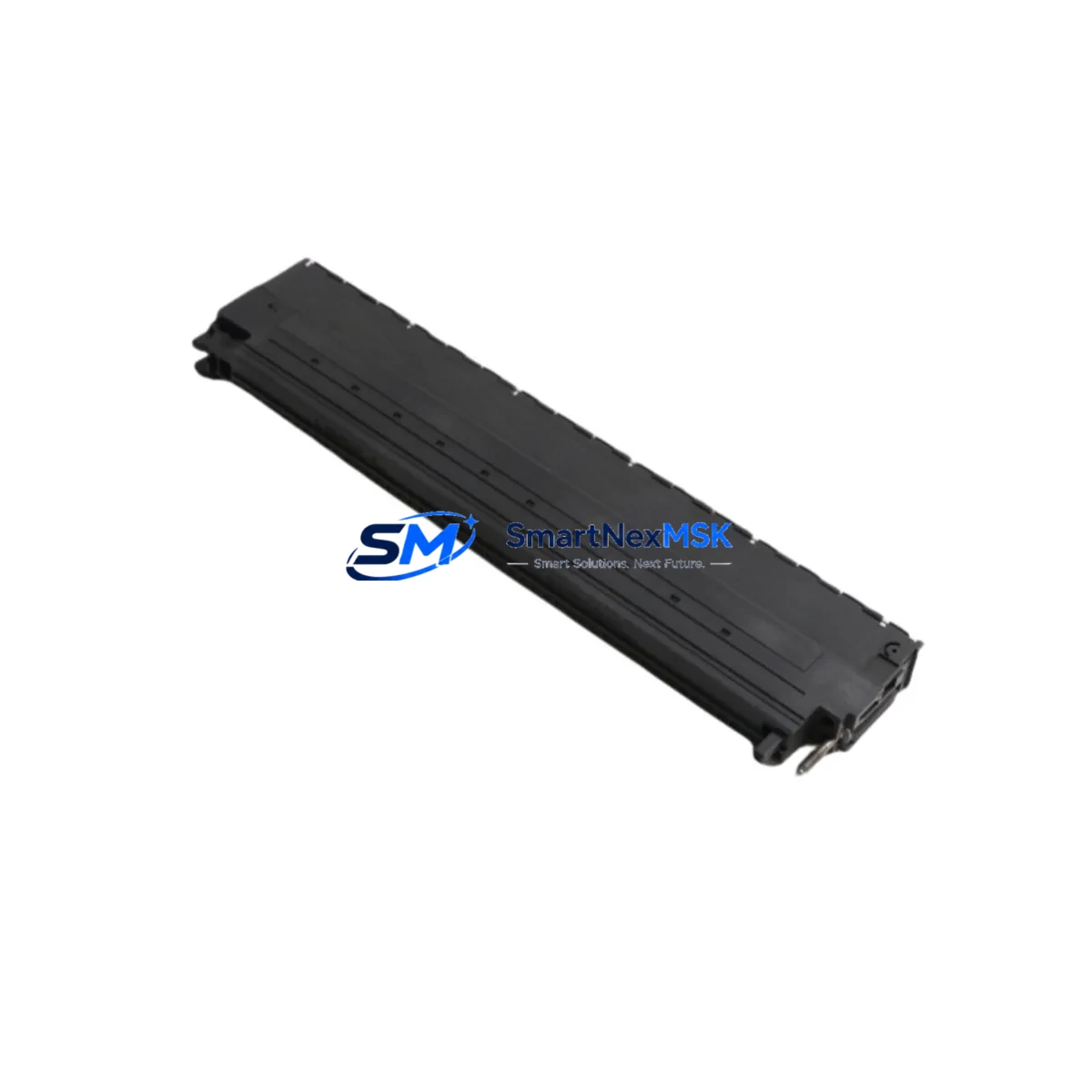
Siemens 6ES7492-1AL00-0AA0 Retrofit-Ready Interface Submodule for S7-400 Control Systems
The Siemens 6ES7492-1AL00-0AA0 is a send/receive interface submodule designed for the SIMATIC S7-400 programmable logic controller platform. As legacy S7-400 installations approach end-of-life or require capacity expansion, this module serves as a critical component in retrofit projects, enabling engineers to extend existing backplane configurations, migrate I/O architectures, and maintain control continuity without full system replacement. Whether you are upgrading an aging control cabinet, replacing a discontinued spare, or expanding a distributed I/O network, the 6ES7492-1AL00-0AA0 provides a proven, compatible solution backed by a 12-month warranty and pre-shipment functional testing.
This interface submodule is engineered for use with the IM460 and IM461 interface module family, supporting multi-rack configurations across the S7-400 central rack and expansion racks. It connects seamlessly within the S7-400 backplane bus, allowing engineers to extend the system across multiple UR1 and UR2 universal racks without interrupting the existing program logic or HMI communication links. During retrofit planning, engineers should verify the total power budget across the PS407 or PS405 power supply modules, as adding expansion racks increases the aggregate current draw on the 24 VDC and 5 VDC backplane rails.
Upgrade Compatibility Table
| Parameter | Details |
|---|---|
| SKU / Part Number | 6ES7492-1AL00-0AA0 |
| Compatible Series | SIMATIC S7-400 |
| Interface Module Pairing | IM460-1, IM460-3, IM461-0, IM461-1, IM461-3 |
| Rack Compatibility | UR1, UR2 Universal Racks; ER1, ER2 Expansion Racks |
| Communication Protocol | PROFIBUS-DP, MPI (via CPU backplane) |
| Installation Requirement | Slot into IM460/IM461 send/receive module position; no tools required |
| Replaces / Supersedes | Earlier 6ES7492 series interface submodules |
| Retrofit Recommendation | Verify rack slot assignment and module address in STEP 7 / TIA Portal hardware configuration |
| Commissioning Focus | Backplane bus continuity, module address assignment, PROFIBUS node ID, HMI tag mapping |
| Warranty | 12 Months — includes pre-shipment functional test |
Retrofit Planning for Existing Automation Systems
Successful integration of the 6ES7492-1AL00-0AA0 into an existing S7-400 installation requires a structured approach to hardware verification and software reconfiguration. Before removing the legacy interface submodule, engineers should document the current rack layout, including the slot positions of all installed CPU modules such as the CPU 414-2 or CPU 416-3, as well as any SM321 digital input modules, SM322 digital output modules, SM331 analog input modules, and SM332 analog output modules occupying the expansion racks. This documentation ensures that the hardware configuration in STEP 7 or TIA Portal accurately reflects the physical installation after the replacement is complete.
Terminal wiring on the expansion rack I/O modules does not require modification when replacing only the interface submodule, as the 6ES7492-1AL00-0AA0 operates at the backplane level and does not interact directly with field wiring terminals. However, engineers should inspect the IM461 receive module on the expansion rack side to confirm it is seated correctly and that the connecting cable — typically a 6ES7468 series expansion cable — is undamaged and properly latched at both ends. A faulty cable or loose connector is a common source of rack communication faults that can be misdiagnosed as a failed interface submodule.
For installations that include a CP443-1 Ethernet communication processor or a CP443-5 PROFIBUS communication processor, engineers should verify that the communication module’s configured rack and slot address in the hardware configuration matches the physical installation after the retrofit. Changes to rack topology can shift slot numbering and cause communication faults if the software configuration is not updated accordingly. Similarly, any ET200M distributed I/O stations connected via PROFIBUS-DP should be verified for correct node addressing after the rack reconfiguration is complete.
Where the control system includes an OP270 or TP270 HMI panel communicating via MPI or PROFIBUS, engineers should confirm that HMI tag connections referencing I/O addresses in the expansion rack remain valid after the retrofit. Address shifts caused by rack reconfiguration can silently invalidate HMI tag mappings, resulting in incorrect process visualization without generating a PLC fault. A full HMI tag audit is recommended as part of the commissioning checklist for any S7-400 retrofit involving rack expansion or interface module replacement.
Downtime Control During System Migration
Minimizing production downtime during an S7-400 interface submodule replacement requires advance preparation and a disciplined commissioning sequence. The recommended approach is to perform a full online backup of the CPU program using STEP 7 or TIA Portal before any hardware changes are made. This backup should include the hardware configuration, all program blocks (OB, FB, FC, DB), and the current force table if any I/O points are forced during normal operation. Storing this backup on a dedicated programming device or a network-accessible archive ensures rapid recovery if the retrofit encounters unexpected issues.
Where production schedules permit only a narrow maintenance window, engineers can pre-configure the replacement hardware offline by loading the existing hardware configuration onto a spare CPU or a simulation environment, inserting the 6ES7492-1AL00-0AA0 into the rack configuration, and compiling the updated project before the maintenance window begins. This approach reduces the time spent on software tasks during the actual downtime period to a simple download and restart sequence. For systems where the CPU supports online modification, partial downloads may be possible without a full CPU stop, though this depends on the specific CPU model and firmware version.
After the physical replacement is complete and the rack is powered on, engineers should monitor the diagnostic buffer of the CPU for any rack communication faults or module identification errors before releasing the system to production. The STEP 7 hardware diagnostics view provides a real-time status of all configured modules, making it straightforward to identify any slot that has not initialized correctly. A successful retrofit is confirmed when all modules report a green status in the hardware diagnostics and the process values in the HMI reflect live field data consistent with pre-retrofit readings.
Retrofit Support FAQ
Q1: Is the 6ES7492-1AL00-0AA0 a direct replacement for earlier 6ES7492 series interface submodules?
Yes. The 6ES7492-1AL00-0AA0 is designed as a compatible replacement for earlier interface submodules in the 6ES7492 family used with IM460 and IM461 interface modules. No hardware configuration changes are required in STEP 7 or TIA Portal when replacing a like-for-like submodule. Engineers should confirm the module order number matches the hardware configuration entry to avoid a configuration mismatch fault on startup.
Q2: What wiring or terminal changes are required during installation?
None. The 6ES7492-1AL00-0AA0 is a backplane-level interface submodule and does not connect to field wiring terminals. Installation involves removing the existing submodule from the IM460 or IM461 interface module and inserting the replacement. The only external connection to verify is the expansion cable between the send and receive interface modules, which should be inspected for damage and confirmed as securely latched at both connectors.
Q3: How is module addressing handled after replacement?
Module addressing for the 6ES7492-1AL00-0AA0 is determined by the slot position of the IM460 interface module in the central rack and the corresponding IM461 in the expansion rack. No DIP switch or software address setting is required on the submodule itself. After replacement, the hardware configuration in STEP 7 or TIA Portal should be downloaded to the CPU to ensure the module identification data is refreshed and consistent with the installed hardware.
Q4: What does the 12-month warranty cover, and is pre-shipment testing performed?
Every 6ES7492-1AL00-0AA0 unit supplied by SMARTNEXMSK is functionally tested prior to shipment to verify backplane communication integrity and module identification response. The 12-month warranty covers defects in materials and workmanship under normal operating conditions. Units that fail during the warranty period are replaced or refunded. Warranty claims should be initiated by contacting [email protected] with the order reference and a description of the observed fault.
© 2026 SMARTNEXMSK. All rights reserved.
Original Source: https://smartnexmsk.com
Contact: [email protected] | +86 18259474341



